Week 9 - Attachment Feature Creation - Challenge 2
Draft analysis:
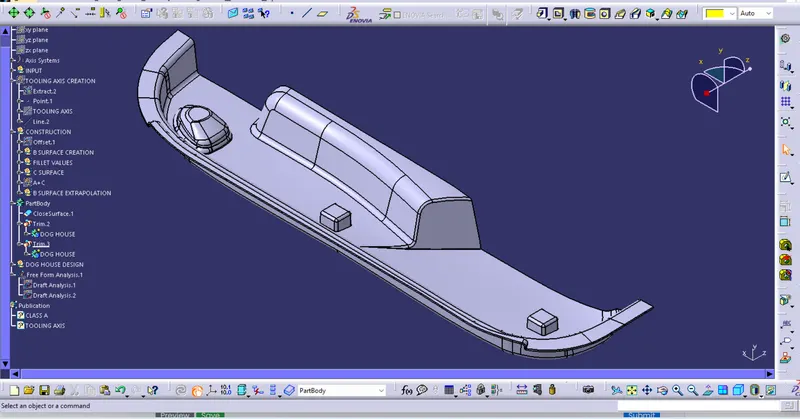
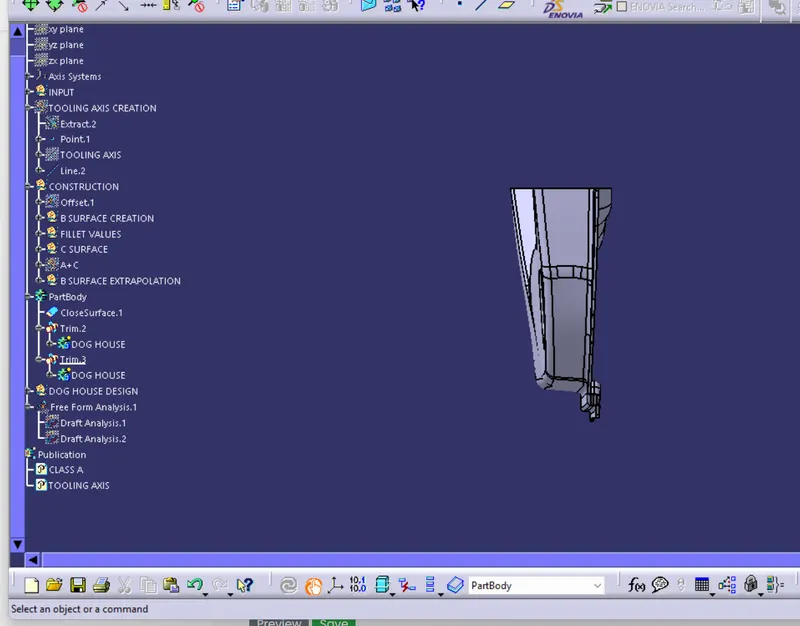
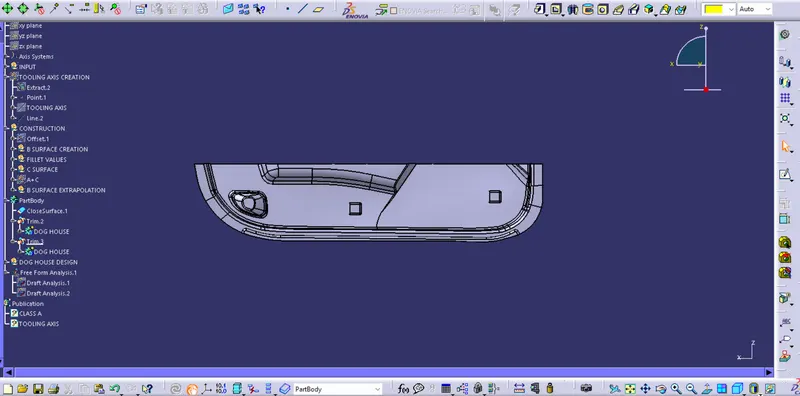
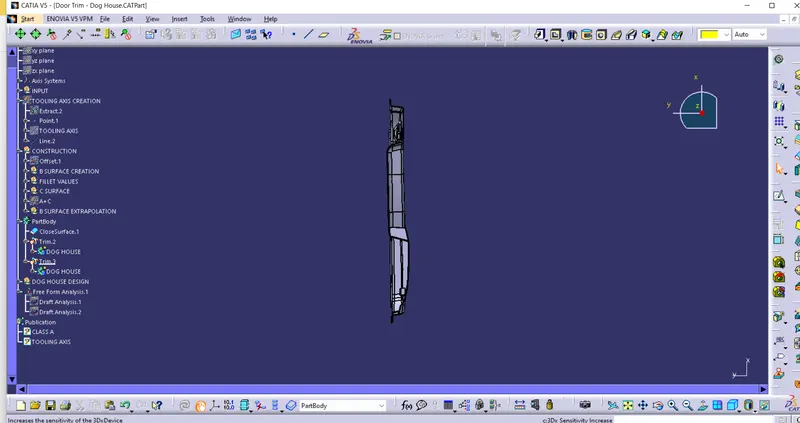
For draft analysis go to the featured draft analysis click on compass and drag it to the tooling axis and then lock it an after it click on the surface here the draft angle which is greater than 3 degree will shoe on green color and in between 0 to 3 it will show on yellow color and below 0 degree will show on the red colored as specified on the scale displayed on screen
Tooling axis creation: for creating tooling axis we have three mathod to create it
1. X Y Z Axis
2. Perpendicular to surface methode
3. Bisection Method
Here we have created tooling axis with the perpendicular method for the.I just extracted the base surface and created a centre point on and axis system it after this created a line perpendicular to this surface this is our tooling axis