Week 8 - Challenge 1 - Base Bracket Design
- TOOLING AXIS CREATION:
First we have to decide the direction of tooling axis, the z direction was good as from here all the features of the classs A is easy to view.
Then Creat a point on the circle and drawn a line perpendicular to the classA surface.
Created a yz plane and intersect it with the Class A surface, then hided the class A and created two line incined to the dummy tooling axis and parallel to the intersected line after this created bisecting line between two inclinrd line and parallel to the dummy tooling axis and hide all the intersectioned line and plane. then unhide the class A hence tooling axis is created.
- DRAFT ANALYSIS:
First select the material mode in customized material mode
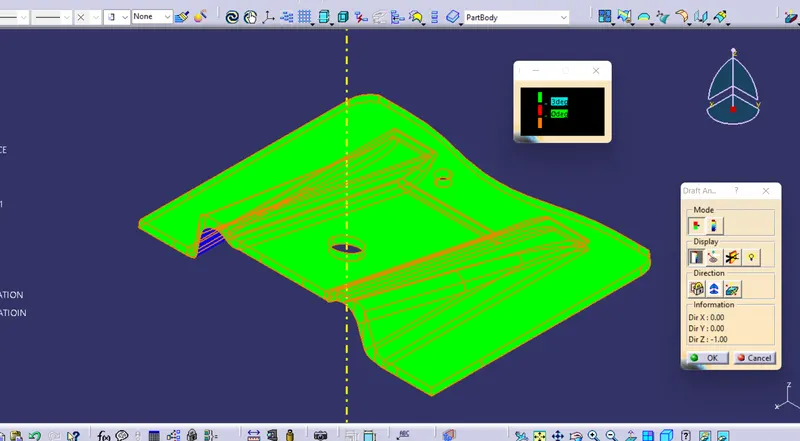
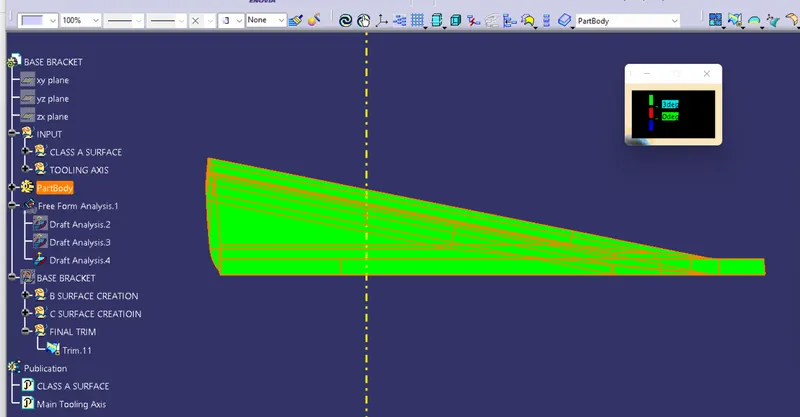
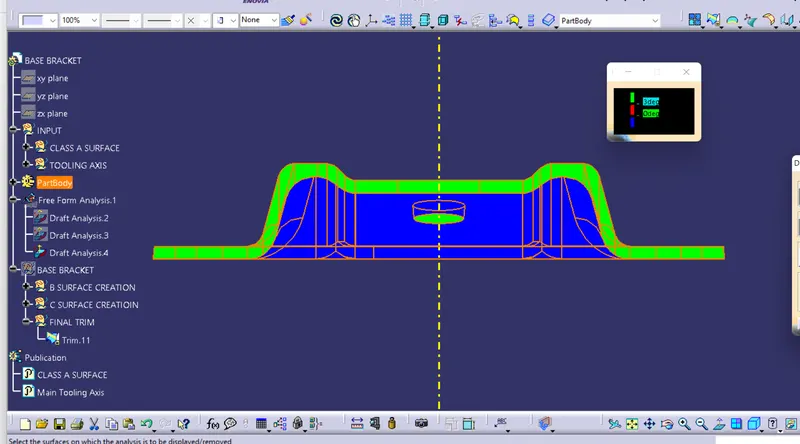
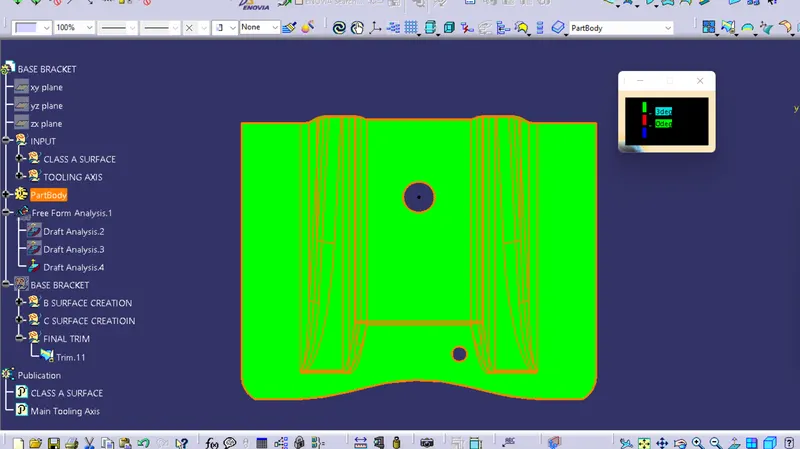
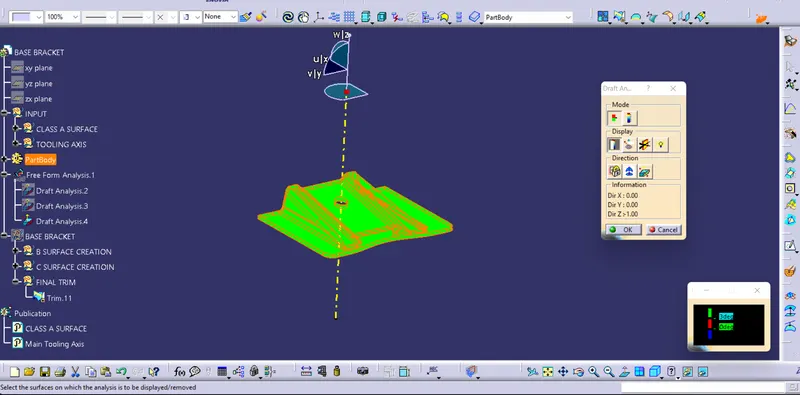
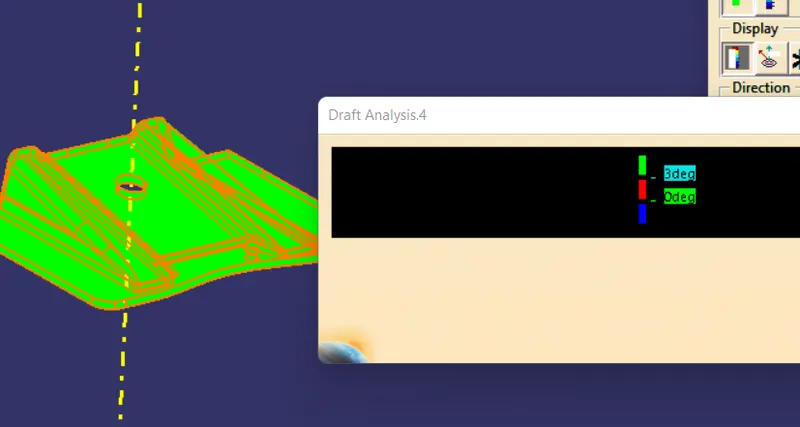
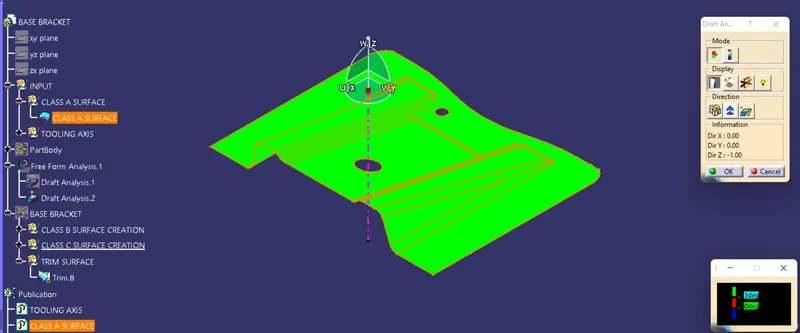
Open the command Featured Draft analysis and Drag the compass to the main tooling axis and then click on the surface in Display section click on show and hide color scale give the angle as 3 degree. the green color on surface will show your draft is greater than 3 degree if below this it will show on another color.
- BISECTION METHODE:
Click on line command and select the line type as a bisecting select the line1 as the line creared in the intersection and line2 and select the points then here two line will be created im both x and y direction the orange colored line will be the main tooling axis