Week 9 - Attachment Feature Creation - Challenge 1
AIM
To create the rib for the Centre console coin holder by using catia v5
SOFTWARE USED
CATIA V5
DRAFT ANLAYSIS
Draft analysis in catia is a command that is used to detect if the part you drafted will be easily removed from the mold. it is performed based on color ranges identifying zones on the analyzed element.
Most of the industries is using minimum draft angle is 3 degree
PROCEDURE
- Check all the boundary whether it has connected or not.
- Check the model visually & choose the best tooling direction which should be easy for draft.
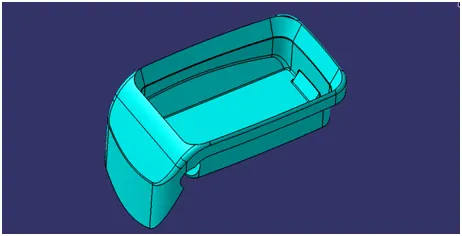
- After analyzing the above model the best tooling axis is y direction.
CREATING THE TOOLING AXIS
- Create a point 1 and insert a axis system on the point 1 as shown below
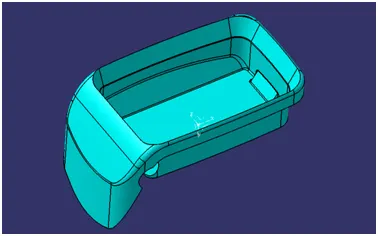
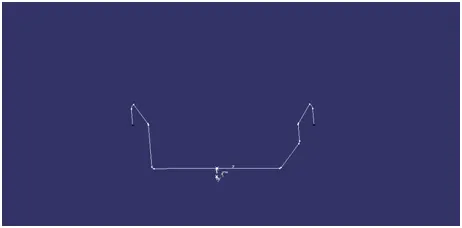
- Create a intersection on XY plane for the given surface
.
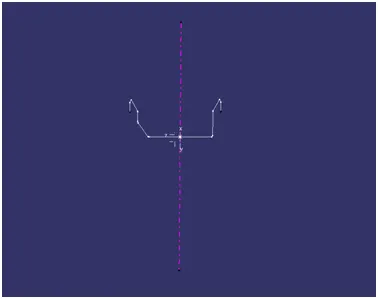
- Since a surface is 90 degree to the axis system, so create a point -direction line parallel to the y axis and named as TOOLING AXIS as shown below
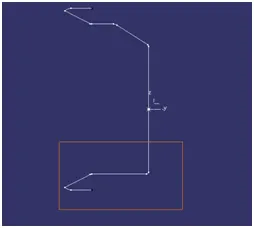
PERFORMING DRAFT ANALYSIS ON MODEL
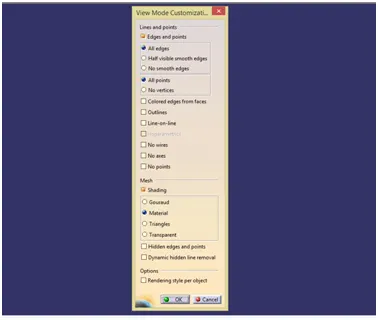
- To perform draft analysis open customize view parameters and choose the material
- Insert a feature draft analysis by following these commands
I insert>analysis>feature draft analysis
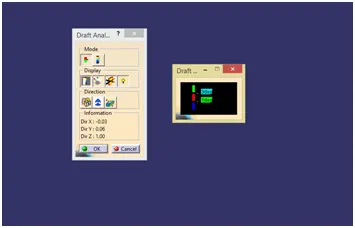
- Align the compass on tooling axis that we created
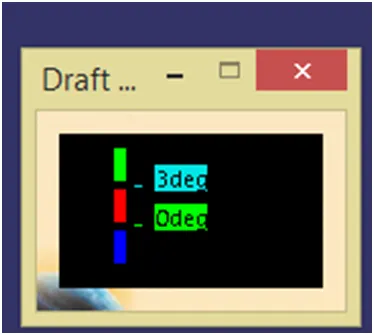
- Open the color scale and enter the value is 3 deg.
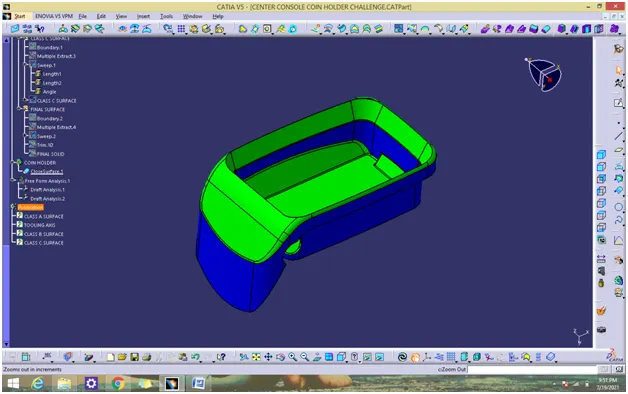
- If the whole body is green that all the faces is greater angle than the provided angle
DRAFT ANALYSIS REPORT OF CLASS A
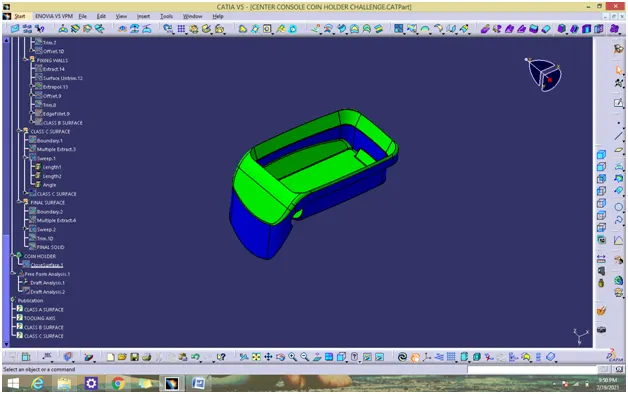
DRAFT ANALYSIS REPORT OF SOLID MODEL
CREATION OF RIB
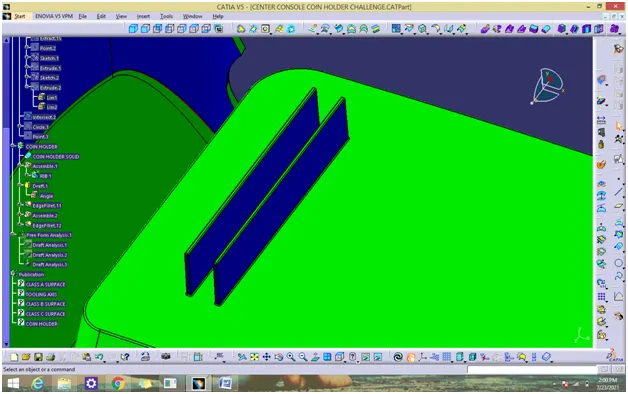
- Extract the surface that we going to create a rib
- Insert a axis system. use positioned and draw a rib line
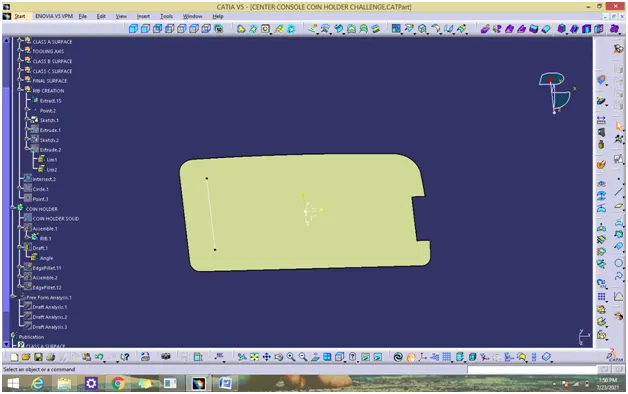
By using Rib rules
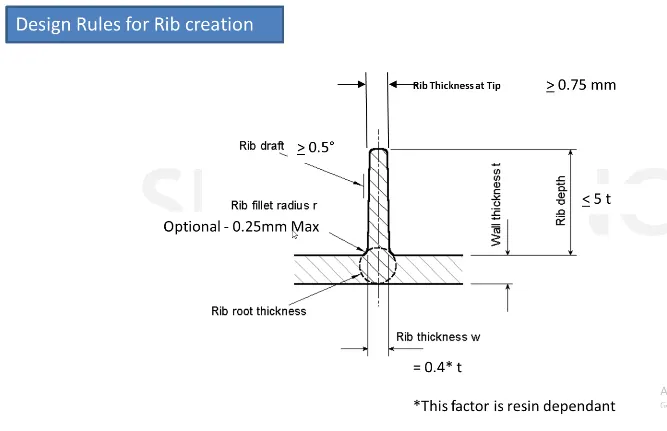
THICKNESS OF THE SURFACE = 2.5mm
Thickness of the rib=0.4*t=1mm
Depth of rib=5*t=12.5mm
Spacing between two rib =2:1
y/x=2/1
x=12.5/2=6.25mm
- Extrude the line upto 12.5mm
- Use thicken surface and create a rib solid for 1mm
- Draft the rib of minimum of 0.5 degree
- Add fillet 0.25mm to all faces
- Assemble the rib to coin holder solid.
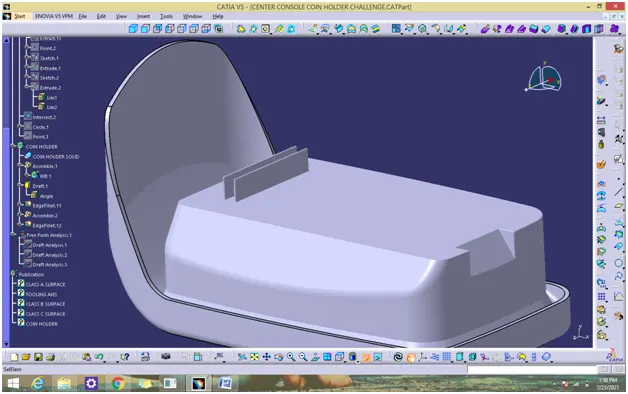
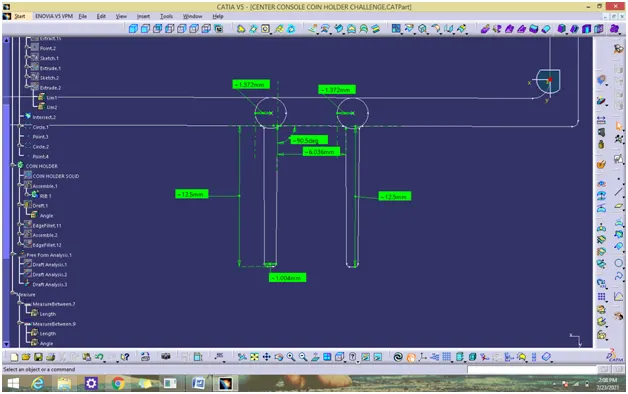
MODEL IN VARIOUS ORIENTATION
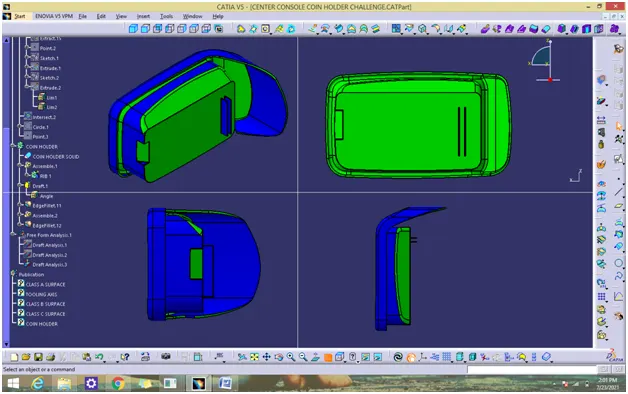
CONCLUSION
Thus the 3D model has been created using catia v5.