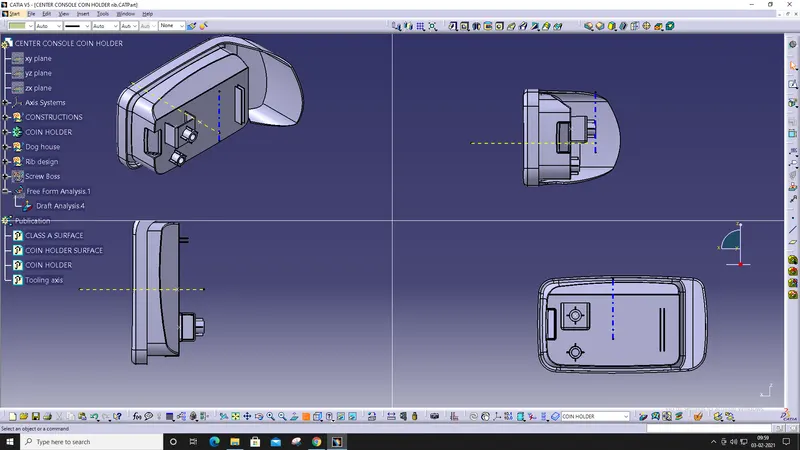
Week 9 - Attachment Feature Creation - Challenge 1
Aim:
To create the rib for the Centre console coin holder.
Procedure:
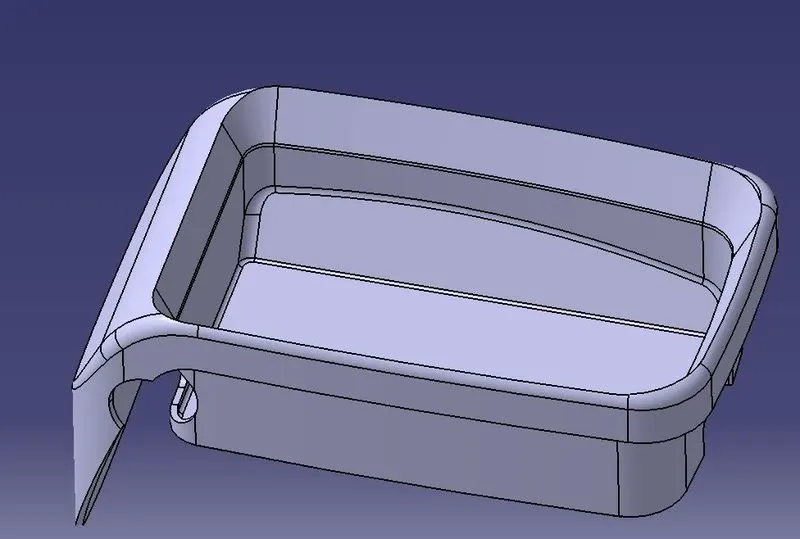
- Import the model from the folder.
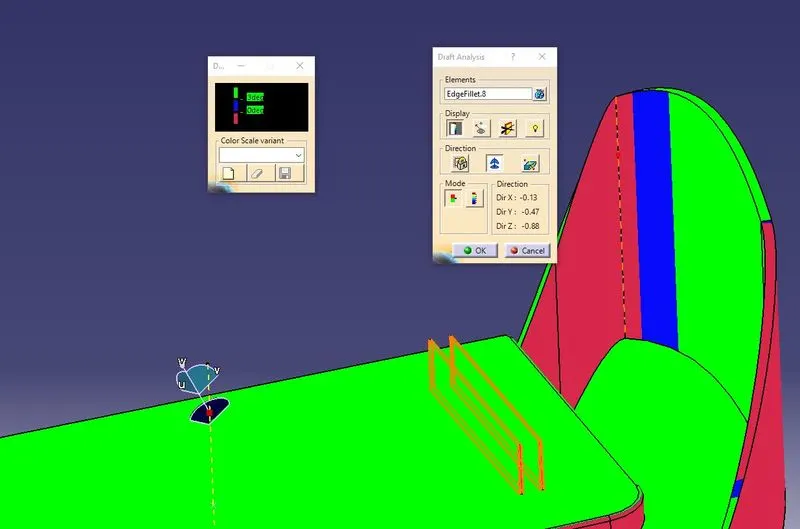
- Perform the Draft Analysis for the imported model.
- Create a tooling axis for the model.
- The model is ‘0’ degree so the tooling axis is perpendicular to the base surface.
- Insert the new geometrical set and rename it as Rib Design.
- Extract the base surface.
- Open the new sketch and draw a line and constraint it.
- Extrude the line as required.
- Create a solid by thickness option in Part design.
- Do the fillet with given values.
- Assemble the rib with the main model.
- Draft the rib with 3 deg angle.
- Perform the draft analysis for the rib created model.
Result:
The rib is created on the centre console coin holder with given dimensions.