Week- 8 - Solid meshing
Aim:
To achieve the 3d mesh for the given model and meet the quality criteria.
Quality Criteria:
|
S.No |
Quality Criteria |
Value |
|
1 |
Target/Average length |
1 |
|
2 |
Minimum Length |
0.5 |
|
3 |
Maximum Length |
2 |
Using tetra elements to mesh the Volumes defined in the model and checking for the below quality after Volume meshing.
|
S.No |
Quality Criteria |
Value |
|
1 |
Tet collapse |
0.2 |
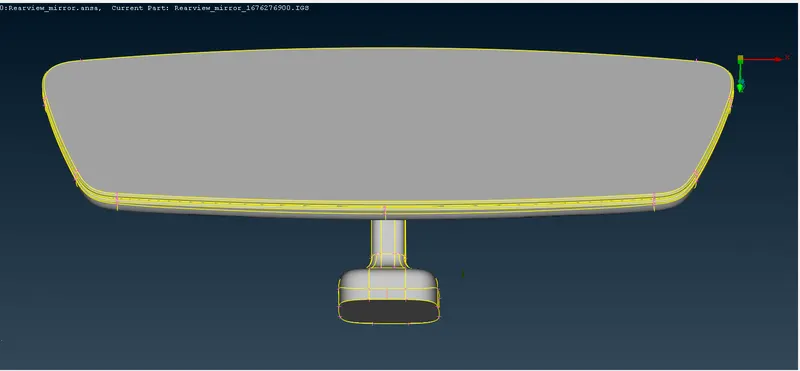
Procedure:
- First step is to give a topology clean-up.
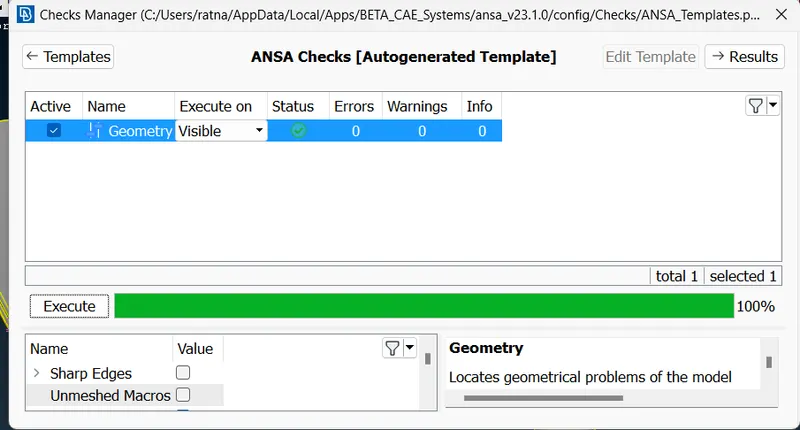
- After that check for the geometry and clear any errors.
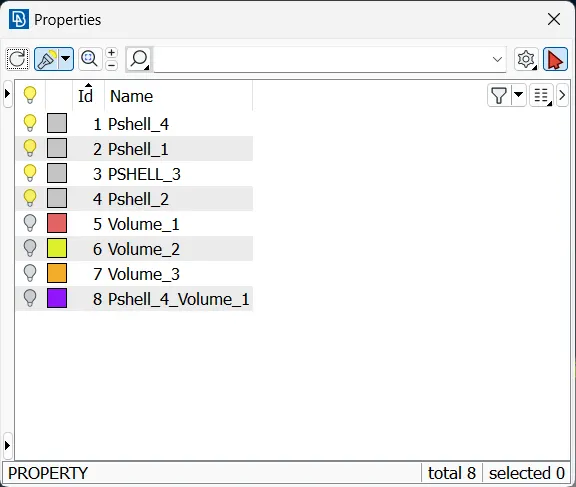
- Check the property tab for the assigned parts.
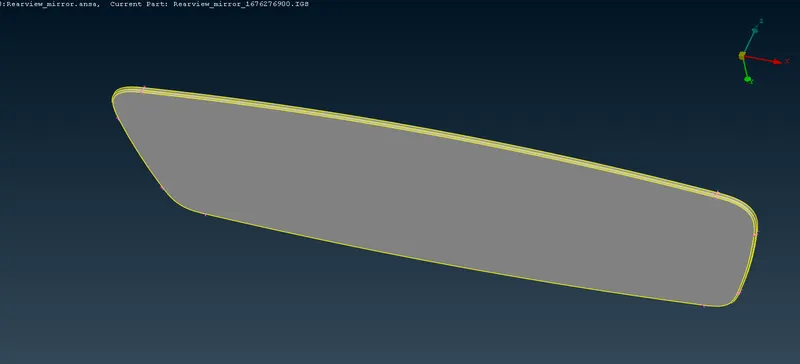
- Work on the different parts one at a time.
Part_1:
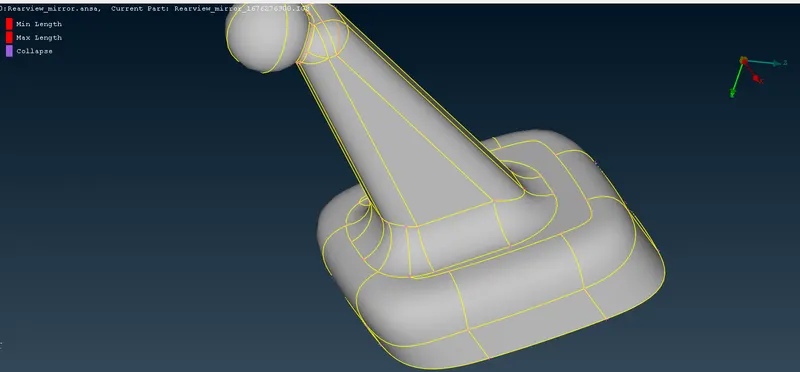
I chose the mirror as my first part and worked on it.
- Assign the given length (Classic mesh>parimerters>length)i.e.1mm for both parameters and macros.
- We can start meshing for this part but before that set mesh parameters.
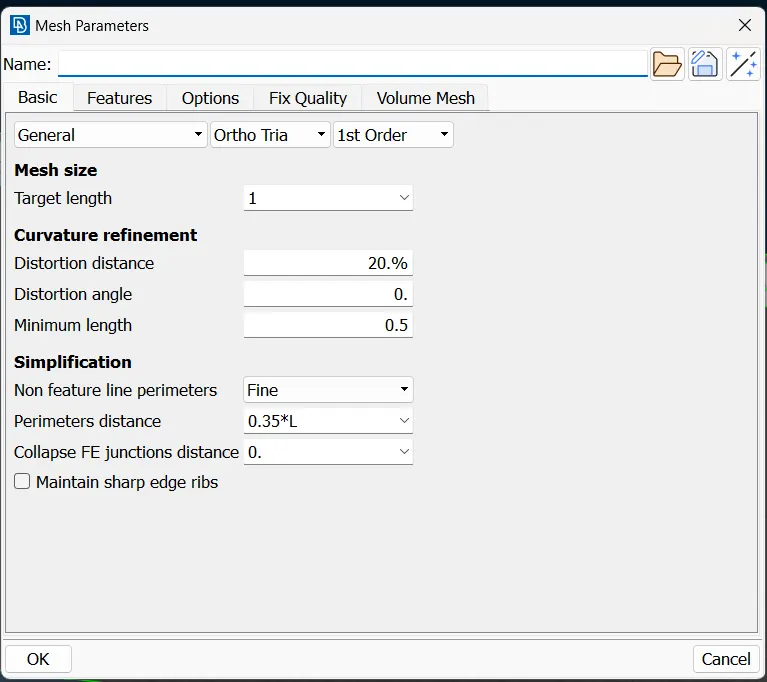
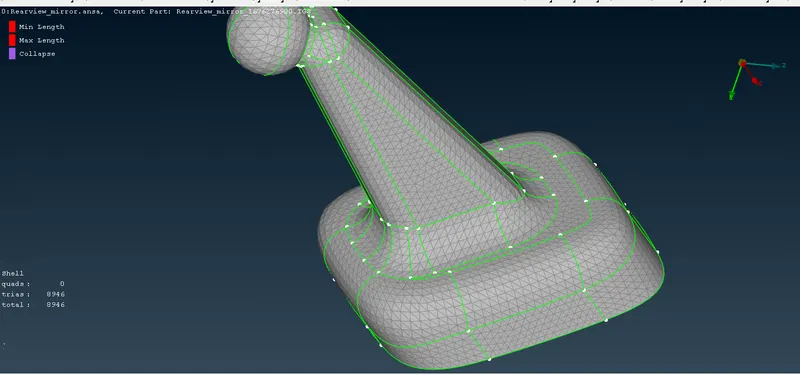
- start meshing (Classic mesh>Mesh generation>spot mesh)
- Curved surfaces should be meshed using ortho tria and flat surfaces using normal trias.
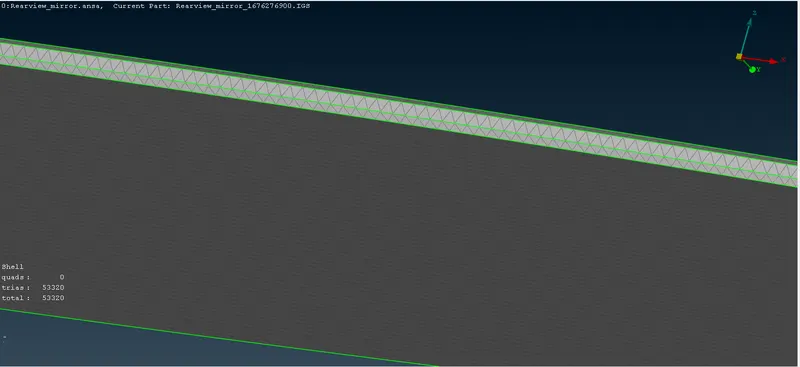
- The next step is to do the 3d meshing.
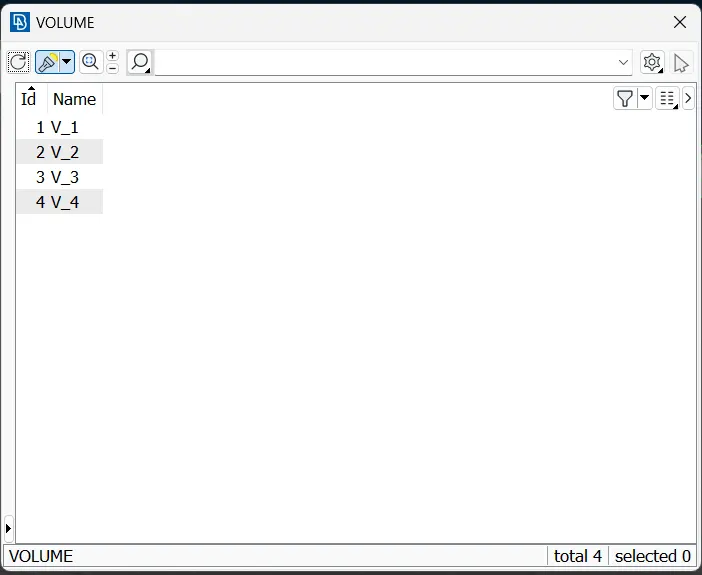
- Go to volume mesh and define the volume (Volume mesh>Volumes>Define & List)
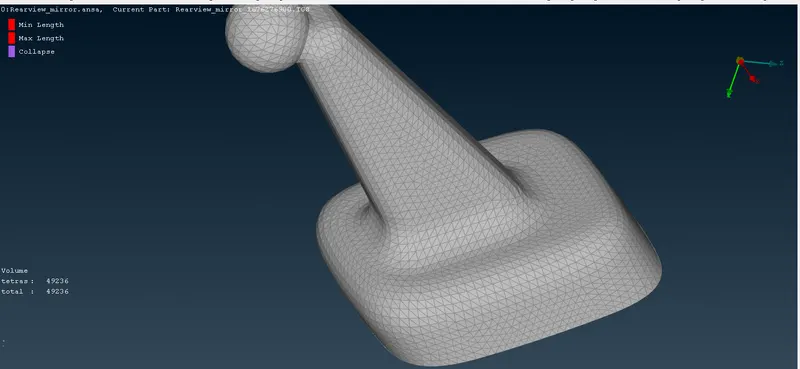
- Then start 3d meshing (Volume mesh>Unstructured mesh>Tetra Rapid or Tetra FEM)
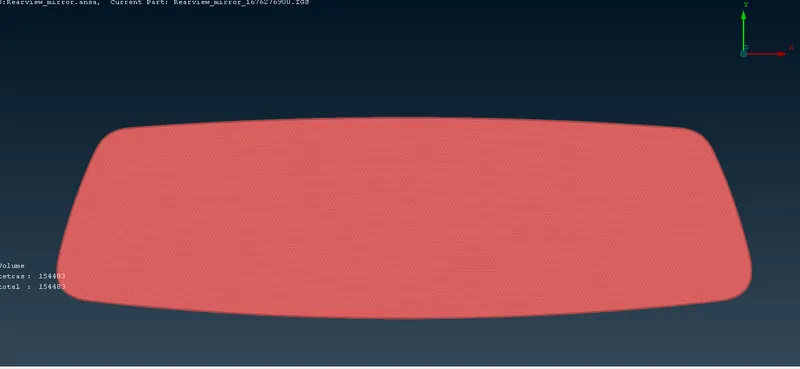
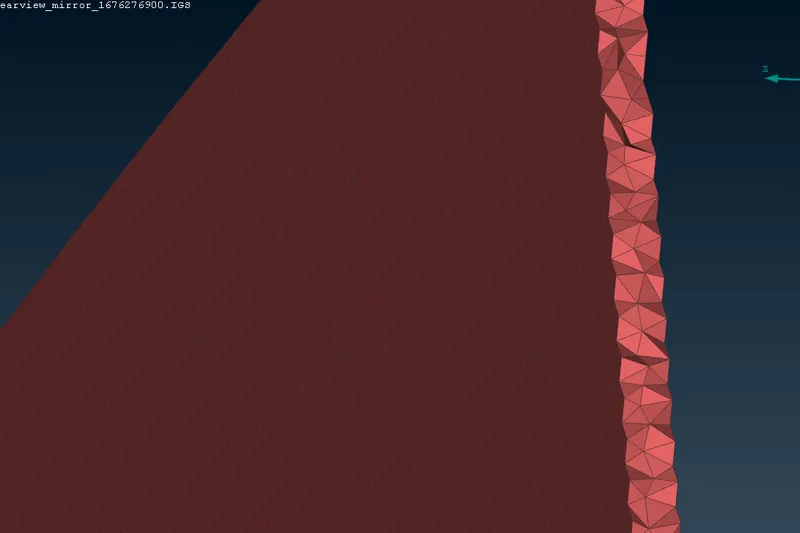
- Thus this completes the 3d meshing.
- Following the same procedure we can do the 3d meshing for the remaining parts.
Part_2:
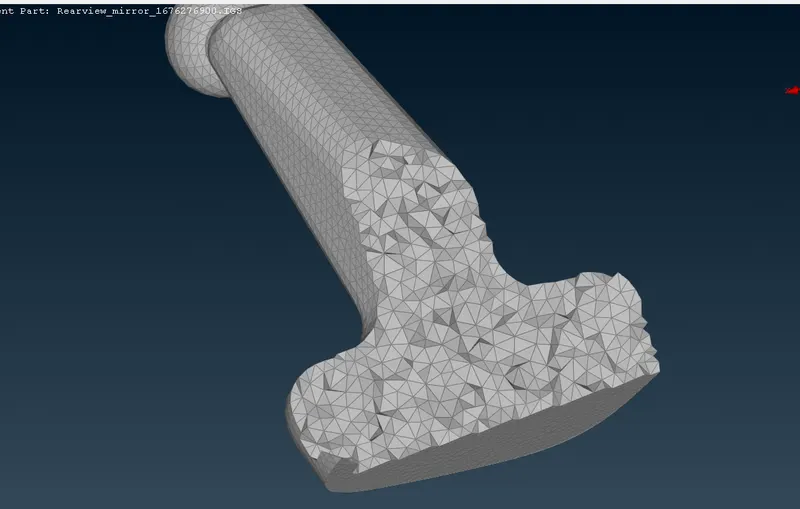
Part_3:
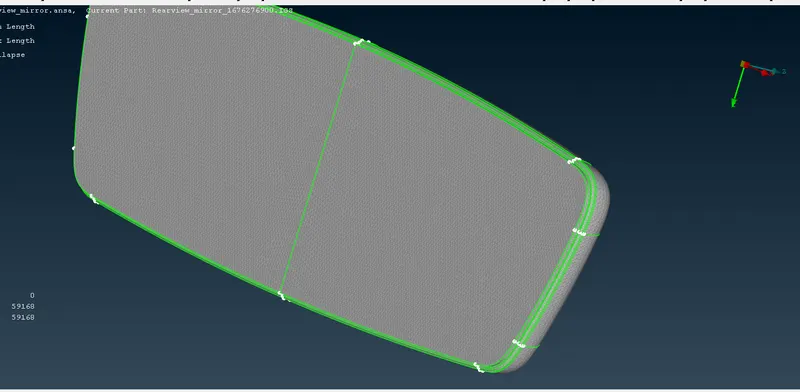
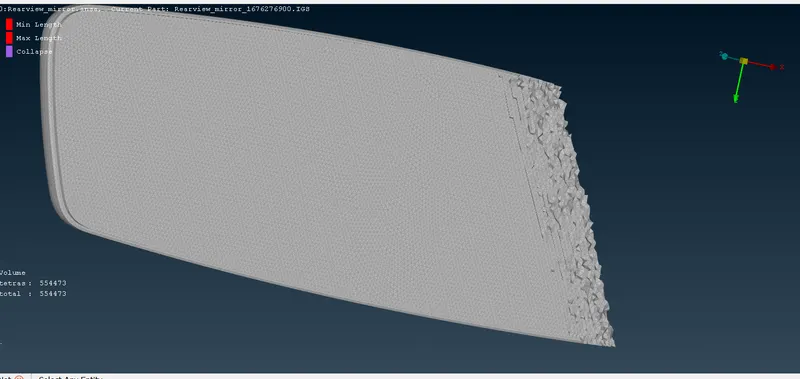
Part_4:
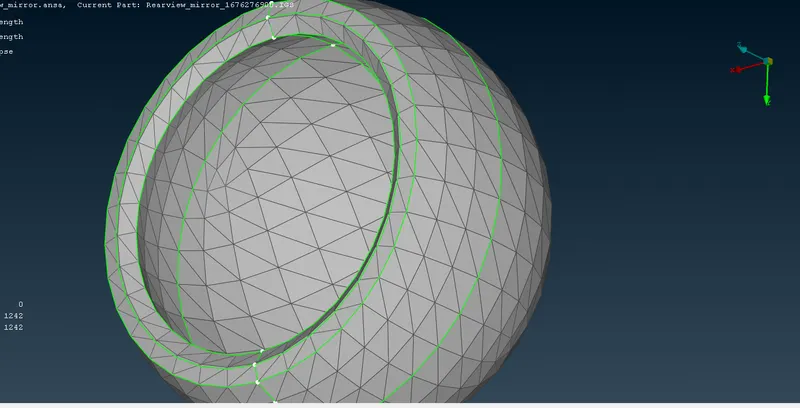
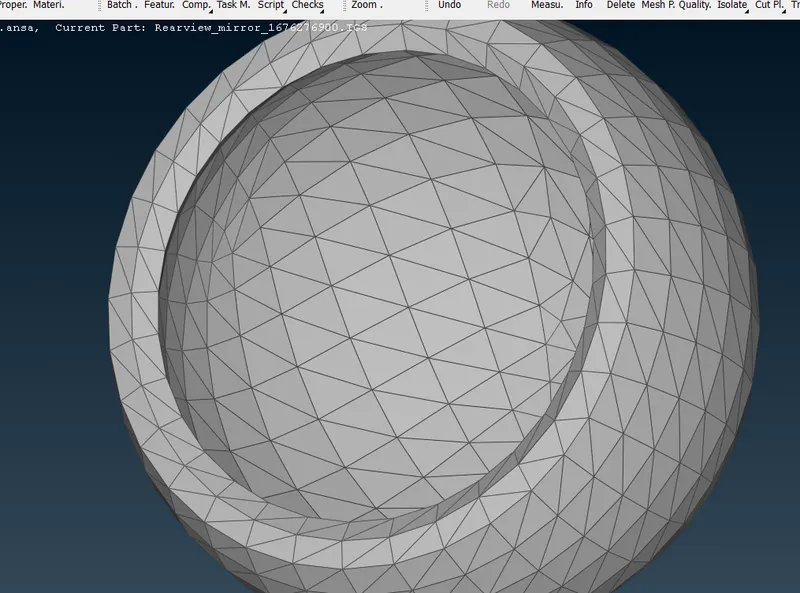
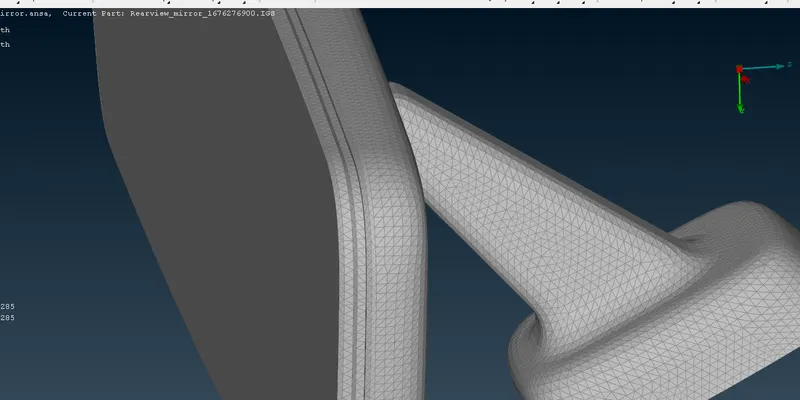
- Total model after the 3d solid meshing
Result:
Meshed the given model with the given quality criteria and obtained the complete volume meshed Rearview mirror.