Project 1 - Meshing of Floor Panel
OBJECTIVE:
To Mesh the component by using the quality criteria below and assign thickness.
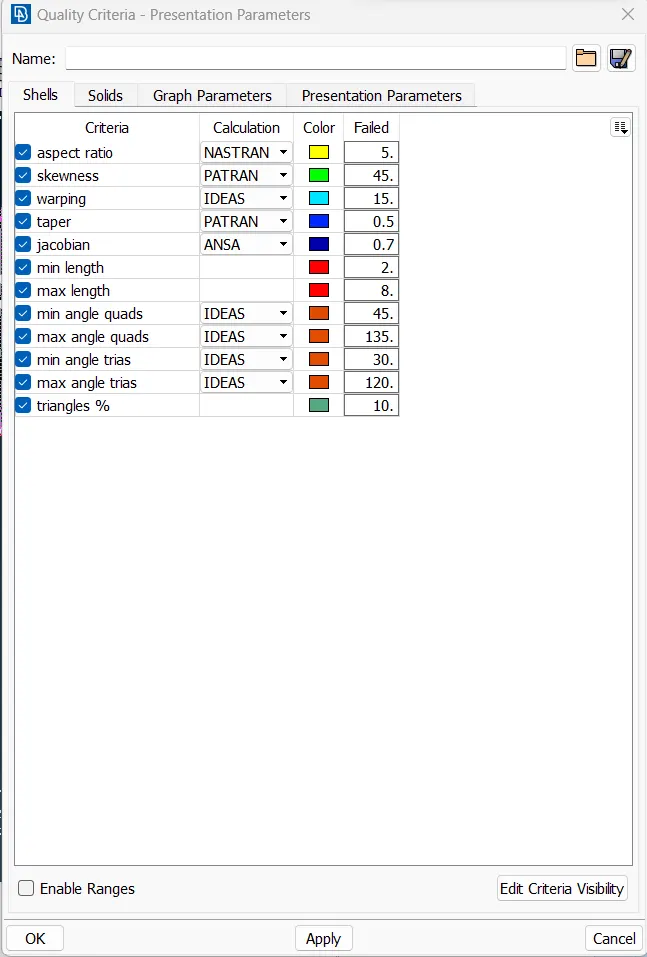
| S.N | Quality Criteria | Value |
| 1 | Aspect Ratio | 5 |
| 2 | Skewness | 45 |
| 3 | Warping | 15 |
| 4 | Taper | 0.5 |
| 5 | Min. Length | 2mm |
| 6 | Max. Length | 8mm |
| 7 | Min angle Quad | 45 |
| 8 | Max angle Quad | 135 |
| 9 | Min angle Tria | 20 |
| 10 | Max angle Tria | 120 |
| 11 | Tria % | 10 |
Target Element Length = 5mm.
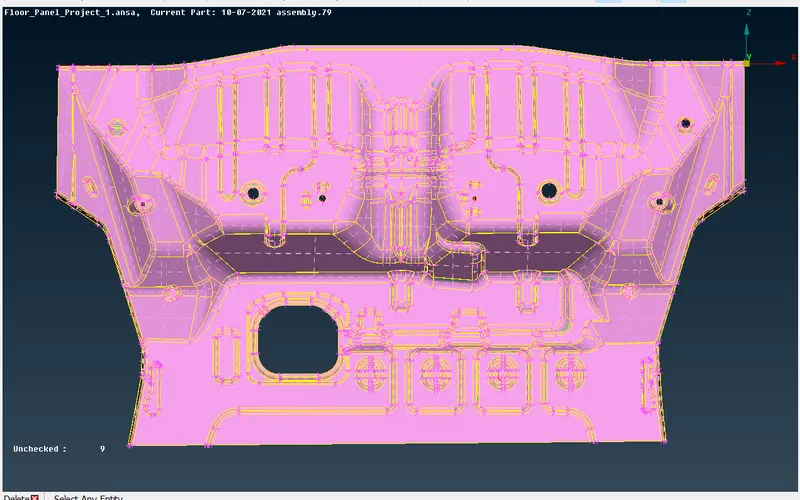
- If there is any geometric error fix them using the 'auto fix' option.
- Some errors will not be auto-fixed, we have to fix them manually.
- First of all, give a topo to paste all the cons together.(Topo module>Faces>topo)
- Then assign the length as 1mm to check the Quality.(Mesh module>parameters>Length)
- Assign both parameters and macros as 1mm.
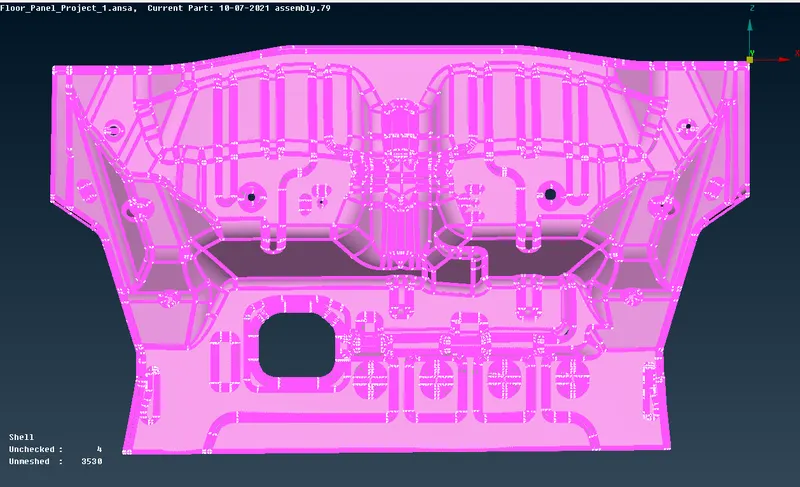
Step 4: Generating the mid-surface
- To Generate the mid surface of the given cad model we have two choices 'Manually' or 'Automatically'.
- Manually: Topo module>Faces > 'offset' or 'middle'.
- Automatic: Topo module>Faces >'mid-surfacing'.
Here, I choose to do it manually using the 'offset' option.
- Select the 'offset' option then select 'Features' from the features selection and generate the mid surface.
Generated Mid-surface
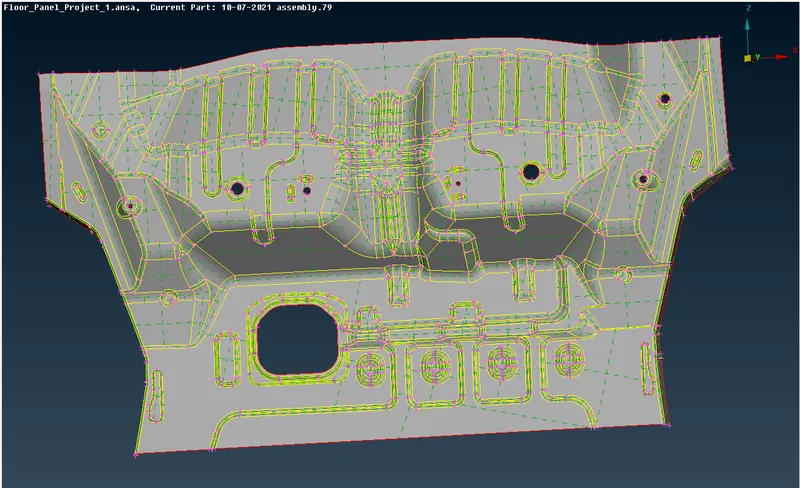
5) After generating the mid-surface assign a separate property to the mid-surface.
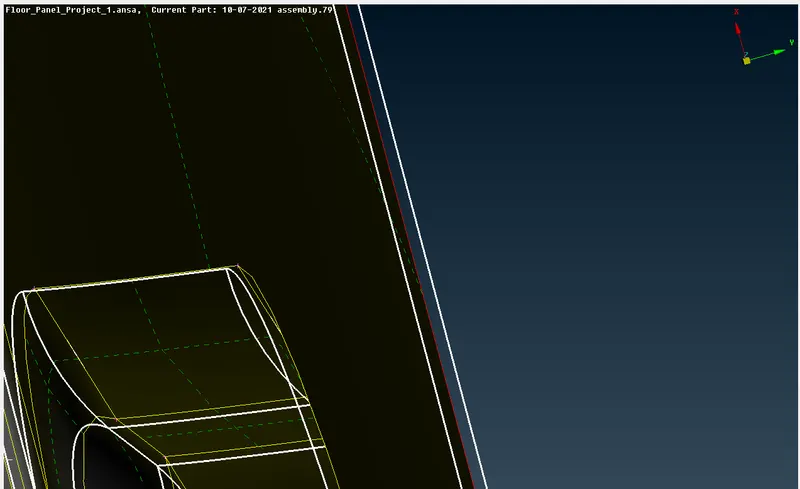
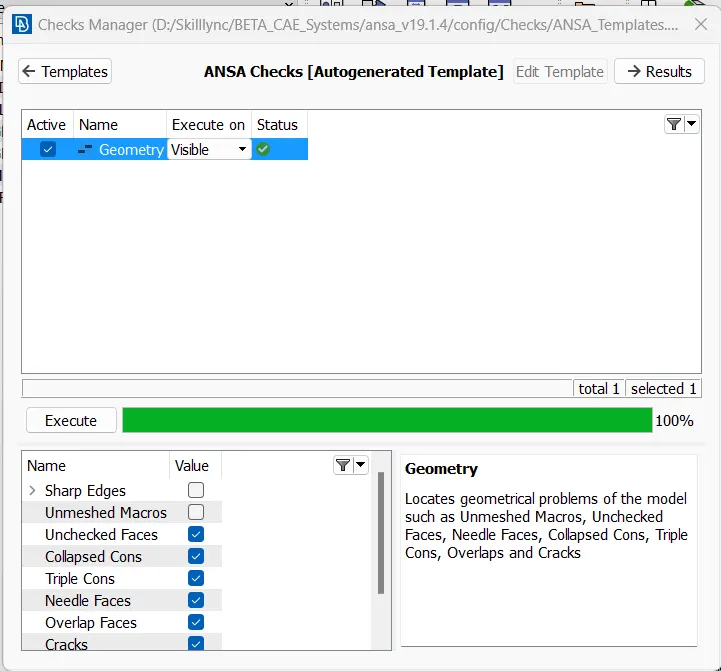
6) Then check for the geometry and clear the errors if any.
7) After clearing the geometry, generate the mesh using 'Best' or 'Free'.
8)Mesh module>mesh generation>Best or Free.
9)Select the 'Best' option then select 'Features' from the features selection. Generate the mesh flow.
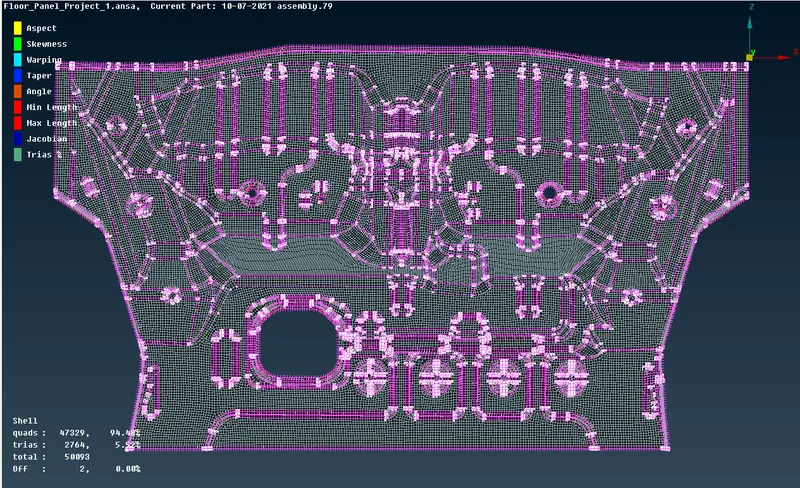
11)Check the mesh flow. And then remesh the improper mesh area.
12) F10 > Quality Criteria > Enter the Given Criteria.
13) Remesh: Mesh > Shell Mesh > Reconstruct
Remesh: Mesh > Shell Mesh > Smooth
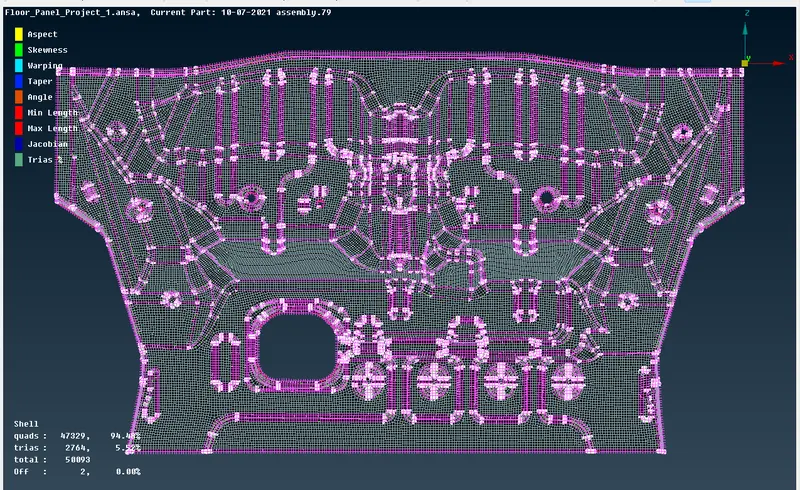
14) If the improper mesh didn't rectify by remesh then correct it manually using 'Move'.
Mesh > Grids > Move
RESULT AND CONCLUSION: