Week 8 - Simulation of a backward facing step in OpenFOAM
AIM
To simulate an incompressible-laminar-viscous flow through the backward facing step geometry
OBJECTIVE
Based on the described physics of flow choose the appropriate solver and Perform a transient simulation
- Simulate for two different cases and compare the results
Case 1 - Simulate the flow without using any grading factor (i.e., GF = 1)
Case 2 - Simulate the flow with grading factor of 0.2. The cells should be finer near the walls (includig the step wall).
Mesh specification
- Number of cells along the x direction (longer dimension) = 200
- Number of cells along the longer y direction = 20;
Boundary condition specification
The domain specifications are provided in the following figure.
Desired output
- Measure the velocity profile at 0.085 m from the inlet of the geometry for both case studies and compare. You can use the plot over line tool for this.
- Explain why Grading/Growth factor is essential for meshing.
STEPS
- First we opens the terminal
- Then from the terminal we entered the openfoam
- By usinng 'tut' command in terminal we opened tutorials
- From the tutorials we finds the suitable one for this problem,ie;pisofoam
- We copied this tutorial in 'run' folder in the name of 'cavity' by using the command - cp -r cavity/ $FOAM_RUN/ cavity
- After that we opened blockmesh using terminal commands
- Then we added vertices and planes to build the geometry
- After that we runs the blockmesh in terminal using the blocMesh command
- Then we open paraview by using the command paraFoam
- Then we runs simulation using the solver pisofoam
- We runs it by the pisoFoam command in terminal
- Then we can see the simulation
- In order to maintain the value of CFL number we set the value of of 'dt' to 0.005 in controldict
- Then again we runs the simulation
First we simulates for mesh without grading
Mesh- Without grading
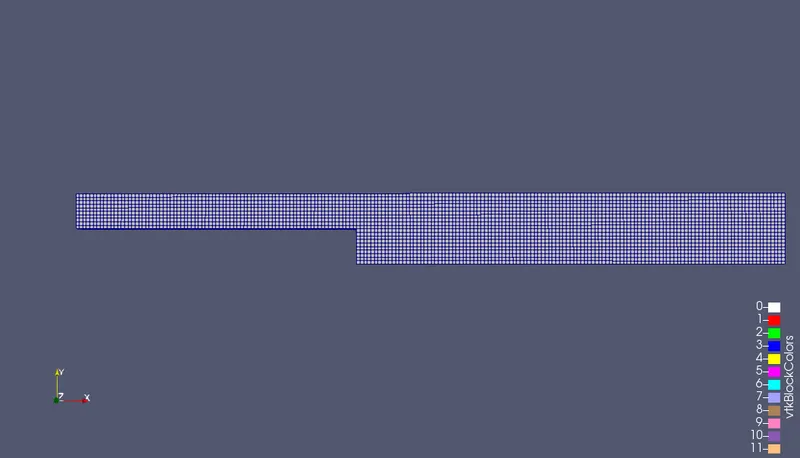
Block Mesh
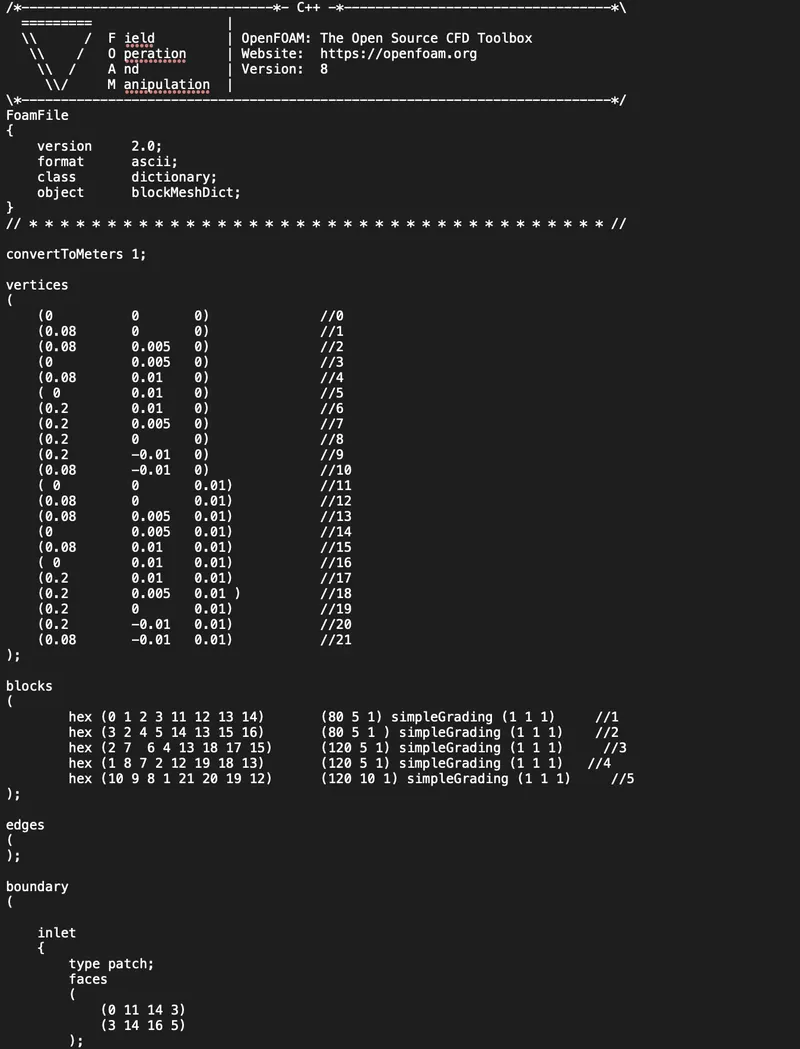
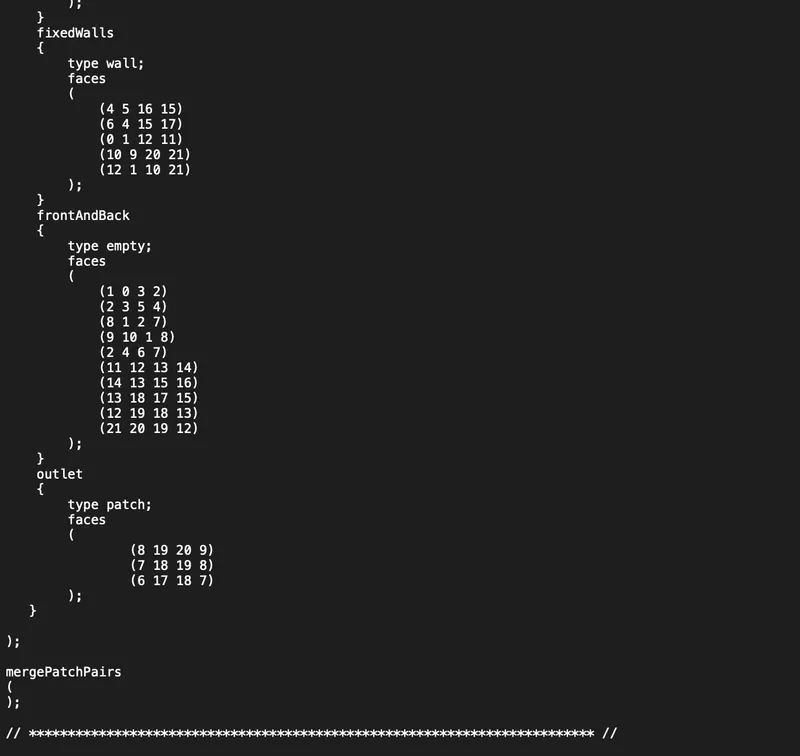
Blockmesh-Code
/*--------------------------------*- C++ -*----------------------------------*\
  =========                 |
  \\      /  F ield         | OpenFOAM: The Open Source CFD Toolbox
   \\    /   O peration     | Website:  https://openfoam.org
    \\  /    A nd           | Version:  8
     \\/     M anipulation  |
\*---------------------------------------------------------------------------*/
FoamFile
{
    version     2.0;
    format      ascii;
    class       dictionary;
    object      blockMeshDict;
}
// * * * * * * * * * * * * * * * * * * * * * * * * * * * * * * * * * * * * * //

convertToMeters 1;

vertices
(
    (0 		0 	0)	     	//0
    (0.08 	0 	0)	     	//1
    (0.08 	0.005 	0)   		//2
    (0 		0.005 	0)	     	//3
    (0.08 	0.01 	0)    		//4
    ( 0 	0.01 	0)	   	//5
    (0.2 	0.01 	0)    		//6
    (0.2 	0.005 	0)   		//7
    (0.2 	0 	0)	   	//8
    (0.2 	-0.01 	0)   		//9
    (0.08 	-0.01 	0)  		//10
    ( 0 	0 	0.01)      	//11
    (0.08 	0 	0.01)    	//12
    (0.08 	0.005 	0.01) 		//13
    (0 		0.005 	0.01)	   	//14
    (0.08 	0.01 	0.01)  		//15
    ( 0 	0.01 	0.01)	  	//16
    (0.2 	0.01 	0.01)  		//17
    (0.2 	0.005 	0.01 ) 		//18
    (0.2 	0 	0.01)	 	//19
    (0.2 	-0.01 	0.01) 		//20
    (0.08 	-0.01 	0.01) 		//21
);

blocks
(
   	hex (0 1 2 3 11 12 13 14) 	(80 5 1) simpleGrading (1 1 1)     //1
	hex (3 2 4 5 14 13 15 16) 	(80 5 1 ) simpleGrading (1 1 1)    //2
	hex (2 7  6 4 13 18 17 15) 	(120 5 1) simpleGrading (1 1 1)     //3
	hex (1 8 7 2 12 19 18 13) 	(120 5 1) simpleGrading (1 1 1)   //4
	hex (10 9 8 1 21 20 19 12) 	(120 10 1) simpleGrading (1 1 1)     //5
);

edges
(
);

boundary
(

    inlet
    {
        type patch;
        faces
        (
            (0 11 14 3)
	    (3 14 16 5)
        );
    }
    fixedWalls
    {
        type wall;
        faces
        (
            (4 5 16 15)
	    (6 4 15 17)
	    (0 1 12 11)
	    (10 9 20 21)
	    (12 1 10 21)
        );
    }
    frontAndBack
    {
        type empty;
        faces
        (
            (1 0 3 2)
            (2 3 5 4)
	    (8 1 2 7)
            (9 10 1 8)
            (2 4 6 7)
	    (11 12 13 14)
	    (14 13 15 16)
 	    (13 18 17 15)
	    (12 19 18 13)
	    (21 20 19 12)
        );
    }
    outlet
    {
	type patch;
	faces
	(
		(8 19 20 9)
	        (7 18 19 8)
	        (6 17 18 7)
	);
   }

);

mergePatchPairs
(
);

// ************************************************************************* //
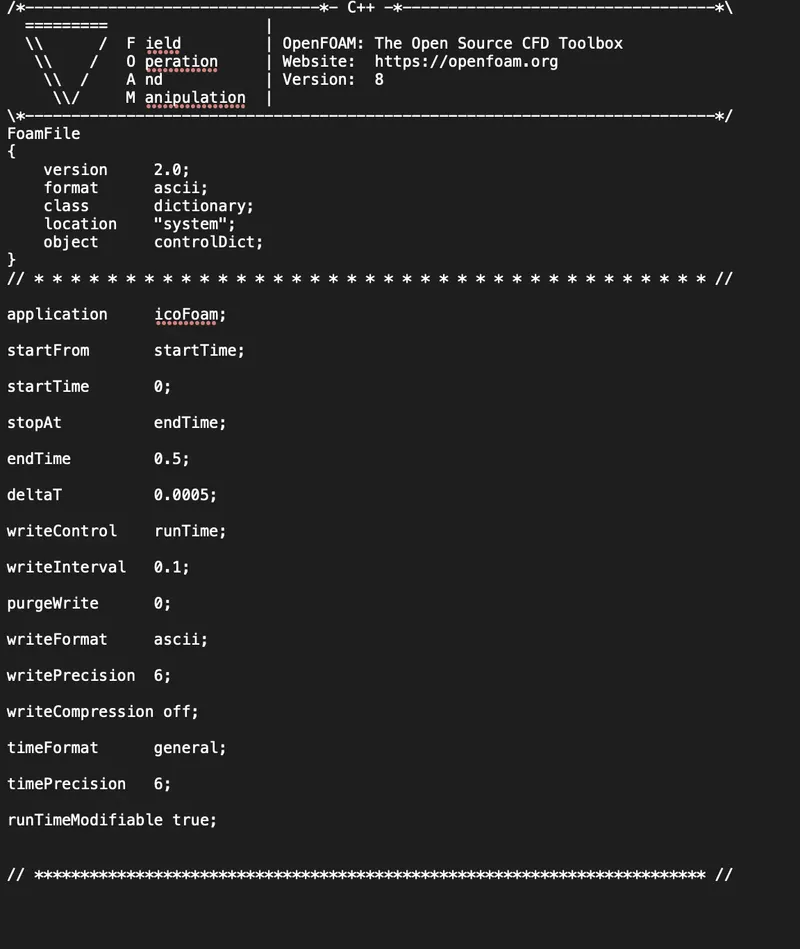
Controldict
we changed the value of 'dt' to 0.0005
And sets the start time and end time
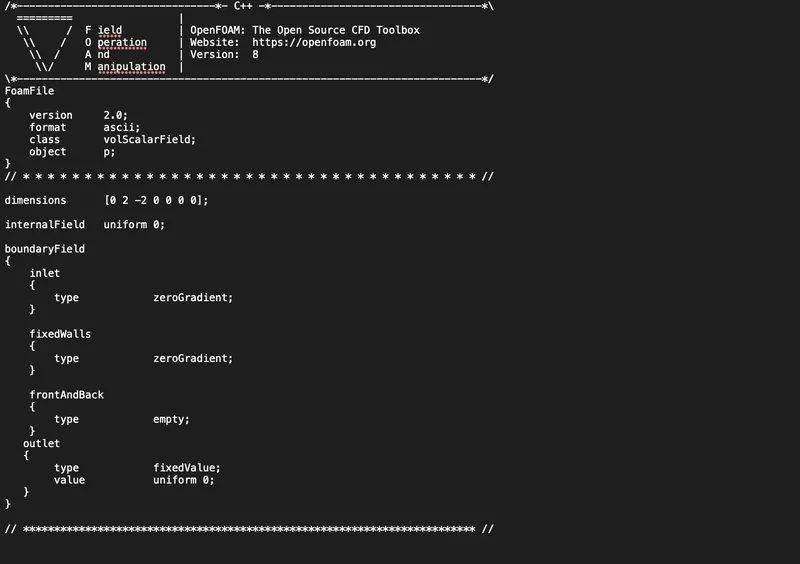
Pressure
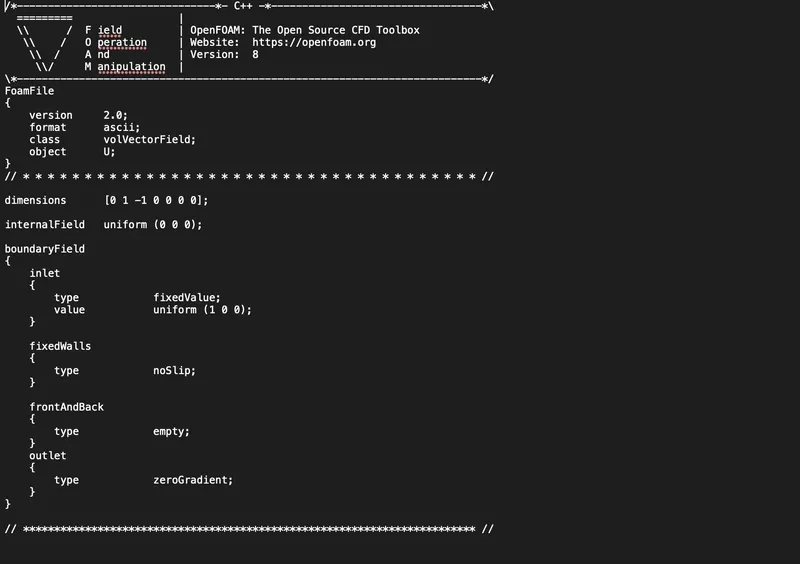
Velocity
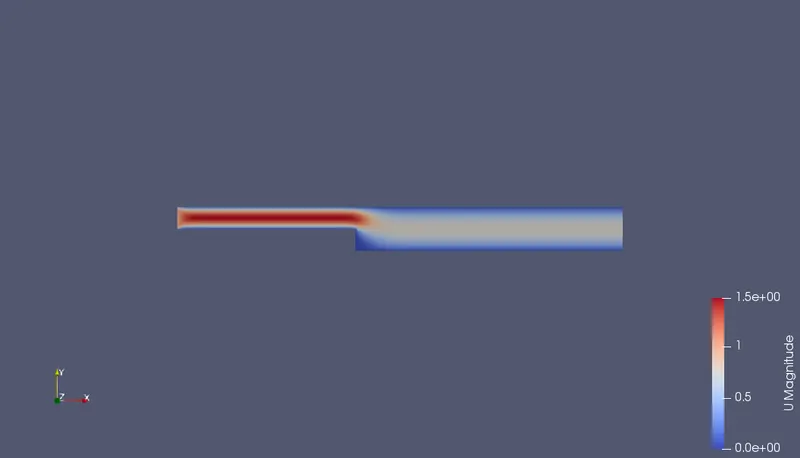
Velocity contour
Velocity profile
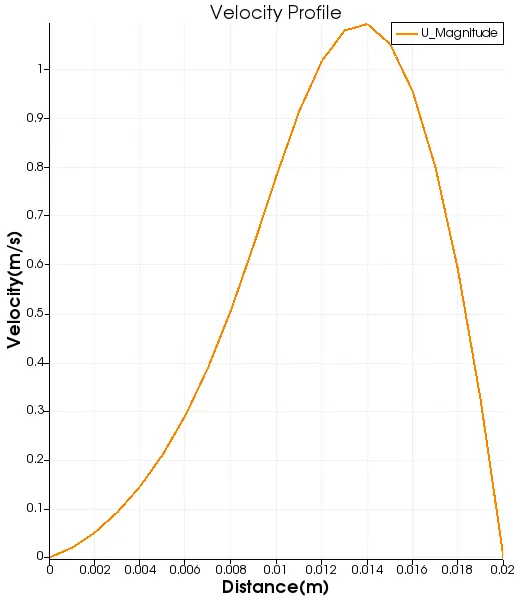
Observations
- As the distance increases velocity increases and attains a peak value then in starts decreasing with increasing distance
Mesh- With grading (grading factor=0.2)
- We added grading factor of 0.2 here
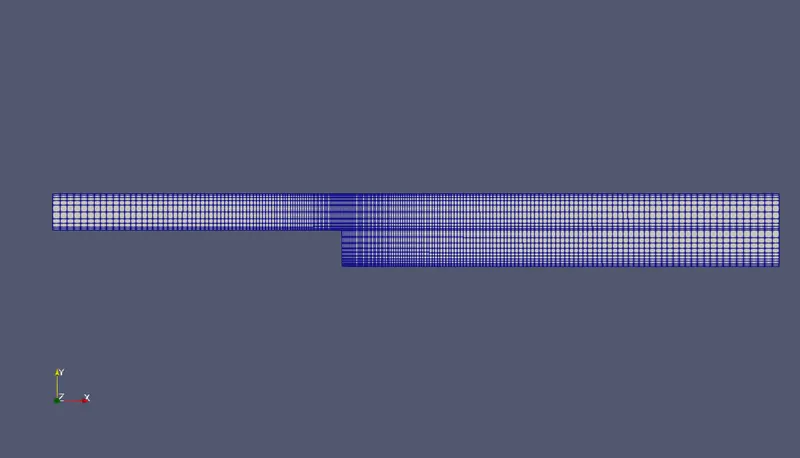
Blockmesh
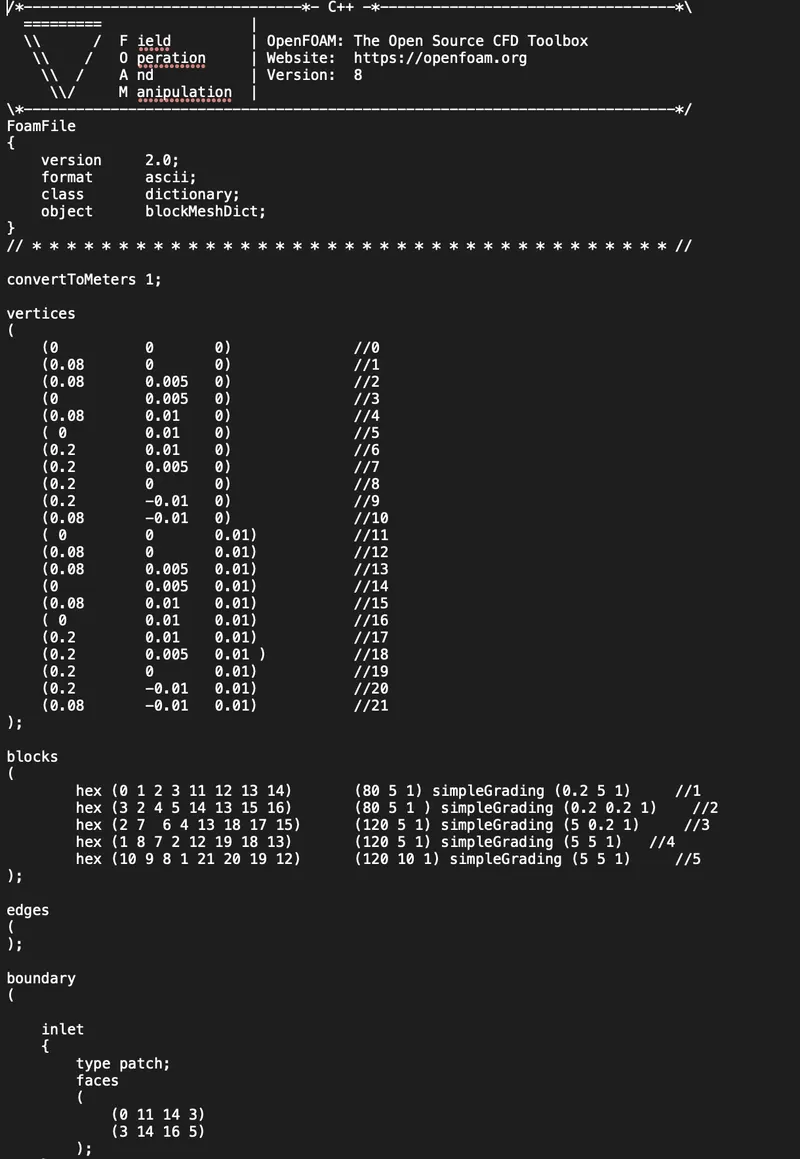
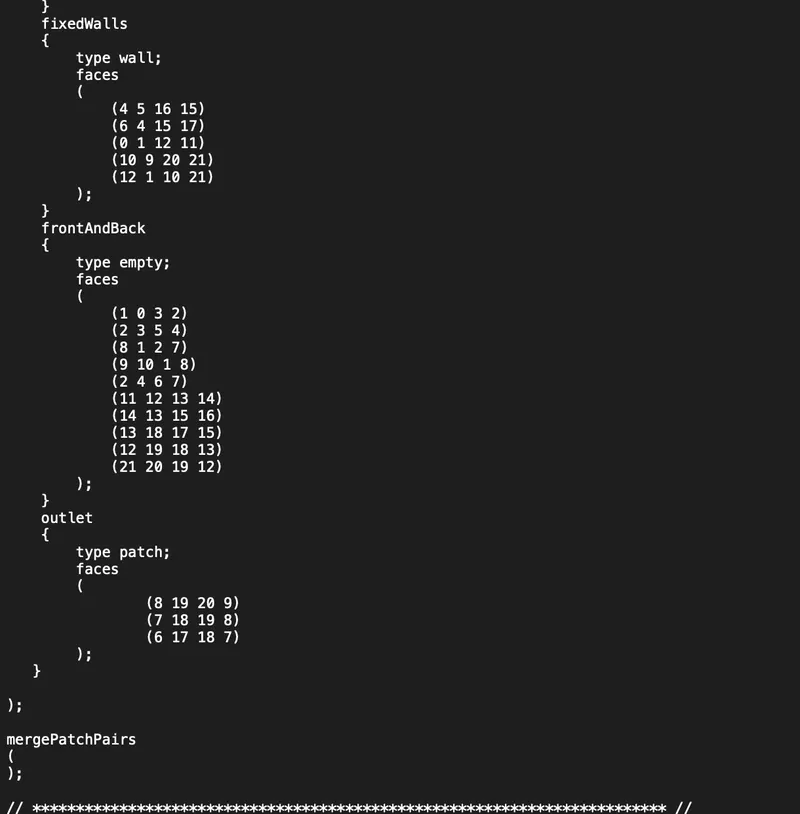
Code
*--------------------------------*- C++ -*----------------------------------*\
  =========                 |
  \\      /  F ield         | OpenFOAM: The Open Source CFD Toolbox
   \\    /   O peration     | Website:  https://openfoam.org
    \\  /    A nd           | Version:  8
     \\/     M anipulation  |
\*---------------------------------------------------------------------------*/
FoamFile
{
    version     2.0;
    format      ascii;
    class       dictionary;
    object      blockMeshDict;
}
// * * * * * * * * * * * * * * * * * * * * * * * * * * * * * * * * * * * * * //

convertToMeters 1;

vertices
(
    (0 		0 	0)	     	//0
    (0.08 	0 	0)	     	//1
    (0.08 	0.005 	0)   		//2
    (0 		0.005 	0)	     	//3
    (0.08 	0.01 	0)    		//4
    ( 0 	0.01 	0)	   	//5
    (0.2 	0.01 	0)    		//6
    (0.2 	0.005 	0)   		//7
    (0.2 	0 	0)	   	//8
    (0.2 	-0.01 	0)   		//9
    (0.08 	-0.01 	0)  		//10
    ( 0 	0 	0.01)      	//11
    (0.08 	0 	0.01)    	//12
    (0.08 	0.005 	0.01) 		//13
    (0 		0.005 	0.01)	   	//14
    (0.08 	0.01 	0.01)  		//15
    ( 0 	0.01 	0.01)	  	//16
    (0.2 	0.01 	0.01)  		//17
    (0.2 	0.005 	0.01 ) 		//18
    (0.2 	0 	0.01)	 	//19
    (0.2 	-0.01 	0.01) 		//20
    (0.08 	-0.01 	0.01) 		//21
);

blocks
(
   	hex (0 1 2 3 11 12 13 14) 	(80 5 1) simpleGrading (0.2 5 1)     //1
	hex (3 2 4 5 14 13 15 16) 	(80 5 1 ) simpleGrading (0.2 0.2 1)    //2
	hex (2 7  6 4 13 18 17 15) 	(120 5 1) simpleGrading (5 0.2 1)     //3
	hex (1 8 7 2 12 19 18 13) 	(120 5 1) simpleGrading (5 5 1)   //4
	hex (10 9 8 1 21 20 19 12) 	(120 10 1) simpleGrading (5 5 1)     //5
);

edges
(
);

boundary
(

    inlet
    {
        type patch;
        faces
        (
            (0 11 14 3)
	    (3 14 16 5)
        );
    }
    fixedWalls
    {
        type wall;
        faces
        (
            (4 5 16 15)
	    (6 4 15 17)
	    (0 1 12 11)
	    (10 9 20 21)
	    (12 1 10 21)
        );
    }
    frontAndBack
    {
        type empty;
        faces
        (
            (1 0 3 2)
            (2 3 5 4)
	    (8 1 2 7)
            (9 10 1 8)
            (2 4 6 7)
	    (11 12 13 14)
	    (14 13 15 16)
 	    (13 18 17 15)
	    (12 19 18 13)
	    (21 20 19 12)
        );
    }
    outlet
    {
	type patch;
	faces
	(
		(8 19 20 9)
	        (7 18 19 8)
	        (6 17 18 7)
	);
   }

);

mergePatchPairs
(
);

// ************************************************************************* //
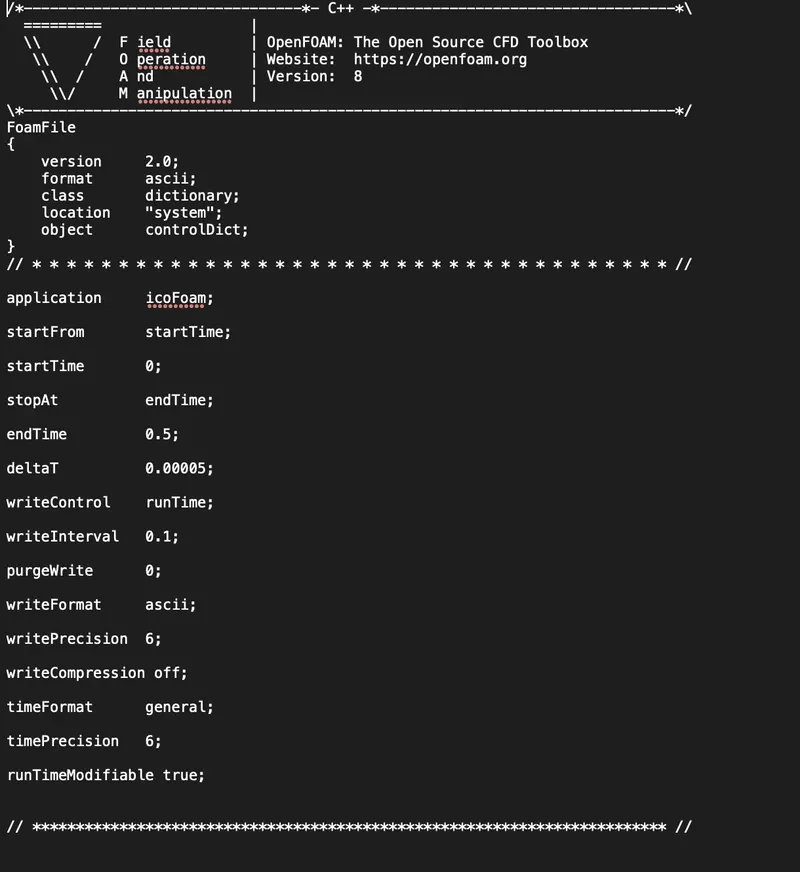
Controldict
we changed the value of 'dt' to 0.00005
And sets the start time and end time
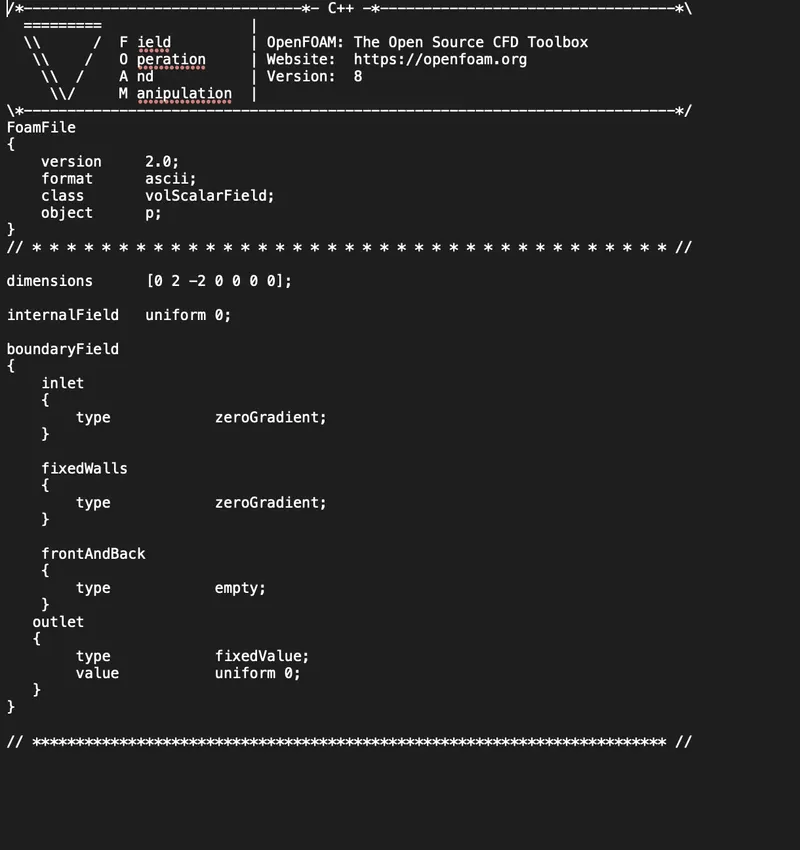
Pressure
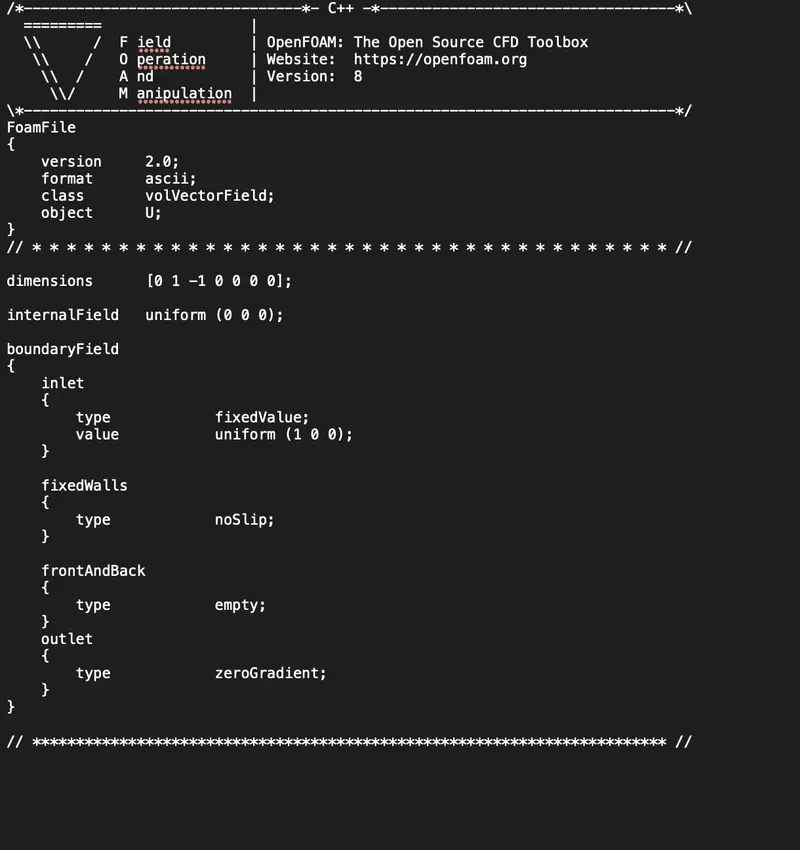
Velocity
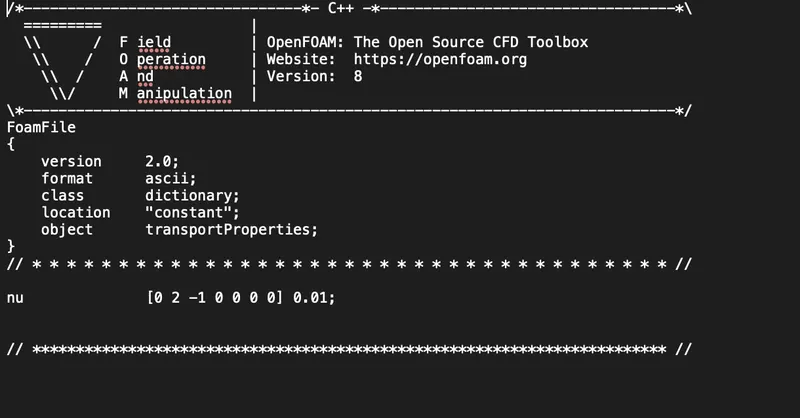
Transport Properties
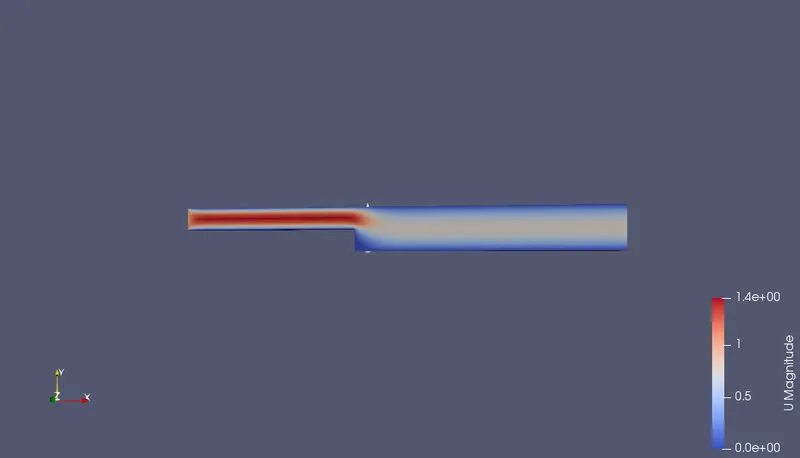
Velocity Contour
Velocity profile
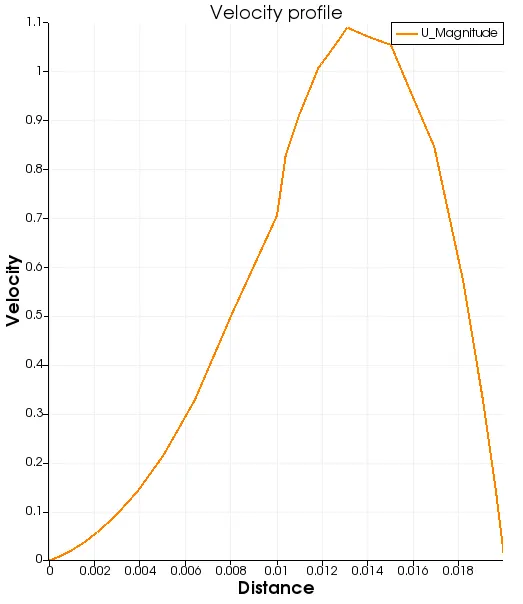
Observations
- As the distance increases velocity increases and attains a peak value then in starts decreasing with increasing distance
Conclusion
- Velocity profile in the first case ,ie; without grading ,the velocity profile is smooth
- But for mesh with grading velocity profile is not smooth as much the first case
- Using a single grading to describe mesh grading permits only one-way grading of the block.
- To reduce complexity and effort we can use multi-grading to control grading within separate divisions of a single block, rather than have to define several blocks which gives accurate result
All files is attached below