Week 8 - Simulation of a backward facing step in OpenFOAM
Aim:-
- Simulate an incompressible-laminar-viscous flow through the backward facing step geometry.
- Perform transient simulation; choose solver based on the described physics of the flow in problem statement.
- Explain simulation process and way of setting up the problem statement in openFOAM and also, explain every changes that have done inside the reference case files obtained from OpenFOAM tutorials.
- Next, preform two case study, firstly, form simulation of the flow without using any grading factor (i.e., GF = 1) . Secondly, simulate the flow with grading factor of 0.2. The cells should be finer near the walls (including the the step wall).
Objective:-
- Open openFoam tutorials and find the the solver to solve incompressible-laminar-viscous flow problem.
- Next step is to copy required file in solver and paste it in OpenFOAM run folder so that the official file of OpenFoam remain untouched.
- Find out block mesh script file to create domain space and provide mesh specification.
- Find ‘controlDict’ file to edit start and end time for simulation.
- In initial folder ‘0’ edit initial parameter for velocity and pressure according to faces of the given domain.
- Use blockMesh command to generate mesh and checkMesh to verify it.
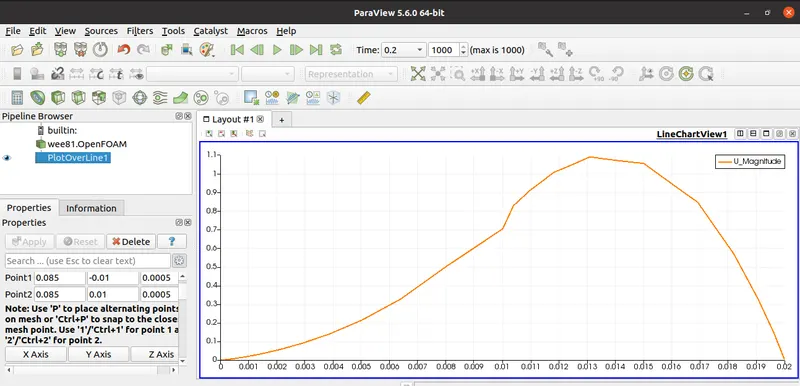
- Open simulation file in paraView and plot the velocity profile at point 0.085m from inlet.
- Repeat above procedure for grading factor 0.2 to check the differences in results.
case 1 ;
open Foam commands for Case 1
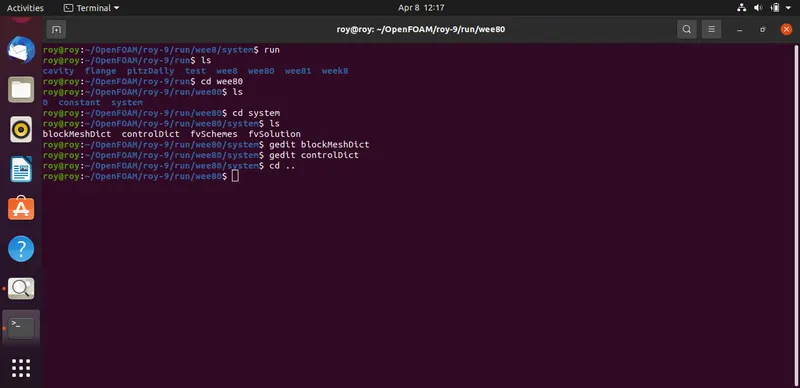
now we are assigning the cordinates of the given apparatus we get
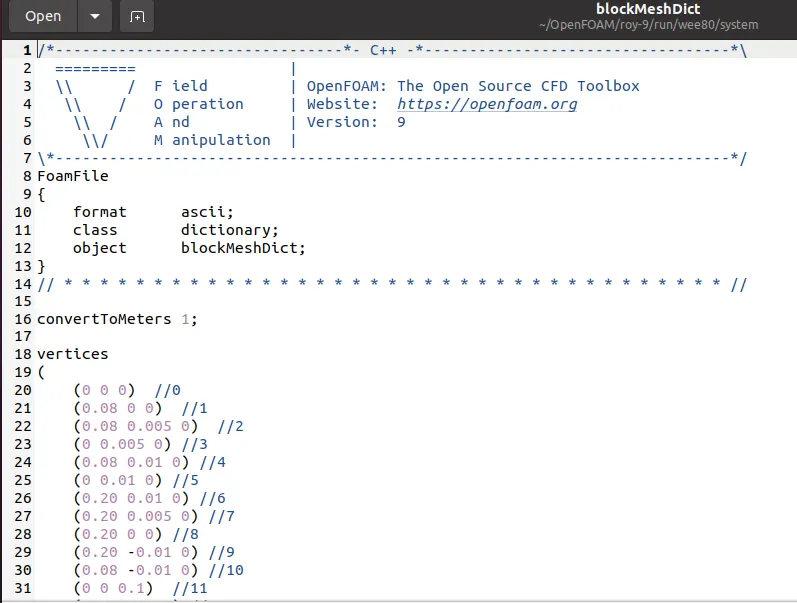
according to the given dimensions we assign and edit coordinates in given arrangement in blockmeshdict file
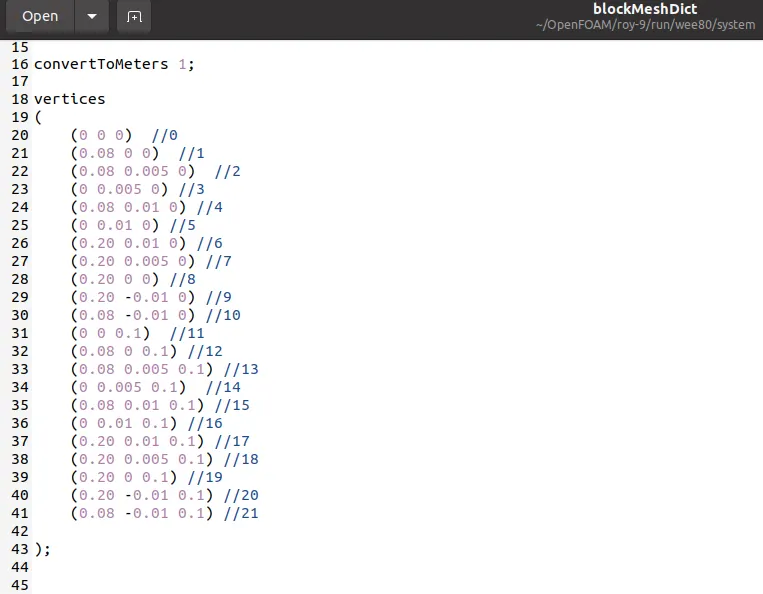
according to the case 1 we assign the grading factor 1 in blockmeshdict file we get
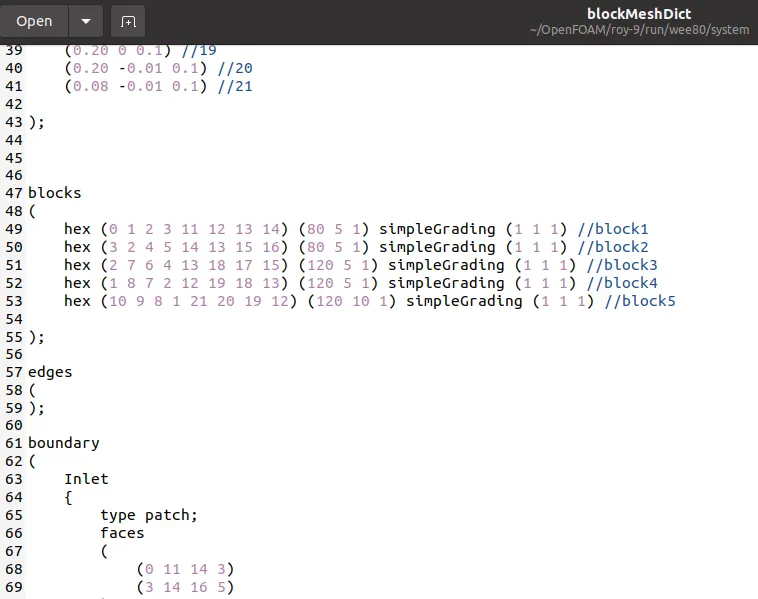
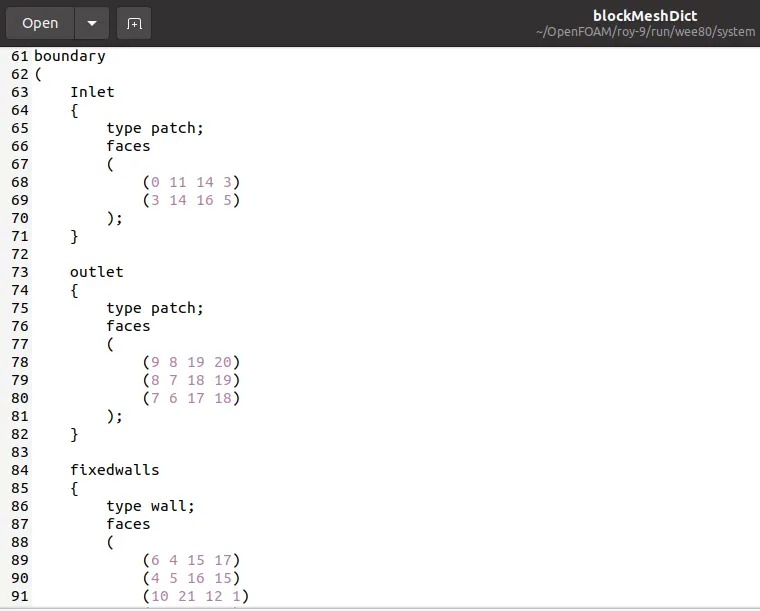
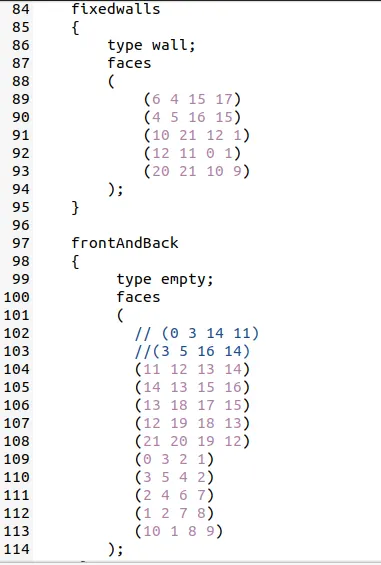
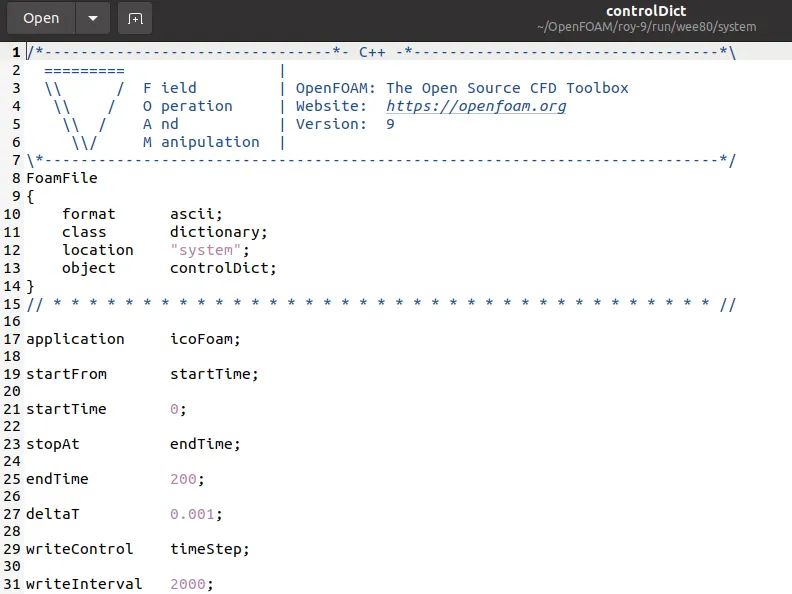
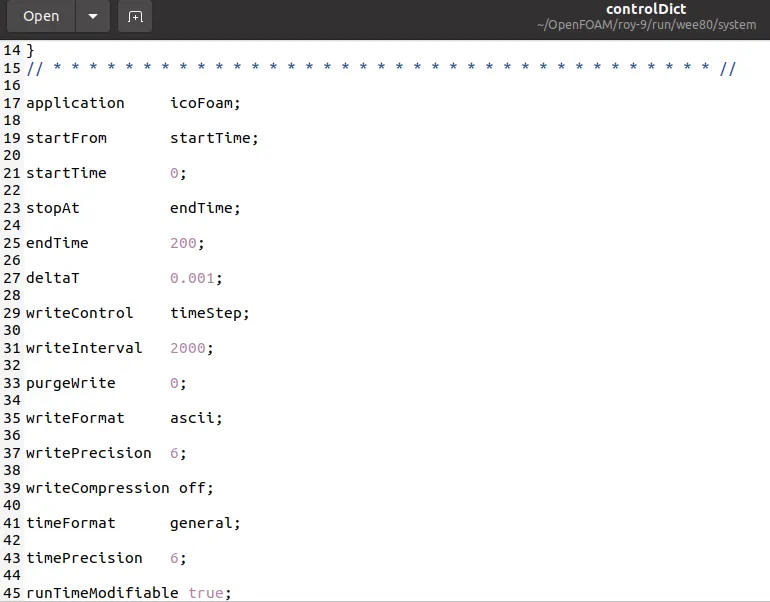
now editing controldict file we get for 200 time steps
editing pressure and velocity we get
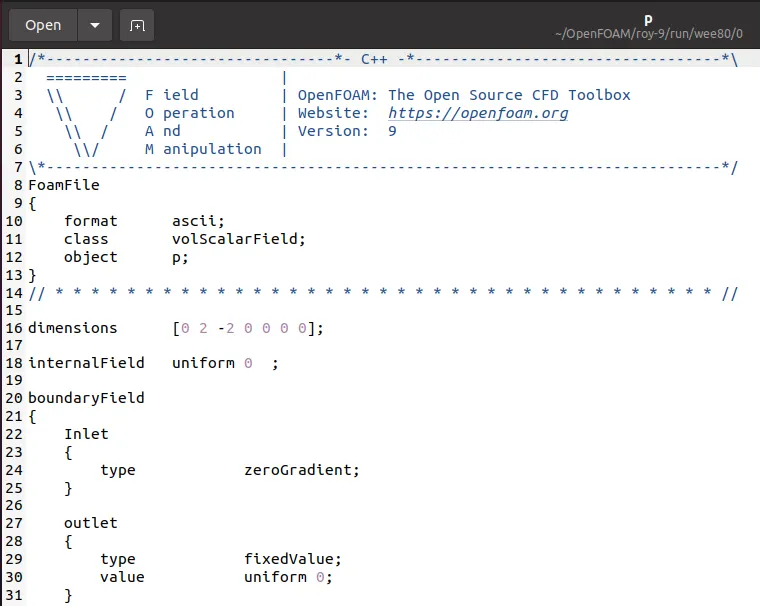
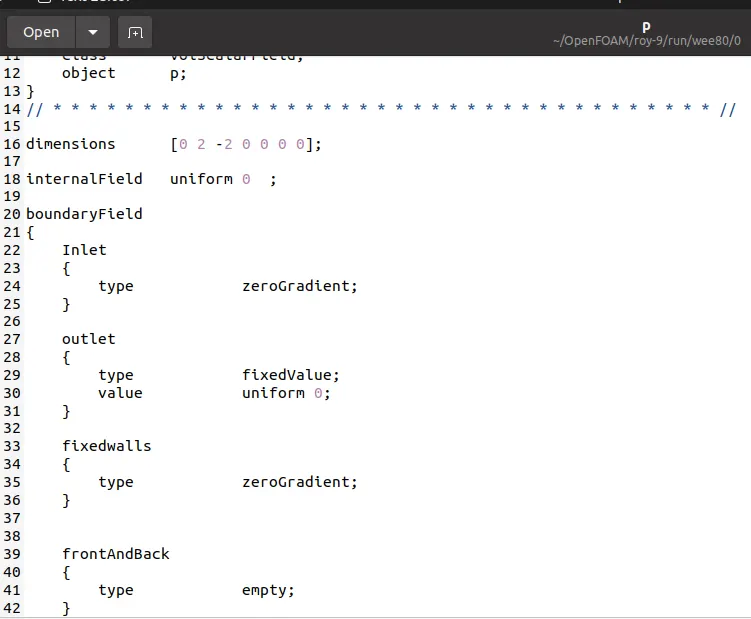
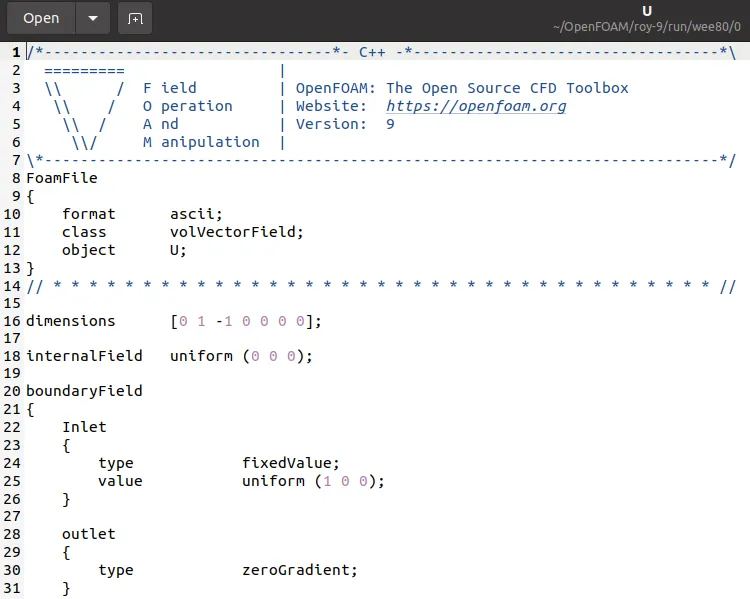
Now we are executing the following commands we get
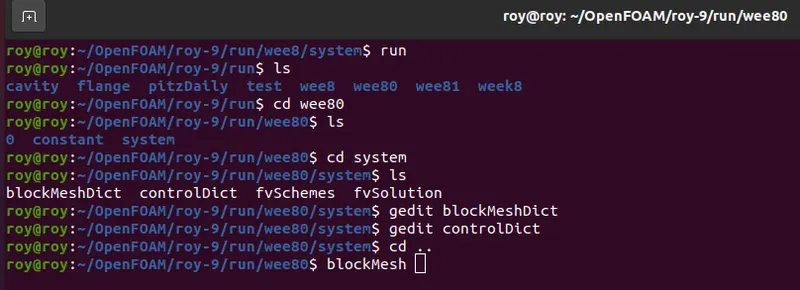
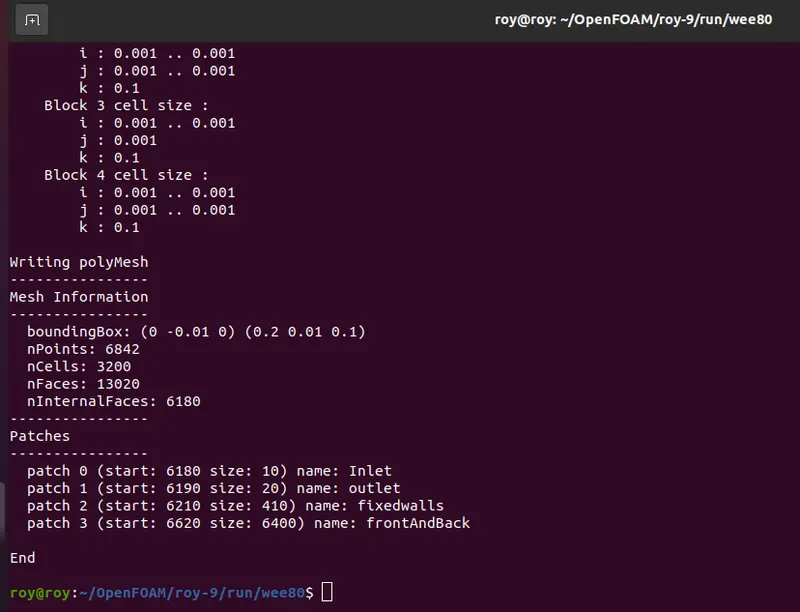
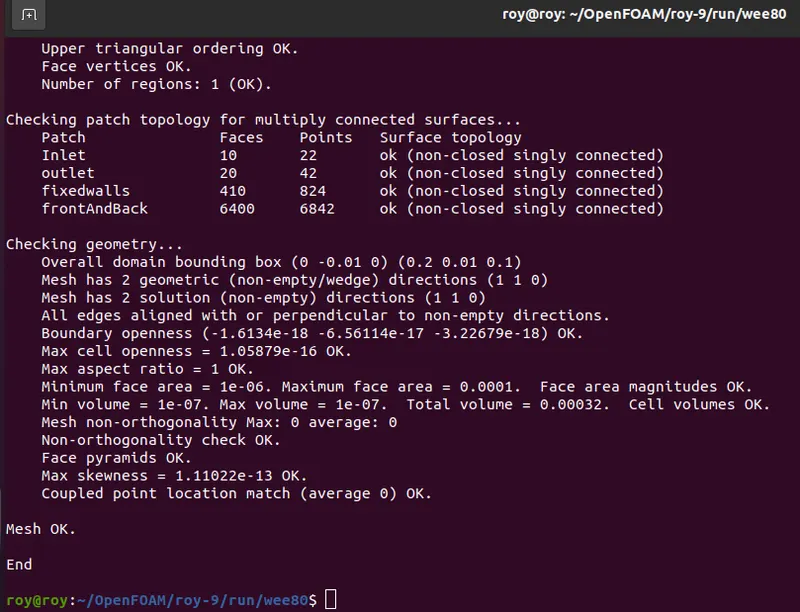
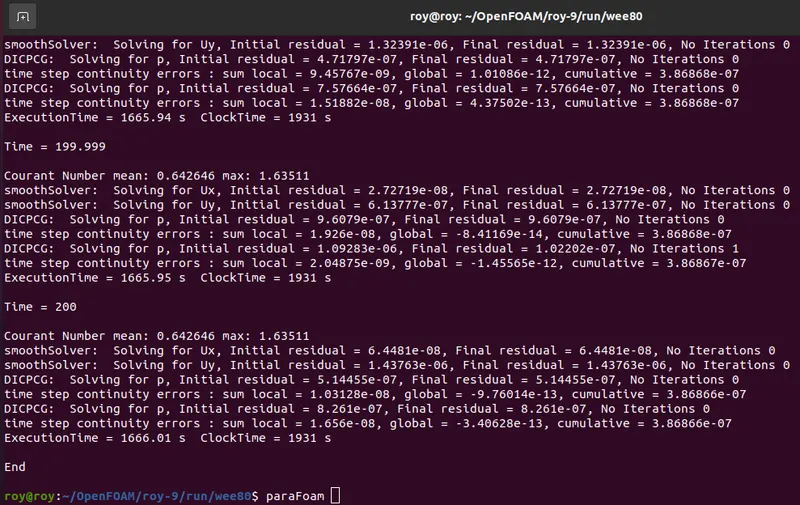
checkMesh
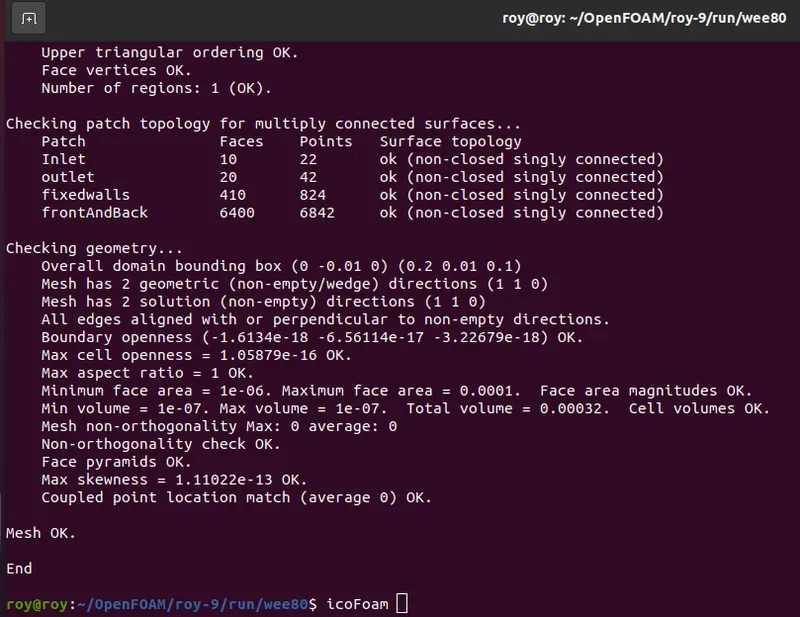
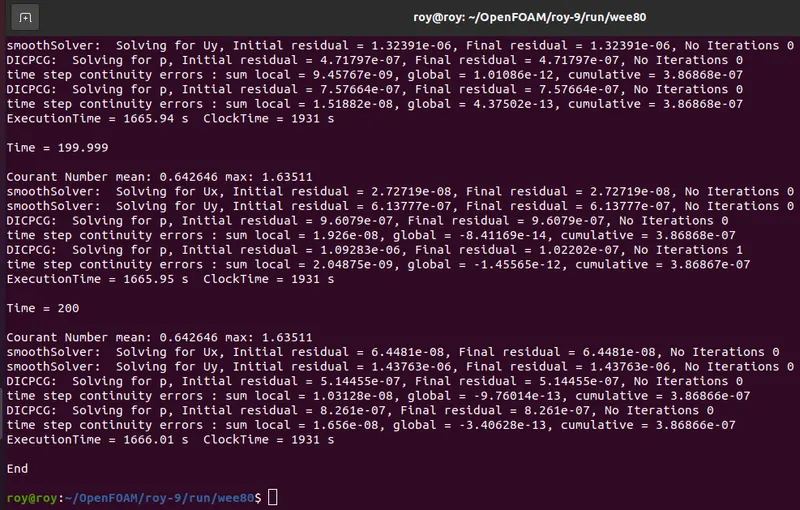
icoFoam
paraFoam
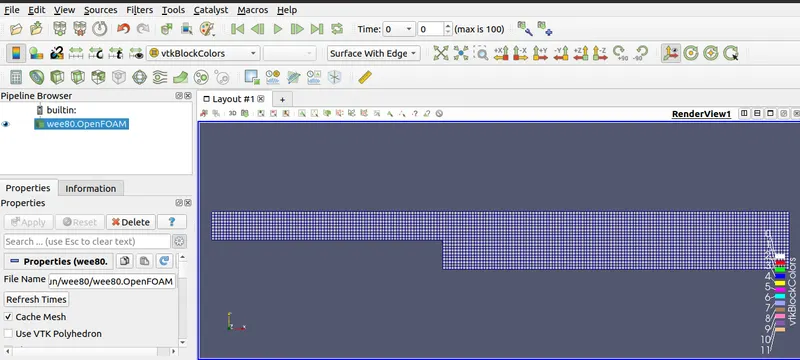
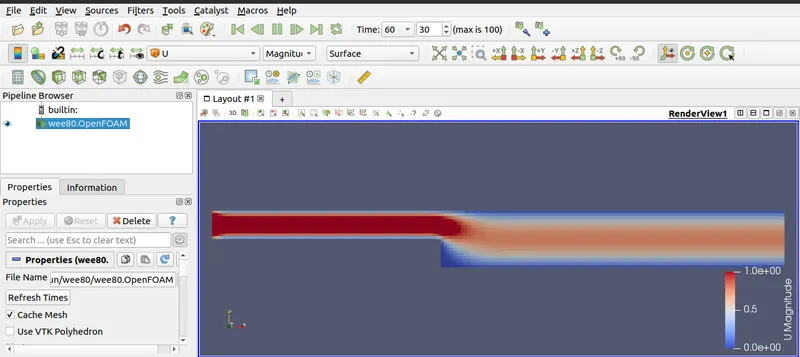
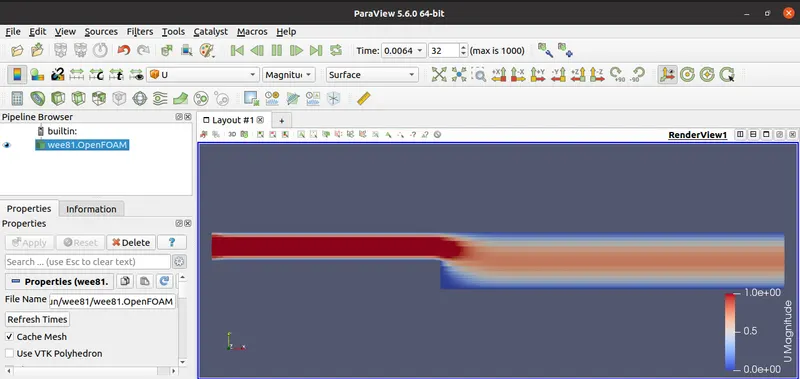
velocity
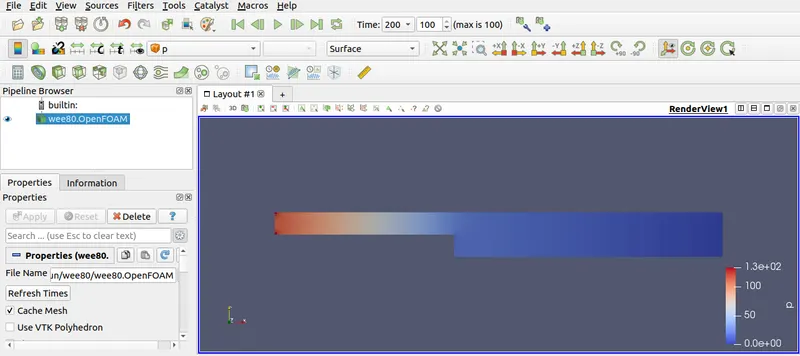
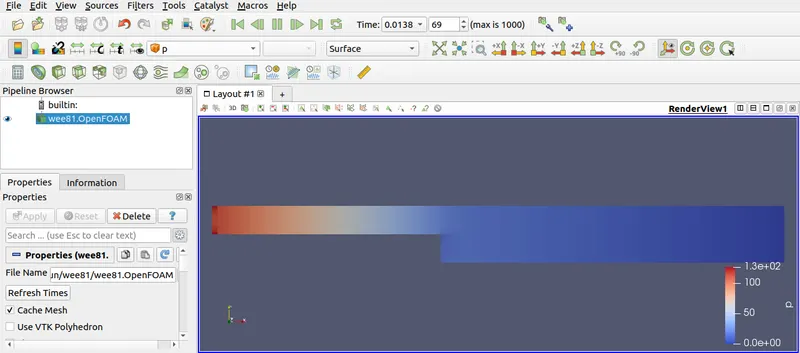
pressure
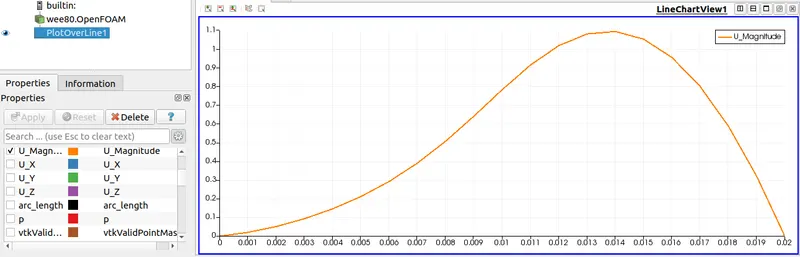
Graph
CASE 2 ; Grading Factor 0.2 ( cavity )
Grading factor or expansion ratios:-
The expansion ratios enables the mesh to be graded, or refined, in specified directions. The ratio is that of the width of the end cell δeδealong one edge of a block to the width of the start cell δsδs along the edge as shown in below figure.
In simple format,
Expansion ratio = (size of end cell) / (size of starting cell)
using the same command with different file directory we get
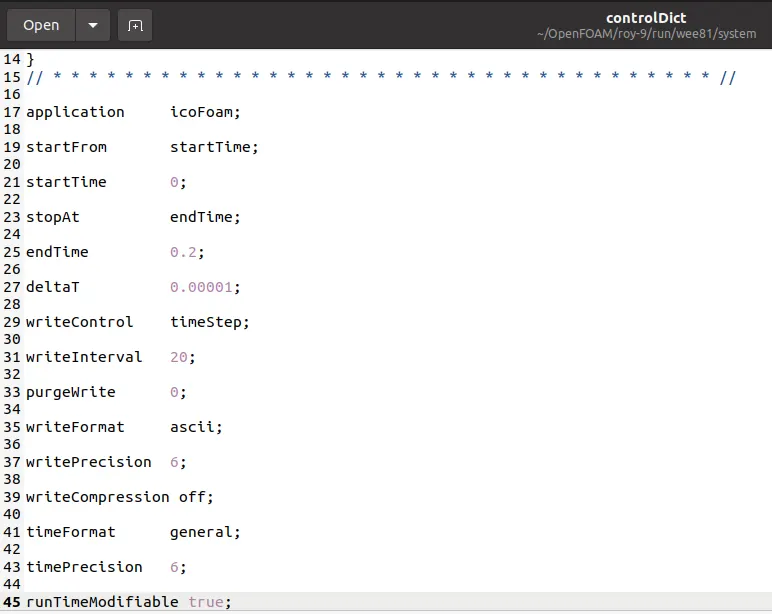
by given grade factor and time steps we get
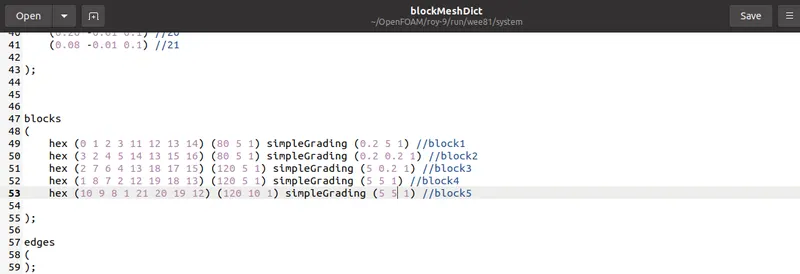
blockMesh
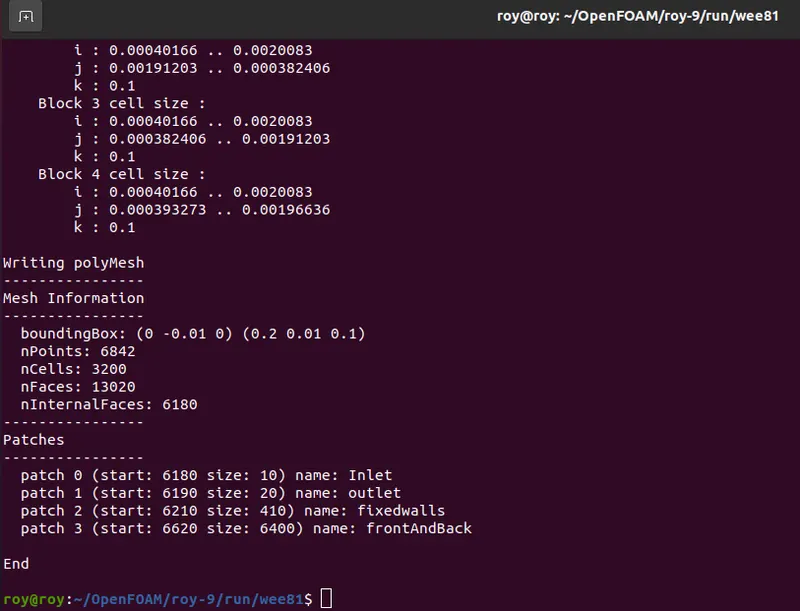
checkMesh
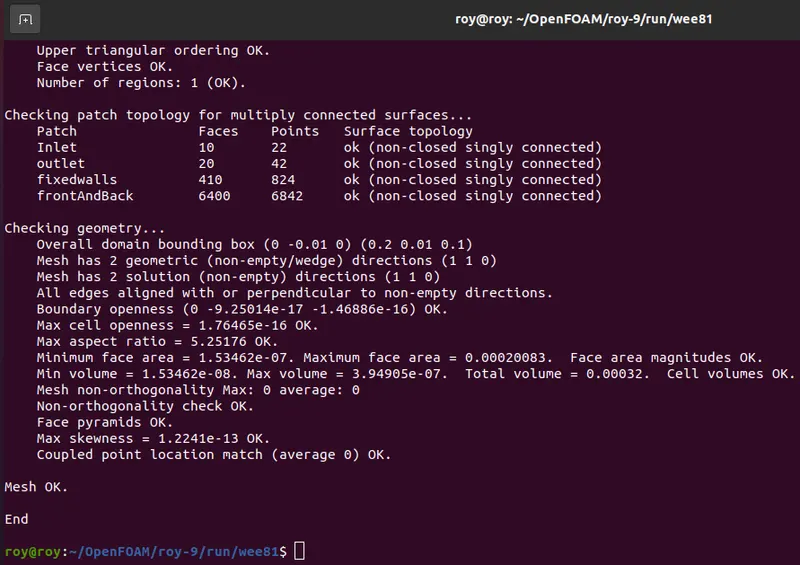
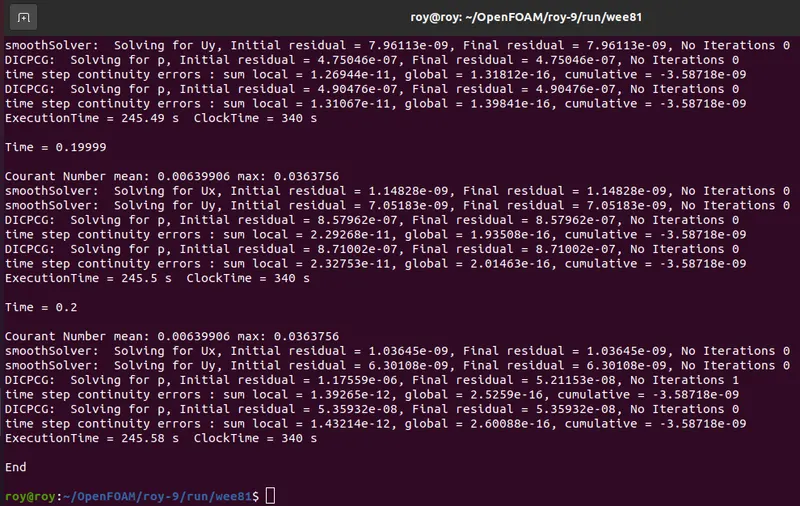
Timesteps
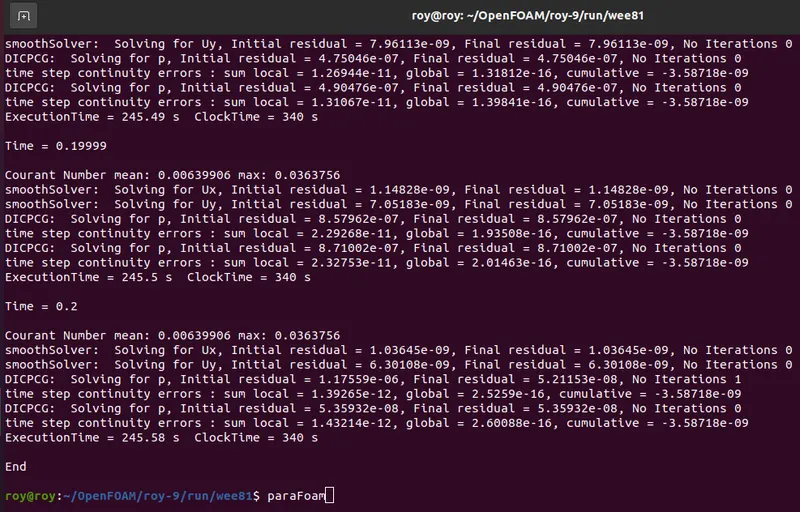
paraFoam
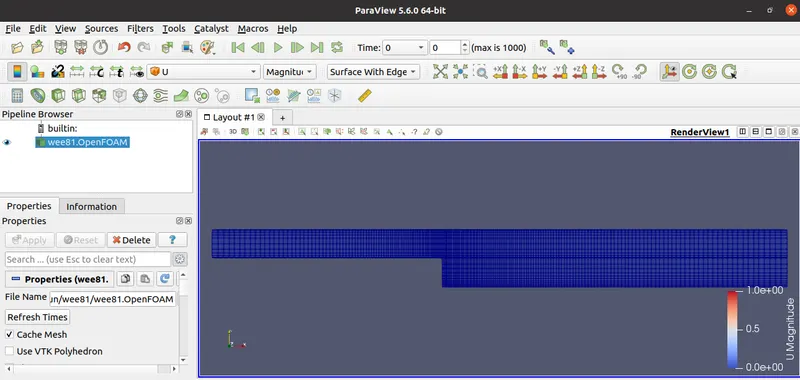
Mesh
velocity
pressure
Results
we have done plotting velocity plot for both, without grading factor and with 0.2 grading factor, cases. If we take a look at all the line graphs , we can see, the plot for velocity without grading factor seems more smooth and accurate than other two plot. So one can say, grading can disrupt out result. But it is incorrect. Because, if we take good look at it, we can notice, the mesh is fine at step wall along the X-axis but very coarse along Y-axis. Therefore, we are not getting smooth plot for velocity at 0.085 point at Y-axis.
To understand this thing clearly, we can see where we can see- on the left side there is coarse mesh and on the right side fine mesh. Above picture, there respective graphs are presented, which can really convince anyone how at any given point mesh produce a plot. The one on the right side mesh is giving very smooth plot except one small pick near point 0.01 and on the other hand, for coarse structured mesh, the curve of graph the curve is not smooth, there are sharp corner forming at the top of the curve.
mesh actually works, we should use fine mesh near the point where we expect our results. In CFD fluid always shows large changes near walls and obstacles along its way and to capture those changes effectively we should always use grading or finer mesh near a wall.
To get effective and reliable results, one should know where to use finer grading factor. In a bid to obtain more effective results, suppose, if we use large number of fine elements, it could use our computation time and also require large computational memory .Therefore, use of grading is important, so that, we can use fine mesh to capture the flow at boundary wall and obstacles, course mesh at more open area.
We can also see importance of fine mesh by observing following picture. As grading factor increasing near step, the resolution of image in improving. Means, as the number of element is increasing, the flow result increases.