Week_8_Plastic Model_1
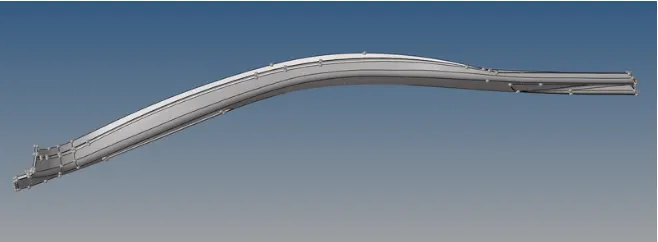
OBJECTIVE: To perform midsurfacing and meshing of the given plastic model and assign the various thickness.
GIVEN MODEL:
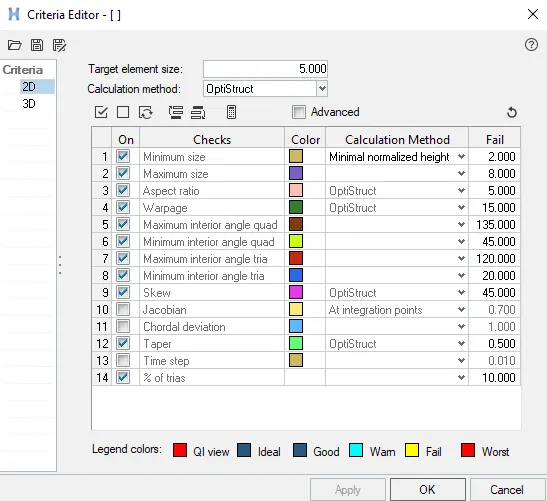
Element quality criteria:
PROCEDURE:
GEOMETRY IMPORT:
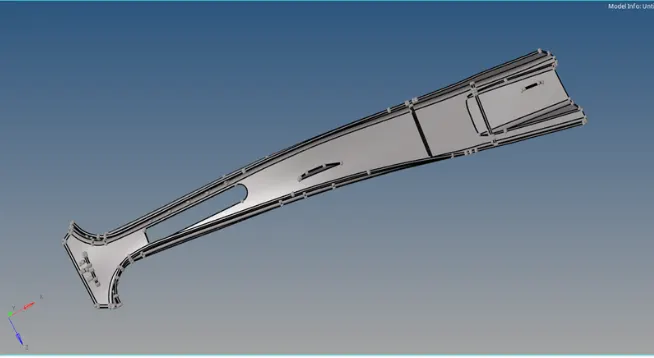
The given the STEP file is Imported. After the geometry has been imported, the model is next processed for midsurface extraction after being checked for any missing surfaces or triple cons and the symmetry surfaces are deleted as shown in Figure.
EXTRACTION OF MiD-SURFACE:
In order to extract mid-surfaces go to, Geometry -> Mid-surface -> select the extraction option as "skin offset".
then go to Auto mid-surface extraction and click on extract to generate mid-surface.
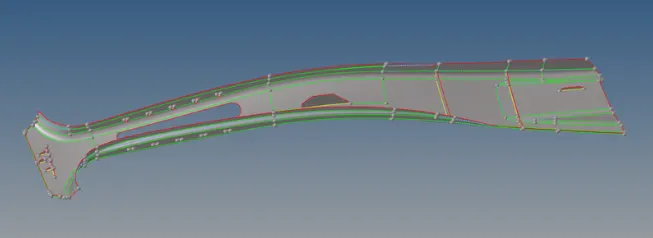
Geometry is corrected by using options like extend, trim with surface in the surface edit and quick edit options. A part which needs correction is shown below,
MESH GENERATION:
First we need to enter the element quality criteria, go to Preferences -> Criteria file settings and enter the values.
Now we have to mesh the Mid-surface generated. The automesh tool was used for this purpose. The target element length was set as 5 mm and the mid-surfaces were modeled using quad and tria elements.
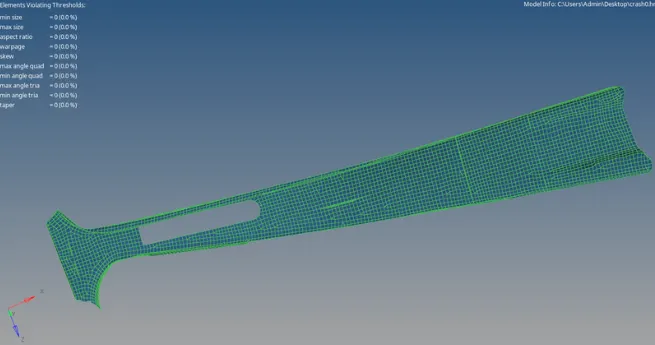
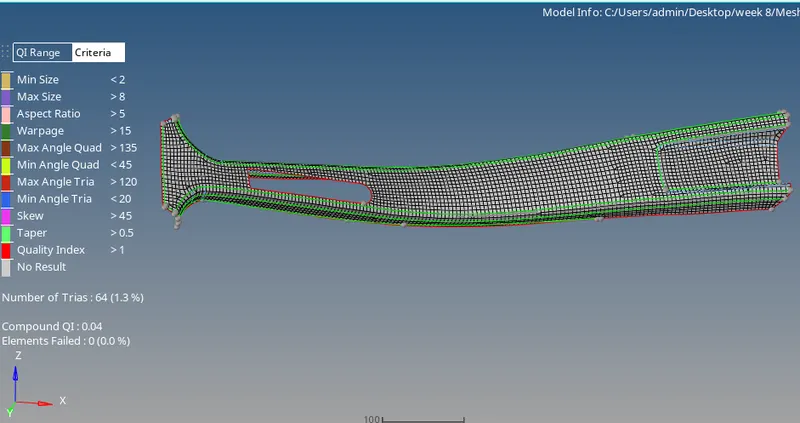
FINAL MODEL:
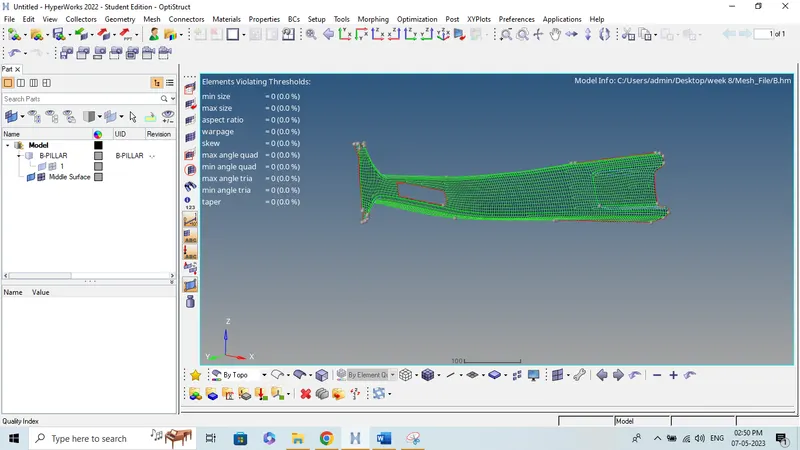
RESULTS:
A midsurface has been obtained and mesh has been generated for the plastic model. The thickness is also assigned to the model.
CONCLUSION:
Mid-surface is extracted from the provided Plastic model, and mesh is created in accordance with the provided quality criteria.