Week - 8 - Morphing
Aim
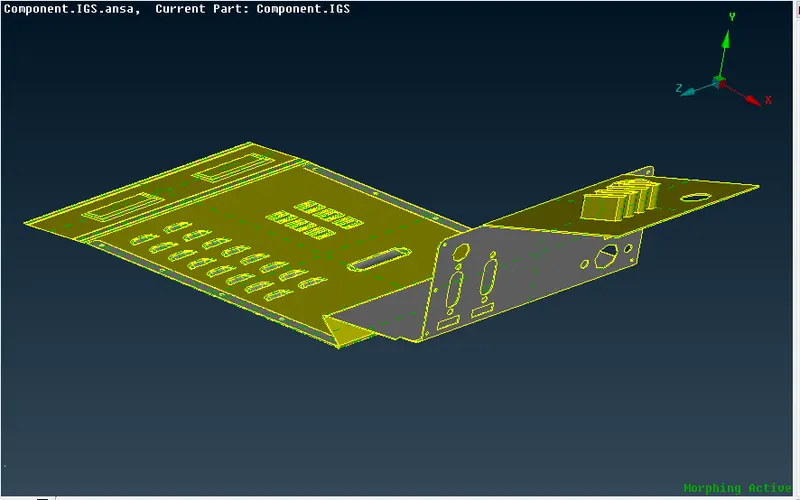
To perform morphing technique on the given components
Procedure
Step 1: Import
Open ANSA software go to file -> open ->select the file (component)
Step 2: Topo & Geometry clean up
Step 3: Morphing
- Part 1
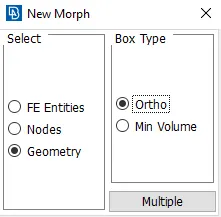
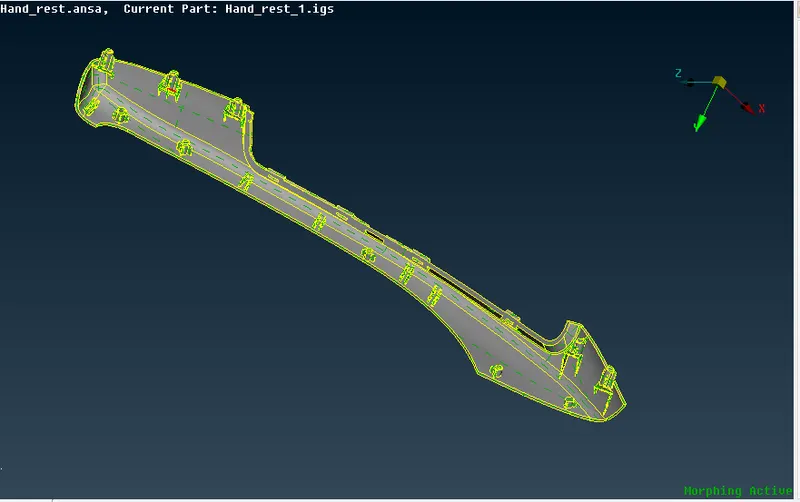
Step 3.1.1: Go to morph module ->Box -> New-> ortho-> select Geometry and box type ortho as shown below
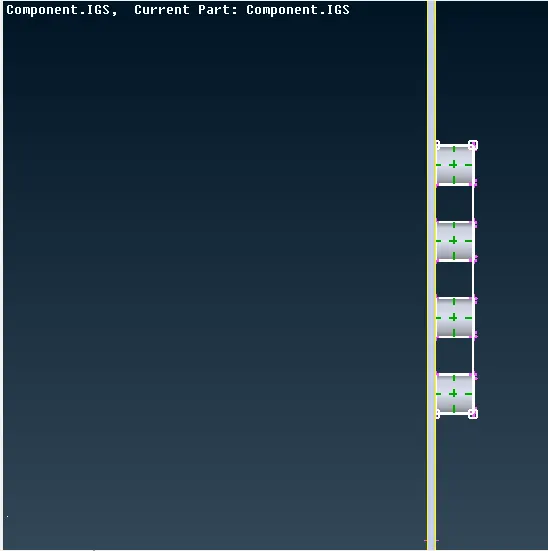
After selecting Box go to Box morphing-> move pick the node as per the requirement.
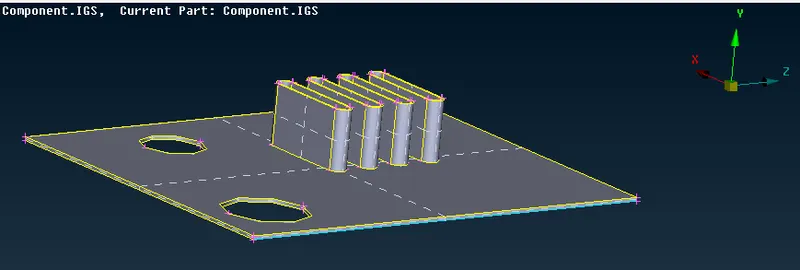
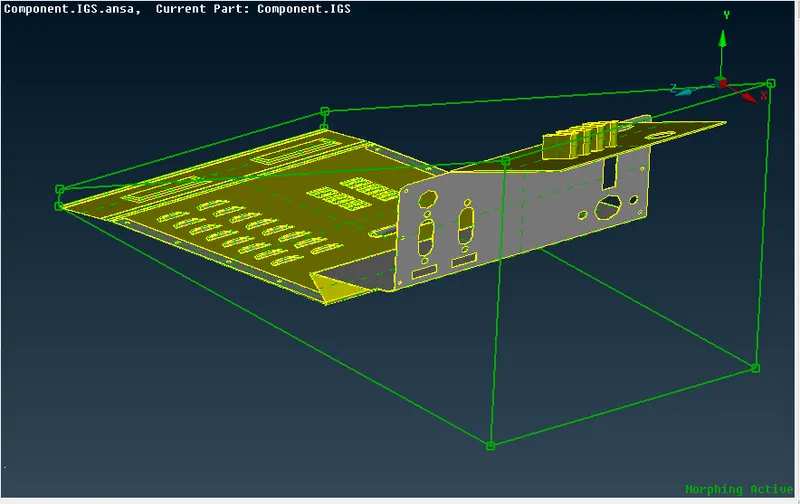
part 2
Step 3.1.2: Import
Open ANSA software go to file -> open ->select the file (component)
Step 3.1.3: Topo & Geometry clean up
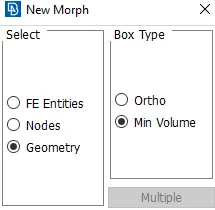
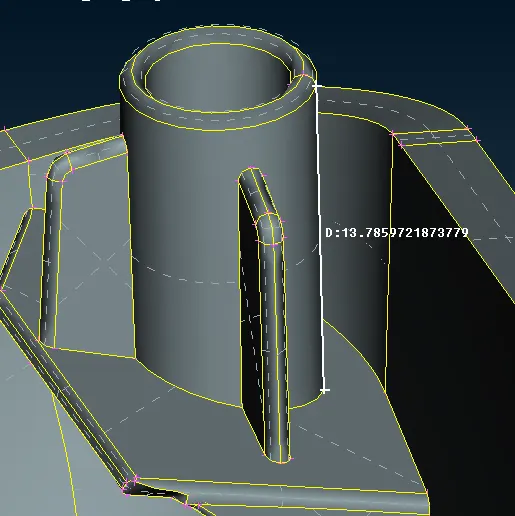
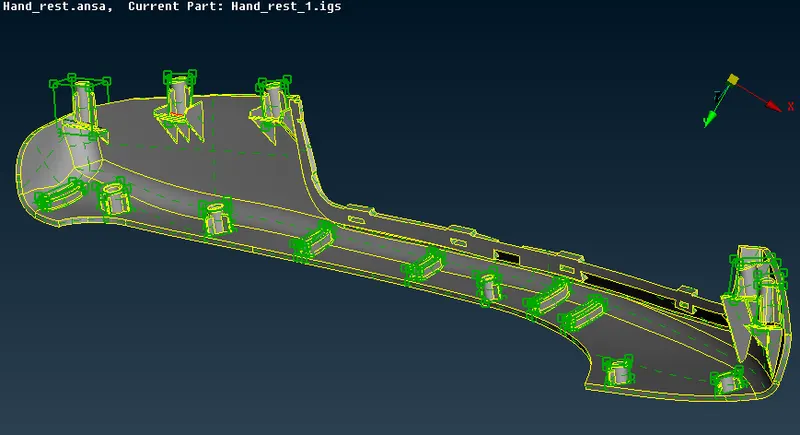
Step 3.1.4: Go to morph module ->Box -> New-> ortho-> select Geometry and box type ortho as shown below
Application of morphing in various industry
- In Aerospace changing the shape & side of the wings and tails
- In Automotive changing the shape and size of seat, roof panel, Hood, mirror, etc
- In Power plant changing the shape & size of boiler, turbine and so on
- In marine changing the shape & size of ship
Learning outcomes
Able to understand the uses and application of morphing technique and how to used its commands
Conclusion
For the given two model the morphing technique is applied