Week - 8 - Morphing
AIM
To do morphing gor the given components
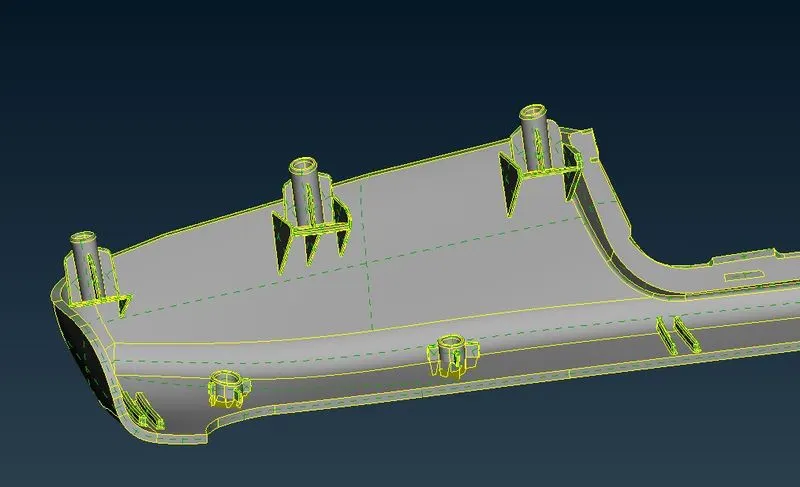
COMPONENT 1 COMPONENT 2
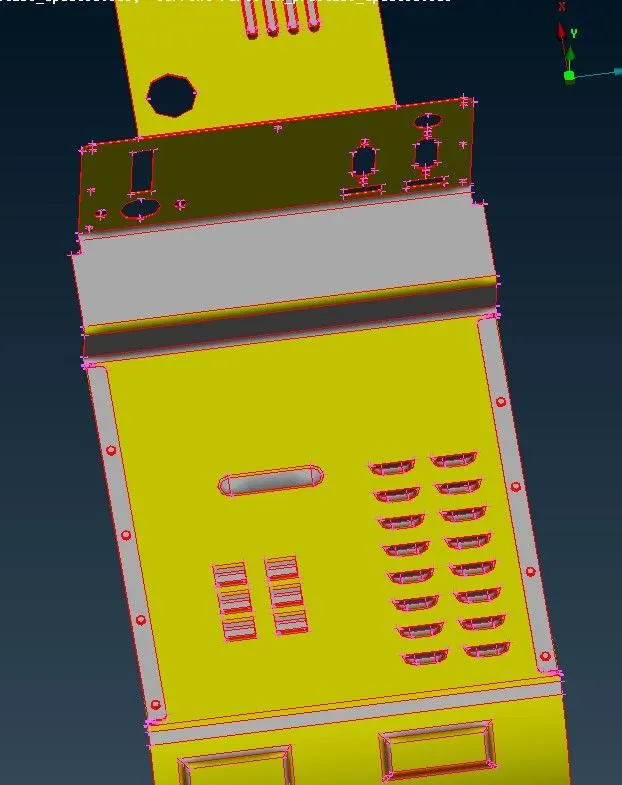
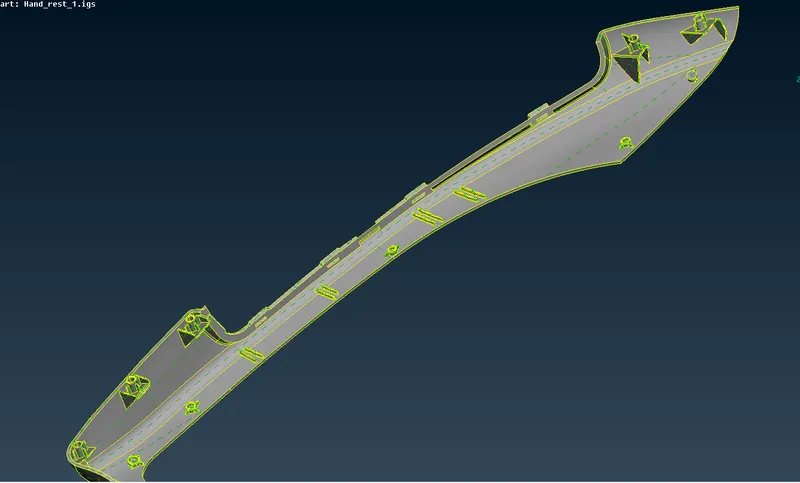
PROCEDURE
For this challenge i used ortho box morphing in morph deck in ansa
By using control points in the ortho box we can change shape of the geometry as needed
COMPONENT 1
The given component had been topoed
Checked for geometrical errors by using checks manager in ansa
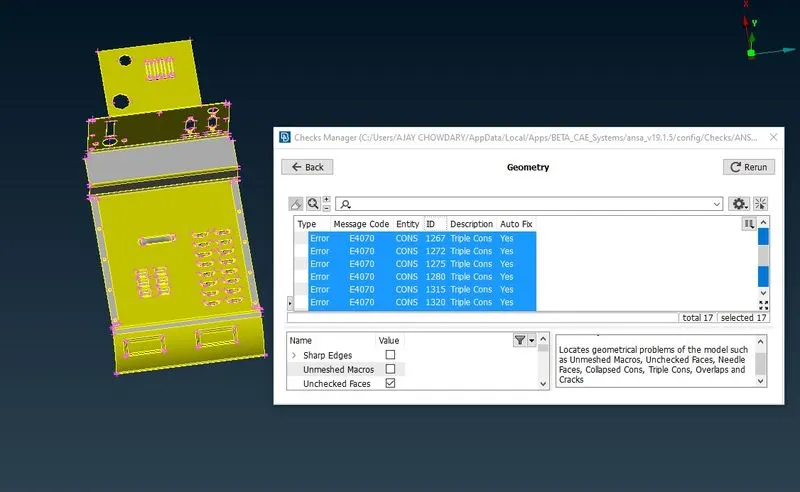
I auto fixed these geometrical errors
In component one i morphed the given component as shown in video
By moving to the morphing deck i can reshape the geometry to required shape's
In morp module and in that Boxes tool bar we have new in that we need to select ortho
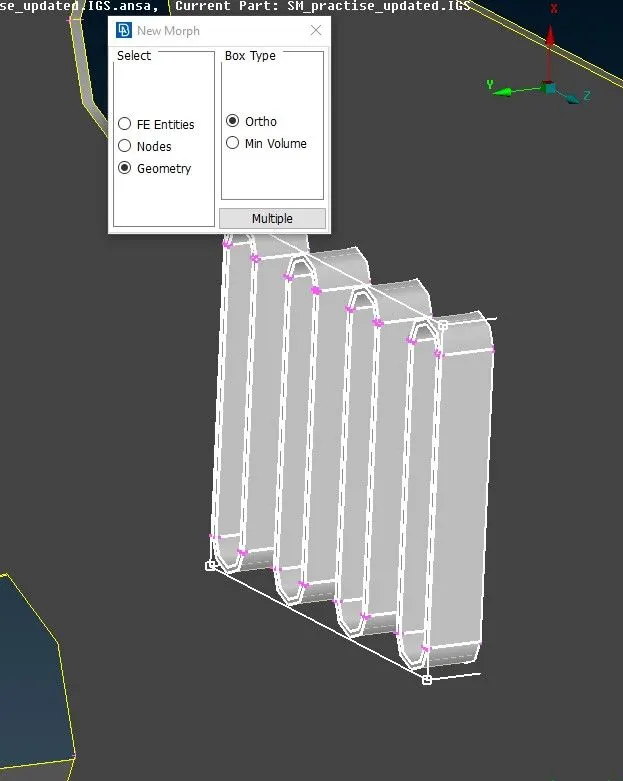
By using the control points that present on the corners can be used to change the shape of the geometry to required shape
I increased the height of these by using those control points
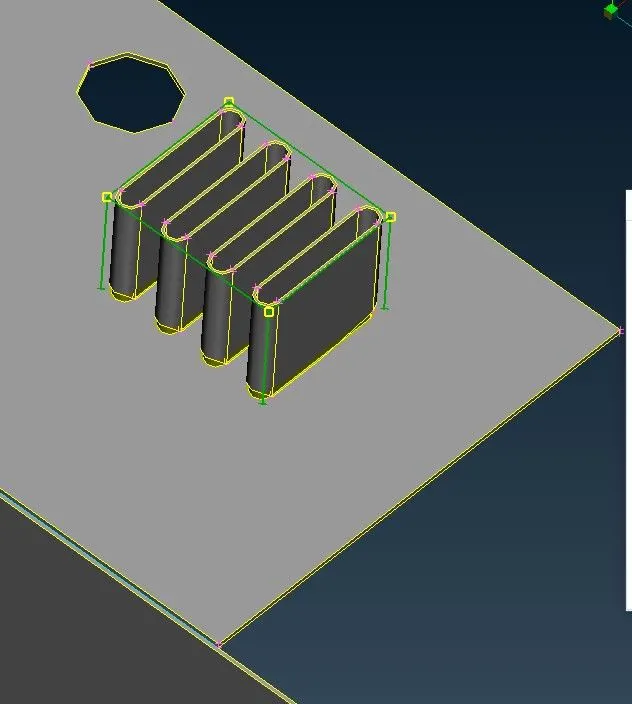
I had used similar ortho boxes to change the shape of the component 1
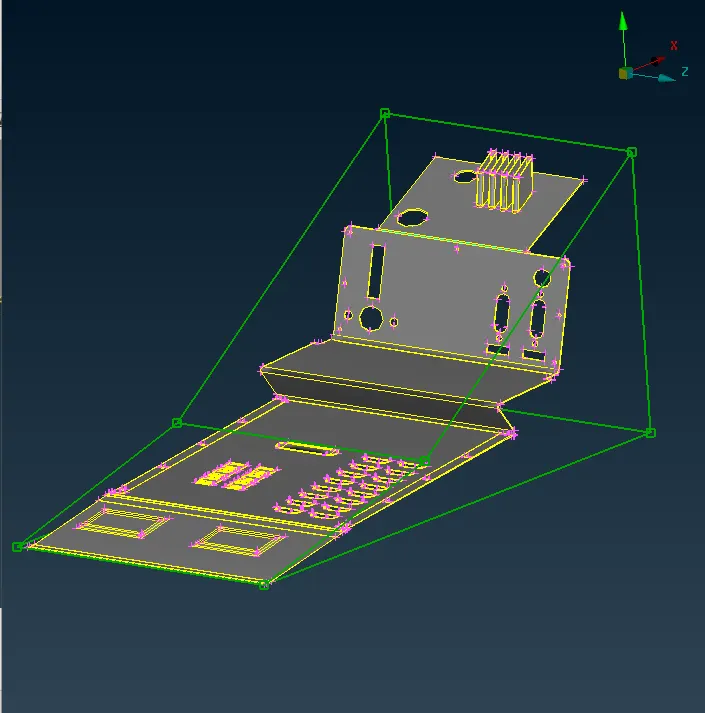
In this manner i had done morphing for the component 1
COMPONENT 2
I created boxes for all dog houses present on the component by using new-ortho in morphing module
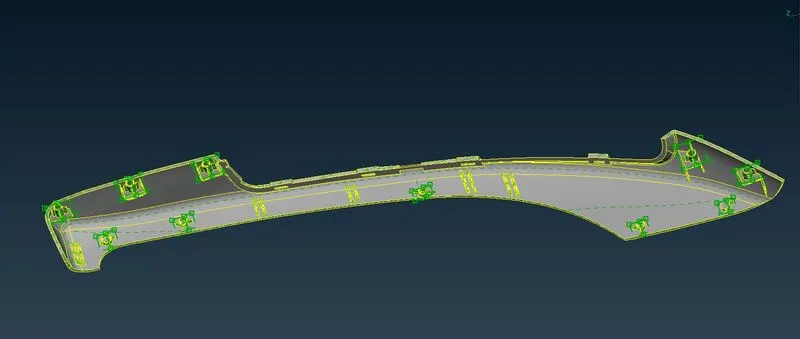
Increased the heigt of all dog houses on the component
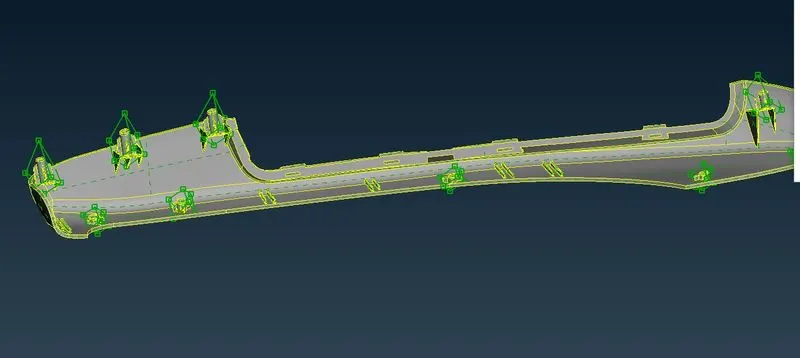
And the final result of component is
OUTCOME
By this challenge i has learn some basics of morphing