Week - 8 - Morphing
Model-1
1- Geometry cleanup using (face-topo) in topo module.
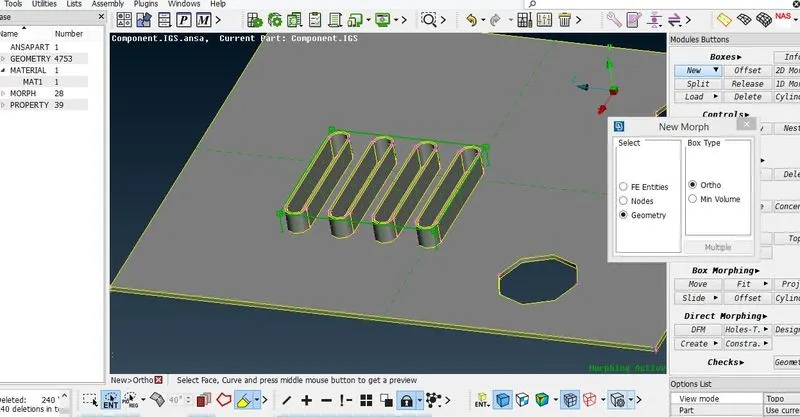
2- Create the new morph box using (Boxes- new) in the morph deck.
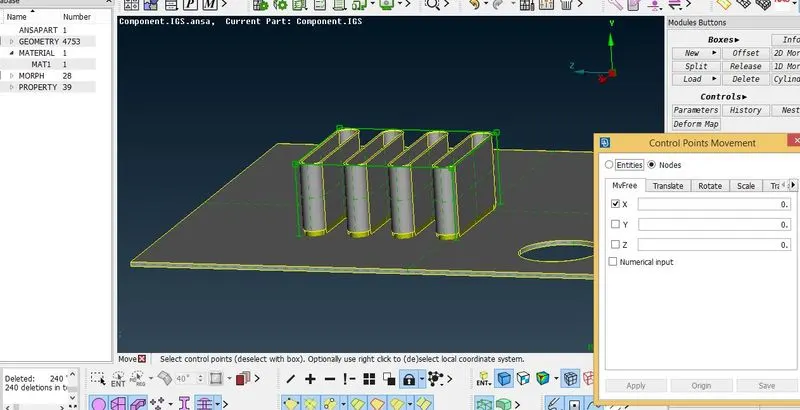
3- Move the grid along the local axis created by right-click at the edge of morph box.
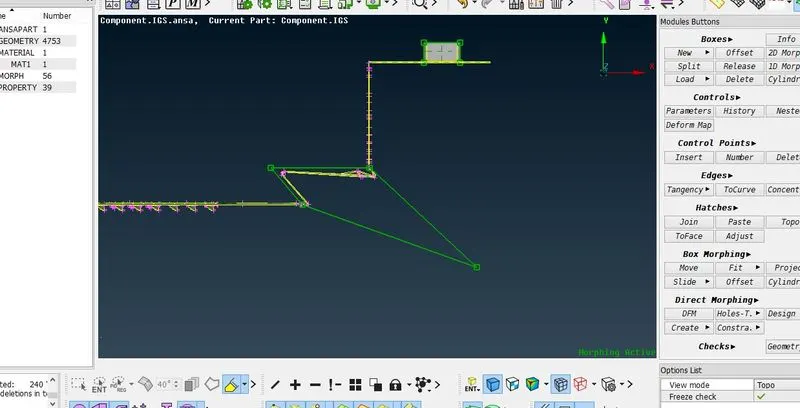
4-Split the morph box and move the grids (Boxes-Split) . So that very minute change in the direction can be possible.
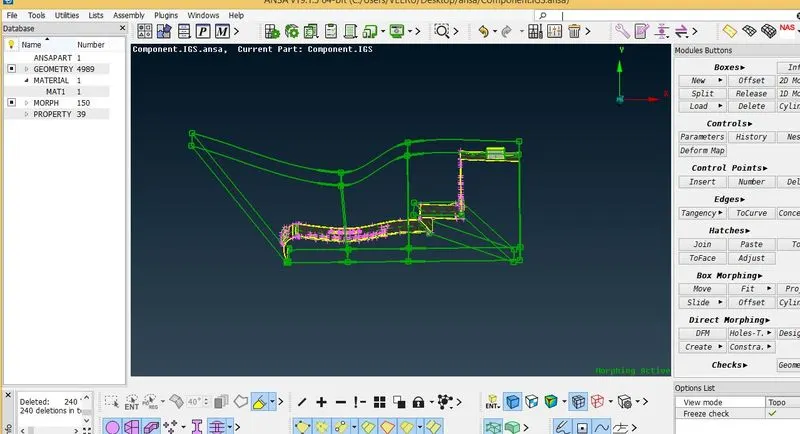
Model-2
1- Clean the geomenty using topo in the face module
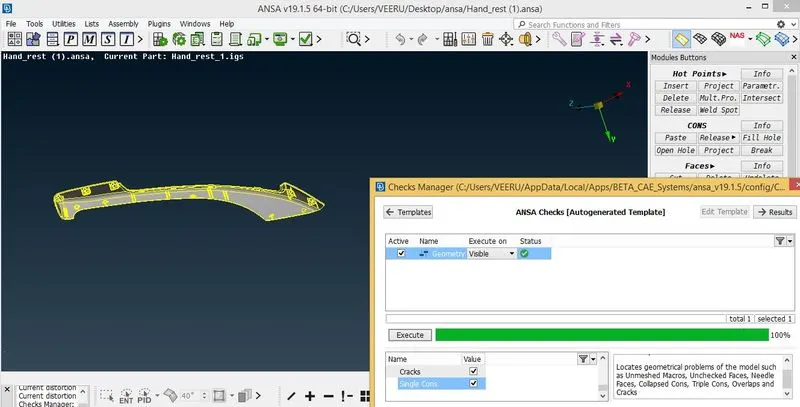
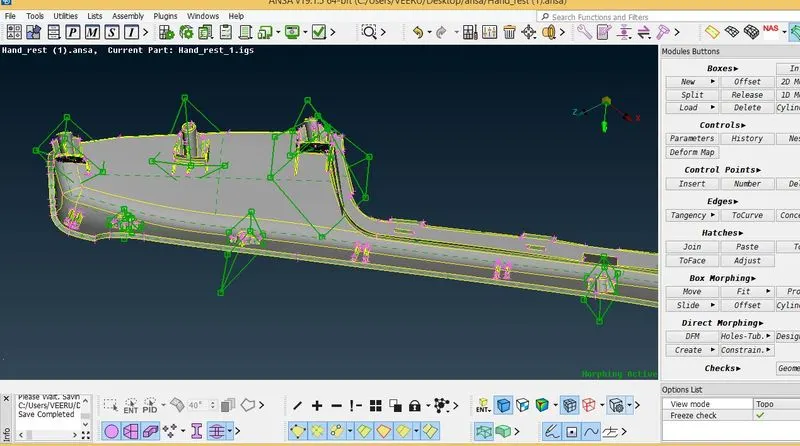
2- Create the morph boxes at the dog houses and the ribs. Then increase their height using morphing.
Learning outcomes
1- To create 2-D, 3-D morph box at geometry and FE model.
2- Learn to split the morph box so that minute change in the direction can be possible.
3- Learn to move the grid points along local and global coordinate system.