Project 1
https://drive.google.com/file/d/1hQpDlGIH_l9H8Hd6npfj3_gWhSgu0tkM/view?usp=sharing
Steps
1. first of all I did topo the geometry
2. cleanup the geometry after topo
3. check the geometry thichness and do manual mid surface extraction. mid surface was extracted from the sides having less feature and set the different PIDs for different thick components
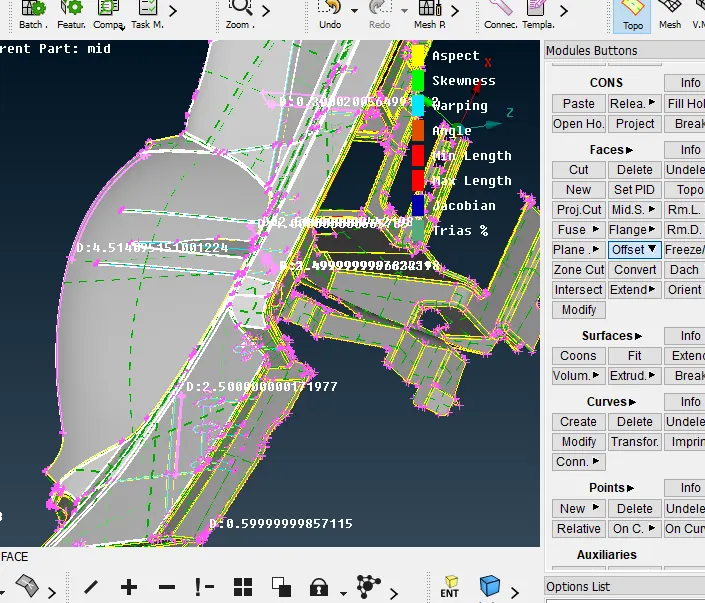
4. geometry cleanup of the mid surface
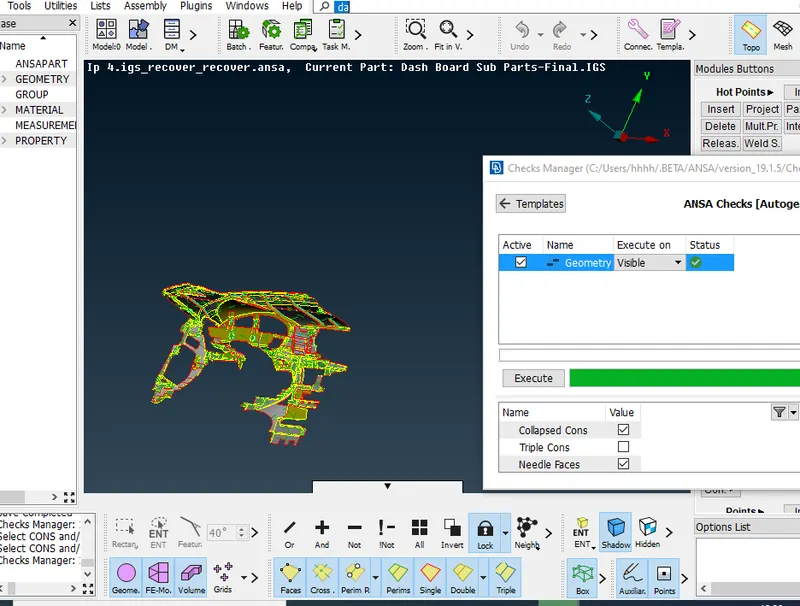
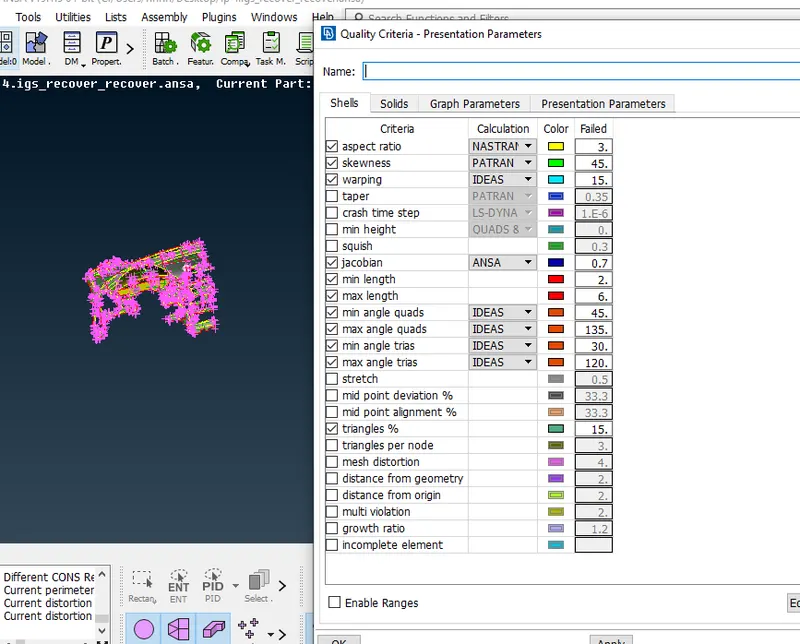
5. Give the quality criteria given in the challange
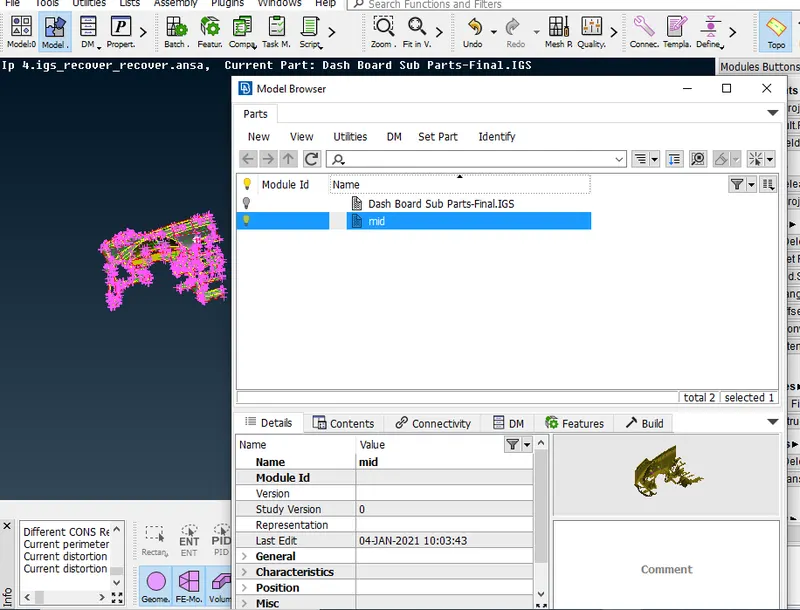
6. set the new part as mid in the model browser
7. add the new part as mid in the batch mesh then do run command.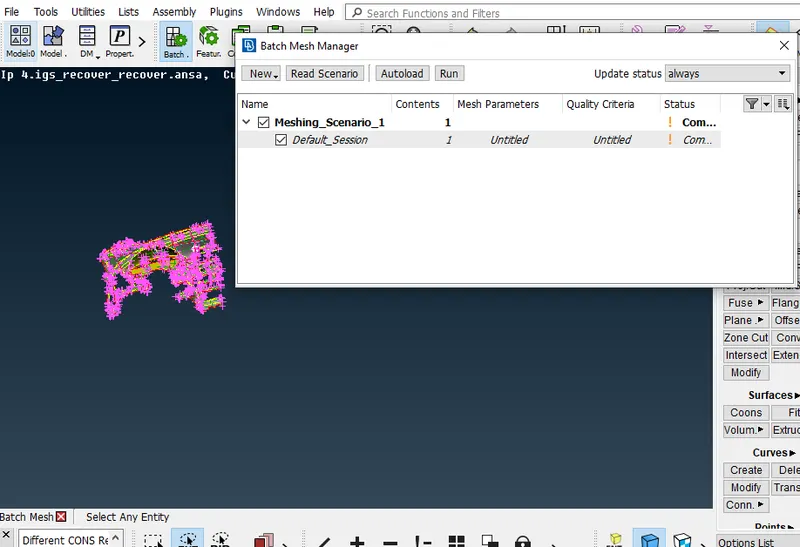
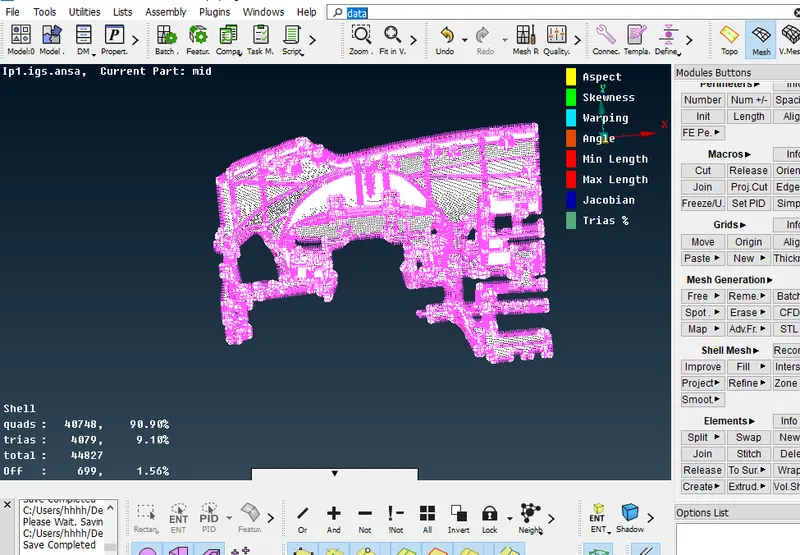
8. clear the quality of mid surface after batch mesh
Learnig outcomes
1. learn to clean up the geometry.
2. learn to generate mid surface of complex geometry.
3. able to mesh the geometry with batch mesing
4. learn how to clear the quality of mesh