Week - 8 - Morphing
LIVE-BATCH Student
Aim: To morph the given models using Morph Tab in ANSA.
Introduction:
What is morphing?
It is a technique to allow the user to change the current FE model to the new model with a small amount of distortion in the FE model. It will change the only FE not the property or material or group.
Steps to Create Morphing:
- First import the file into ANSA
- Perform TOPO.
- Perform Geometry CHecks
- GO to morph tab.
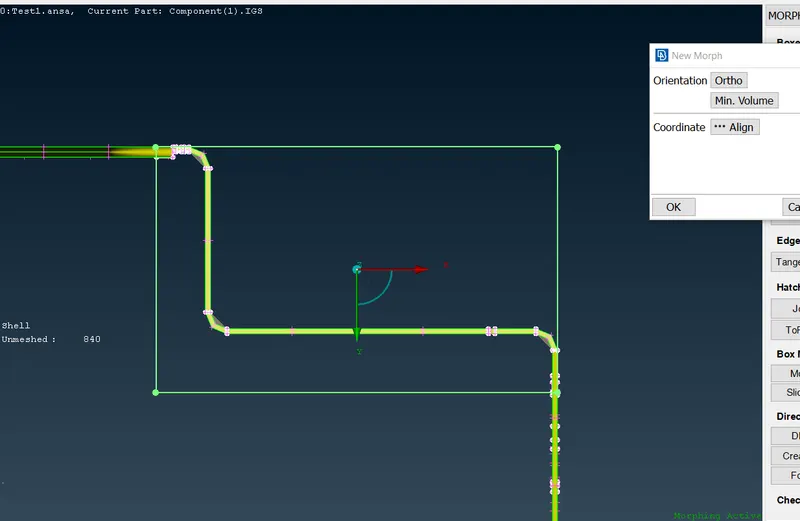
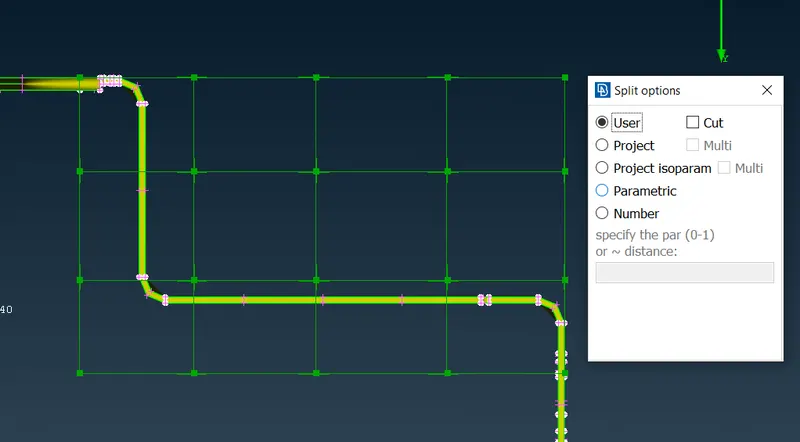
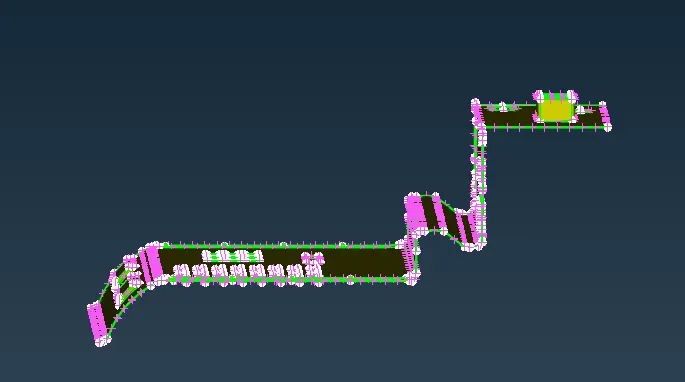
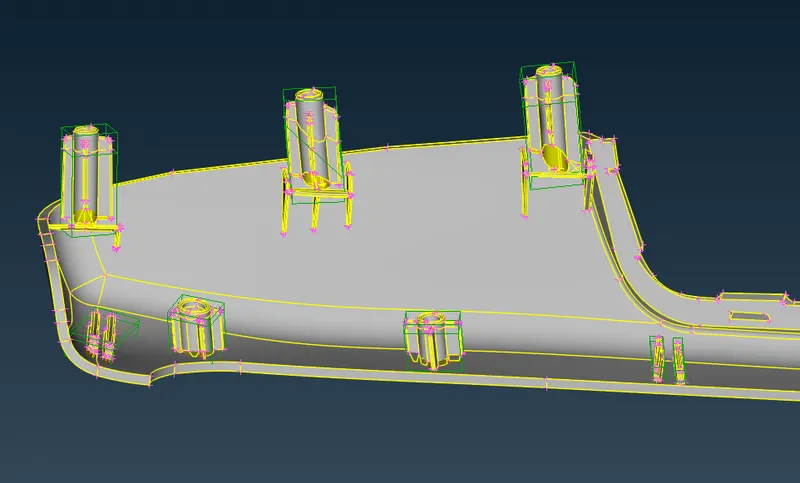
- Create boxes to morph and split them for better morphing as shown below.
- Use Move option to move the nodes.
- At last, after the completion of morphing, delete the morph boxes.
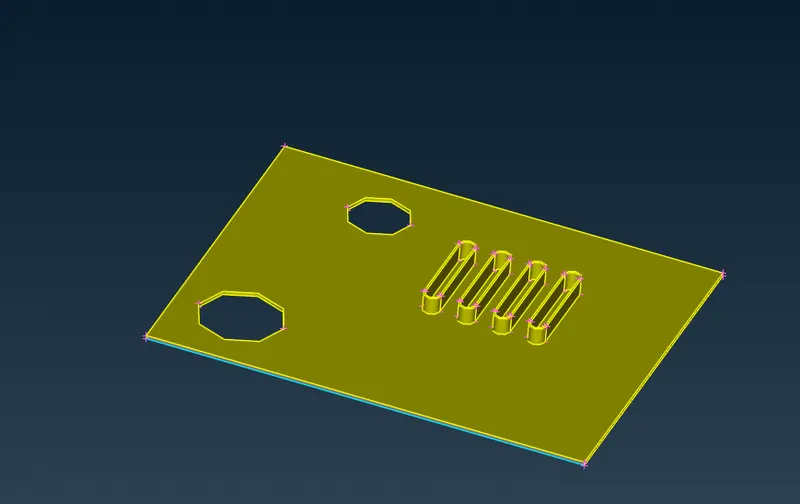
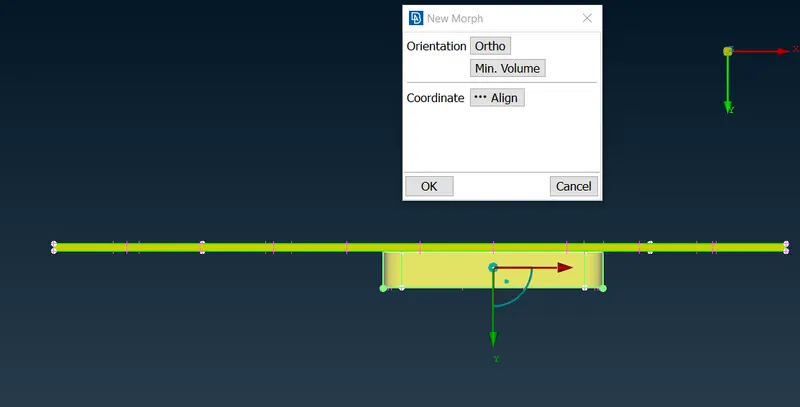
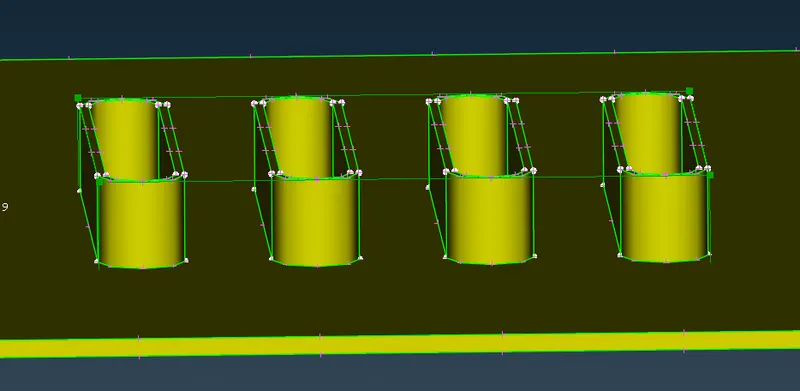
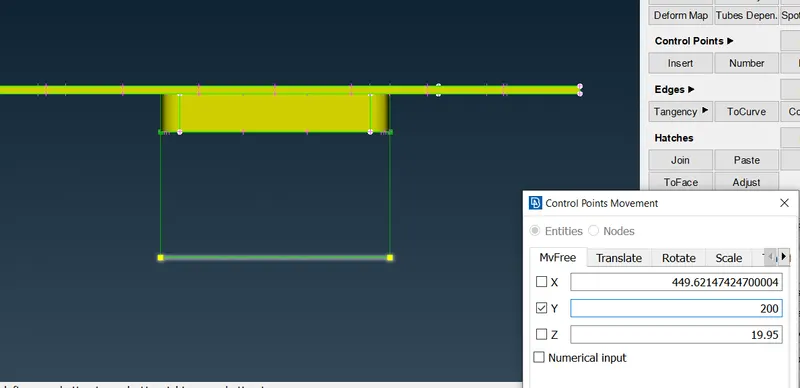
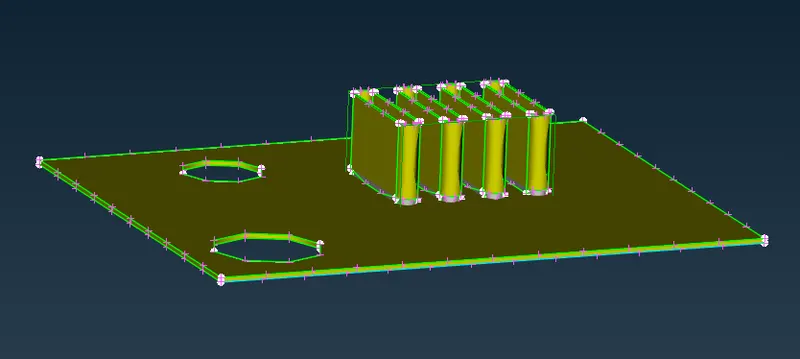
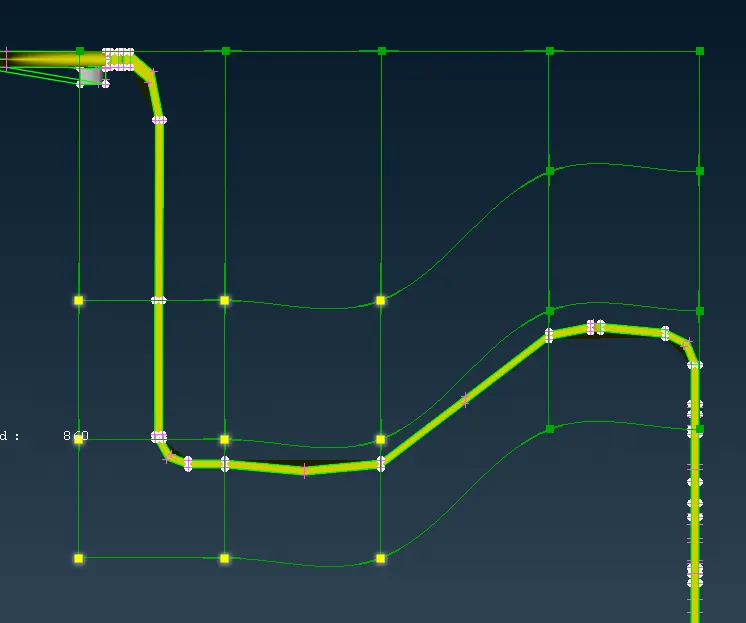
- Final Morphed Models are shown below:
For second component:
CONCLUSION:
Morphing has been successfully performed on the dog houses and ribs as given in the objective.
Morphing is used in industies to gain a slight change in the model. for eg: The cars such as LIVA & ETIOS, i10 and ACCENT.
Only extra boot is added with slight morphing tyechniques used.