Week - 8 - Morphing
Aim :Perform morphing for the given model and Increase the Height of the Dog houses and Ribs.
procedure :
step 1: Open the CAD geometry inside ANSA GUI and set the solver deck to NASTRAN.
step 2: Go to geometry check and check for any unjoined surfaces and surface irregularities.
step 3: Join all the surfaces using TOPO ( CONS>TOPO)
step 4: Switch to mesh model and select entities in the capture window and set the element sell lenghth 0.5(mesh> perimetres>length).
step 5: Orient the CAD model (Faces>orient>select).
step 6 : Now go to TOPO and join all free edges in model if any.
step 7: Switch to Morphing module.
step 8: Select the geomatic regions which needs to be morphed (boxes>New>ortho>geometry> orthobox).
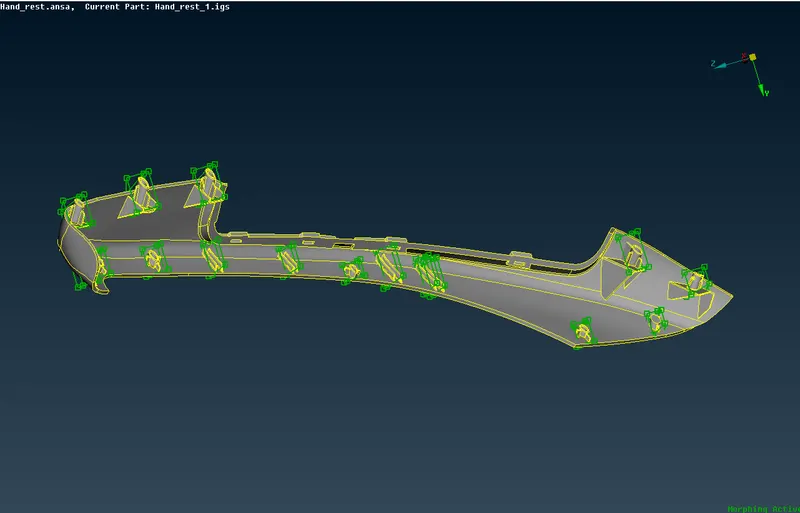
step 9: Now go to box morphing and select the grid points and drag them to increse the hight of the geometry along sutable axis.
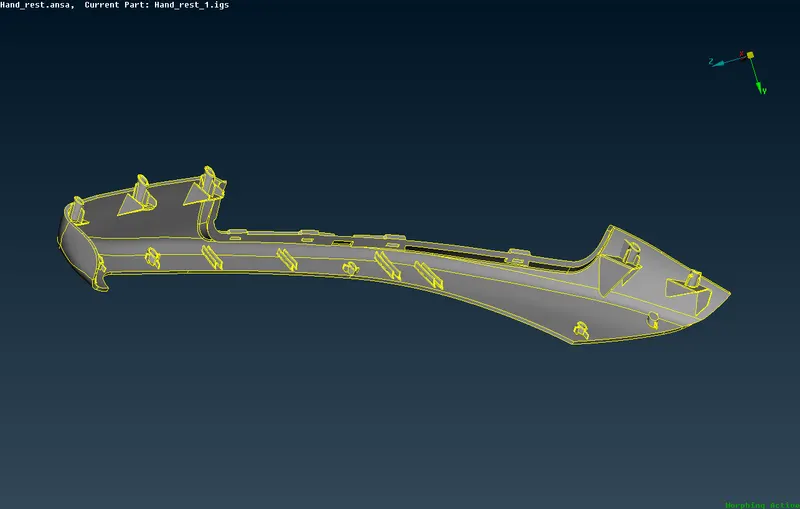
step 10 : Save the model .