Week - 8 - Morphing
Week 8 Challenge: Morphing
Model 1 Morphing
Aim: Performing Morphing operations on the given model 1
model 1:
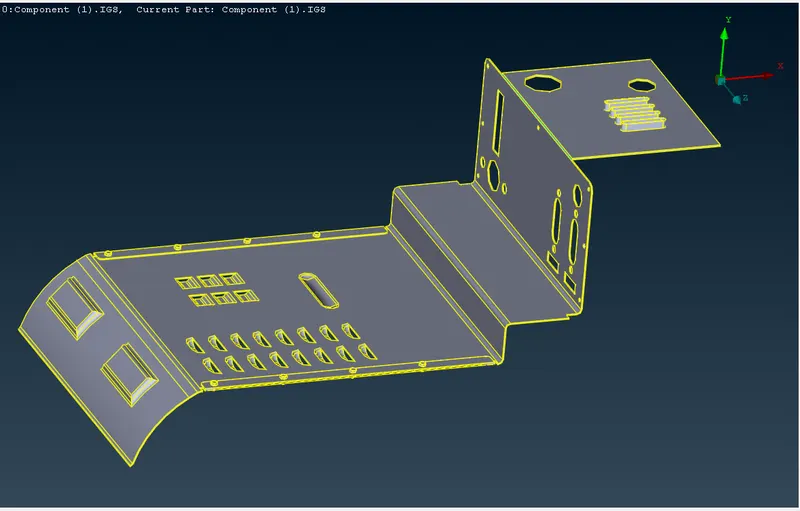
Procedure:
Morphing of the component is done through various ways of which free-free morphing is discussed.
Here a box is generated around the selected area using Classic Mesh -> Boxes -> New -> Ortho
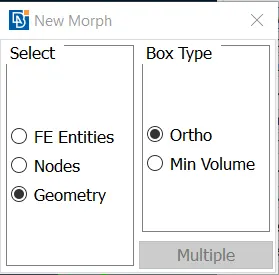
Selecting the entity or feature or face
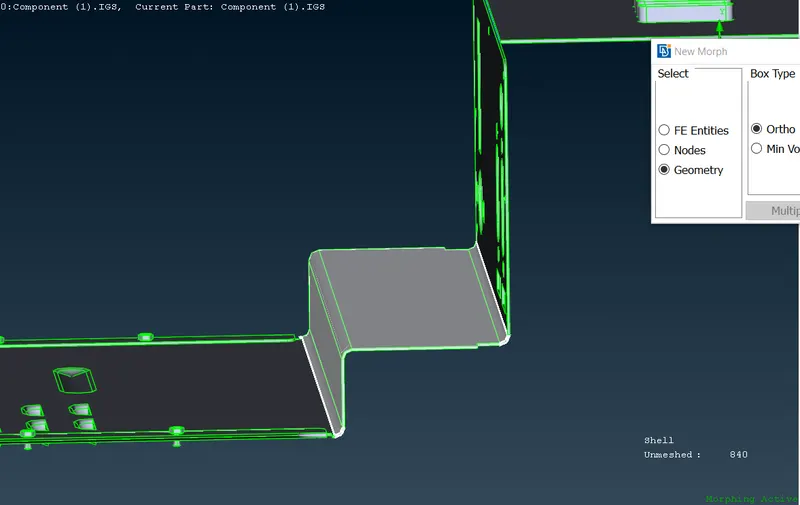
and confirming it.
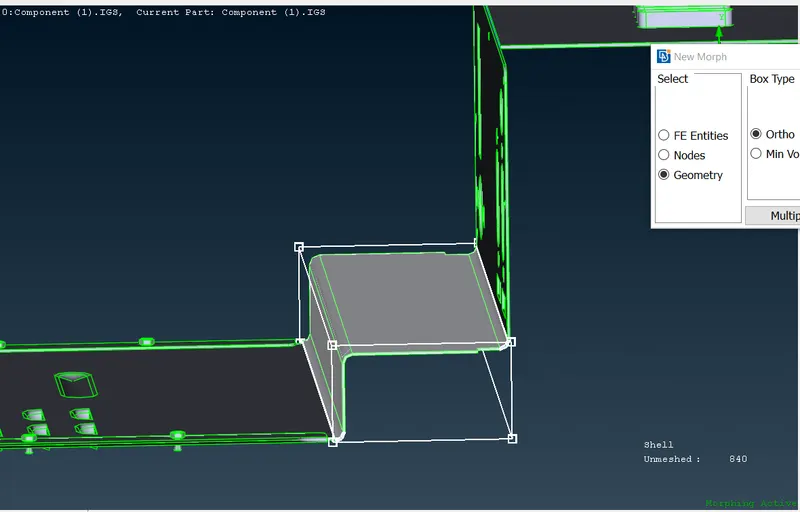
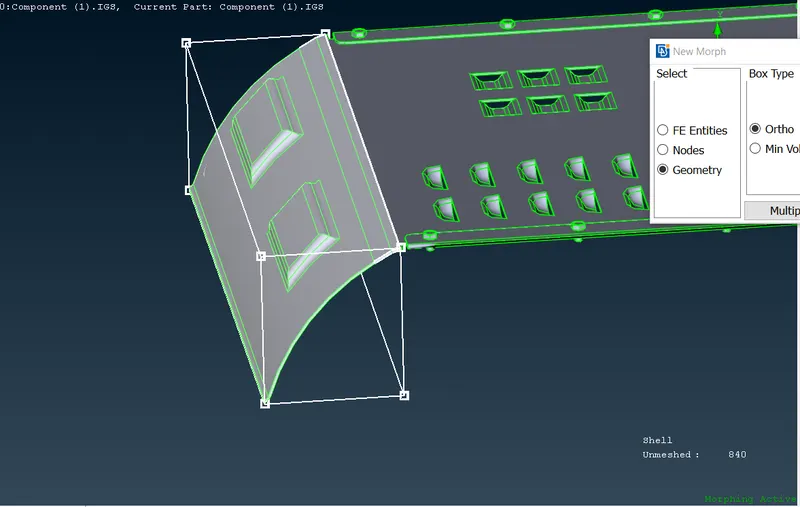
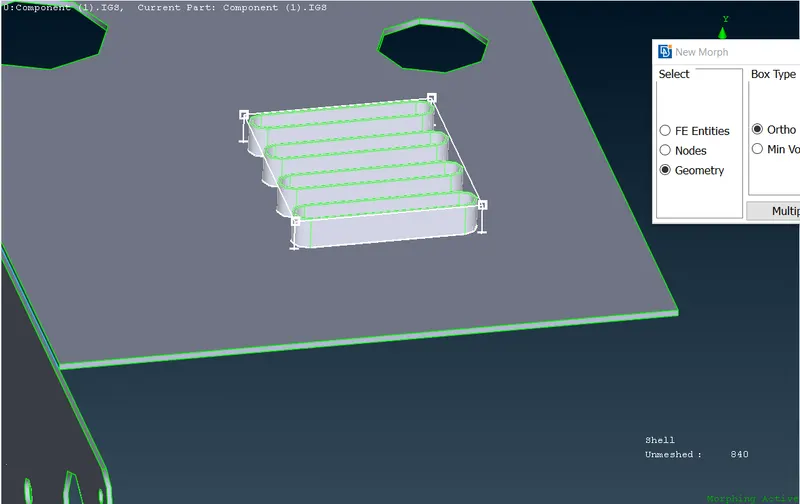
By doing this a wireframe box is generated.
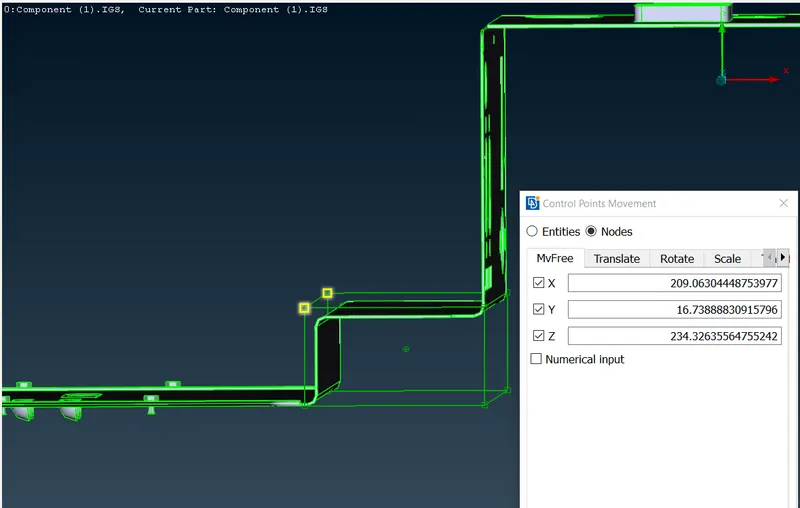
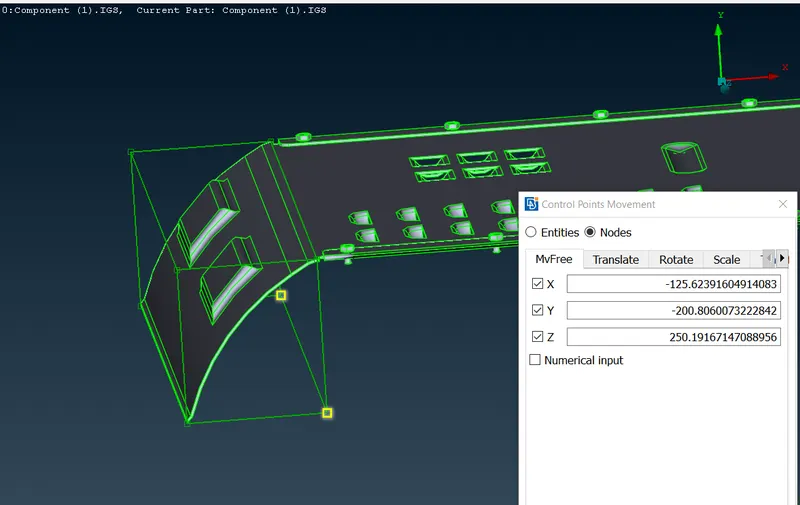
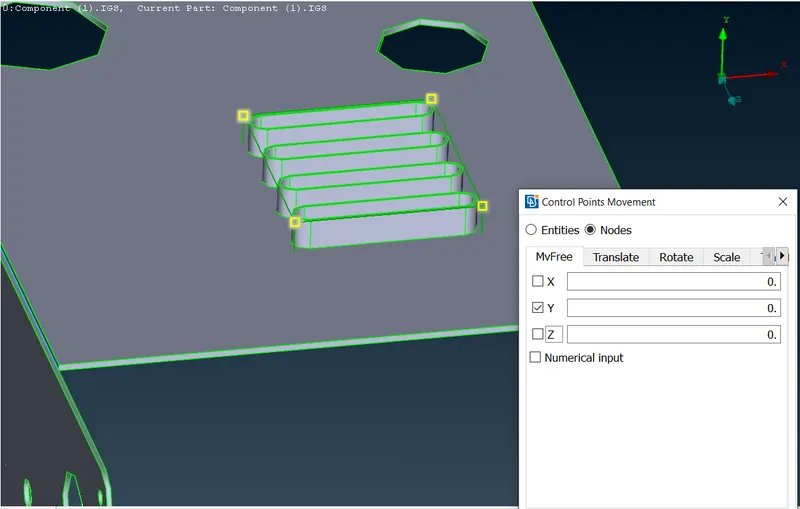
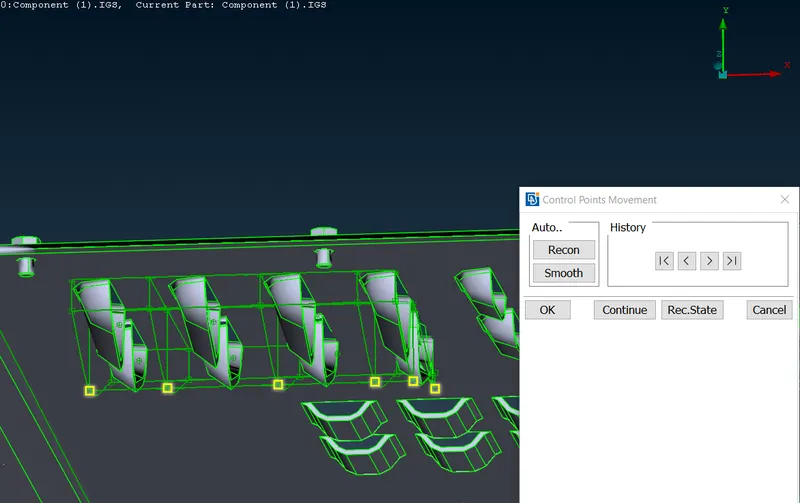
using this the height, shape of the feature is changed by selecting a node of the box amd using Classic Mesh -> Box morphing -> move
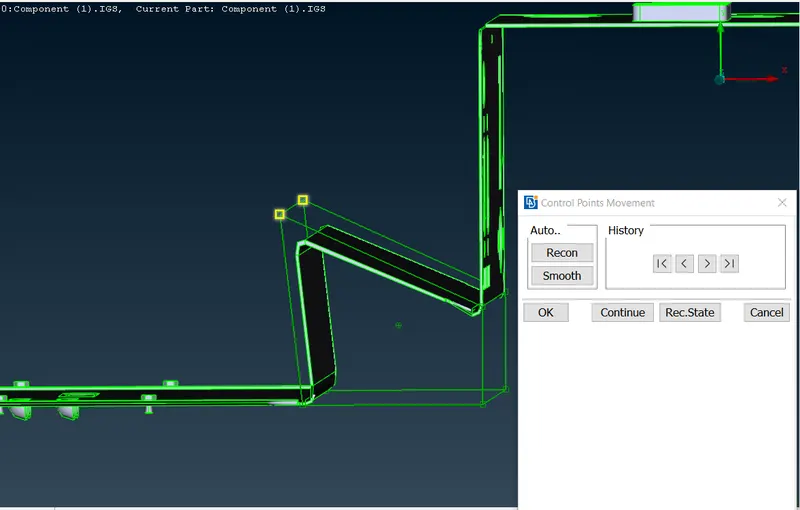
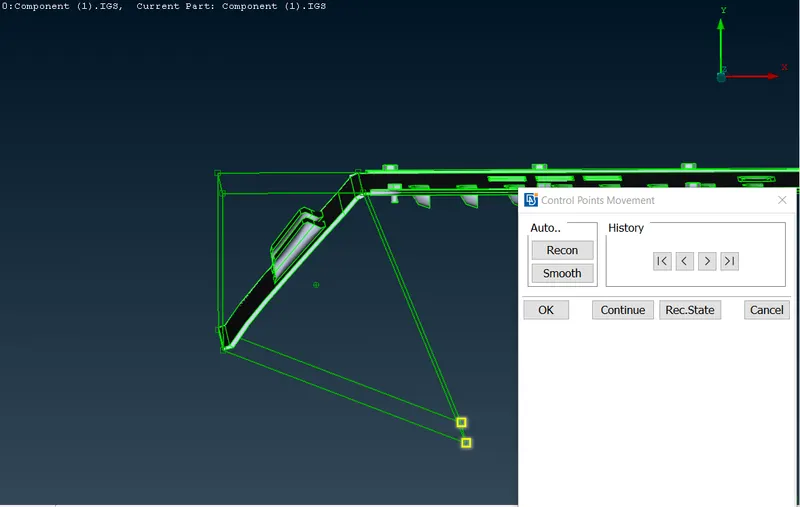
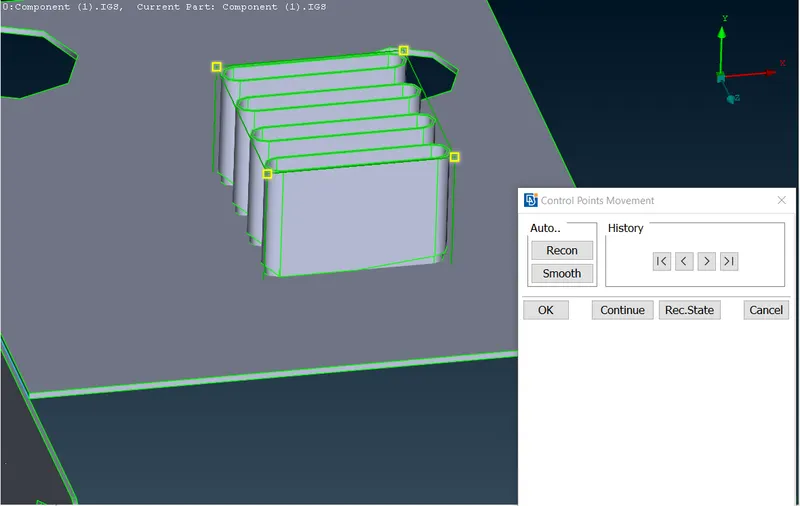
By selecting specific X, Y or Z the shape can be changed to specific.
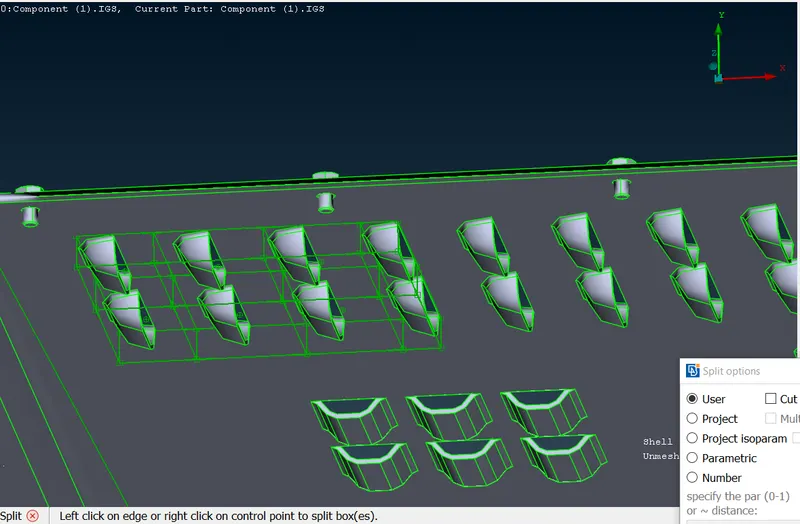
2) Using single box might take some time and instead of that we can split a big box into small boxes using
Calssic Mesh -> Boxes -> Split
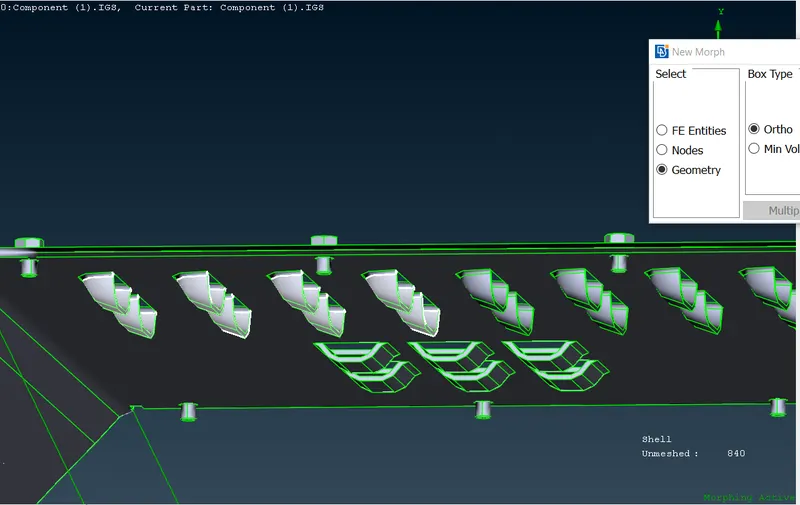
Next
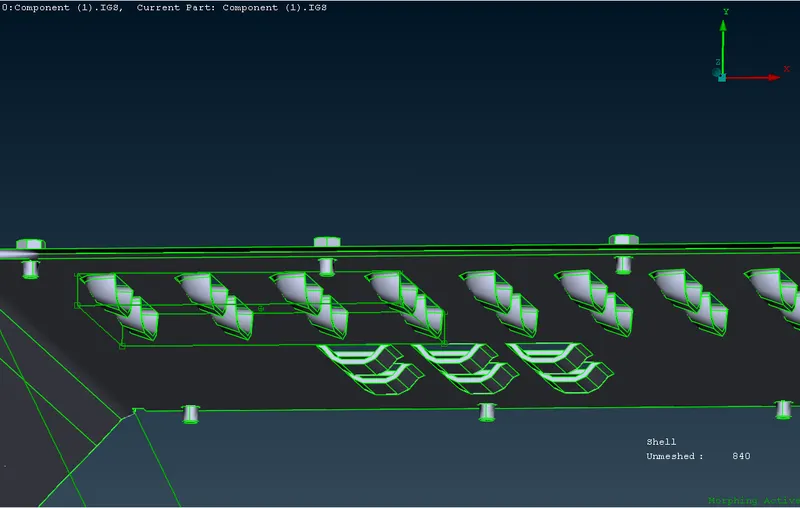
Splitting
shaping with minute controls
Model 2 Morphing
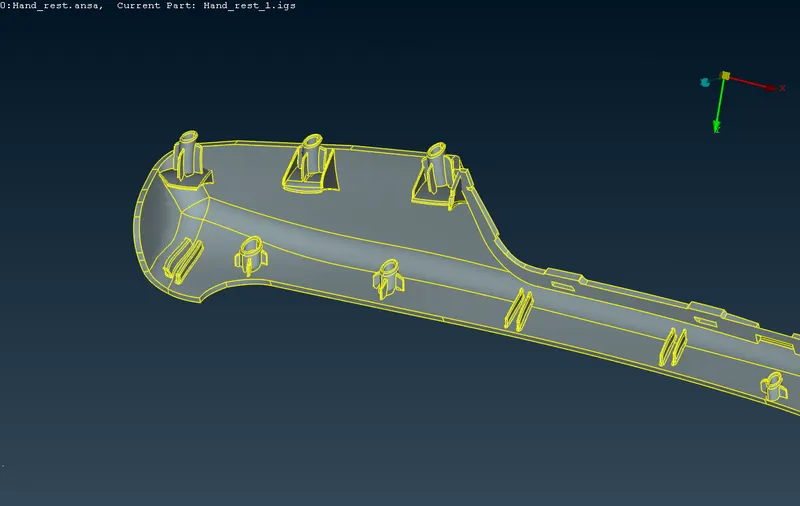
Aim: Increasing height of the dog house and ribs by morphing on the given model 2
Given model:
model 2:
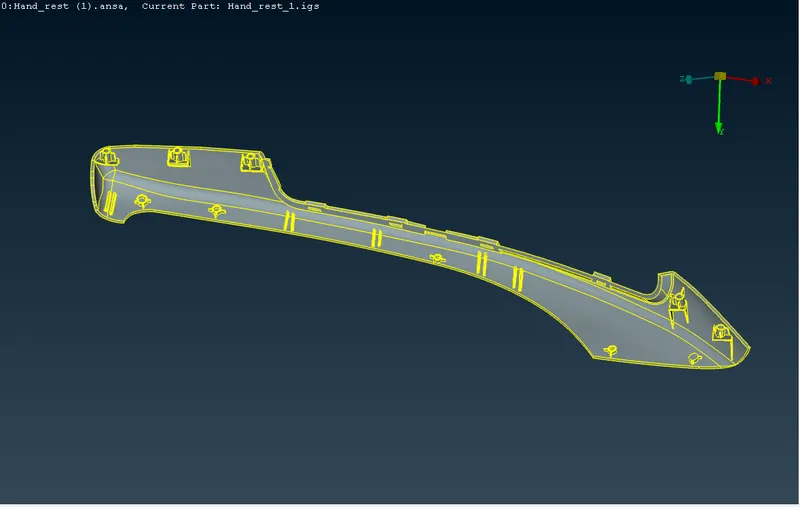
Procedure:
For increasing the height of the dog house and ribs in the given model there are various ways.
Of which, we are following free-free morphing method, where for the morphing area, a box is generated and the box dimensions are increased.
For creating the box we use Classic Morph -> Boxes -> New -> Ortho
and select the faces for which morphing to be performed
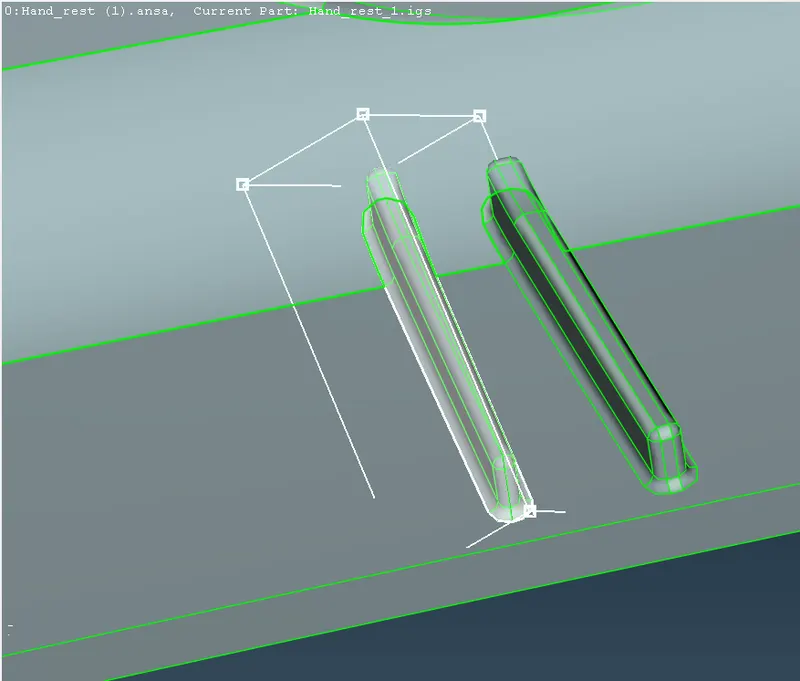
After confirming the area/faces, a box is generated with global axis.
For increasing the size, we use Classic Morph -> Box Morphing -> move
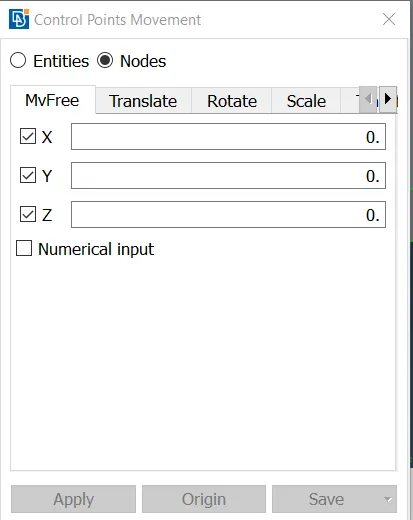
Then selecting the nodes on the box we can give the values of x, y, z to cahnge the shape
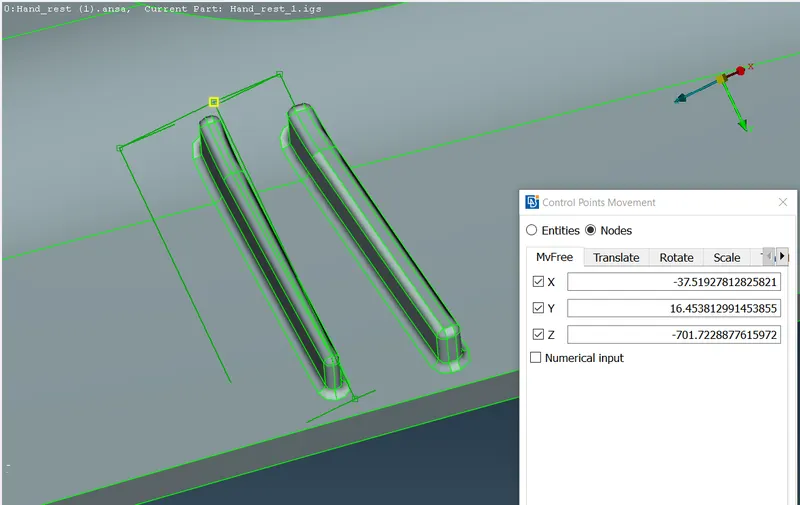
Similarly the height of the robs and dog house are increased.
Component after increasing the heights of the ribs and dog houses is shown below.
Applications of Morphing in various Industries
In entertainment Industry for morphing pictures, videos, animation..etc
In automotive industry for redesigning parts of vehicle outer casing..etc
In aircraft industry for redesigning the airfoil shapes, span..etc