Week- 5 - Solid meshing
Week 5 Challenge: Solid Meshing
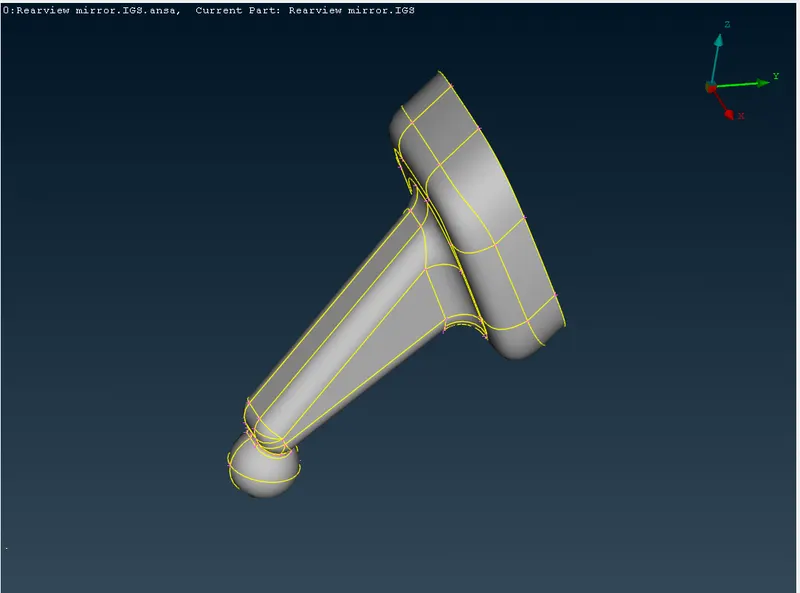
Aim: Checking the given Rearview Mirror model for geometrical errors and tetra meshing of the model with the given mesh quality criteria.
Given model: Rearview Mirror model
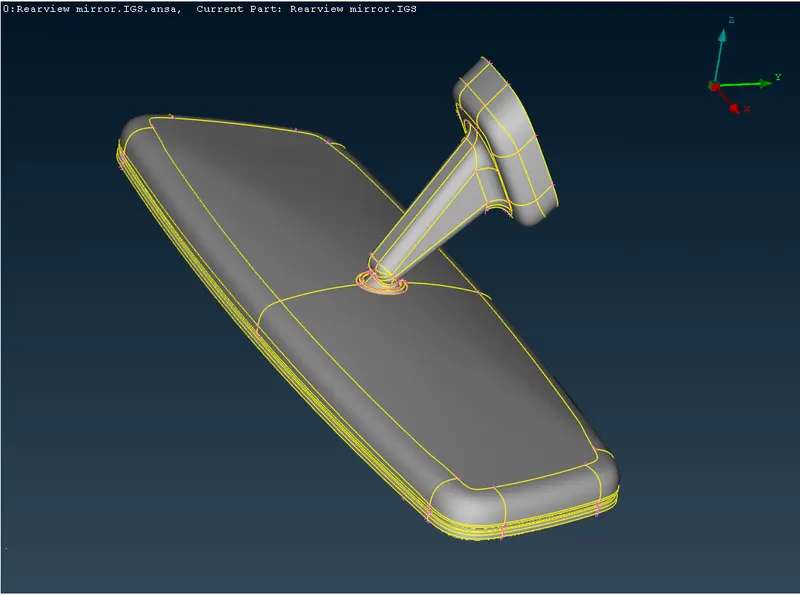
Parts include in the model:
1.
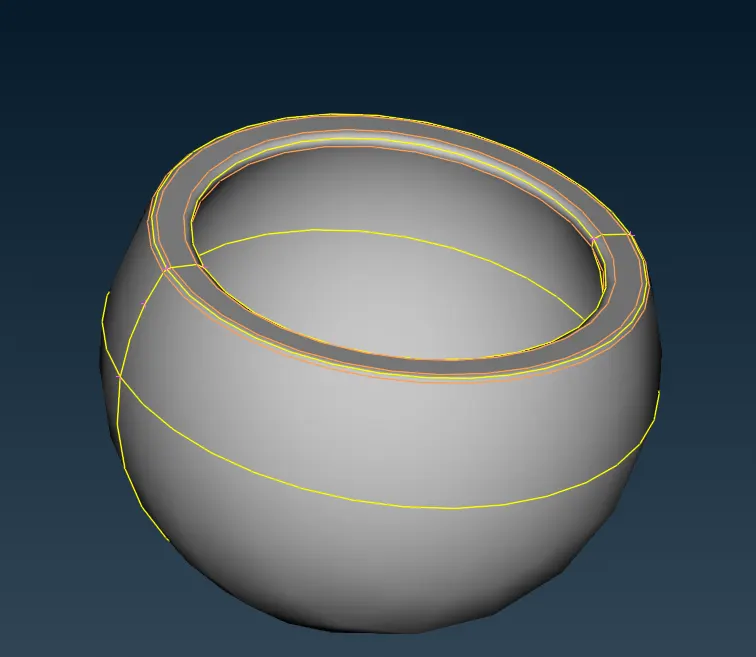
2.
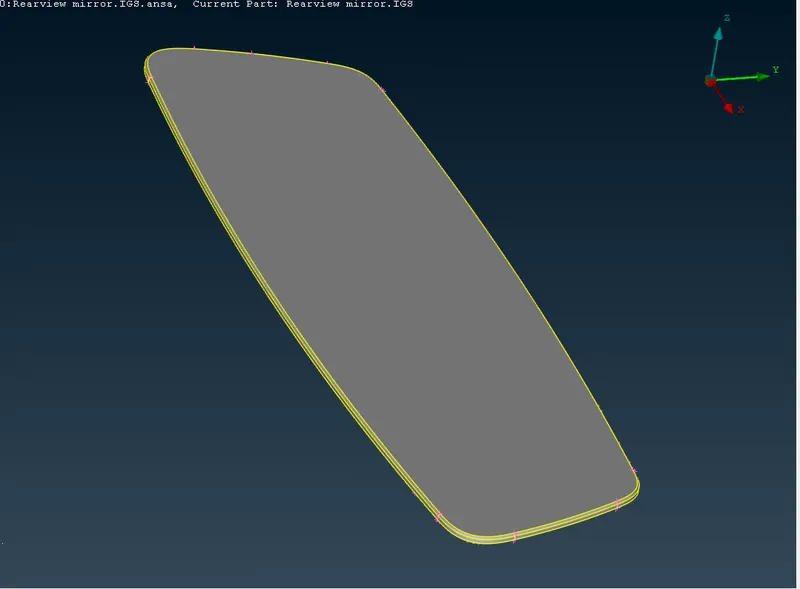
3.
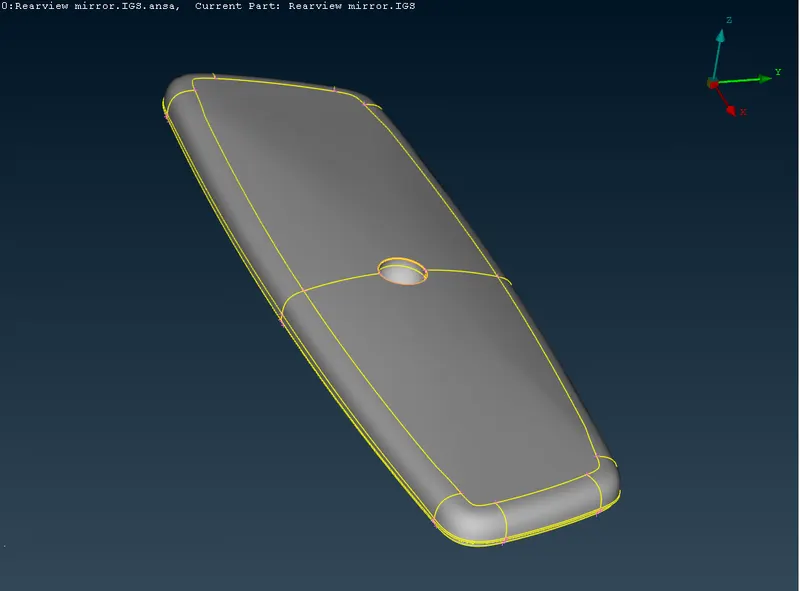
4.
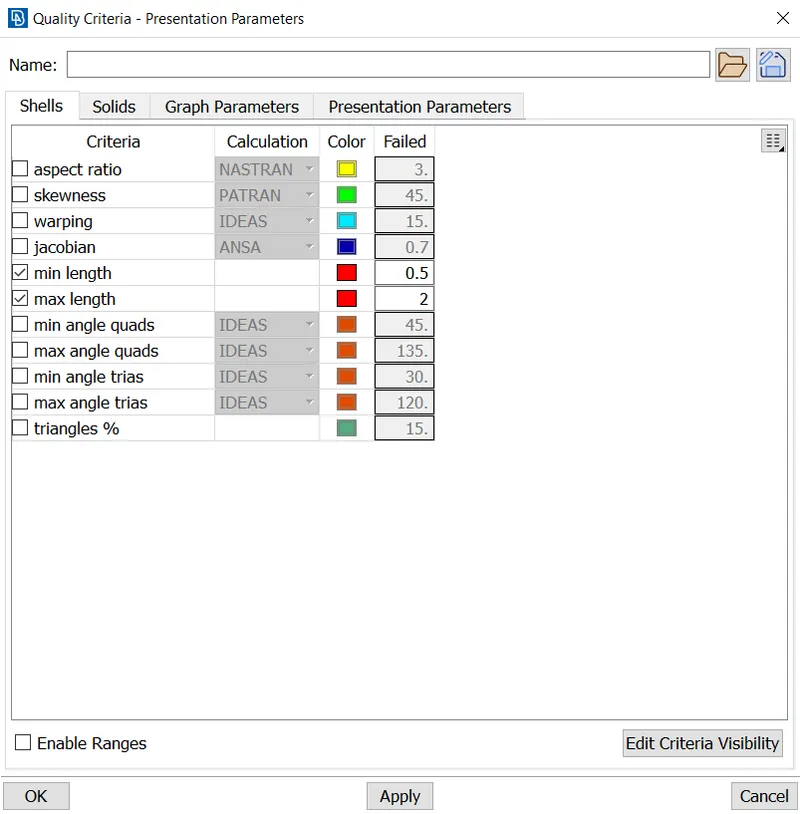
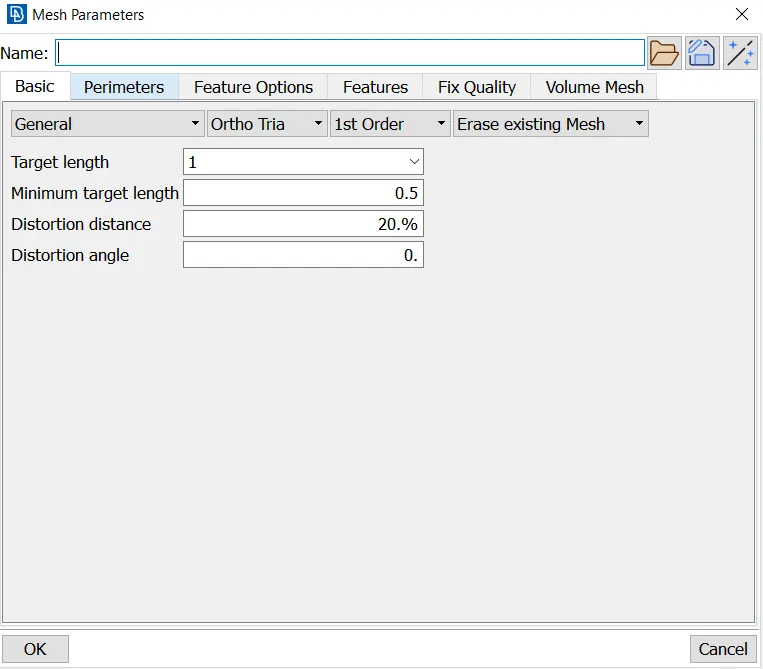
Given 2D mesh Quality criteria:
|
S.No |
Quality Criteria |
Value |
|
1 |
Target Length |
1 |
|
2 |
Minimum Length |
0.5 |
|
3 |
Maximum Length |
2 |
|
4 |
Aspect Ratio |
3 |
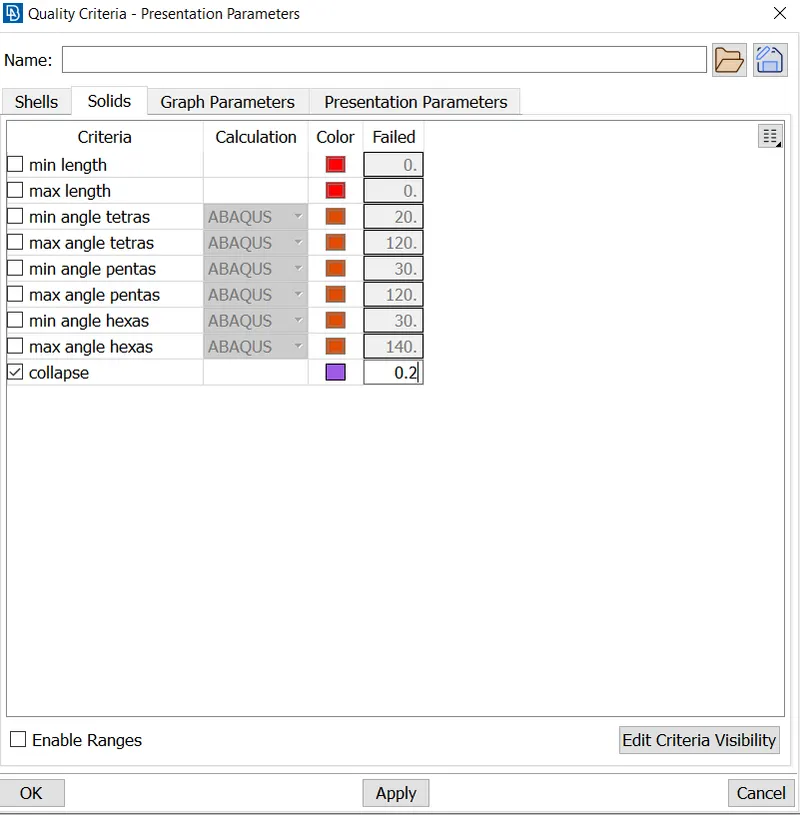
Given Solid mesh Quality criteria:
|
S.No |
Quality Criteria |
Value |
|
1 |
Tet Collapse |
0.2 |
Procedure steps followed:
- Checking for Geometrical errors and fixing them for all different parts
- Fixing the given 2D mesh quality criteria
- Checking areas for quality failure and fixing them
- 2D Meshing of all the parts
- Define volumes for seperate parts
- Solid meshing using unstructured (tetra) mesh for all the volumes
Procedure:
- Checking for Geometrical errors and fixing them for all different parts
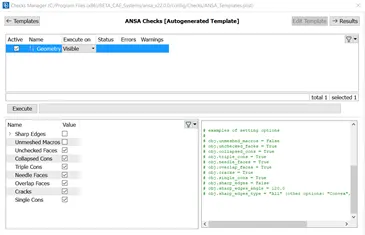
After importing the given hood model into ANSA, checking for geometry cleanup is done from
Tools -> Checks -> Geometry
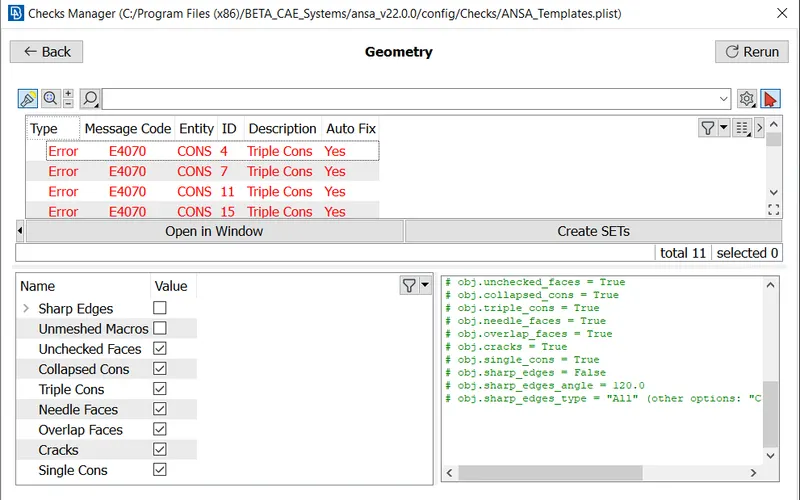
Before Executing Geometry check After Executing Geometry check
After Geometry cleanup
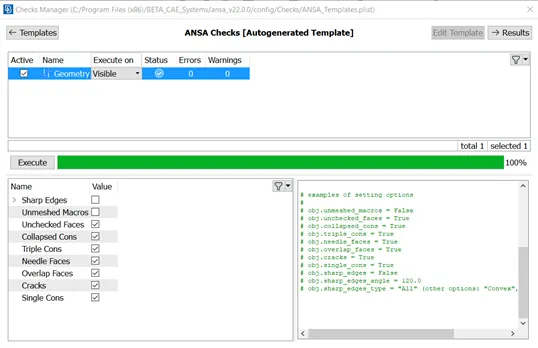
These errors are solved by Auto fixing them through clicking on actions icon -> Fix
- Fixing the given 2D mesh quality criteria
Utilities -> Quality criteria
2D mesh Quality Criteria Solid mesh Quality Criteria
Mesh Parameters
3. Checking areas for quality failure and fixing them
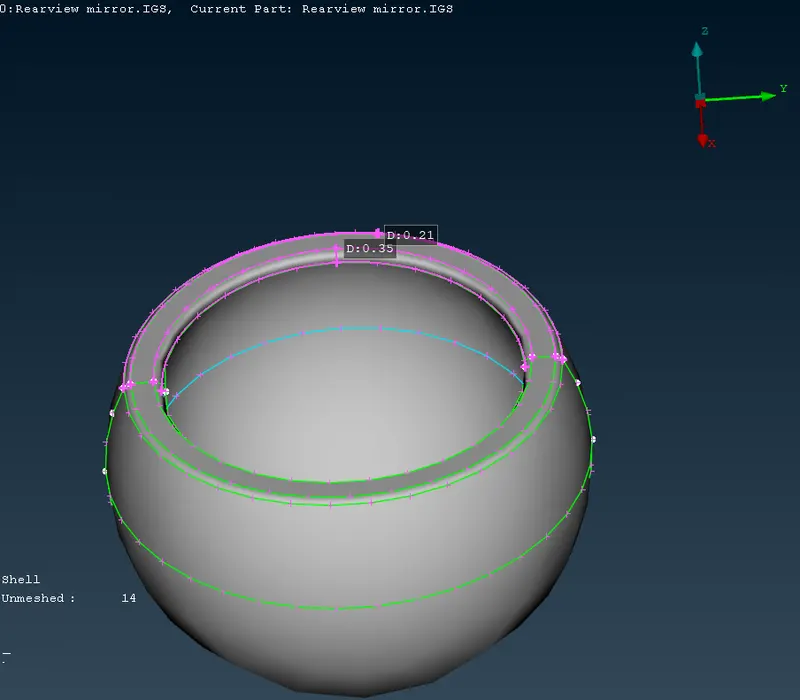
Since the value is less the minimum value, the mesh quality fails in these areas and so by suppressing the cons and create new con using ‘curves-> Middle’ and then 'Cons -> Project' option.
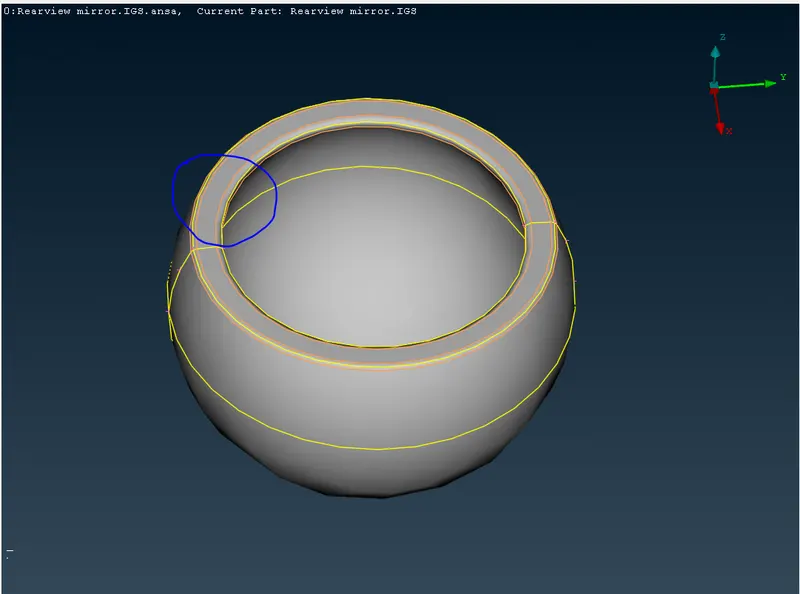
Now the quality is in acceptable range.
4. 2D Meshing of surfaces of all the parts
After defeaturing is done, we can proceed to meshing.
Since we are meshing for unstructured mesh, 2D meshing is done using Ortho/tria or tria elements using
'Mesh generation -> Spot Mesh'
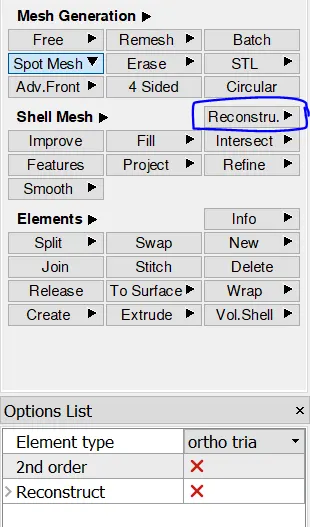
By using these 2 options from mesh module, the 2D meshing of components is done.
2D Meshing of part 1:
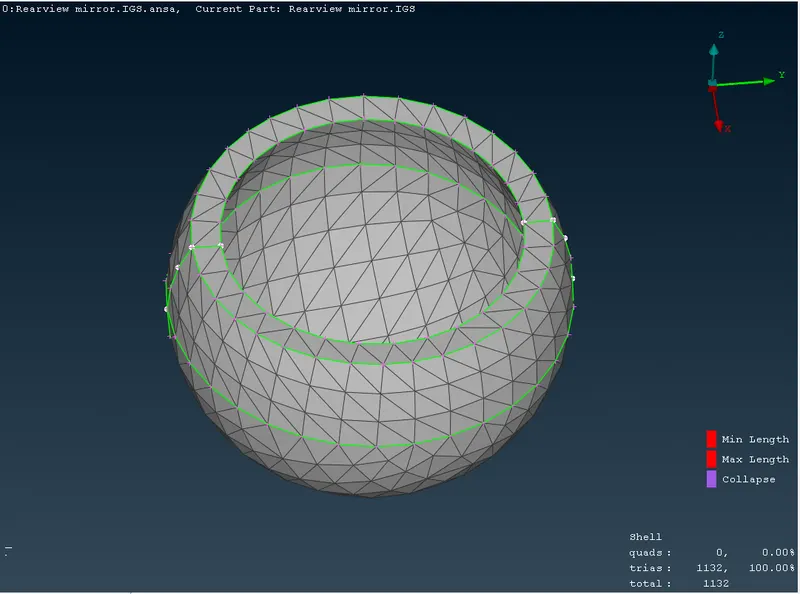
2D Meshing of part 2:
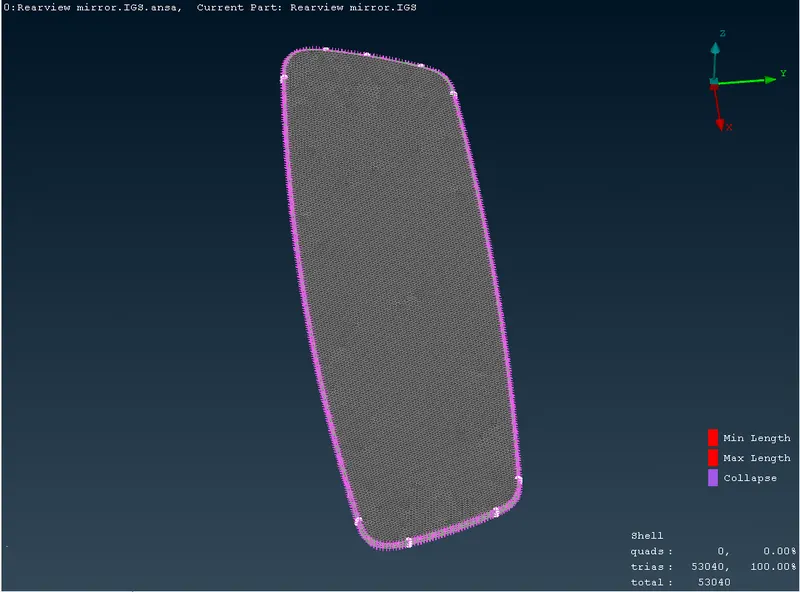
2D Meshing of part 3:
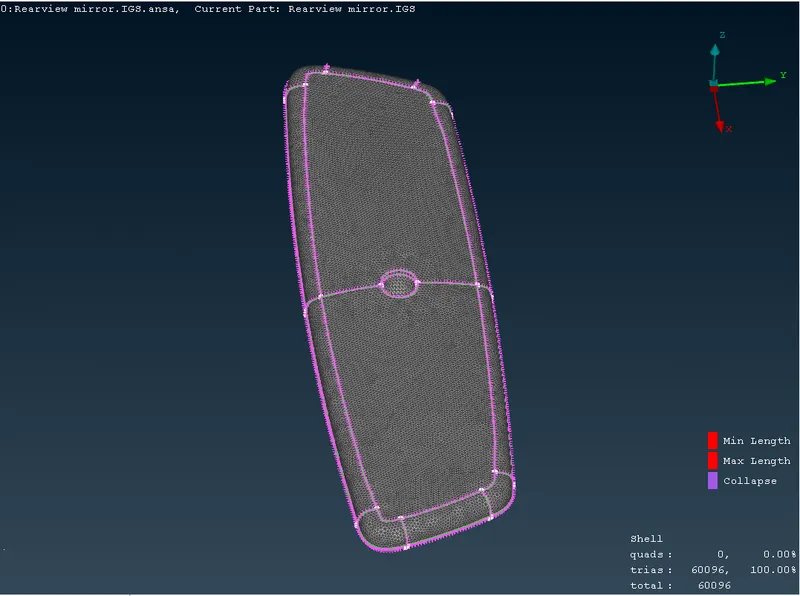
2D Meshing of part 4:
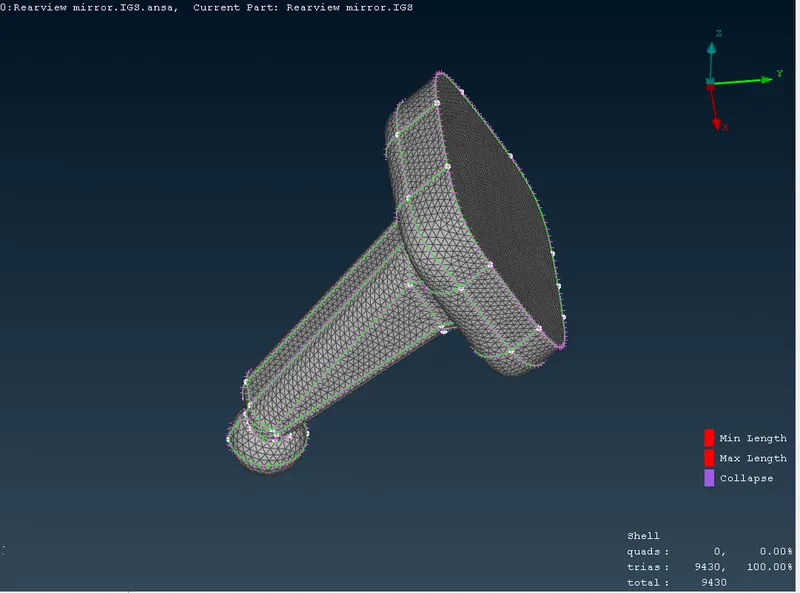
Complete Surfaces 2D meshing of Rear view Mirror model:
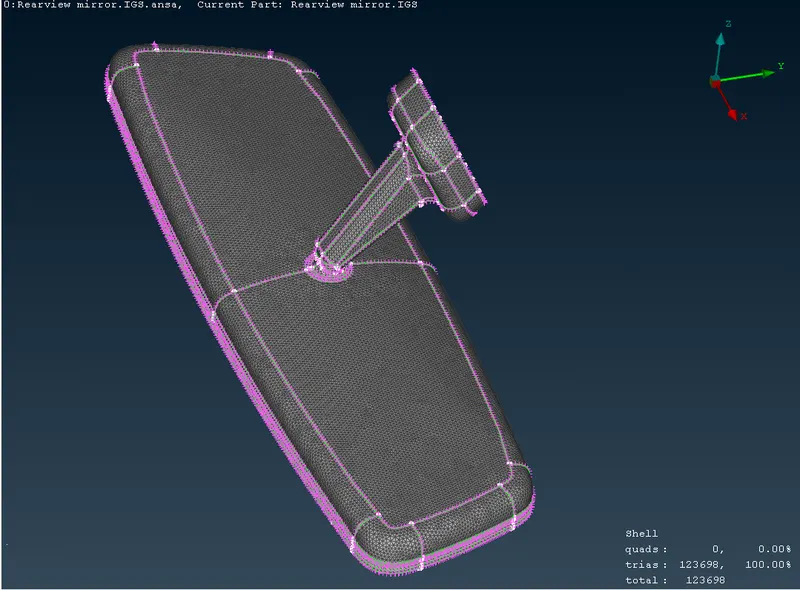
5. Define volumes for seperate parts
Before going for Solid Meshing we need to define the volumes as solid meshing is done only for closed volumes.
This defining can be done using 'Volumes -> Define'
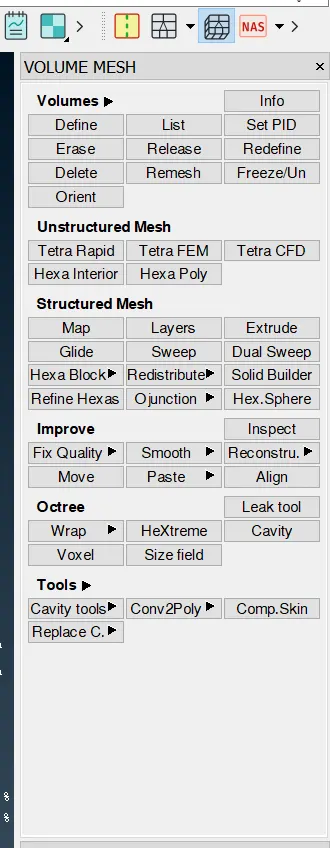
Assigning different PID for different volumes.
These defined volumes can be seen in 'Volumes -> list'
6. Solid meshing using unstructured (tetra) mesh for all the volumes
After defining the volumes we can now perform Solid meshing using 'Unstructured Mesh -> Tetra FEM' and selecting the volume
Solid Meshing of Part 1:
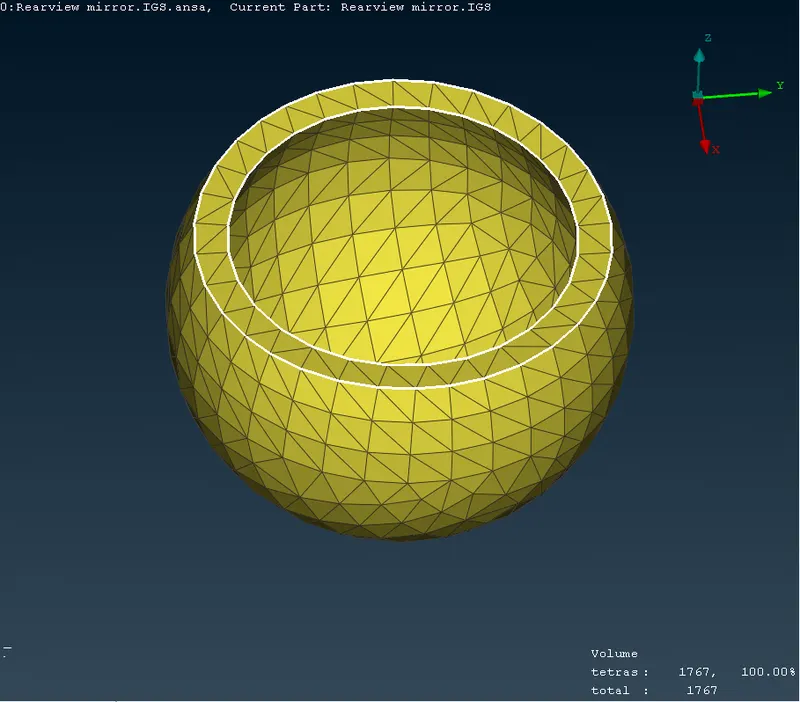
Solid Meshing of Part 2:
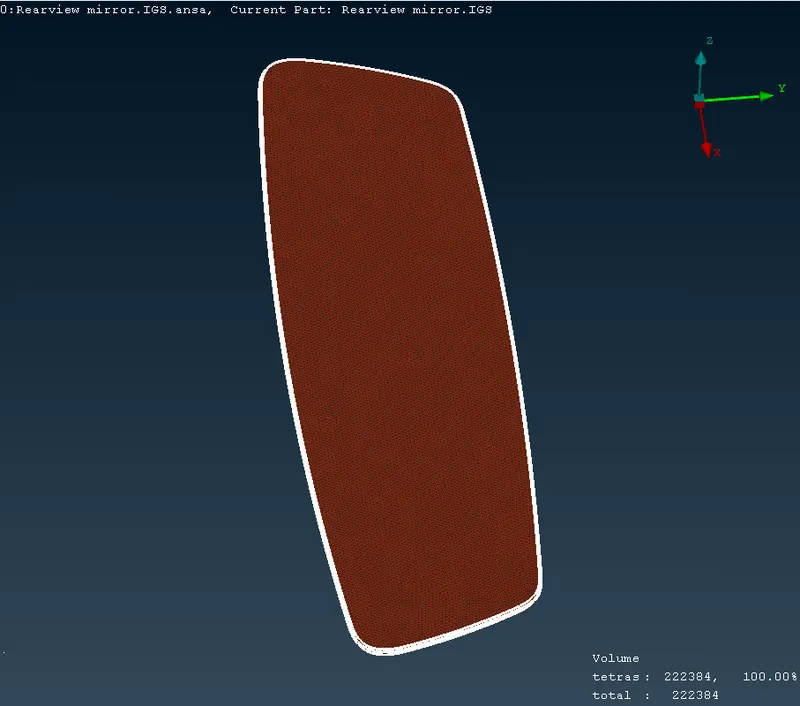
Solid Meshing of Part 3:
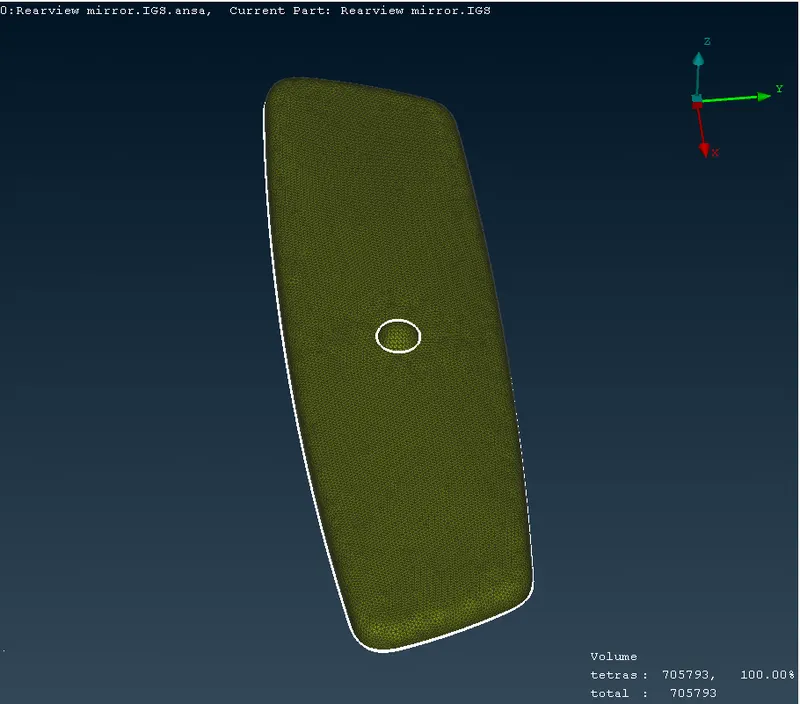
Solid Meshing of Part 4:
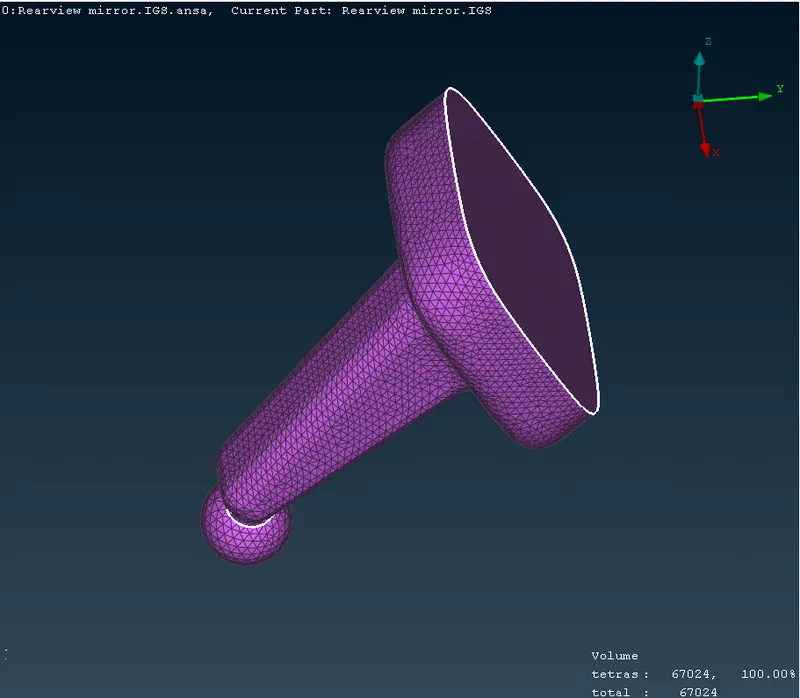
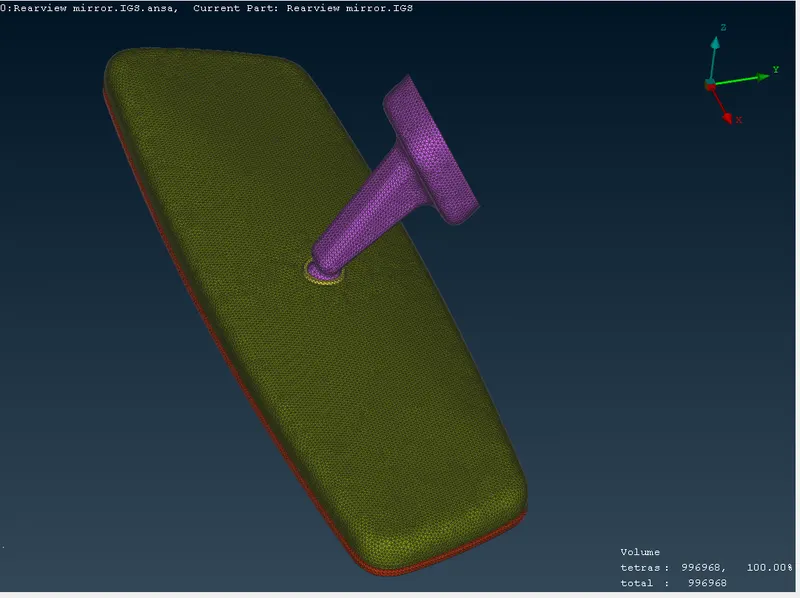
Complete Rear view Mirror model after Solid Meshing
Learning Outcomes:
- Cleaning of Geometry.
- Meshing of component using Spot mesh Algorithm and using different 2D elements (tria, Ortho/tria).
- Defining volumes and Unstructured Solid meshing.
Conclusion:
Geometry cleanup and Solid tetra meshing of given Rear view Mirror model is done using ANSA v22.0