Week - 8 - Morphing
AIM
To practice all the morphing techniques with the given component.
MORPHING
A method for changing the shape of a meshed surface while preserving the topology. Only node positions are updated. The basic idea of mesh morphing is to adapt a new shape for the part to be studied by updating nodal positions while keeping the same topology, i.e. leaving the element and node count unaffected. A good morpher should carefully capture the desired modifications at controlled surfaces while preserving mesh quality that is good enough to enable reliable solution of the numerical model.
ANSA encompasses a full – fledged Morphing menu which is completely integrated with ANSA’s interface and doesn’t require any additional module installations or licenses. The functions of the Morphing menu can be used to efficiently re-shape both FE and/or Geometry based models.
Example for Morphing, HONDA Amaze and HONDA Brio are best exaple for morphing work in industry.HONDA Amaze is sedan version of Brio. Like this many xammples are there. SUZUKI Shift and FORD Figo. ETIOS Liva and ETIOS. HYUNDAI I10 and HYUNDAI Xcent are some other best examples for morphing process in industries.
1. Domain or Box Morphing
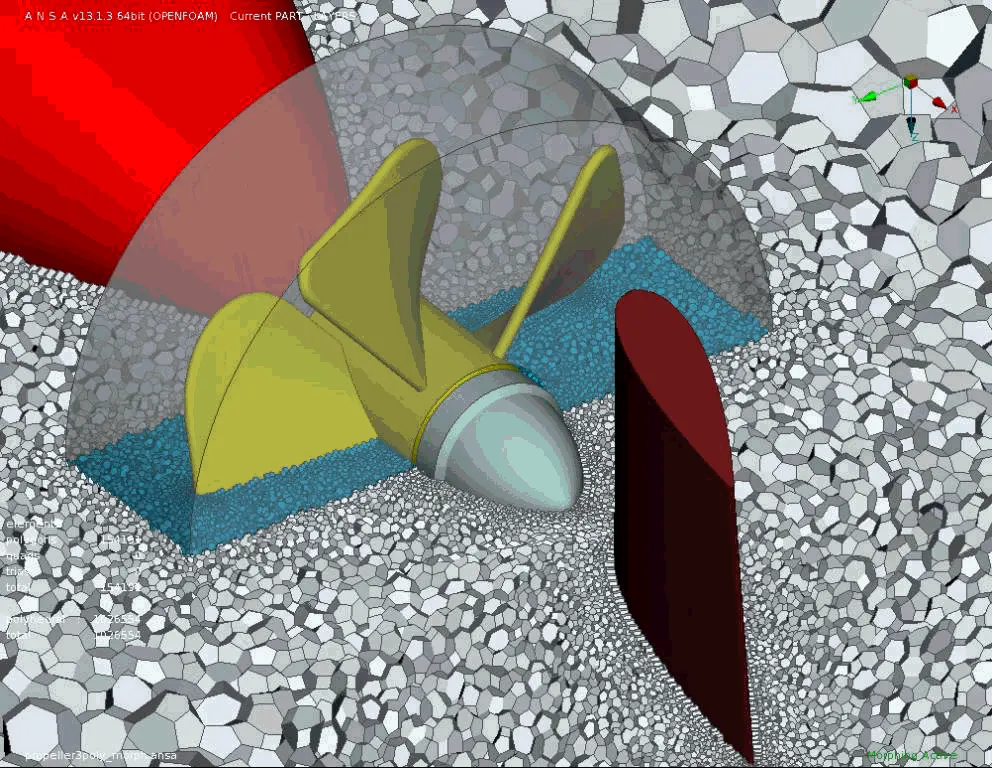
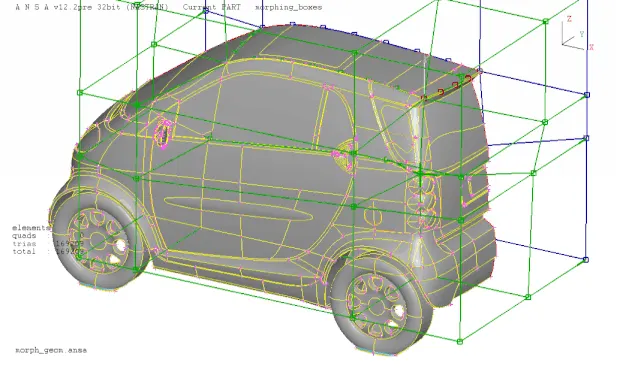
Domain or Box Morphing is preformed via boxes that are created around a particular part or assembly that the user intends to morph. The movement of the Morphing boxes control points defines the morphing operations on the entities inside the Morph box. This type of Morphing can be applied to both FE and Geometry based models.
2. Direct Morphing
ANSA’s Direct morphing features gives the user the ability to efficiently modify a part locally without having to create Morphing boxes. This method is extremely useful in creating local modifications on single parts. Creation of depressions, surface fitting certain FE part features to new target geometry, moving selected features along the contour of a surface and also the ability to freeze (rigid) elements during the morphing process are some of the direct morphing abilities.
3. Parametric Morphing
The desired morphing actions can be saved as parameters which can be accessed in batch mode. Users can enforce desired shape changes by changing numerical input value for the appropriate parameter. This method of morphing is highly utilized for coupling of the morphing operations to an external optimizer.
4. Geometric Morphing
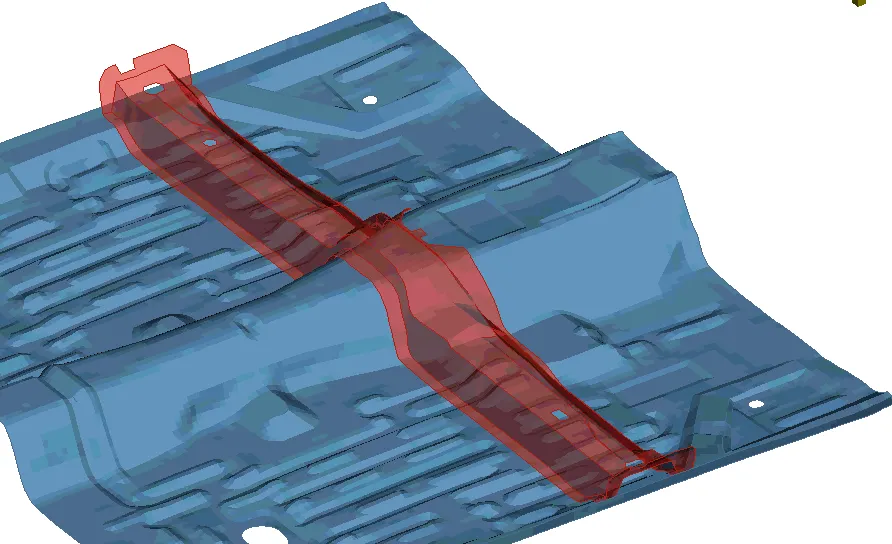
ANSA brings to the CAE world its ‘one – of – a kind’ tool for CAD geometry morphing. This pioneering concept allows the user to utilize the inventory of all the familiar FE morphing functions to perform equivalent operations in a CAD environment on geometric entities.
PROCEDURE
- Given component is imported in ANSA and the geometry is cleaned and topo is done.
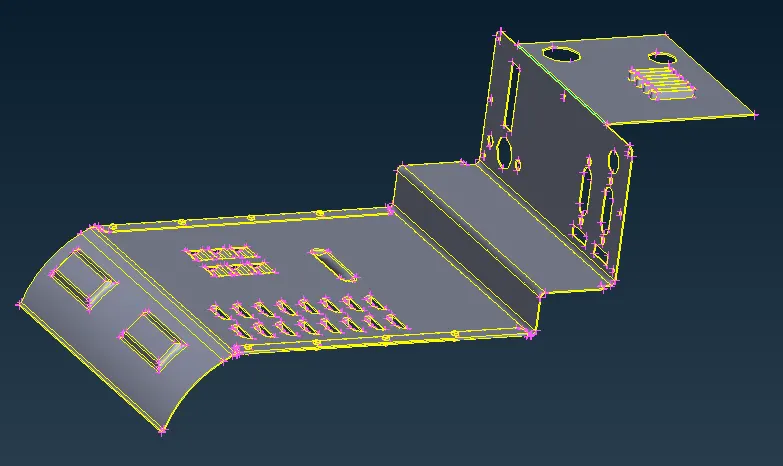
- Morphing is done in many ways, here we are going to use Free Free morphing. In MORPH deck, under Boxes section select new. Under New select Geometry and Box type as Ortho.
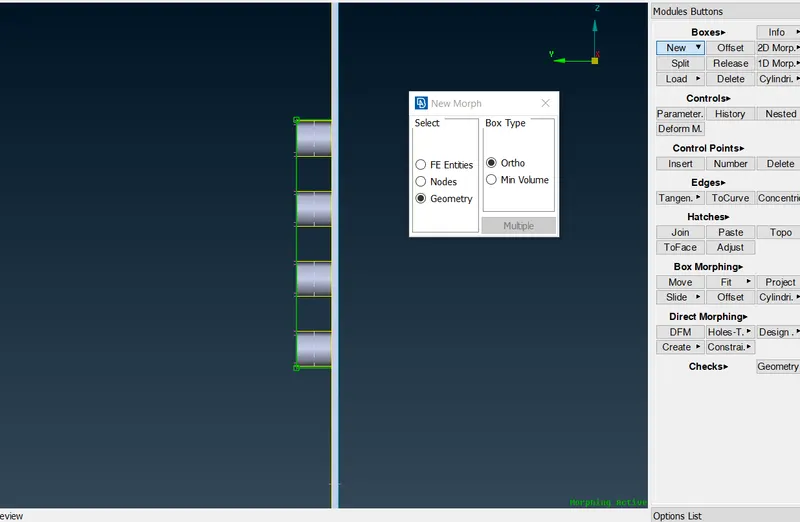
- Select the areas to be morphed using this method. A Box selection will be made.
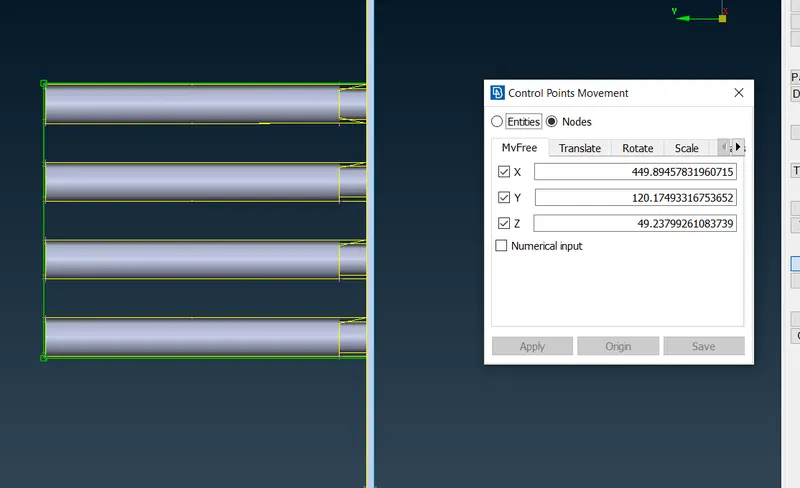
- Under Box Morphing in Morph deck, Move option is selected to move the coordinates of the box. The axis is given were we can enable or diable inorder to our requirements.
- Like this the process is carried over in all the areas where it all required.
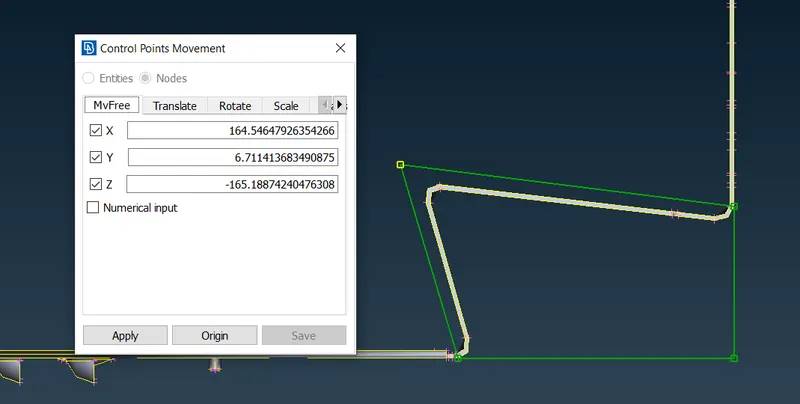
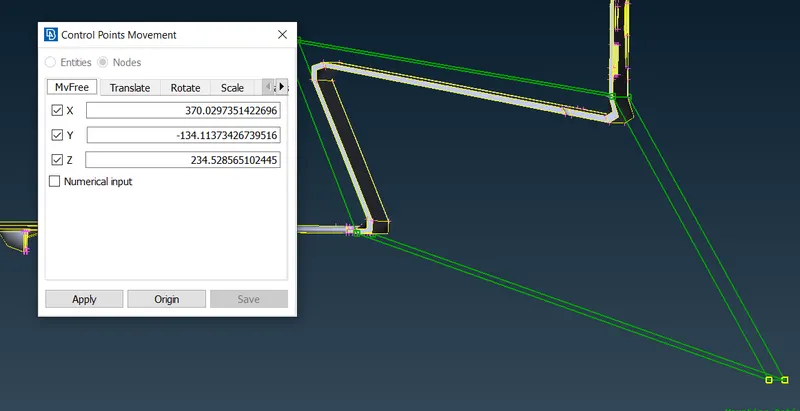
- This Box selection can be split upto into many segments for that under Boxes section in Morph Deck, SPLIT is selected and the box is split to make small and accurate changes.
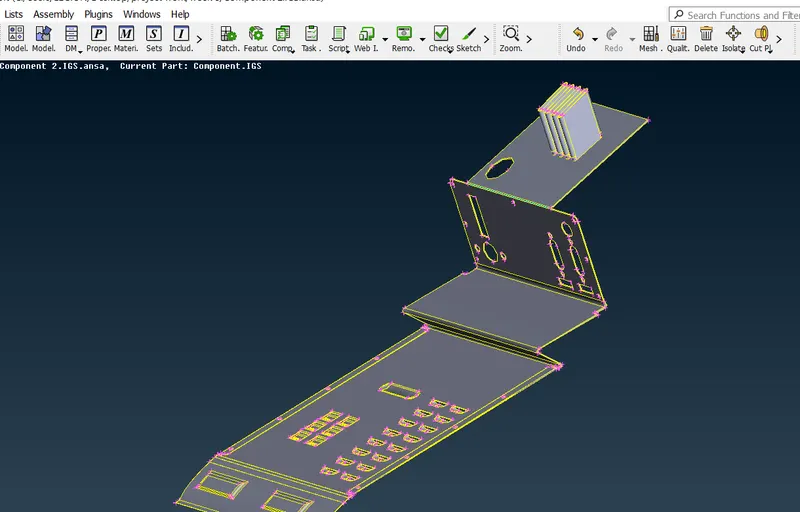
The complete morphed model is shown above.
LEARNING OUTCOME
- understood concept of morphing.
- used box morph,generated splits,moved the model in different coordinates.
- used different tools in ANSA to transform the given geometry.
CONCLUSION
in this challange I have succesfully imported the model and did geometry clean up with no errors.i have successfully created the box morph and divided it by using split..i have moved them in different directions.also read about some real life morphed designs releated to industry.