Week 3
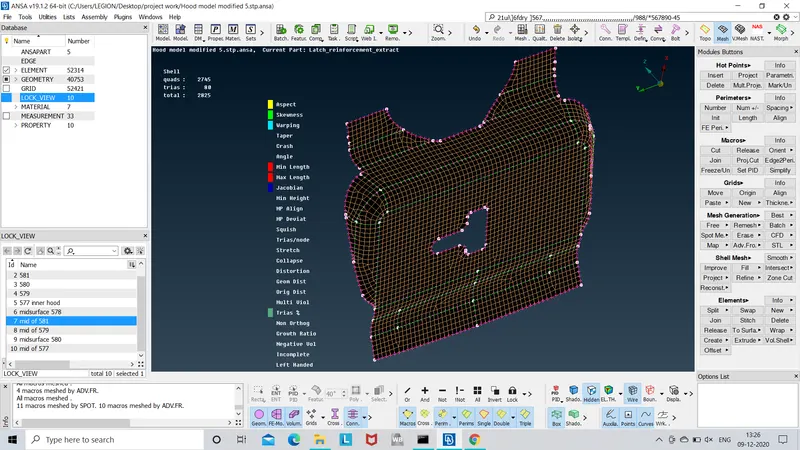
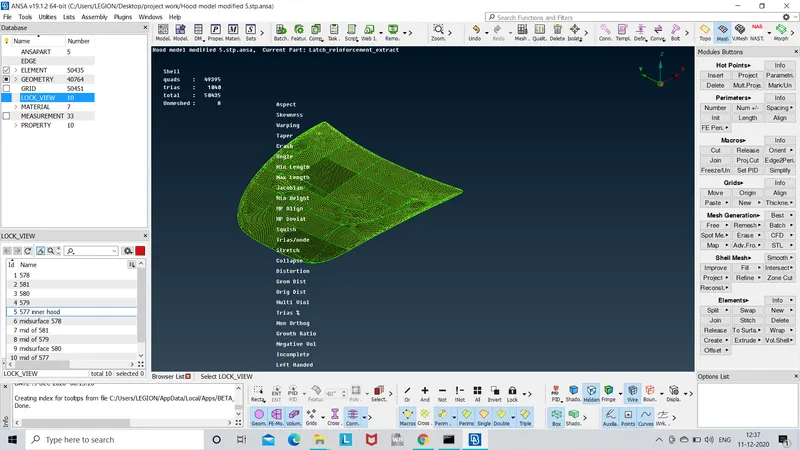
AIM:-for the given component checking geometrical errors and meshing the model according to the given quality criteria.
S.No
Quality Criteria
Value
1 Target/Average length 5
2 Minimum Length 2
3 Maximum Length 7
4 Aspect 3
5 Warpage 15
6 Skewness 45
7 Jacobian 0.7
8 Minimum Quad Angle 45
9 Maximum Quad Angle 135
10 Minimum Tria Angle 30
11Maximum Tria Angle 120
10 Tria Percentage 15
Procedure:-
- after downloading the file,the model should be checked for the geometry first if this is ok then midsurface is to be extracted.
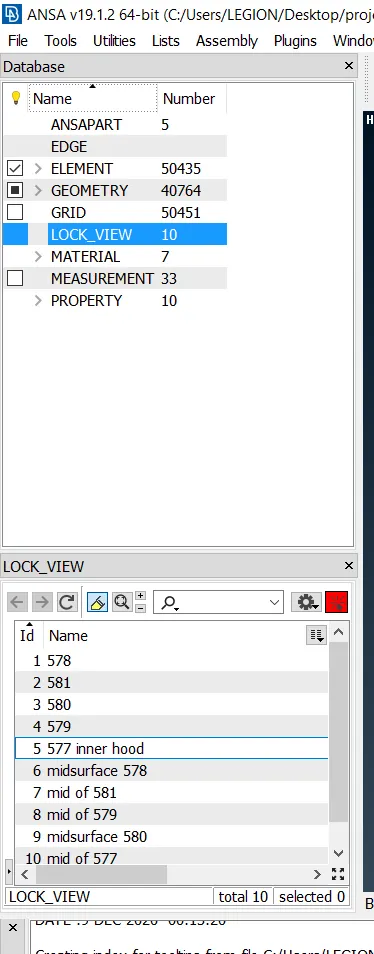
- the model consists of 5 main parts so for the better work with these parts we have to locked the parts seperately.
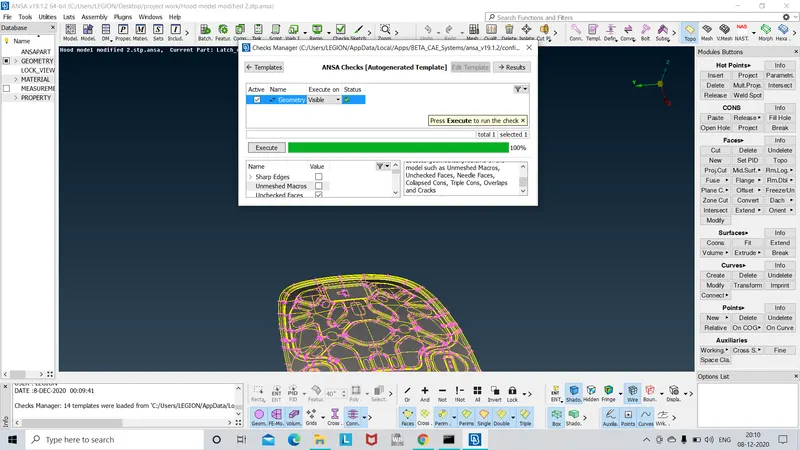
- taking the inner extract part first and the ckeks geometry using tools>checks>geometry and clicking on the geometrical problems such as unchecked macros,needle face,triple cons,single cons.by clicking the exwcute option find them if there is any mistakes.The mistakescan be fix by topo or manually.
- after clearing the error measures the thicknss randomely and mid surface extracted using topo>faces>offset>faces.selecting any one side of the face and giving the exact value of exact middle and creating the mid surface
- after creating mid surface the wole surface is stored in the lock view option using lock>store lock option.
- again the geometrical errors should be checked for the mid surface also and cleaned up.
- after clearing the mid surface errors the given quality criteria should be assigned to the model in the quality criteria tab using F11 option and give the parametrs such as min length ,max length values.
- using mesh option mesh generation>best>select,mesh has been created on the each surfaces one by one and for proper mesh using mesh generation >reconstruct>select,also if there is no good flow you can split the elements for that such as to elemaneted opposite trias,and use this shell mesh>smooth.
- while meshing you should be aware that all the mesh elements does not fail for quality criteria.
- other than above criteria the main thing is that there should be no opposite trua or tria should be present near edges or holes
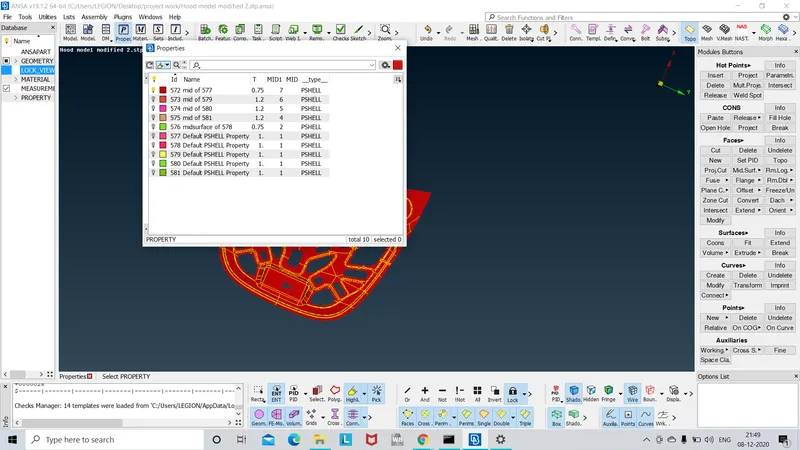
- after meshing you can give the thickness value to the pid by clicking right click on the properties tab>new>Pshell>giving the thickness>then press ok
Learning Outcomes:-
- after completing everything it gave me the idea off all the basic tools option for clean up ,extracting mid surface,mesh generation etc.
- procedure for creating the mesh from scratch.
- more importantly managing the time the most important thing i learned
Conclusion:-
as per given objective geometry clean up is done and as per quality criteria the mesh had been generated and thickness is assigned.