Week - 8 - Morphing
OBJECTIVE
- Practice all the Morphing techniques that were shown in the video for Model-1.
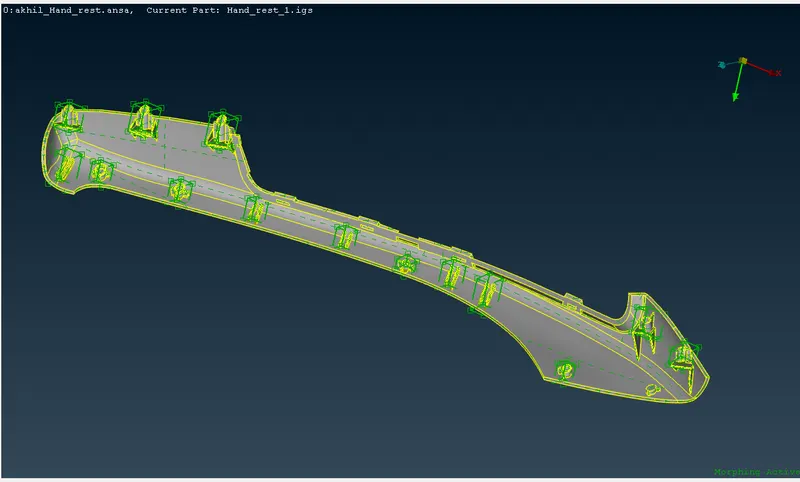
- Perform morphing for the Model-2 and Increase the Height of the Dog houses and Ribs.
PROCEDURE
- Open the model 1.
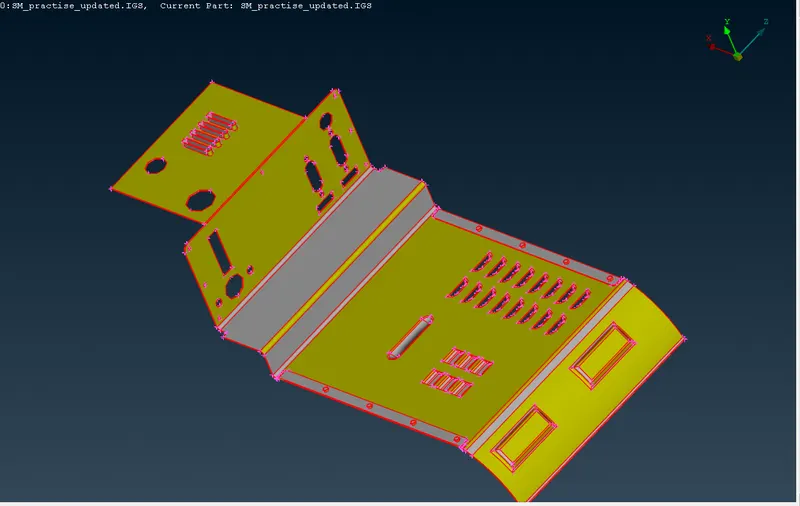
- Do topo.Go to geometry checks.
- Select single cons,triple cons,overlapped surfaces,unchecked surfaces and cracks. If any remove them automatically or manually.
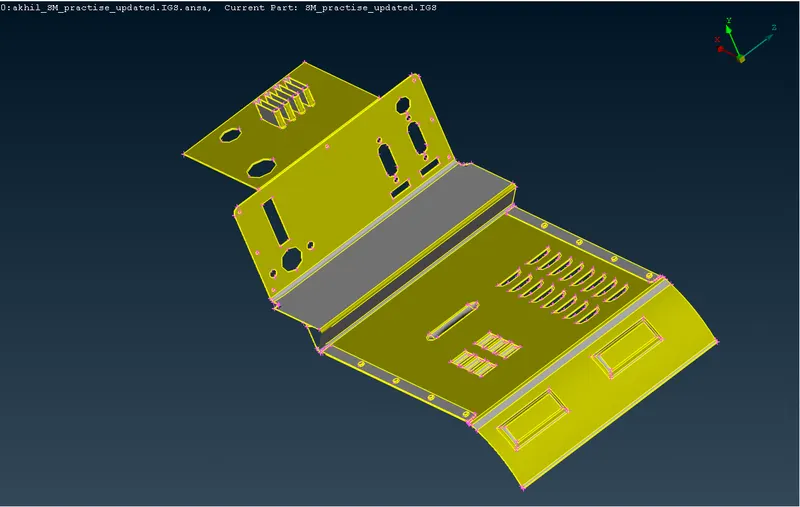
- Go to morph Deck.
- Go to boxes-new-ortho. Select the entities which we want to morph.Create morph box.
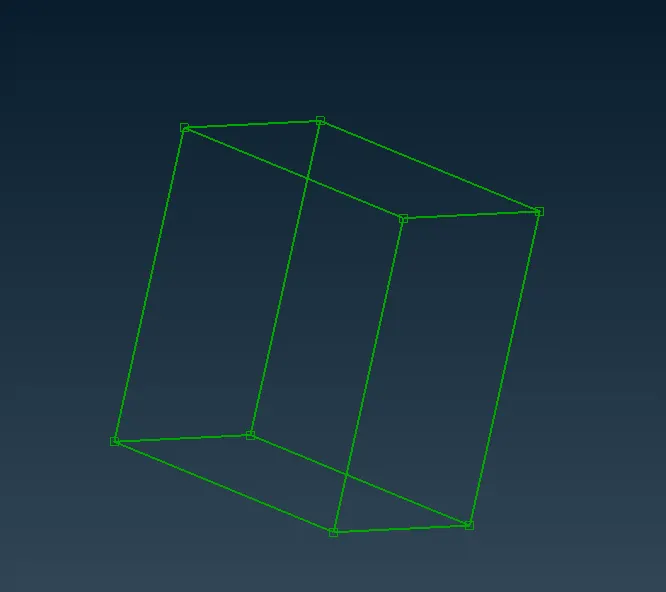
- Go to morph boxing- move. Move the entities to the required position.
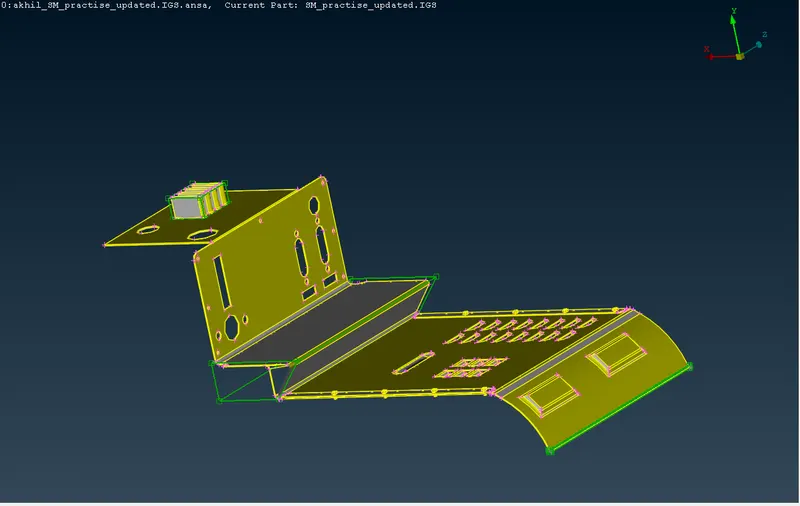
- Open model 2.Do geometry checks.
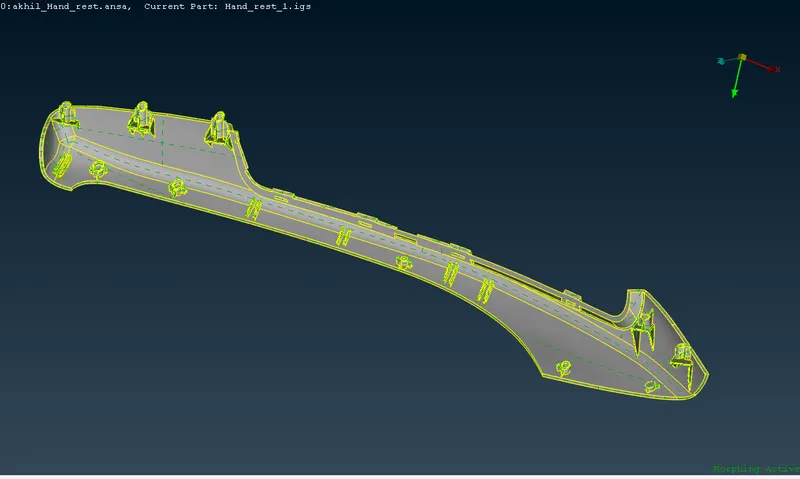
- Repeat the above procedure for doing morphing on dogs and ribs.
LEARNING OUTCOMES
- Understood how to do morphing and its basic tools.
RESULT
Performed morphing on the given two models.
CONCLUSIONS
Morphing is a very helpful tool used to change the design or shape of any component without any neumerical inputs.