Week - 8 - Morphing
AIM: To perform morphing operation on the given CAD models
PROCEDURE:
- Cleanup the geometry
- Creating new hexahedral morphing boxes
- Morph the geometry.
GEOMETRY CLEANUP:
The given CAD geomteries are initially checekd for any of the geometrical errors after giving topo. The errors deveoped are cleaned up using the auto fix command ehich eleminates most of the errors. rest of the errors are cleaned manually using various options such as releasing of cons and performing retopo on the single cons.
CREATING MORPHING BOXES:
Once the CAD geometry is cleaned, morphing boxes are created in the morph module by selecting the boxes --> new command. These boxes are created at the geometry here the design modification needs to be carried out. These boxes are mostly of hexahedral shape that consists of 8 nodes on all corners of the boxes. These nodes are used to morph the geometry associated with the respective morphing box.
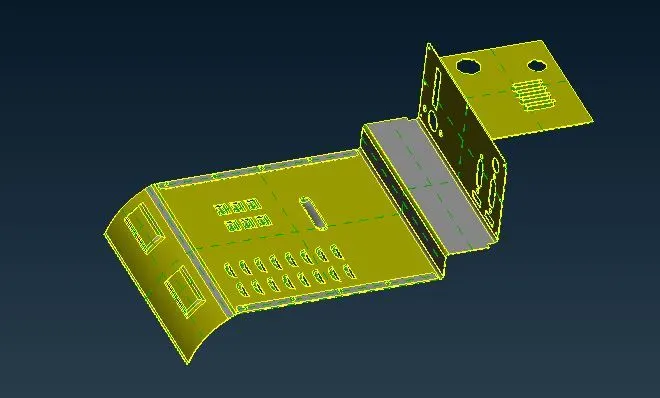
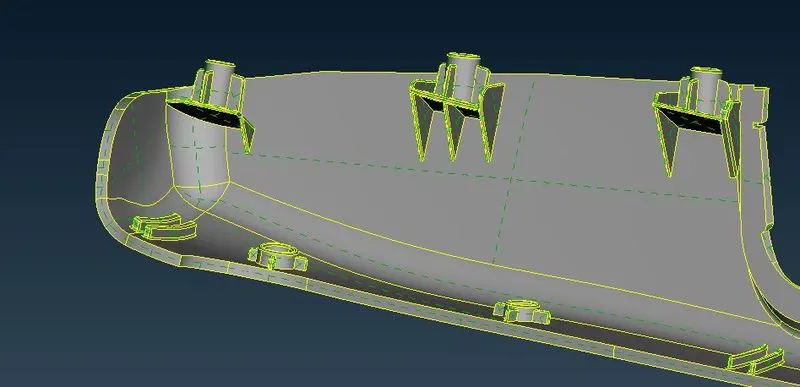
Component before morphing Hand rest before morphing
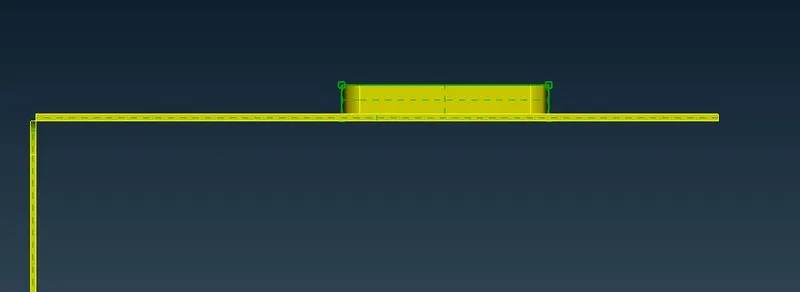
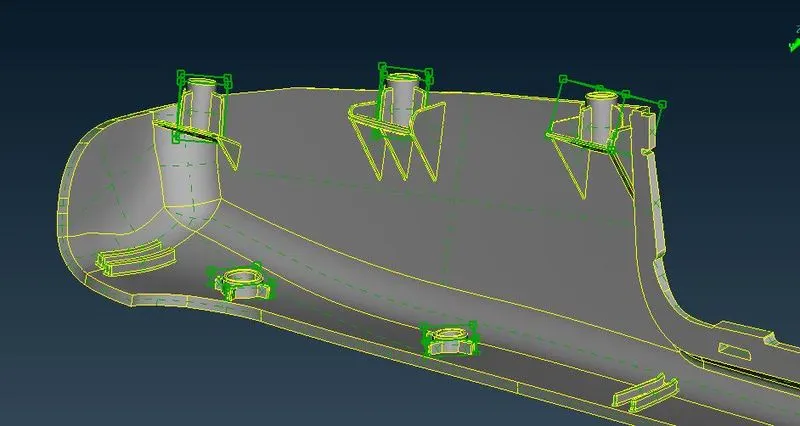
Component with morphing box Hand rest with morphing boxes
MORPHING OF MODEL:
The created morphing box is used for modification of the geometry. Box morphing --> move command is used for morphing the model.
Nodes at the respective side corners of the morphing box are selected to modify the geometry in a particular direction. If there is a need for local co-ordinate, Right click on mouse option on any of the corner node and thus it creates a new local co-ordinate system and modify the model with repect to the newly created co-ordinate.
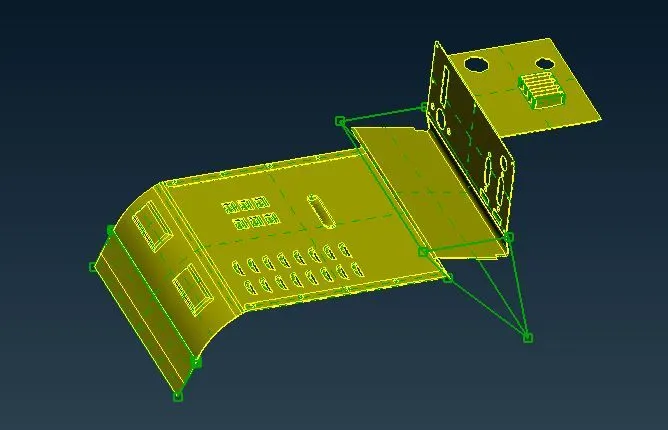
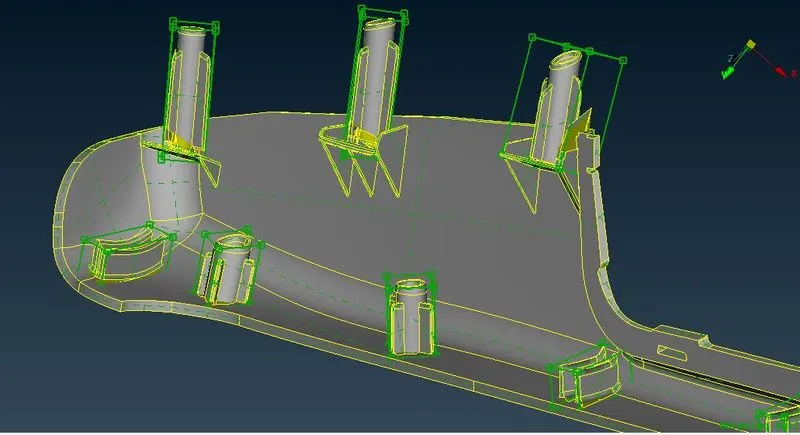
Component after morphing hand rest after morphing
Similar process is used for morphing different surfaces.
CONCLUSION:
This morphing process is mostly used for creating the modified version of the existing design. Once this modified design is approved, detailed design is carried out on it.
This process is mostly used in OEMs for creating the upgraded version of the existing product. Eg: Boeing 747 with varying length in its fuselage.
PROJECT OUTCOMES:
Morphing the design as per the requirement.