Week - 8 - Morphing
AIM:
To perform morphing opertation on the given two components using ANSA.
PROCEDURE:
1.First import the given component and check for any disfigured shapes on the geometry.
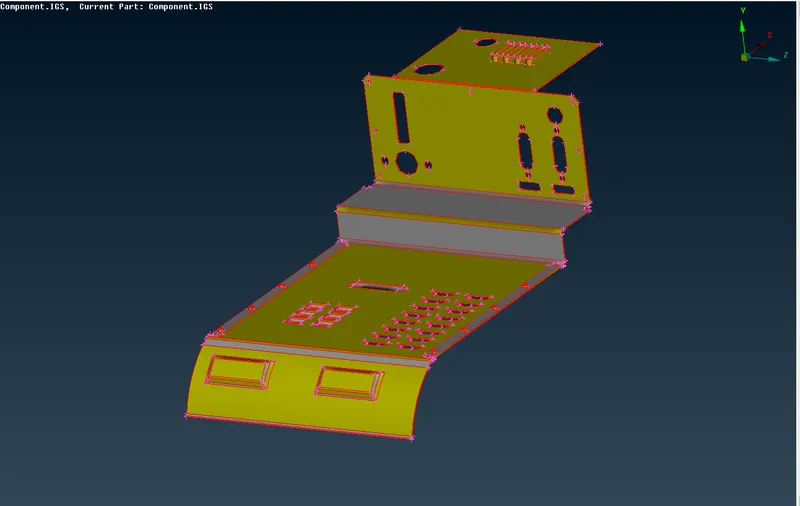
2.Here we can see the surfaces are not joined, so perform topo on the whole model and perform a geometry check using Tools>>Checks>>Geometry.
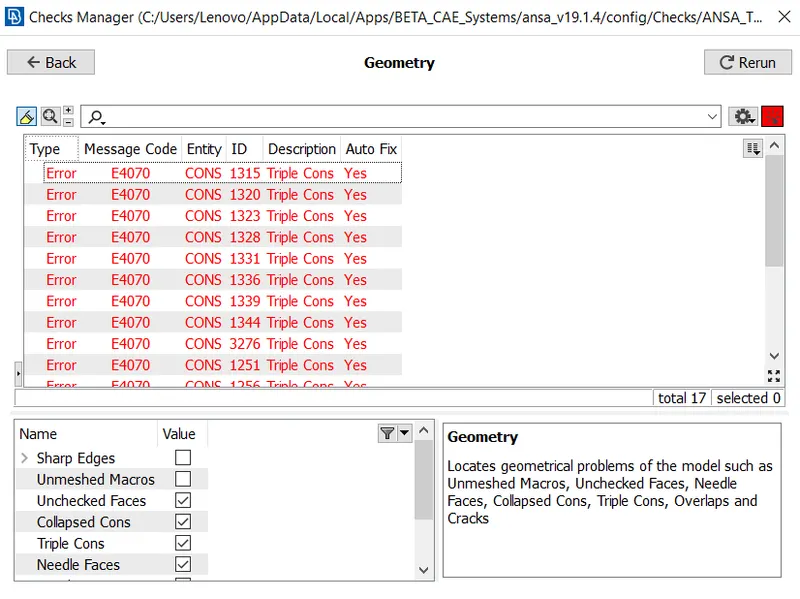
3.Now select all>>right click>>fix. If some errors are remaining fix it manually.Go to MORPH module to start morphing operation.
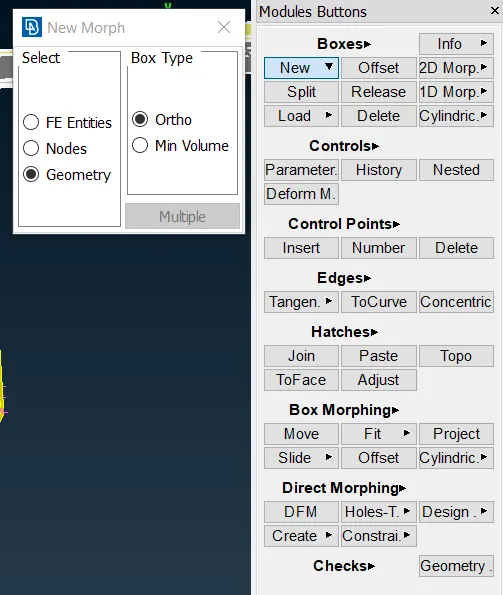
4.To Create a new morph box go to Boxes>>New>>Ortho>>Dialog Box will appear.Select the area to be morphed.
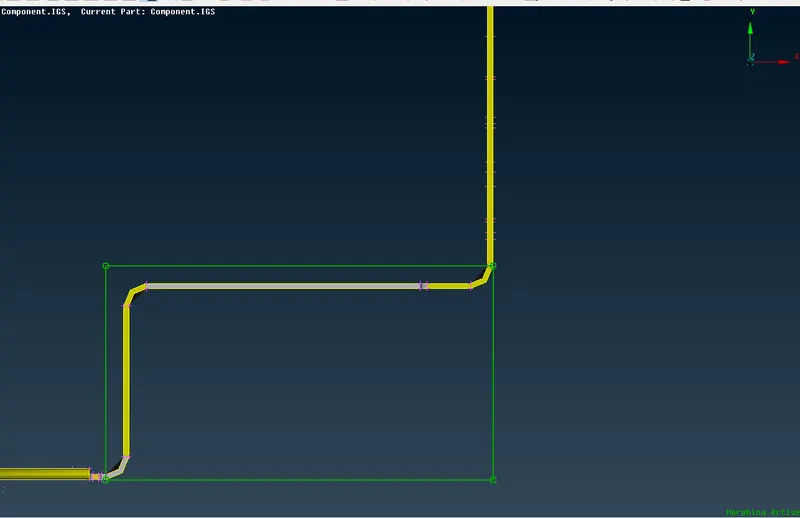
BOX CREATED
5.Now to change the shape of the selected area go to Morph module>>Box Morphings>>Move>>Select the nodes .Then select the axis in which the nodes have to be displaced.
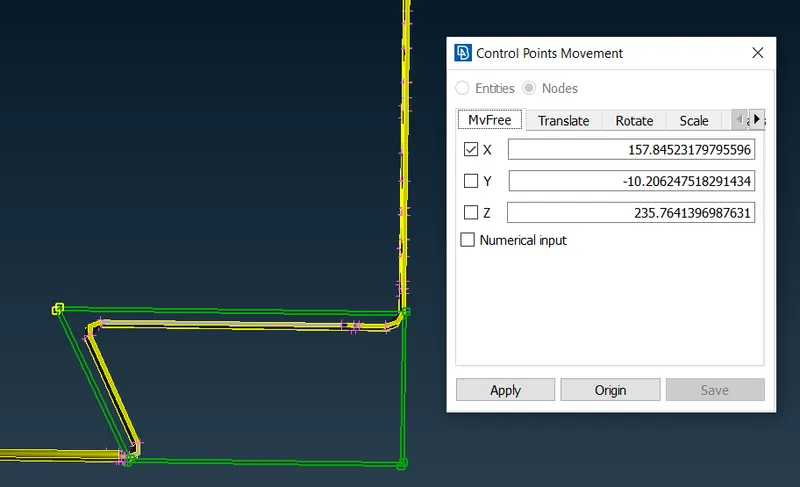
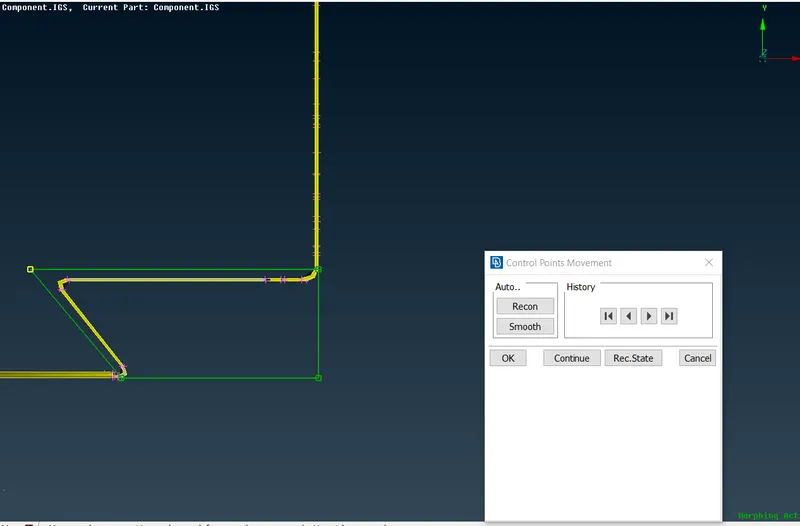
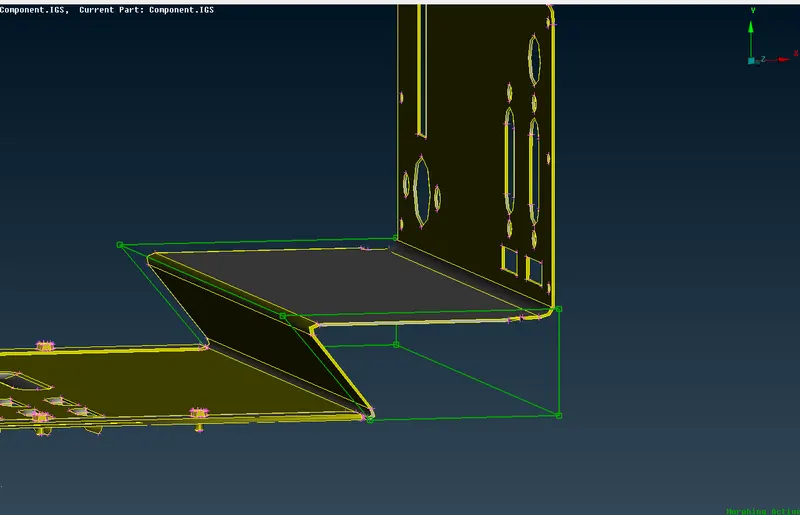
AFTER MOVING THE NODES
6.Similarly perform morphing on all the required surfaces and delethe morph boxes using Boxes>>delete command.
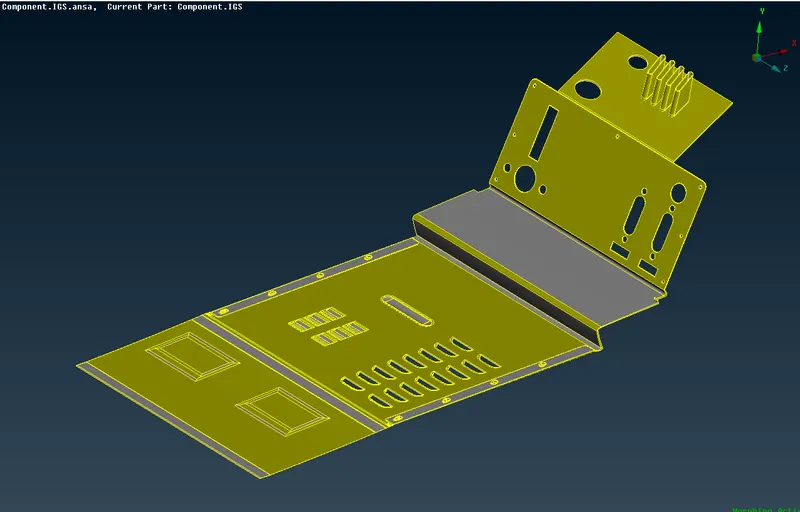
FINAL RESULT
7. Now import the second model and perform geometry checks.Here we have to increase the height of rectangular and circular ribs.To do that first we have to form a morph box by the same procedure mentioned above.
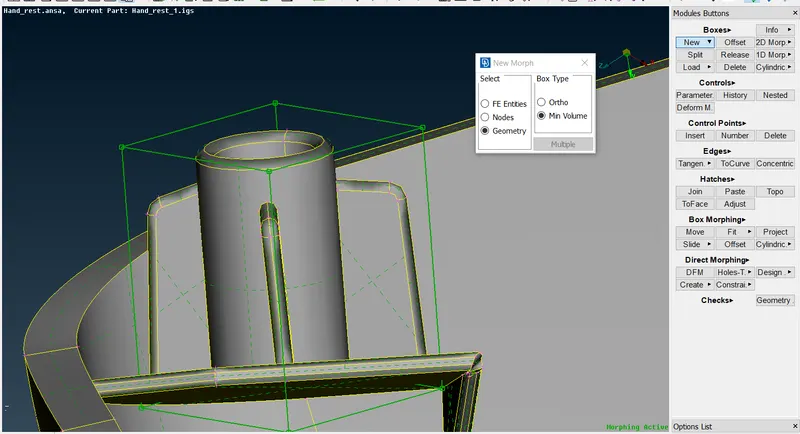
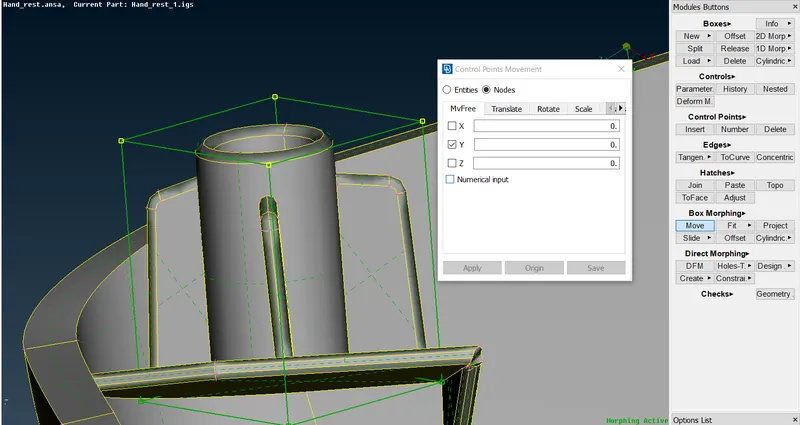
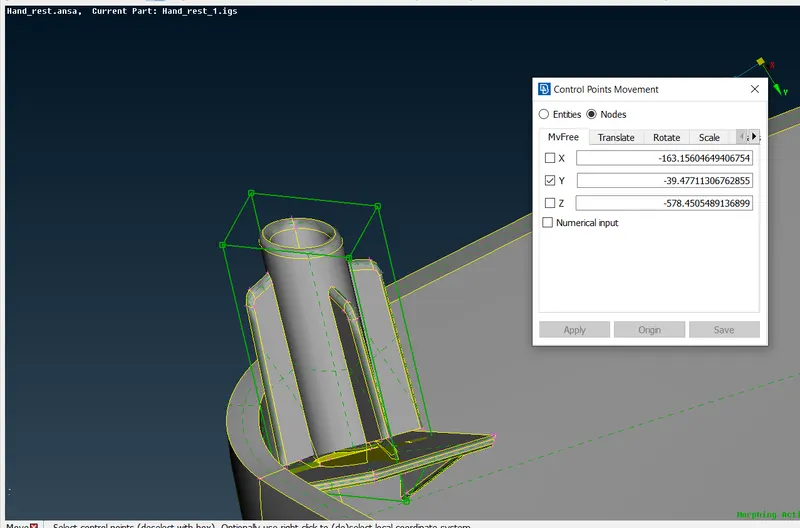
HEIGHT INCREASED
8.Similarly repeat the process for all the other ribs and save the file.
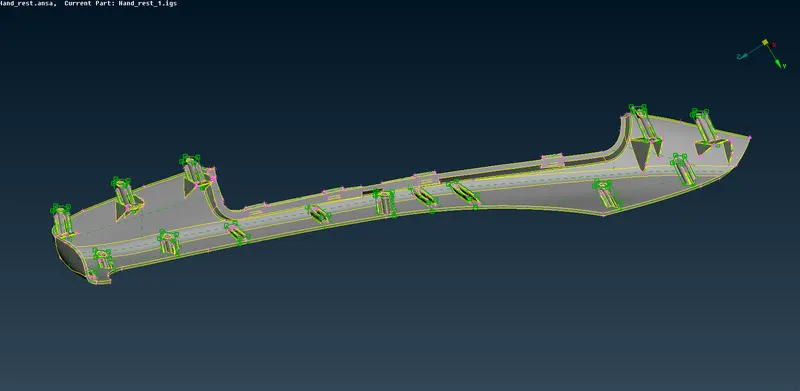
FINAL IMAGE
LEARNING OUTCOMES:
1.Learnt the basics of morphing .
2.To create a morph box and change its shape.
RESULT:
Thus the given model is morphed and the required result is obtained successfully.