Week 8-Challenge
Aim:
To create tetramesh for the given models.
Methodology:
- Import the model.
- Clean up the geometry.
- Mesh the model with given criteria.
Introduction:
A chassis is main component in vehicles. All the parts are mounted on the vehicle chassis.It is a load bearing framework of an artificial object.
Procedure:
Model 1:
- Import the geometry from the download folder.
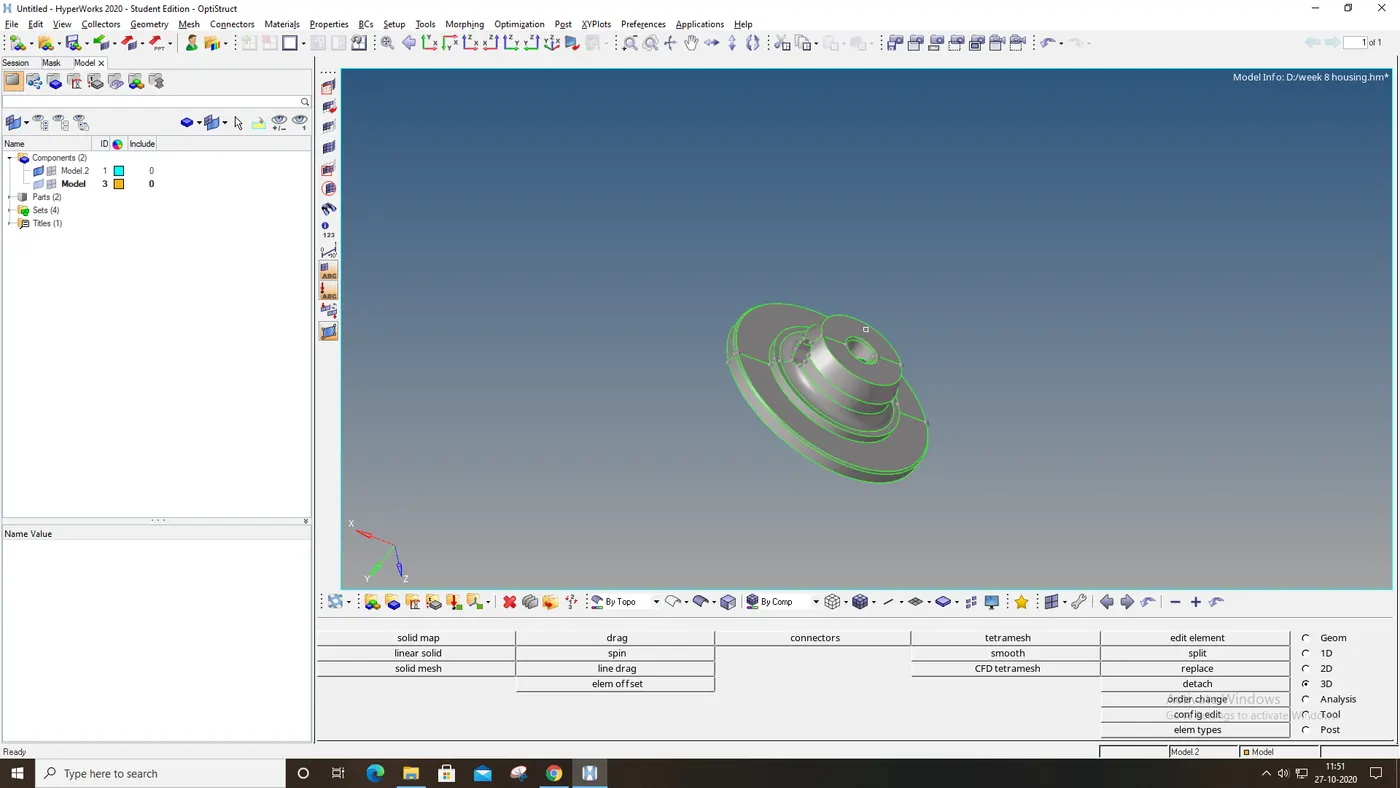
figure-1( import part 1)
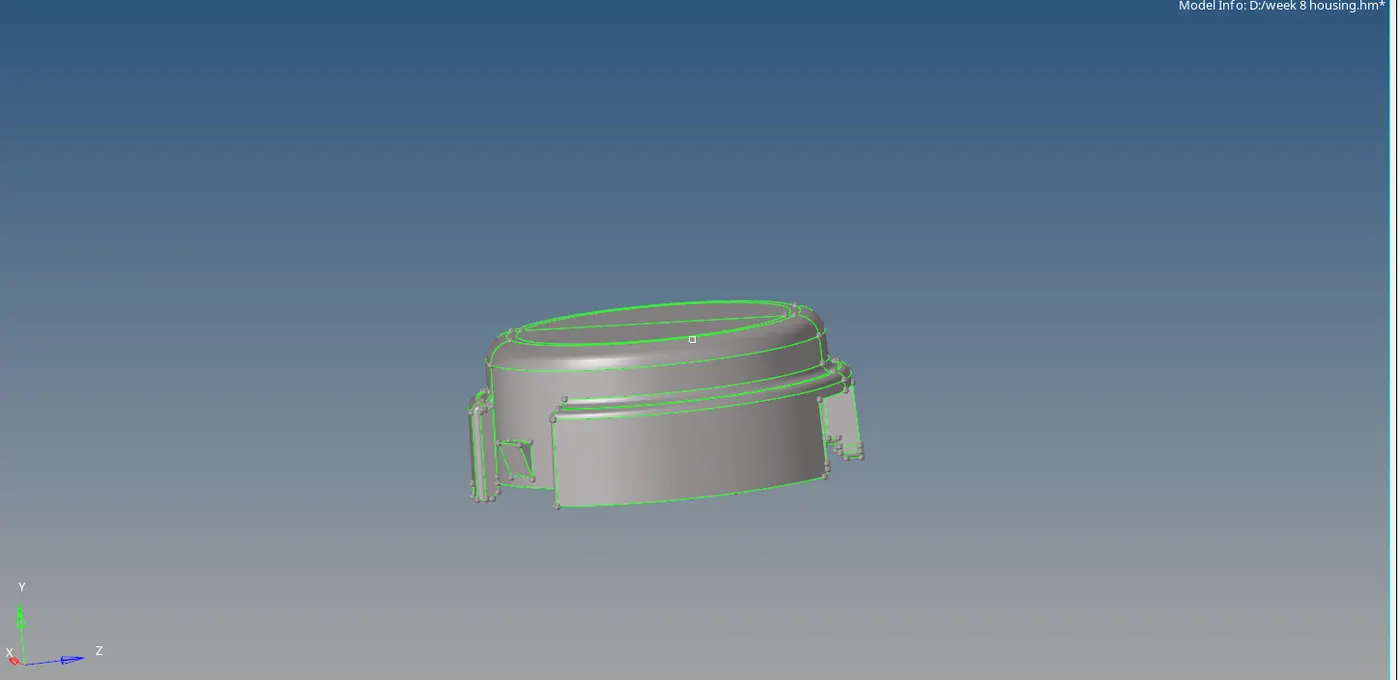
Figure-2 (import part 2)
- Clean up the geometry by deleting the unwanted lines.
- Mesh the model surface by surface with given quality criteria.
- Solve the errors if any.
- Go to 3d panel, click on “tetramesh”.
- Select the model and set the quality criteria in “tetra parameters”.
- Go to tetamesh panel, select the model again and click on “mesh”.
- Check for the tet collapse, if any and clear them.
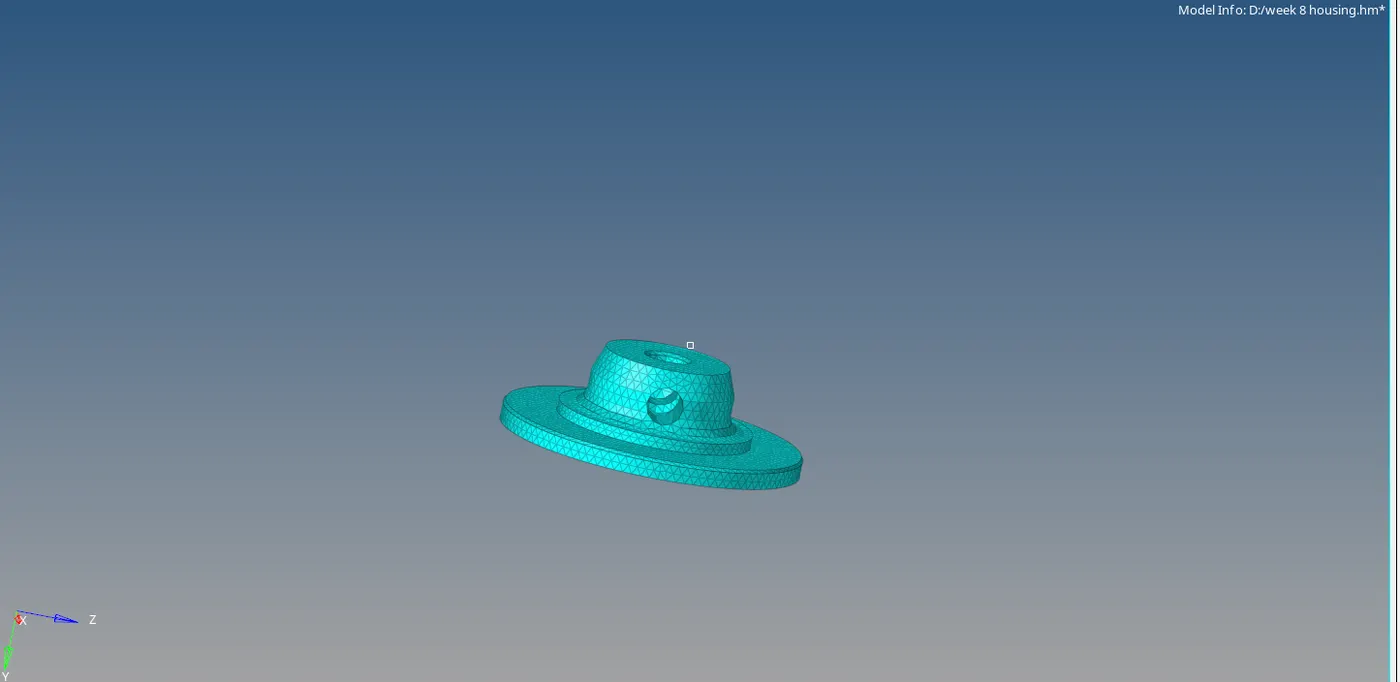
Figure-3(Meshed model)
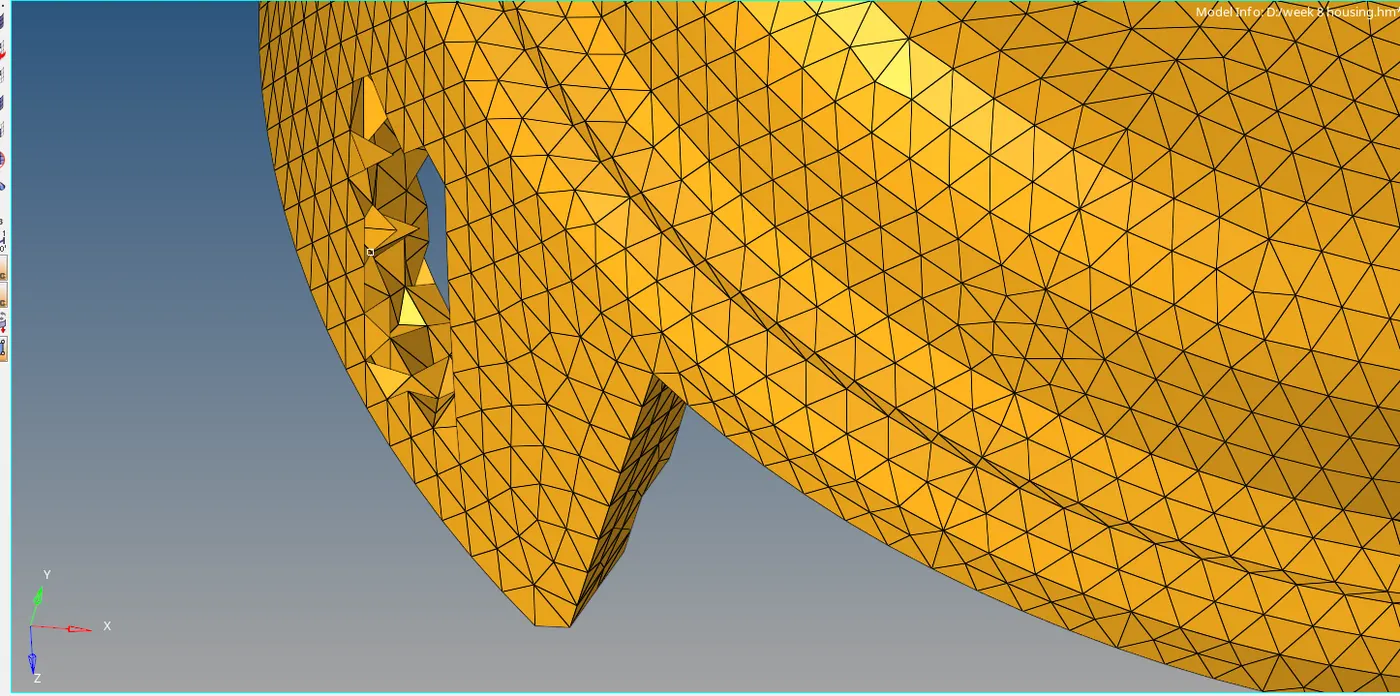
Figure-4(tetramesh elements)
Model 2:
- Import the model from the download folder.
- Delete the solids of the model.
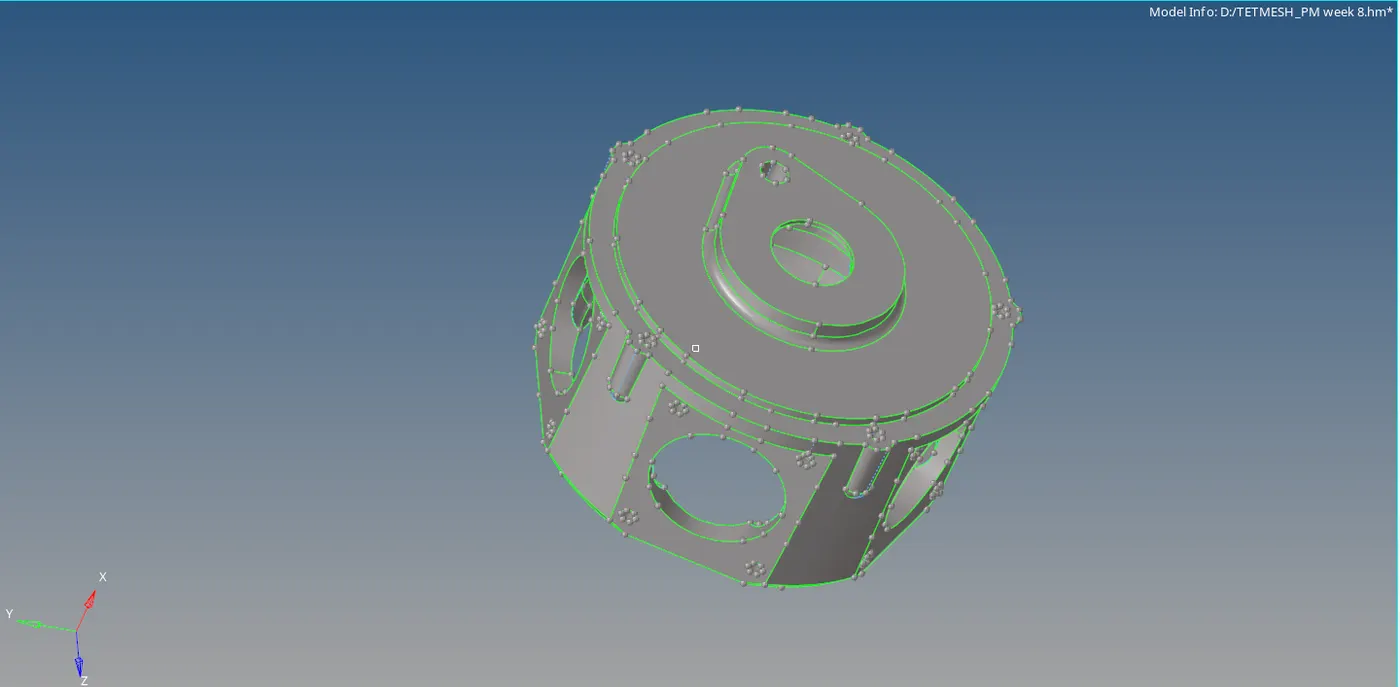
Figure-5 (Import the model)
- Click on “view”,select the “hypermesh”, in that click on “utility”.
- Utility menu bar is displayed in tab bar.
- Select “geom/mesh”, click on “quick tetra”.
- Select the component, set the element size value.
- Select the mesh type and click on “mesh”.
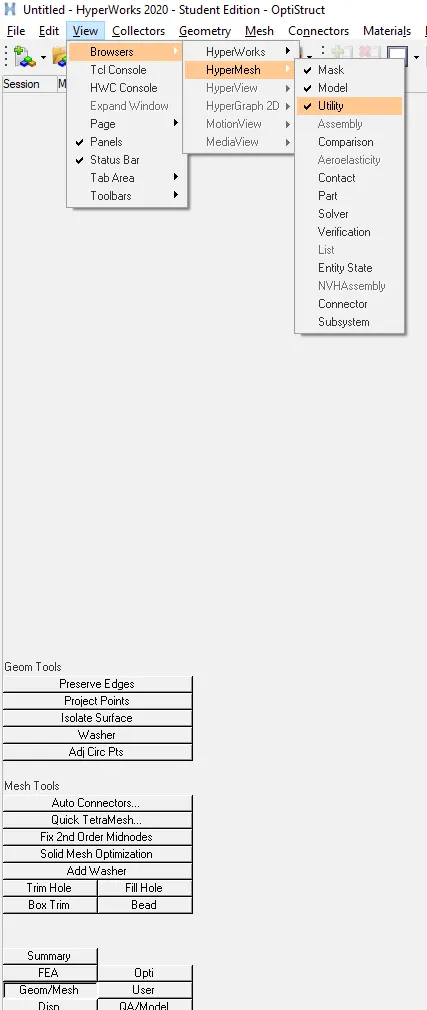
Figure-6 (utility menu bar)
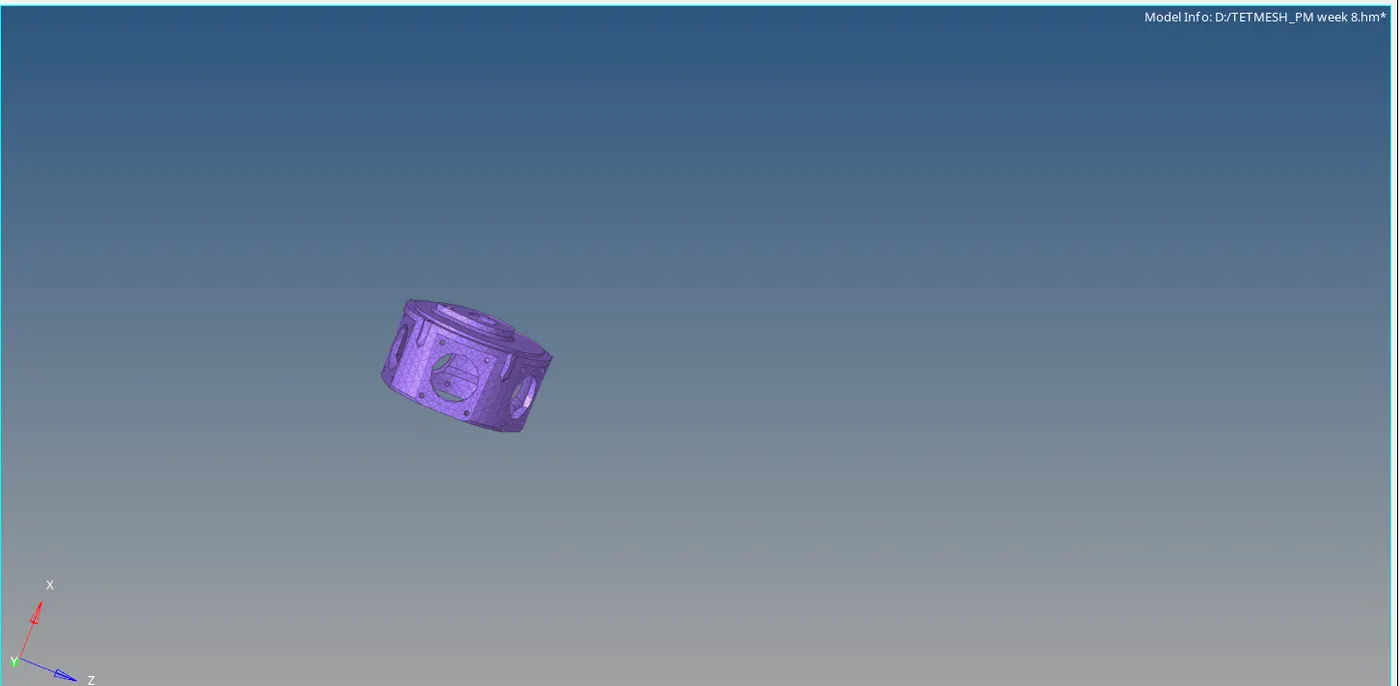
Figure -7 (meshed model)
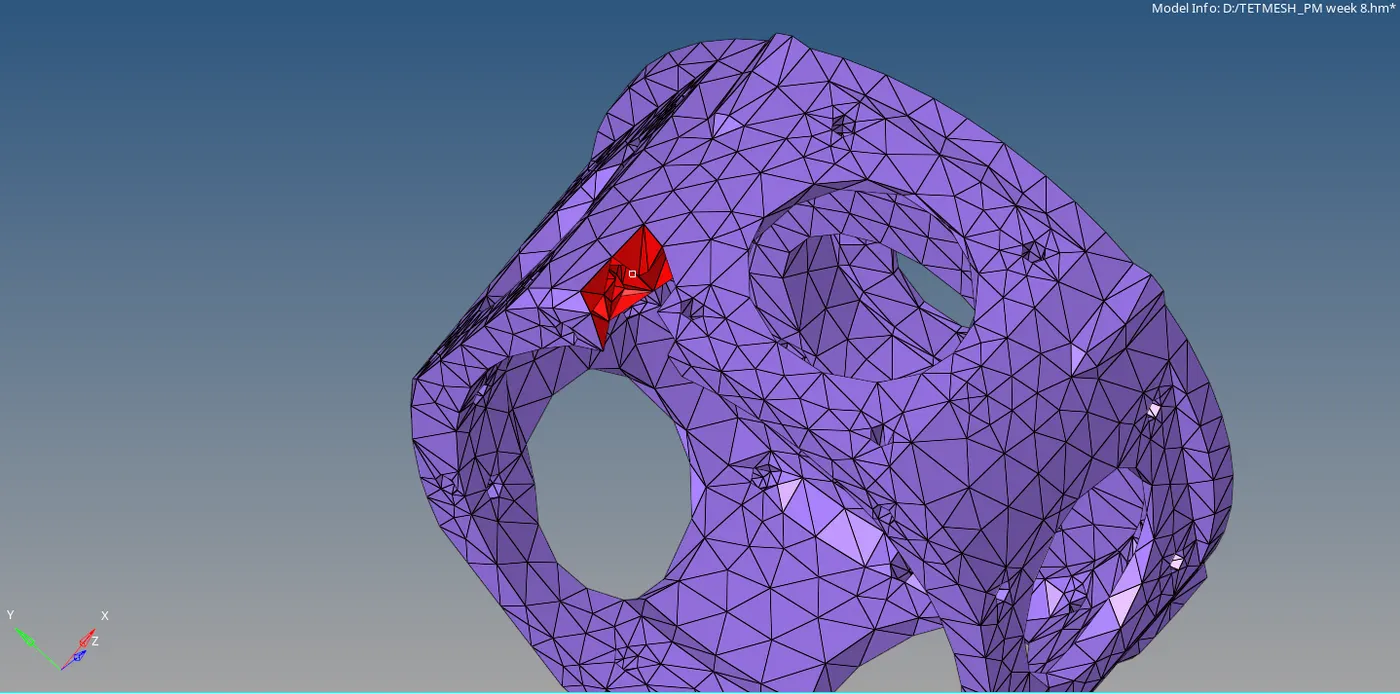
Figure-8 (quick tetra)
Model-3:
- Import the model and clean up the geometry.
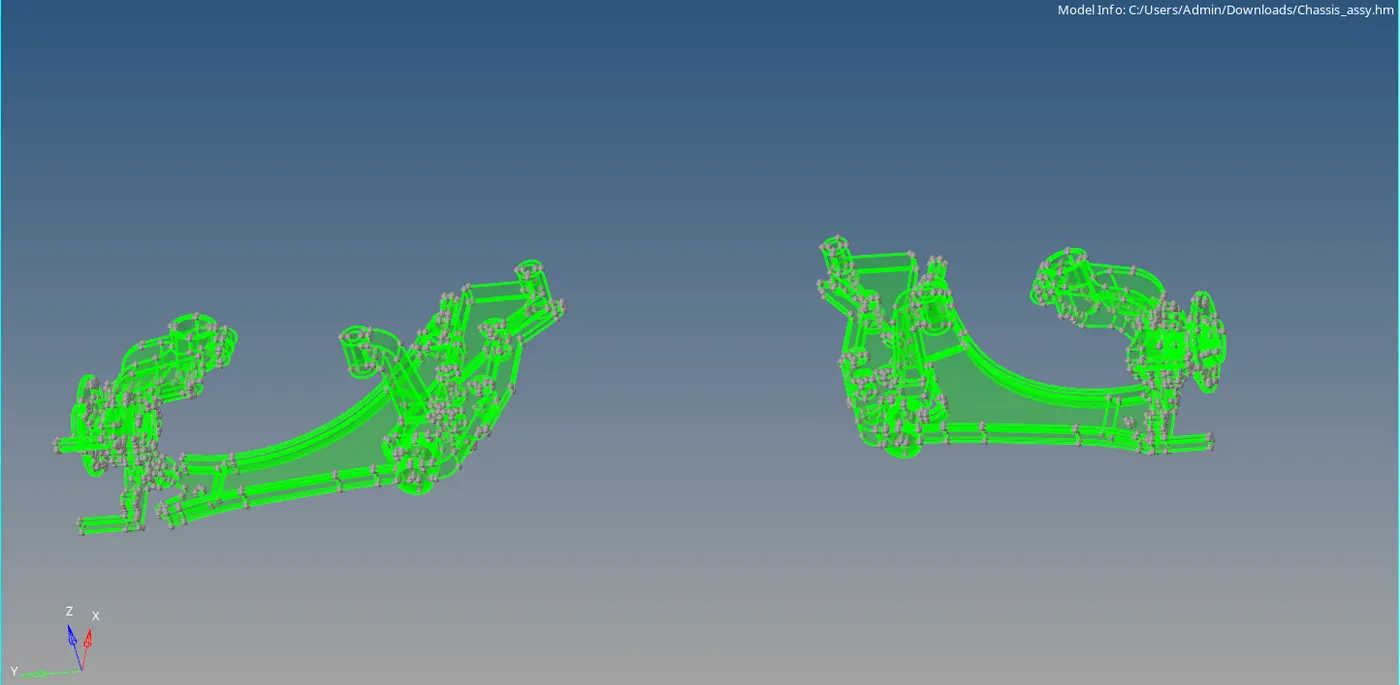
Figure-9 (import the model)
- Delete the half part of the geometry.
- Keep the solids, select 3d and click on tetramesh.
- Click on volume tetra and select the solid.
- Specify the element size as per given quality criteria.
- Tick on clean up elements.
- Click on “mesh” for volume tetramesh.
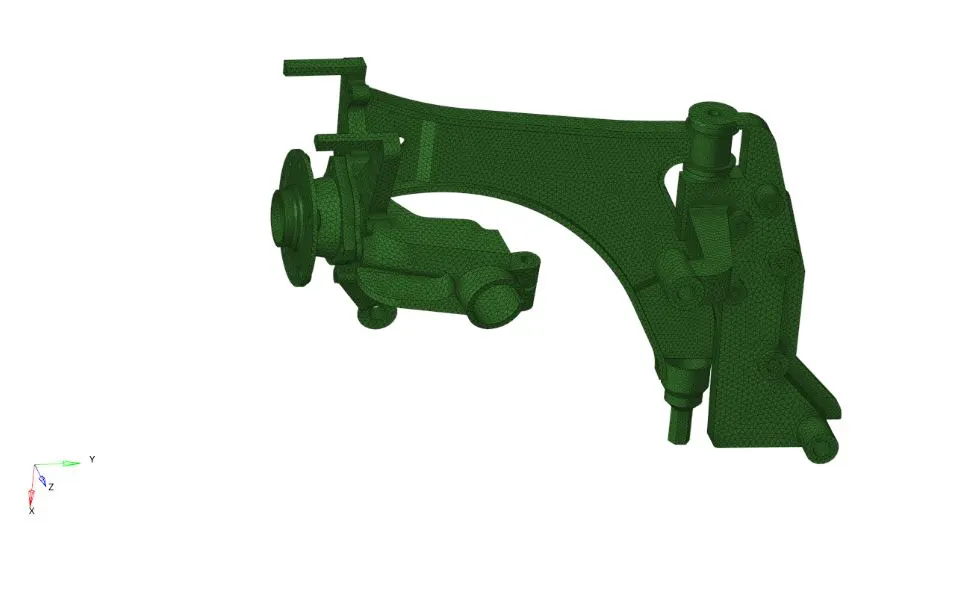
Figure-10(mesh model)
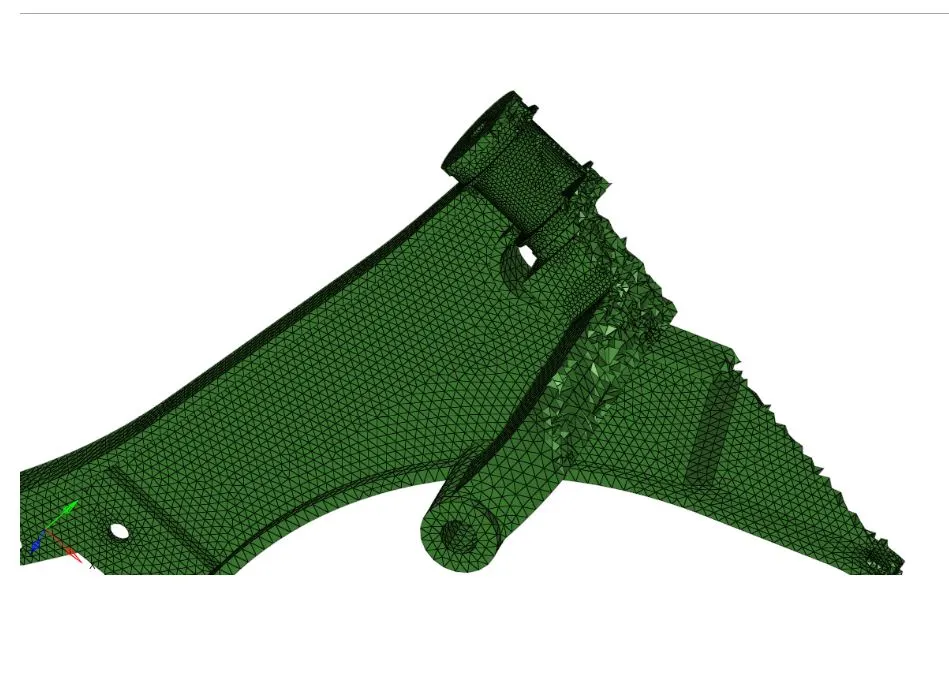
Figure-11(voume tetramesh)
Learning outcome:
Got knowledge on 3d meshing process and types od 3d meshing
- Tetramesh
- Quick tetra mesh
- Volume tetramesh.
Tools like
- Tetramesh
- Tetra remesh
- Tetra parameters
Result:
The given models are meshed with different types of 3D meshes.
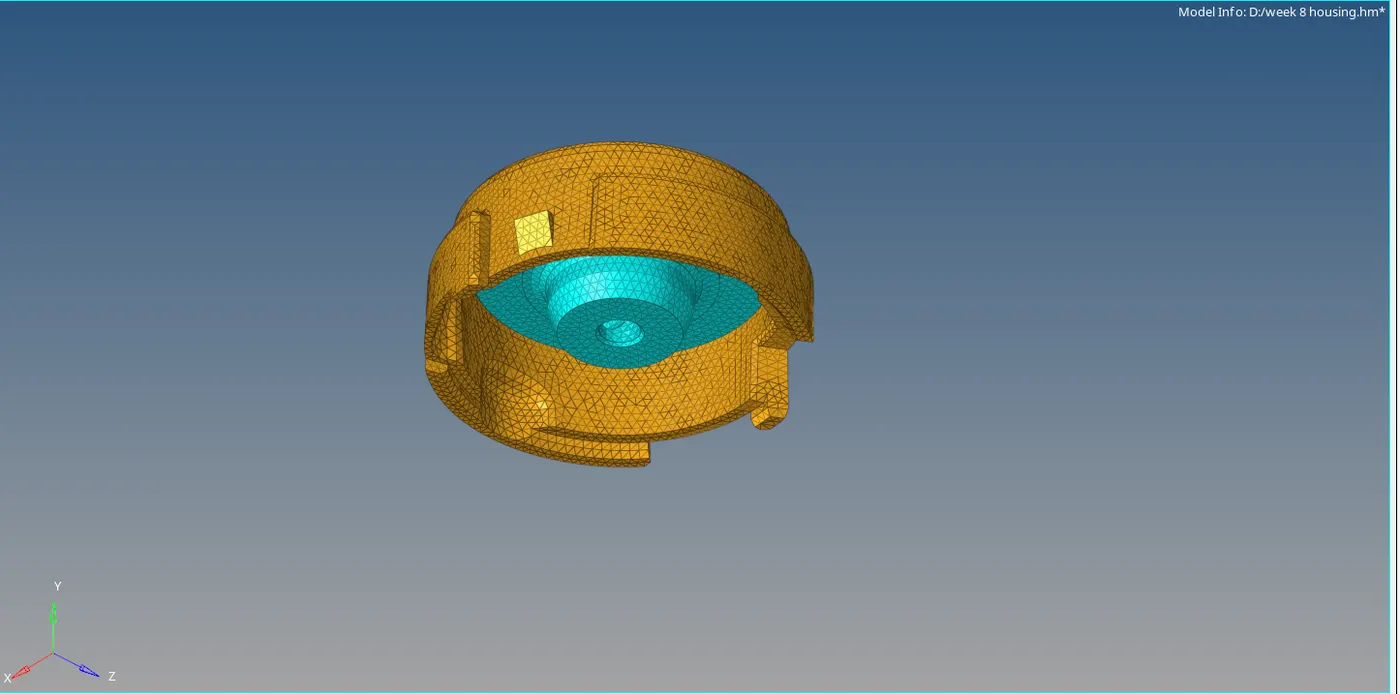
Figure- 12 (2d to tetramesh)
Figure-13( quick tetramesh)
Figure-14 (Volume tetramesh)