Week 8 - Challenge 6 - Core & Cavity Design
CORE & CAVITY DESIGN
Create the Core and cavity blocks for the switch bezel designed in the earlier challenge.
CREATE TOOLING-AXIS
I have created the tooling axis by using the bisecting method in the normal procedure, the tooling axis represents the opening and closing of the mold core and cavity during the manufacturing of the components. An injection mold components designer should consider the best tooling direction to cut down the cost of the component very low, We can find out the best tooling direction by cross-checking all three axes.
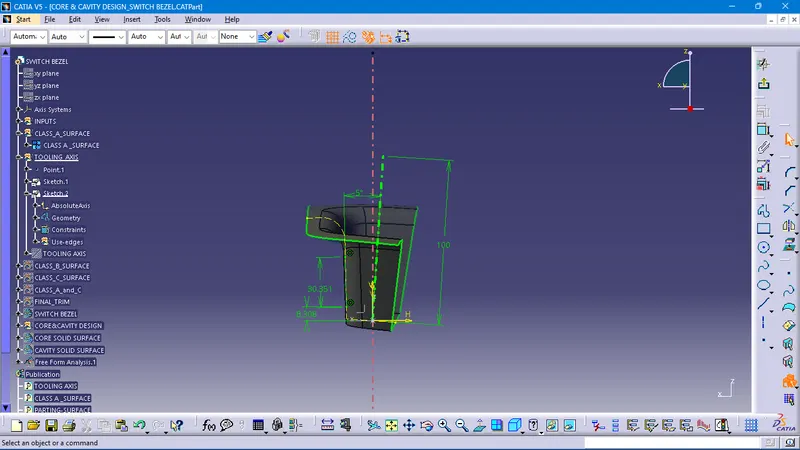
Here we can find out that the best tooling direction for the bezel class-A surface is along the yz-axis direction, and zx- axis direction, the method I choose to create the tooling axis is first to extract a surface and create a midpoint on that surface. And created an axis system at that point. Then created with the point and direction along the z-axis.
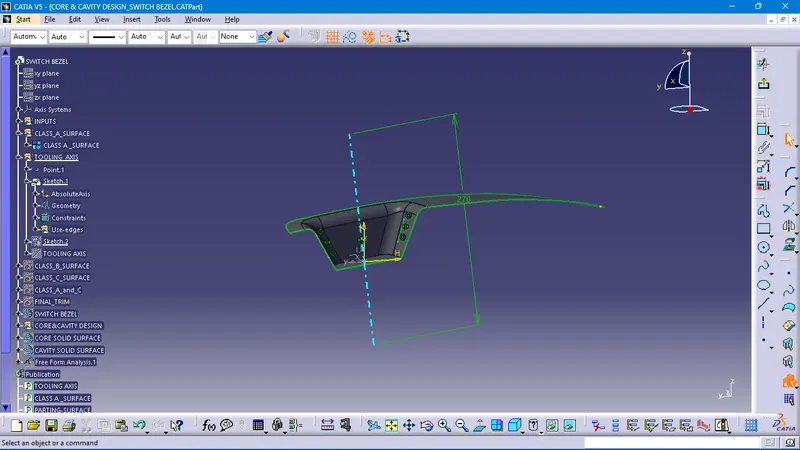
the zx-axis direction of the tooling axis
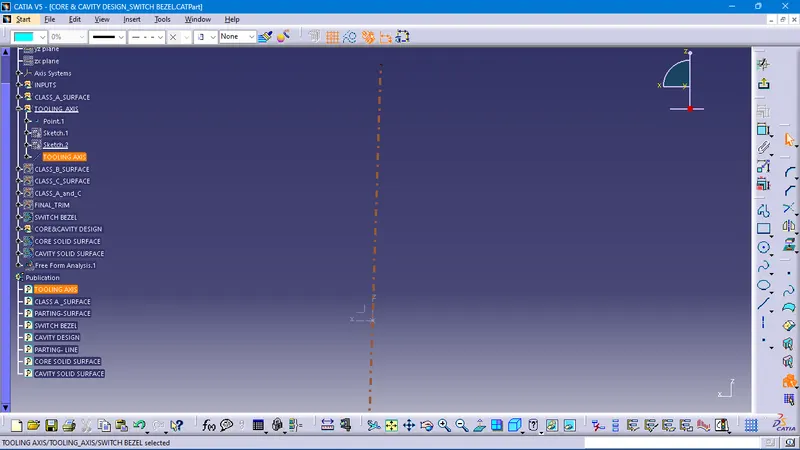
PUBLICATION
The publication is created to the component to make it visible and navigate easily.
To publish the component go to tools > publications and which is your desired part operations. select that. and A separate tree structure is formed under the main part.
see the given below
DRAFT ANALYSIS
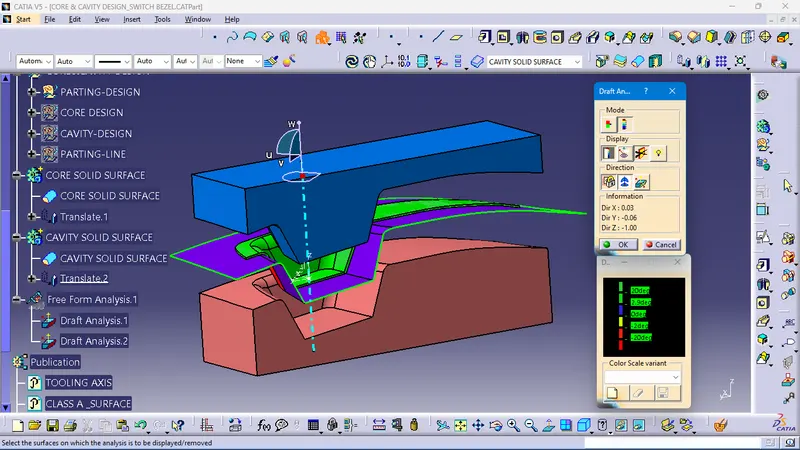
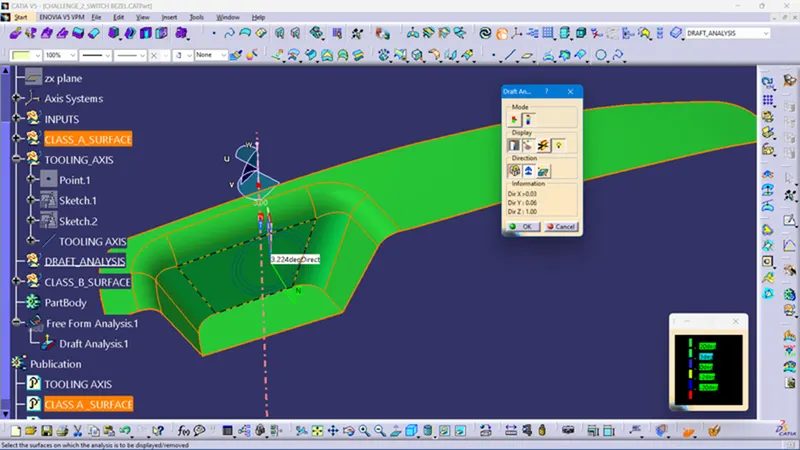
draft analysis is done through the draft analysis operations to make visible the drafted surfaces are producible in the plastic injection molding. draft angles are identified with different colors like green and red and blue.
The Draft Analysis is a command that enables you to detect if the part you drafted will be easily removed. This type of analysis is performed based on color ranges identifying zones on the analyzed element where the deviation from the draft direction at any point, corresponds to specified values.
Draft analysis is done after determining the tooling axis, draft analysis is used to check whether the minimum draft (3 degrees) is maintained or not.
The procedure for performing the draft analysis is to Change the view mode of the component to be in customized parameter mode and then select the shading mode as materials.
CORE & CAVITY DESIGN
PARTING DESIGN
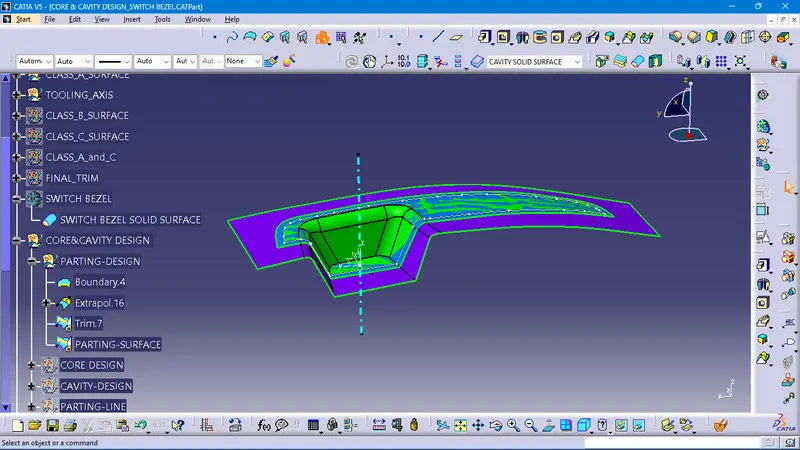
Generally, injection mold has two major components the movable half and the fixed half, during the injection molding process, these two halves are pressed tightly from a sealed hollow to avoid melt flow leakage and maintain certain holding pressure, the pressed surface is called parting surface, usually parting surface is the biggest projection outline of the part.
Make a Boundary on the class-A surface to extrapolate the surfaces, unhide the B-surfaces, and time the surfaces respectively as required parting surfaces
PARTING-LINE CREATIONS
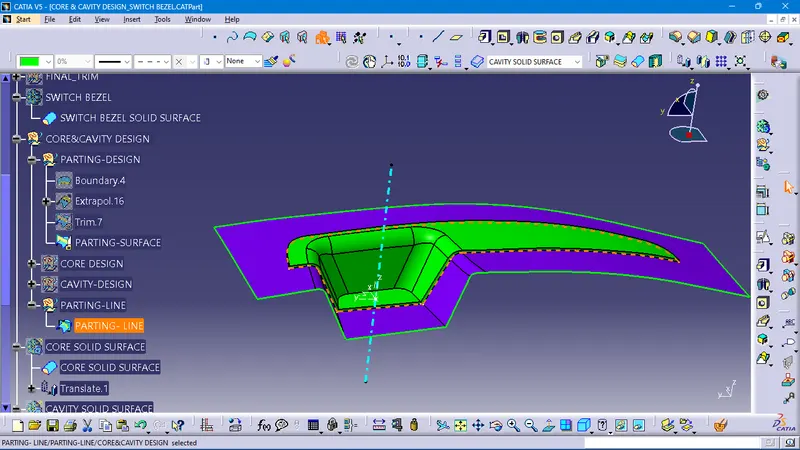
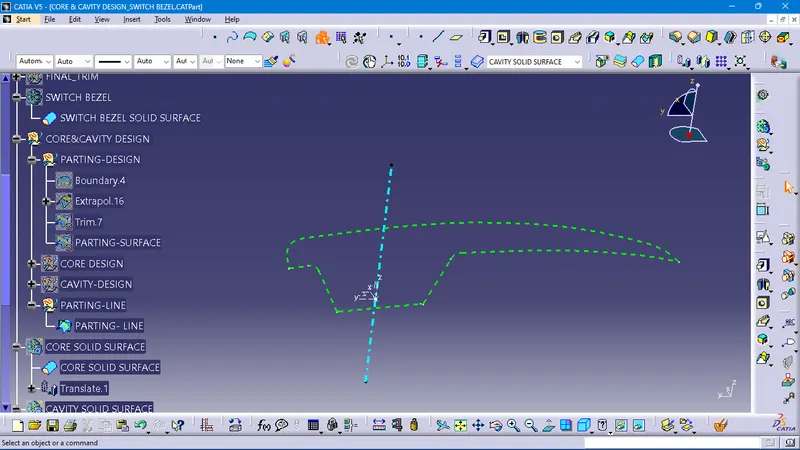
A parting line is an inevitable part of injection-molded products. It is the line of separation between where two halves of a mold meet. It manifests itself on injection molded parts as a line that goes the entire perimeter of the part. In most parts, it is just a line that is straight down the middle.
CORE-DESIGN
To Create the Core block, trim the class-A with class-c to get the core surface area
by using the positioned sketch and
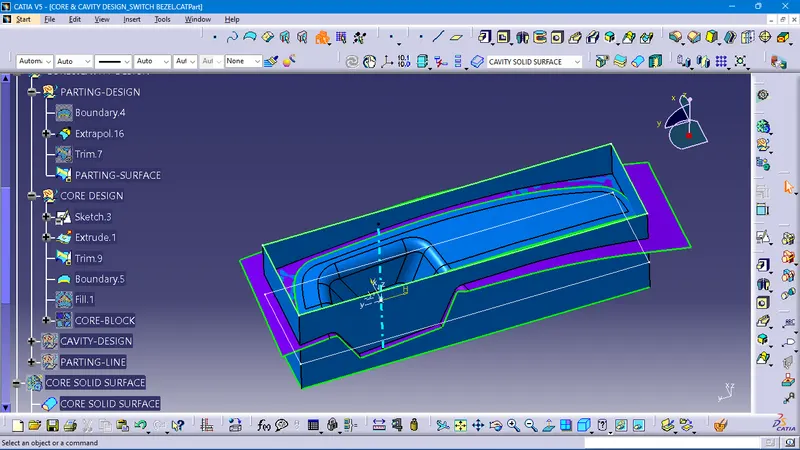
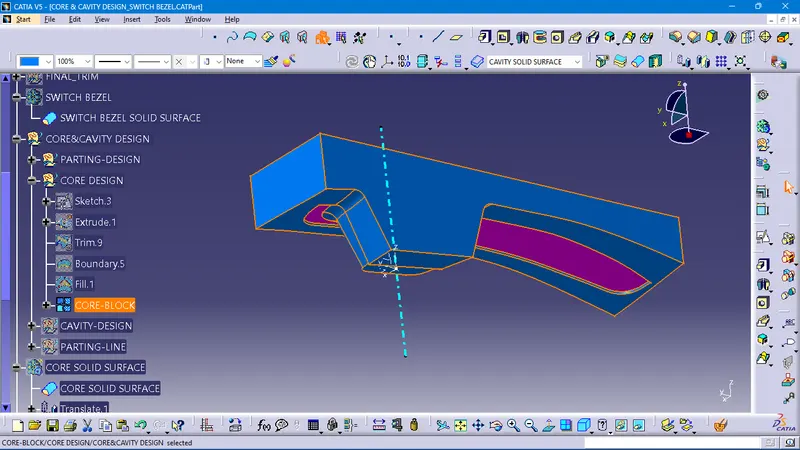
CORE BLOCK created as required
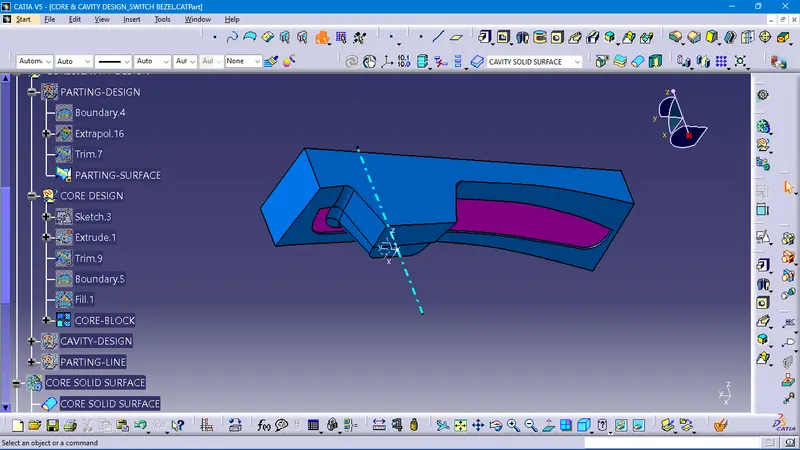
CAVITY DESIGN
make an intersection through the xz-axis to create clear visualizations of the parting line, core block, and cavity block for easy understanding
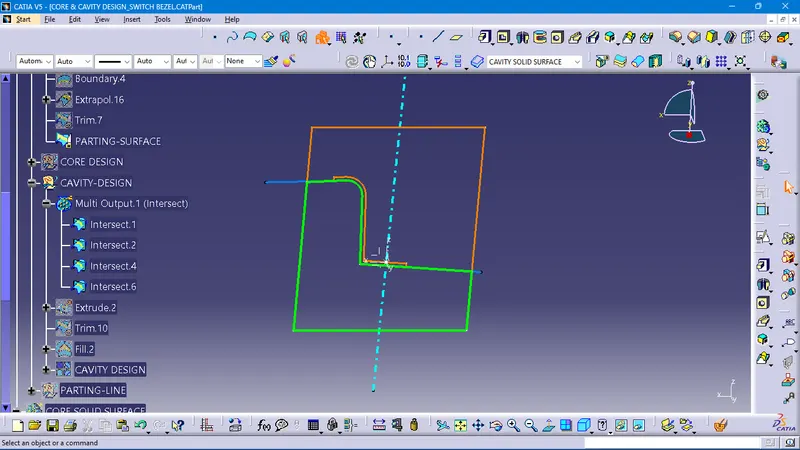
by using the extrude, trim, fill, and join commands, to create the cavity block
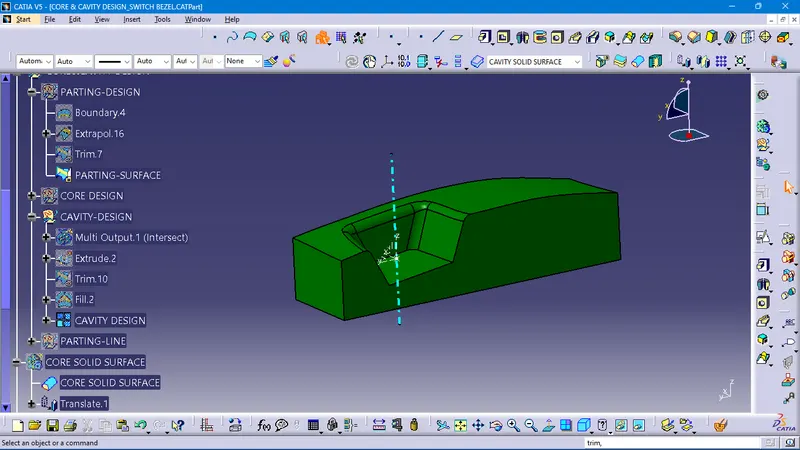
by using the closed surface command to get a solid surface for the core and cavity blocks,
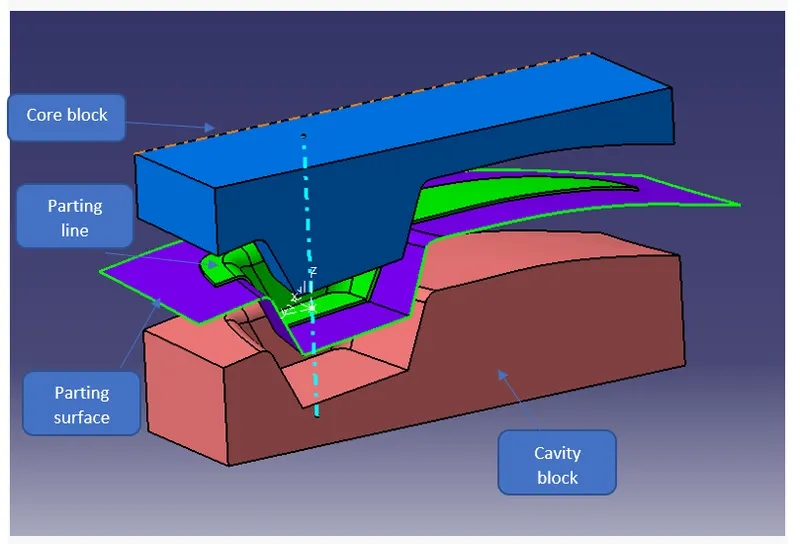
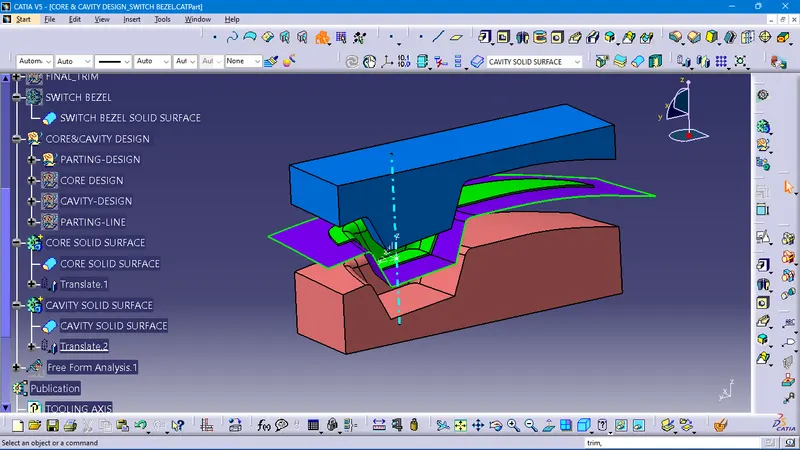
to make clear visibility of the core and cavity blocks by using the translations command to move 50 mm + or - through the tooling axis directions
and also published all surfaces to clear visibility and easy tracking to get a smooth workflow of design further.
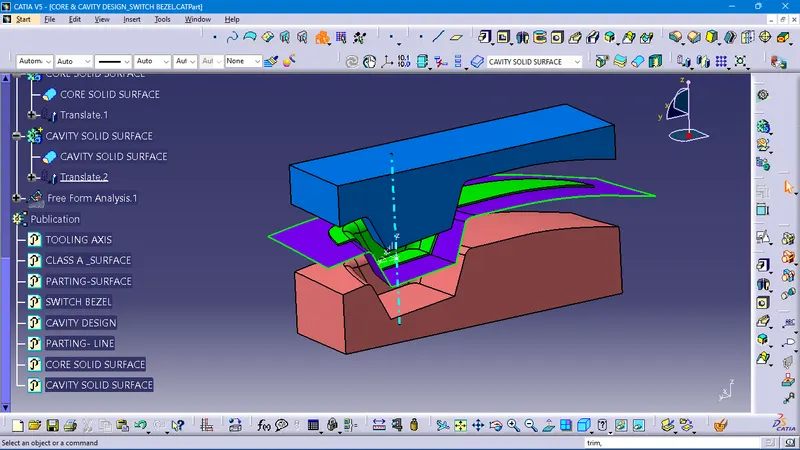
please refer to the attached part file for your review.