Week 8 - Challenge 6 - Core & Cavity Design
AIM
Create the Core and cavity blocks for the switch bezel designed in the earlier challenge.
PROCEDURE FOR CREATING THE Core and cavity blocks for the switch bezel
- Parting surface
- core block
- cavity block
parting surface
To make a parting surface we can use the earlier challenge class b surface and part body
core block
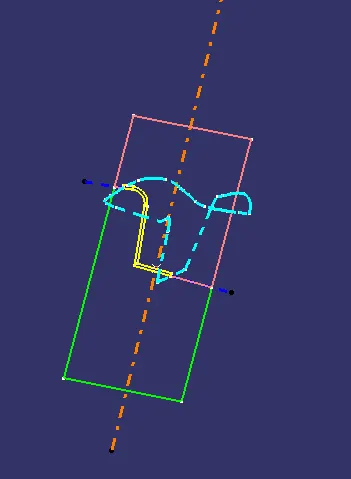
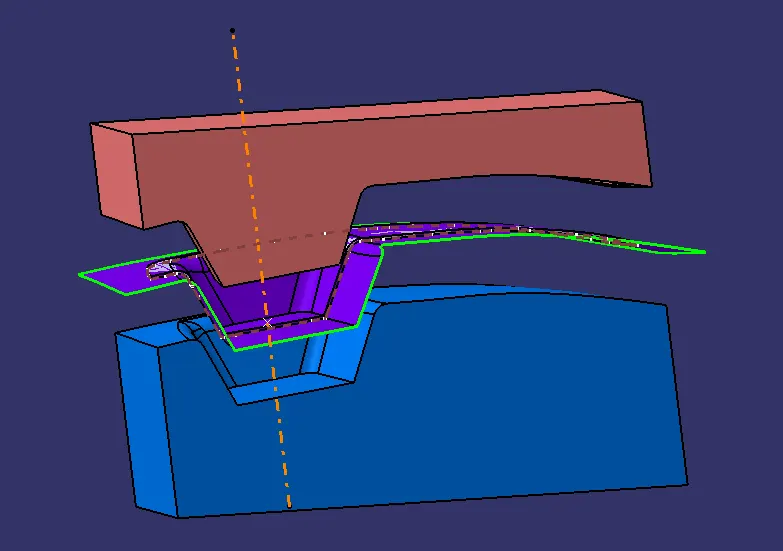
make a sketch in rectangle shape the part body come in to that rectangle. then use of extrude option and extrude it then make a trim. we get a open surface of core block . then we want to make fill in open surface and then make them joined the we get the core block it all make in a class of the surface so it is core block
cavity block
earlier we make a sketch in rectangle shape the part body come in to that rectangle. then use of extrude option and extrude it then make a trim. we get a open surface of core block . then we want to make fill in open surface and then make them joined the we get the core block it all make in b class of the surface so it is core block
then make all the part body in intersectionb by useing tooling axis
conclusion
the Core and cavity blocks for the switch bezel is Create by useing designed in the earlier challenge.