Week 8 - Challenge 6 - Core & Cavity Design
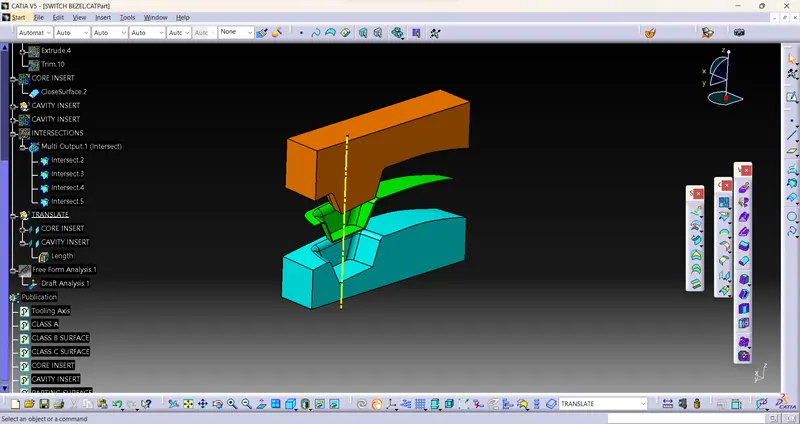
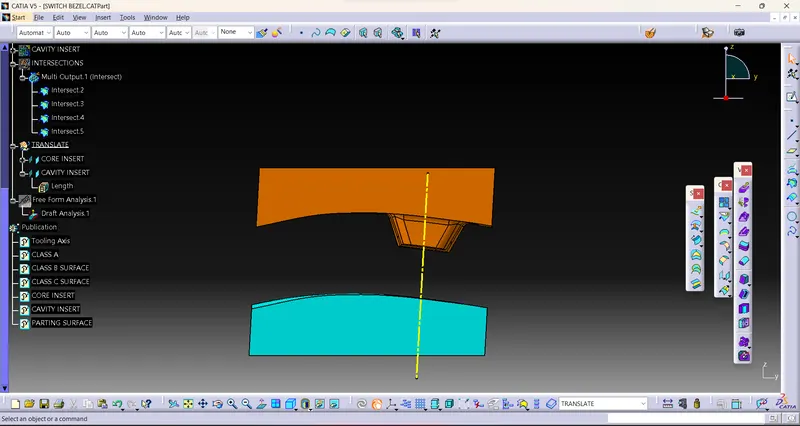
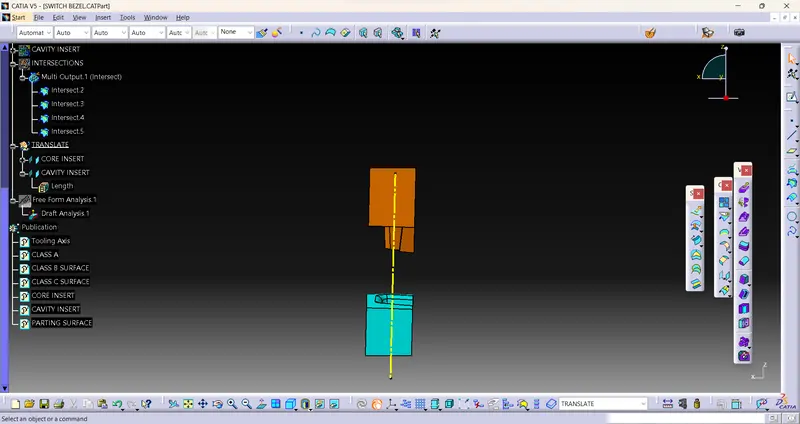
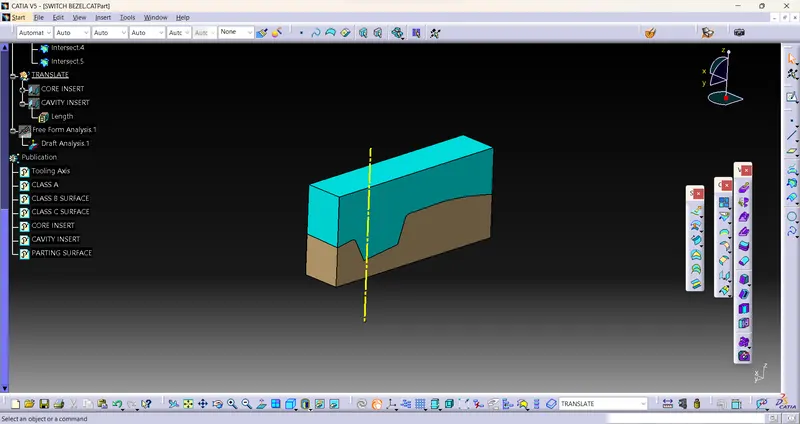
First need to create parting surface for making core insert and cavity insert,
For making parting surface we need to trim with C SURFACE trim ( Which we do A SURFACE extrapolate and will trim with sweep ) with B SURFACE.
After need to create sketch which need to be inside parting surface in a rectangular shape, and Extrude it with tooling direction and Trim it with parting surface to get CORE INSERT.
Need to Create same sketch in another geometric set and extrude it and Need to trim it with B SURFACE.
need to make Surface for CORE, CAVITY Inserts to make fully Closed,
And Need to make solid for that joins.
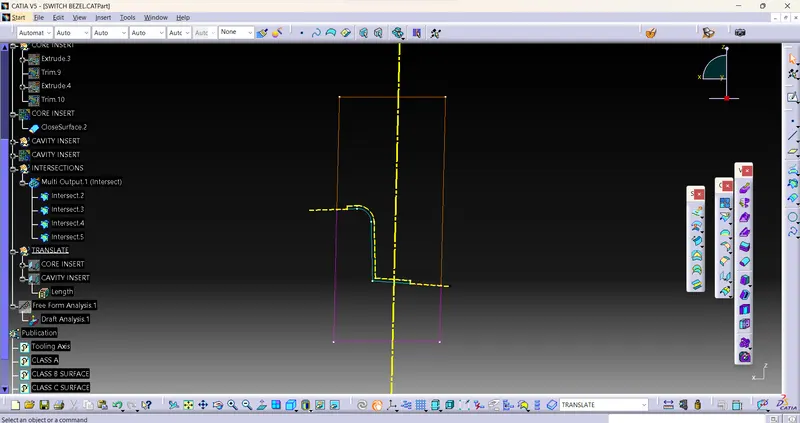
IN the above picture indicates the intersection of CORE, CAVITY, PARTING SURFACE, SWITCH BEZEL.
1) Orange colour indicates CORE INSERT
2) PINK colour indicates CAVITY INSERT
3) Yellow dashed line indicates PARTING SURFACE
4) Green Colour indicates SWITCH BEZEL SOLID.