Week 8 - Challenge 2 - Switch Bezel Design
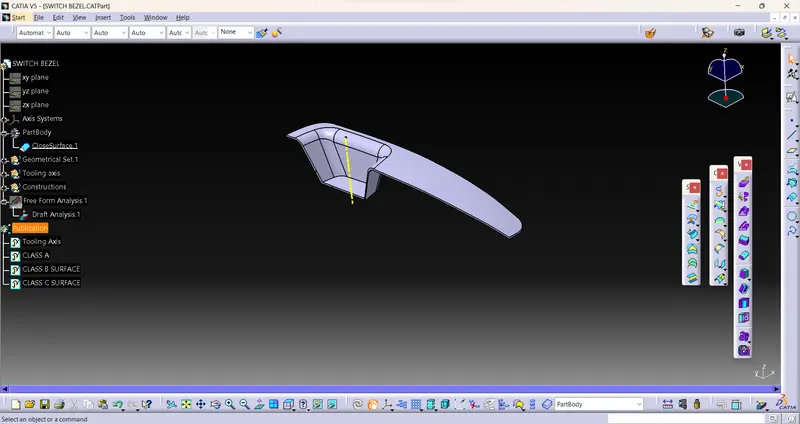
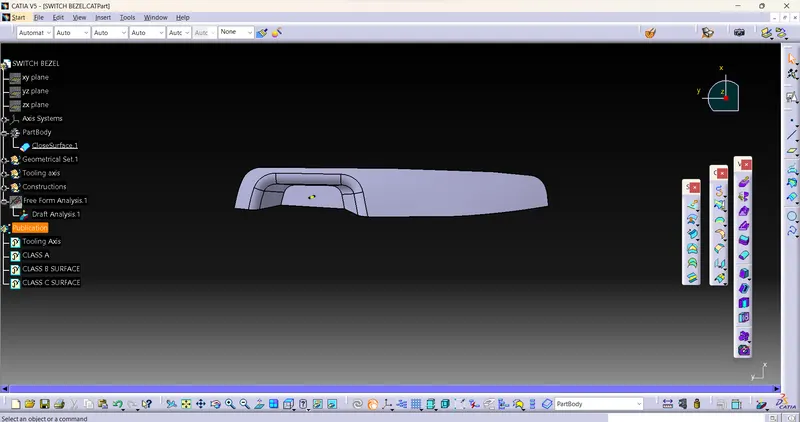
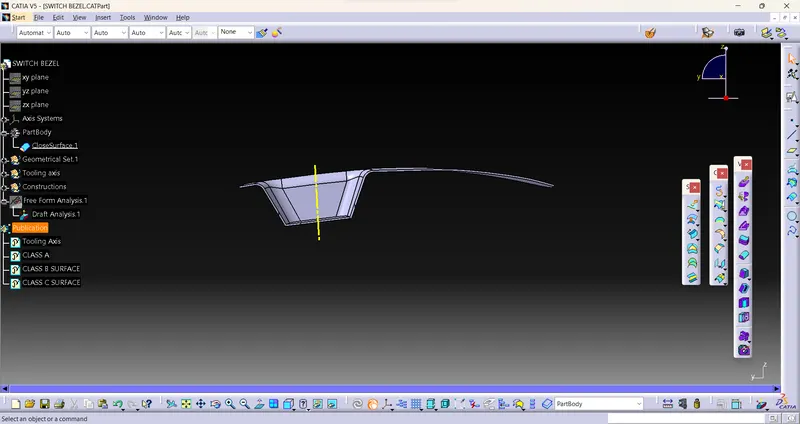
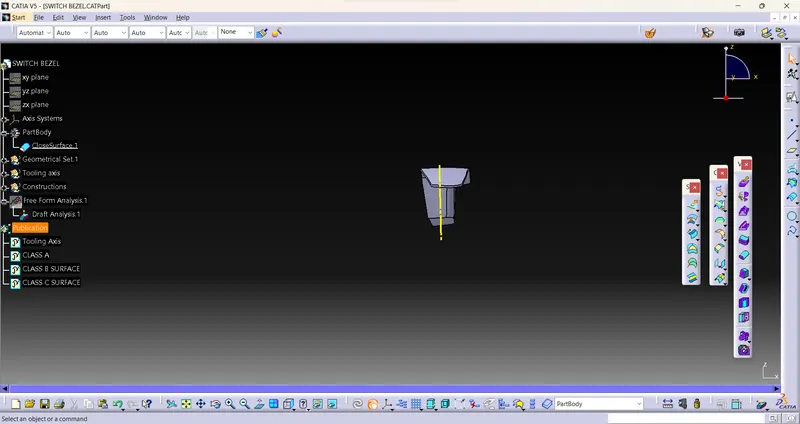
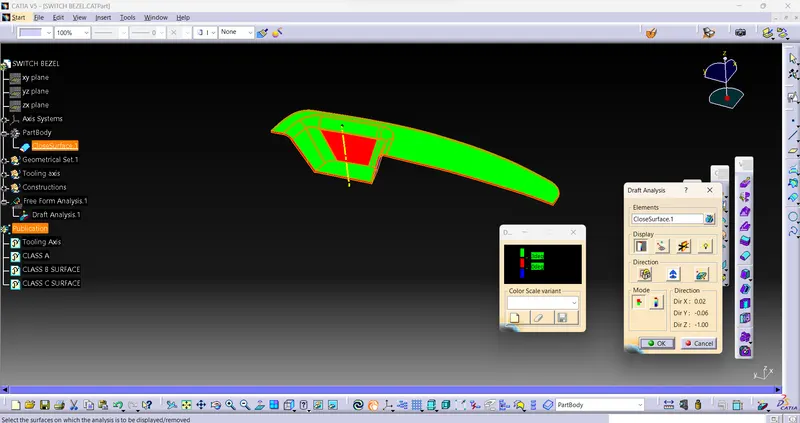
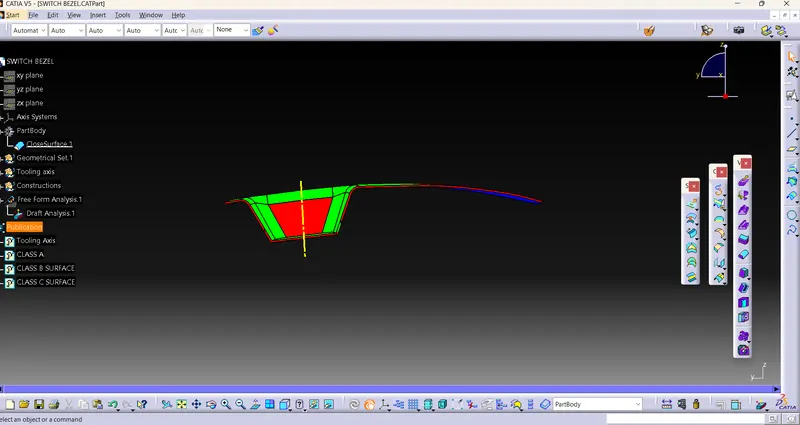
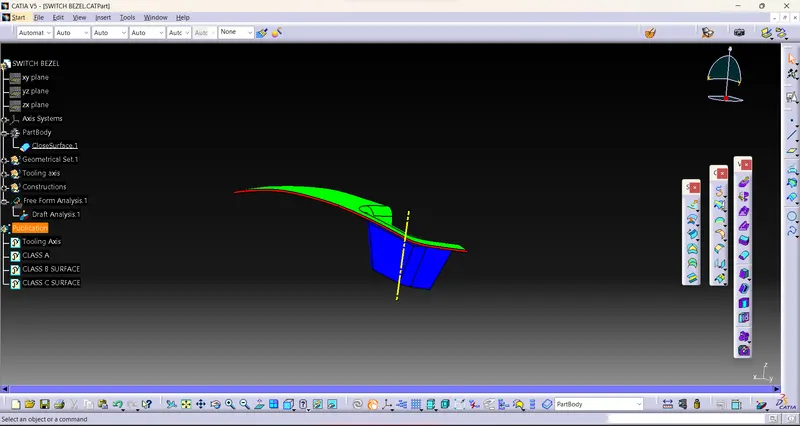
Actually We need to take a flat surface or a hole on surface and make a center point on that, and take a planeYZ with that point, take a intersection with plane to part so that we can take a straight line on that intersection curves and take a bisecting of lines with reference to point so that Tooling Axis will get us.
Drafting : firstly need to take a line which we will take point as Reference and turn the visualisation mode into material so we can able to drafting surface i mean color and need to click axis and drag to tooling curve and need to check if red color comes need to change and if green comes that tipping is perfect. So this is drafting.