Week 8 - Challenge 5 - Door Trim Lower
DOOR TRIM LOWER DESIGN CHALLENGE
OBJECTIVE
- To create the Door Trim Lower's Plastic Component using the Class A Surface that is provided. Desired Thickness of the Plastic Component is 2.5mm with 3.2 degrees as the Draft Angle.
- First, we have to create the required Tooling-Axis for the given Class A Surface while meeting the requirements of the necessary Draft Angle & then perform the Draft-Analysis Operation on the Class A Surface itself.
- After that, we have to create the required Class B & Class C Surfaces using which we have to make the Final Plastic Component and perform Draft Analysis on it as well.
CLASS A SURFACE
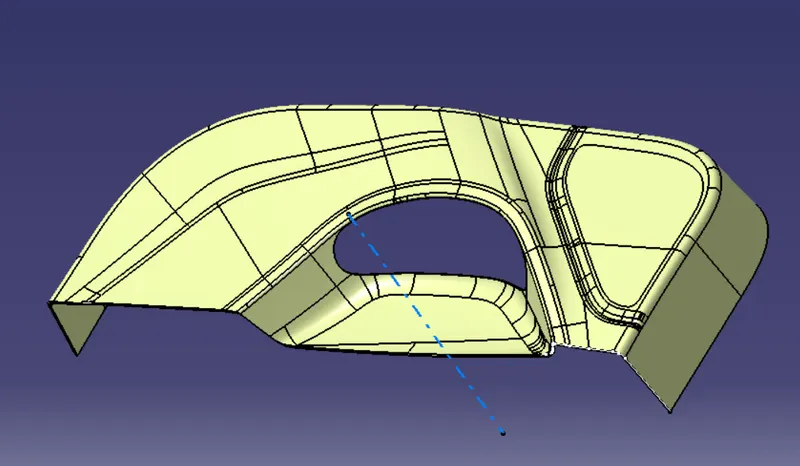
Class A is an aesthetic surface with the highest quality finish. Most Class A Surfaces for an Automotive Component are made using 'Autodesk-Alias' based on the final Concept-Sketch. All Class A surfaces should have 'Curvature-Continuity', meaning the continuity between the surfaces should share the same boundary. It is taken as a reference by the Automotive Plastic Designer to create 'Class B' and 'Class C' Surfaces.
FOR CLASS-B SURFACES
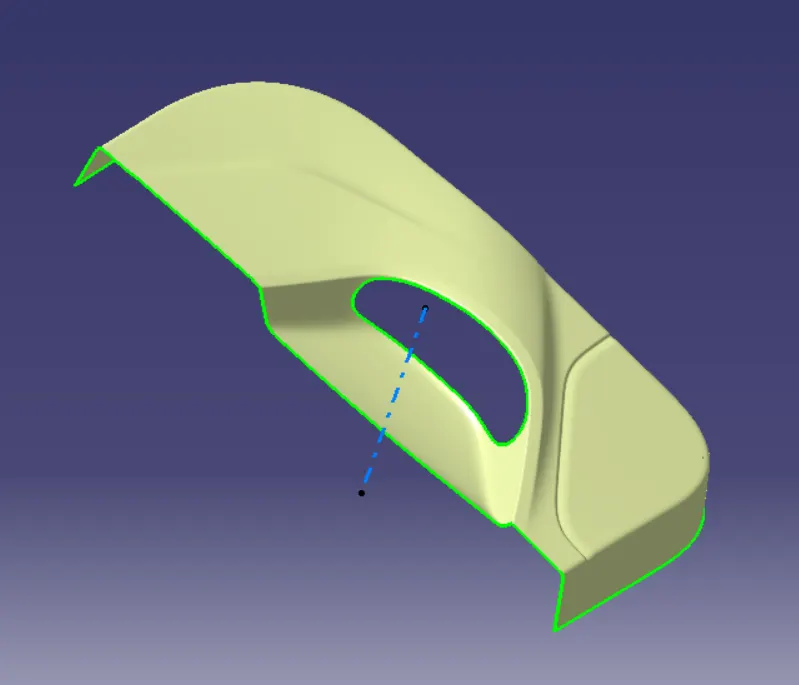
The Class B Surface resides below the Class A Surface at a certain thickness. It is created using Engineering Principles that consist of all the necessary features such as Ribs, Bosses, Snaps, etc. This surface isn't visible to the observer from the outside. We have divided the entire model into the base, side walls, inside side walls, and outer flange and worked on them one by oneEverywhere we follow the same procedure i.e. extract, un-trim, extrapolate, trim and offset. First base, then side walls. To avoid confusion, we trimmed both together and made them one. Also, the fillet was given.
CLASS C SURFACE
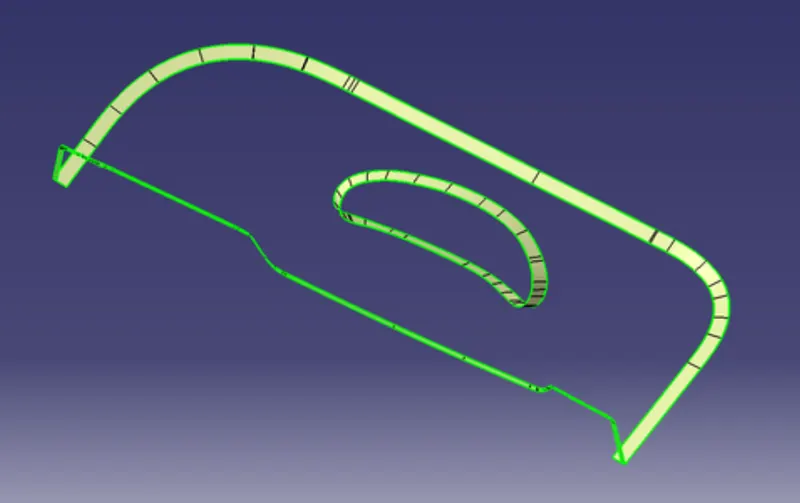
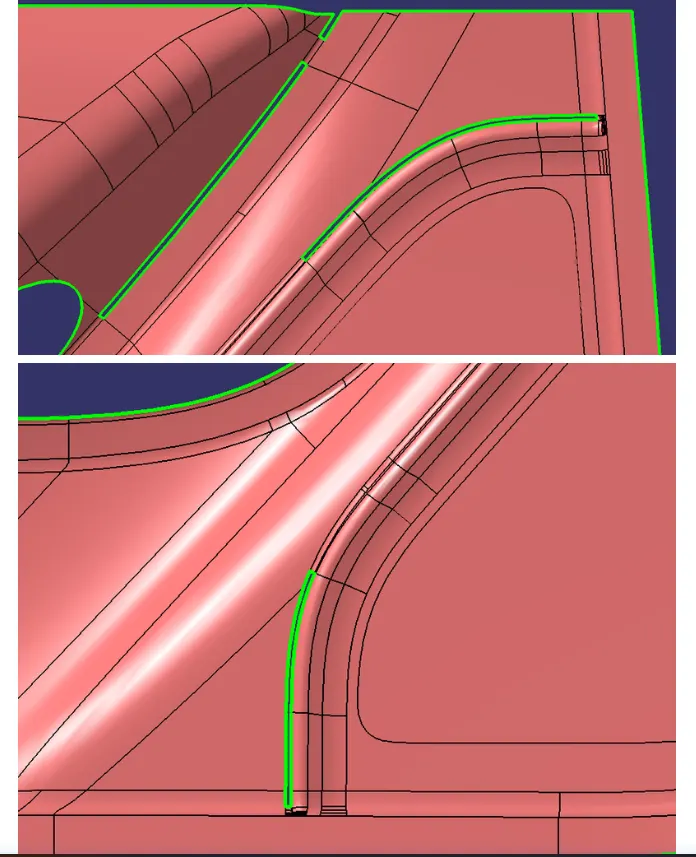
The Class C Surface is the surface created between the Class A and Class B surfaces to join them. Now, we will begin by checking the State of Connectivity for the Class A Surface and ensure that there are no gaps between the surfaces as all the surfaces should be joined well together with each other and shouldn't consist of any discontinuities between them.In this model, unlike the earlier models, we have used a parallel tooling axis. We cannot use ‘with draft direction’ option undersweep.The C surfaces will mostly be created as shown below.
PATCHES
FINAL OUTPUT
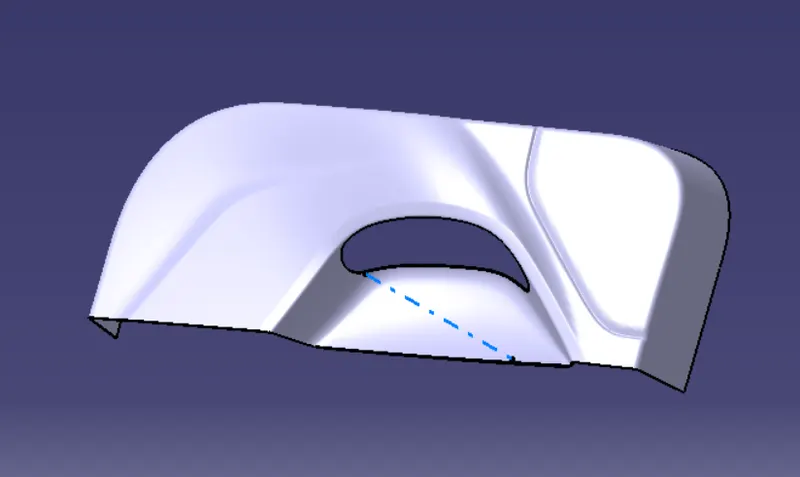
AFTER COVERING PATCHES AND JOINING CLASS A B AND C SURACES WE WILL GET THE FOLLOWING OUTPUT
DRAFT ANALYSIS
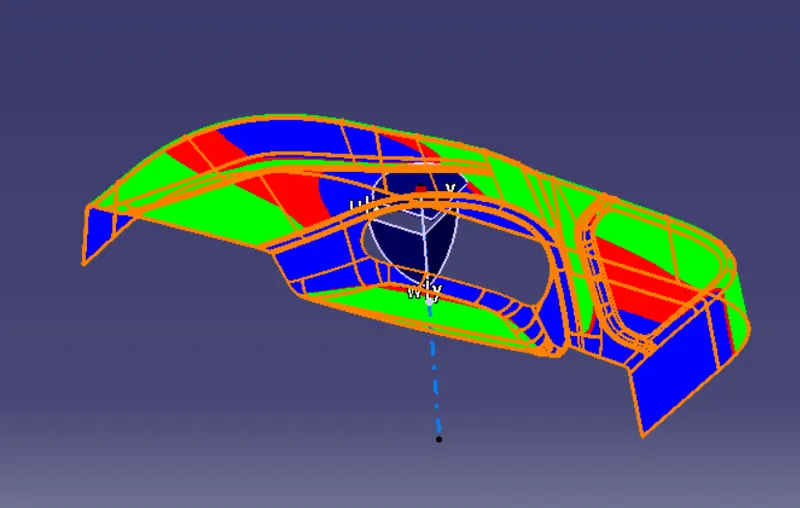
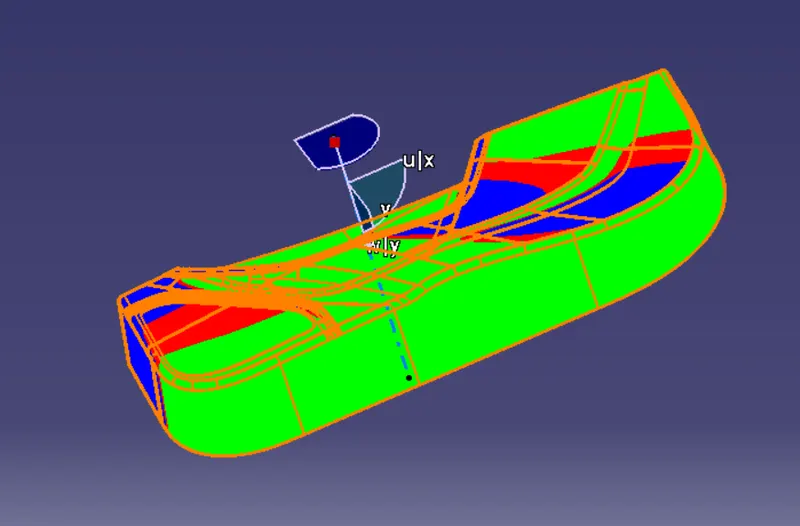
- We'll click on the 'Draft Analysis' under the 'Analysis' Toolbar in the Part Workbench.
- Then, we’ll click on the Compass Symbol under 'Direction' which stands for 'Use the Compass to define the new current draft direction'.
- We'll drag the compass and place the compass on the Main Tooling-Axis.
- Then, we'll select 'Show or Hide the Color Scale' under 'Display' and define our Draft-Angle as 3-Degrees.
- As this component was made from a trimmed Class A Surface and hence we aren't required to provide a draft angle to every region. We have provided a draft angle of 3.2 degrees to all the required surfaces.
- After that, we'll click the surface of the Final Part the results of which are shown below
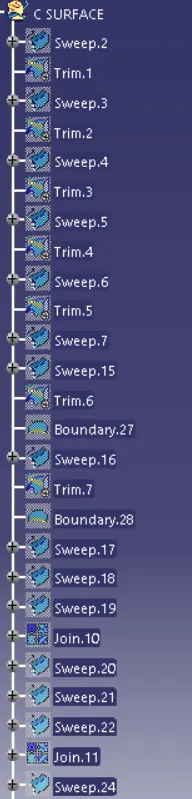
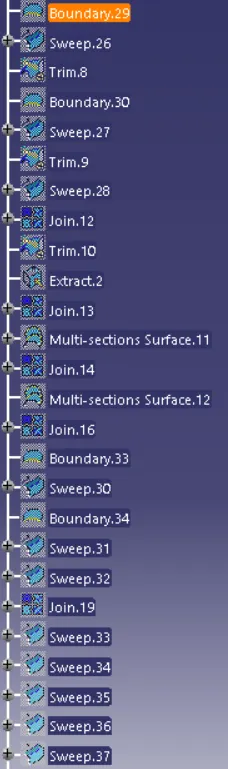
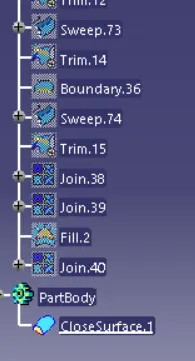
TREE STRUCTURE
3D VIEWS OF THE BODY
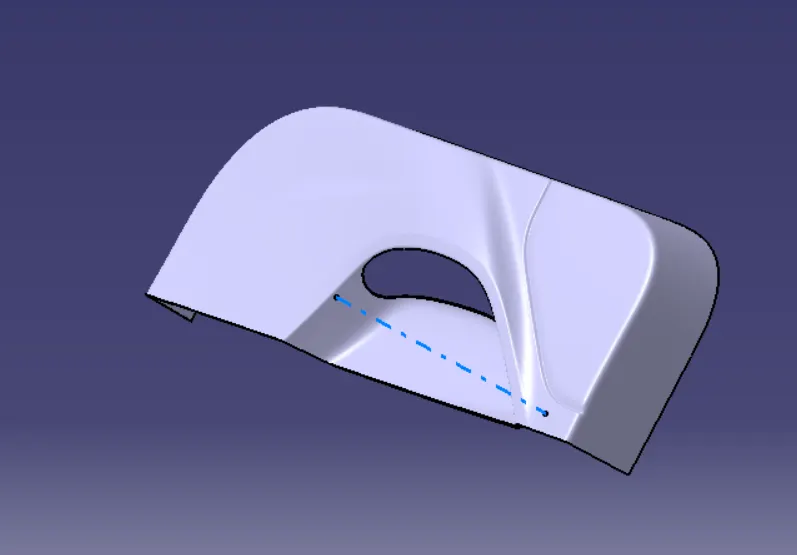
ISOMETRIC VIEW
FRONT VIEW
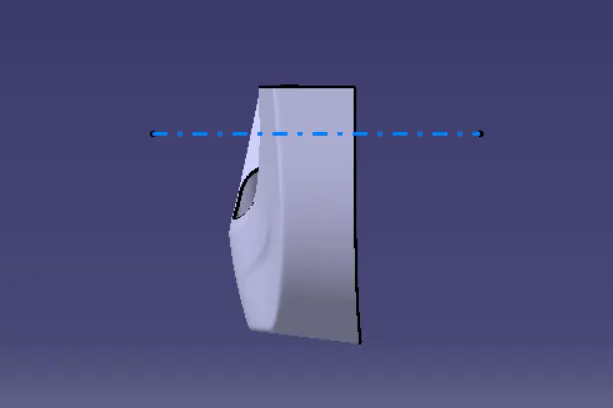
SIDE VIEW
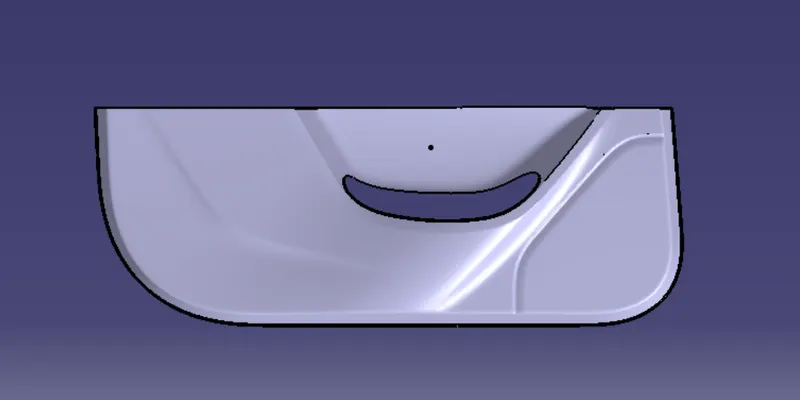
TOP VIEW
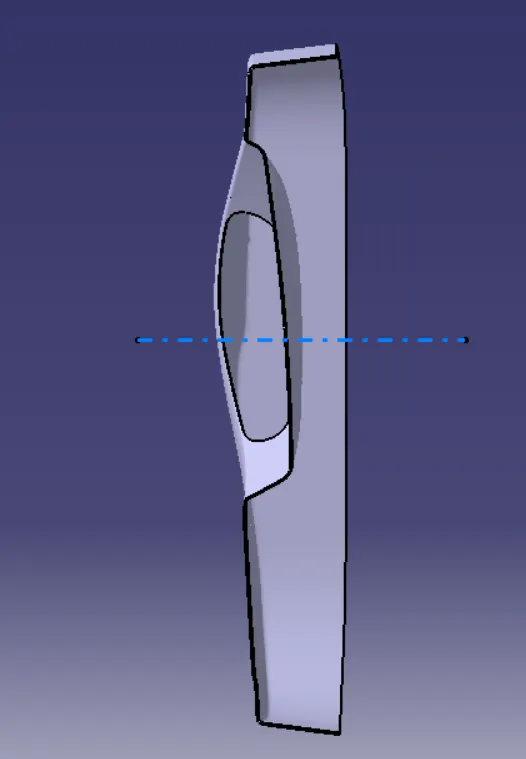
CONCLUSION
- To create the Door Trim Lower's Plastic Component using the Class A Surface that is provided. Desired Thickness of the Plastic Component is 2.5mm with 3.2 degrees as the Draft Angle.
- First, we have to create the required Tooling-Axis for the given Class A Surface while meeting the requirements of the necessary Draft Angle & then perform the Draft-Analysis Operation on the Class A Surface itself.
- After that, we have to create the required Class B & Class C Surfaces using which we have to make the Final Plastic Component and perform Draft Analysis on it as well.THE FOLLOWING OBJECTIVES ARE SATISFIED