Week 8 - Challenge 5 - Door Trim Lower
Week 8 - Challenge 5 - Door Trim Lower
Create the Door Trim Plastic component through the given Class-A surface. To begin with, the tooling axis for the given Class-A Surface should be created meeting the requirements of the draft angle and at the end perform the Draft analysis on the model.
Take the Thickness of the component to be 2.5 mm
CLASS-A-SURFACE-CREATIONS
The door trim lower input surface was closely studied and checked with the join command, we found small patches on the class A surface and am using the split command to remove the unwanted surface.
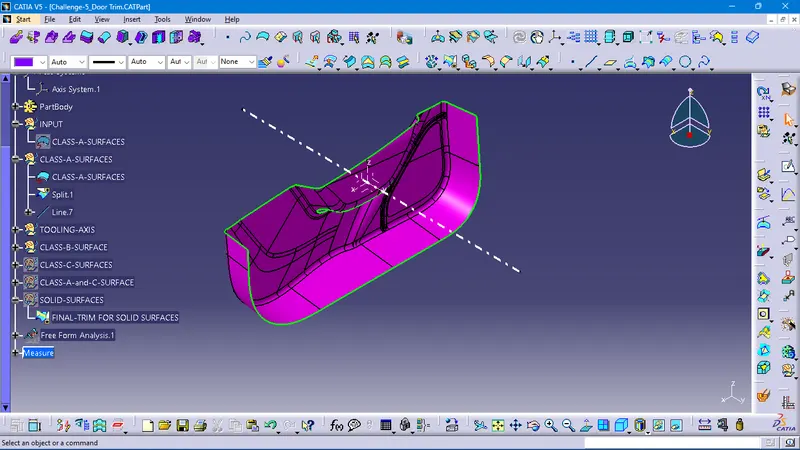
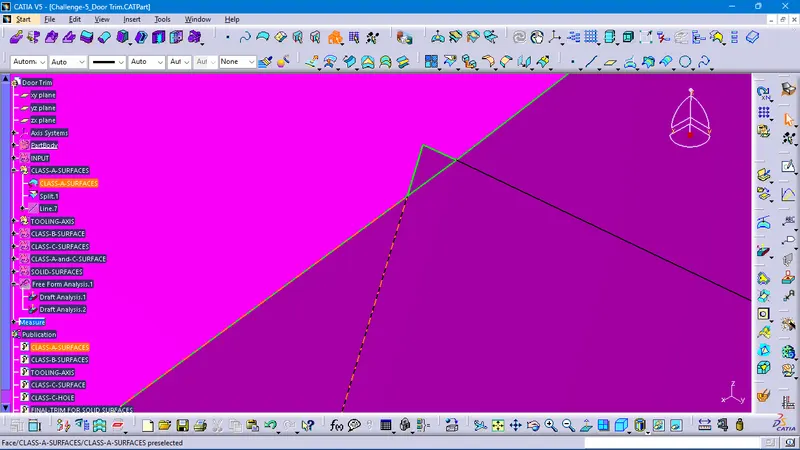
TOOLING-AXIS-CREATIONS
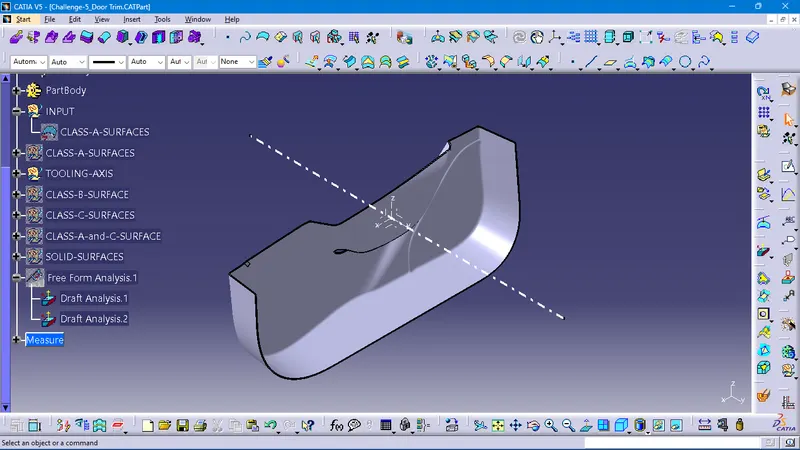
For the tooling axis, I have extracted the class-A surface to create the axis by using the bisecting method
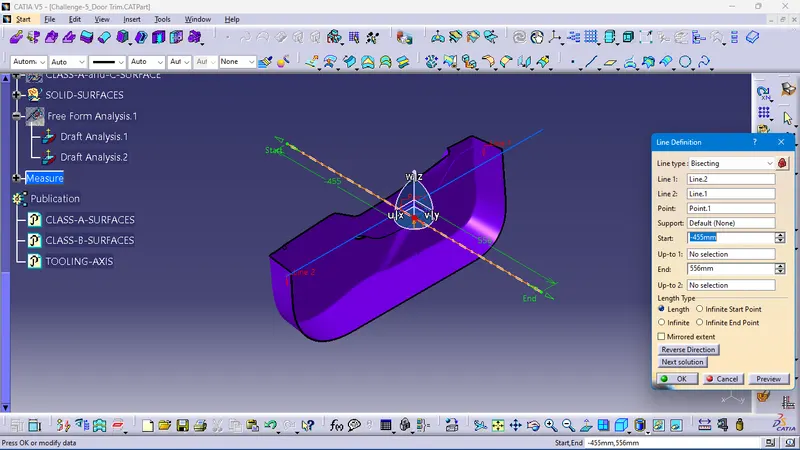
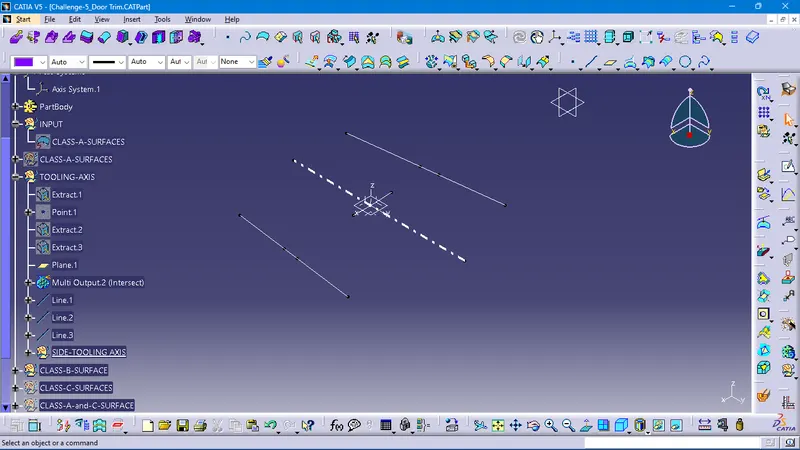
DRAFT ANALYSIS
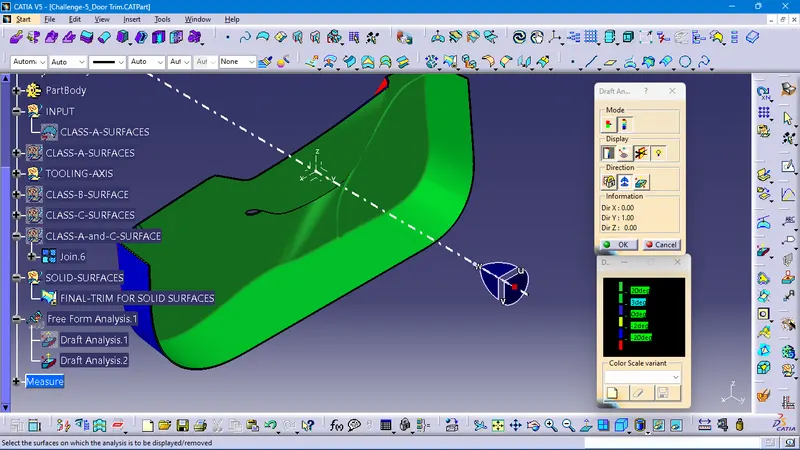
After the tooling axis creations, I have an analysis done by the draft analysis command to check the possibility to produce in a plastic injection mold machine, as of created the tooling axis analysis result is given by the color code
mentioned as min 3-degree angle to the tolling axis passed as green surfaces.
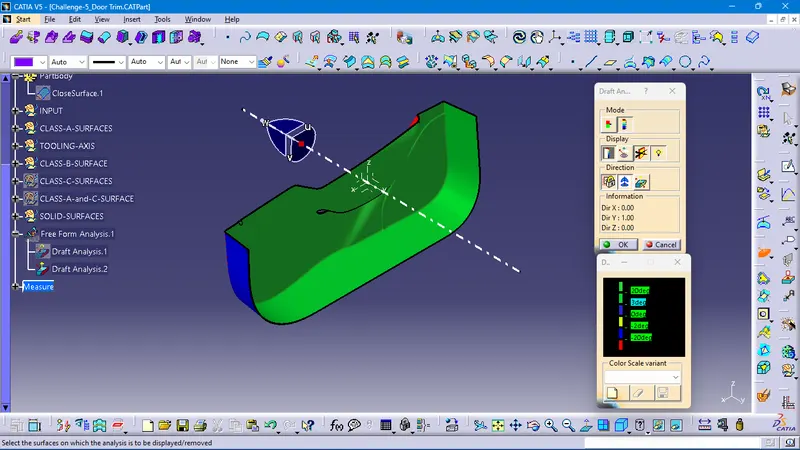
CLASS-B-SURFACE-CREATIONS
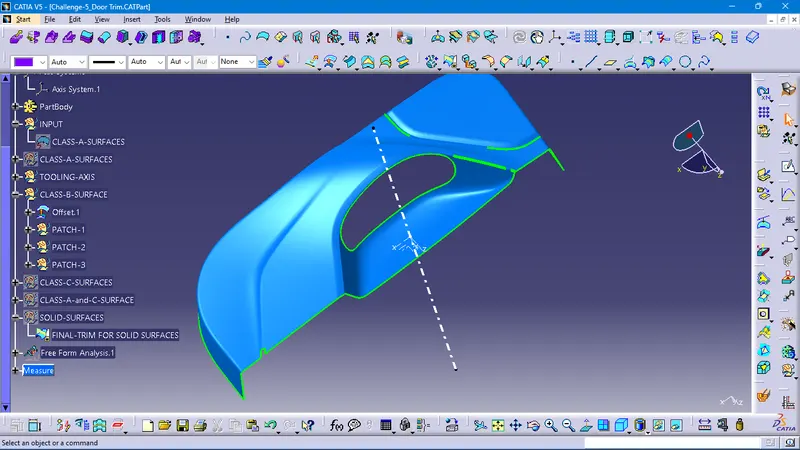
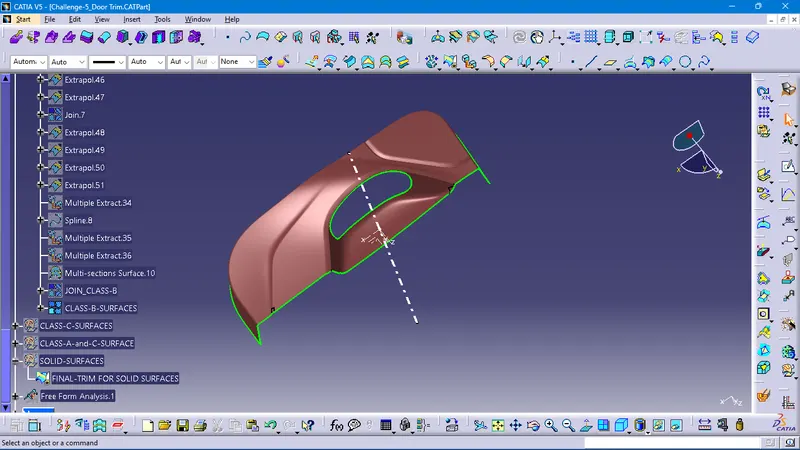
After the draft analysis. created the class-B surfaces with the given plastic component thickness value of 2.5mm, by using the offset command created the class-B surface. but we found some gaps on the offset surfaces. and also rework done by using major commands (i,e) multiple extracts, splines, multisection surfaces, sweep, join.
FILLETS-RADIUS VALUES - TAKEN BY USING MEASURING TOOLS
by using the measure command to get the fillet radius values, normally we can measure directly. if unable to measure the value, we have to extract the filleted surface from class-a surfaces and create the point over the mid of the cure. then create a circle by using the three-point method. to get the radius value.
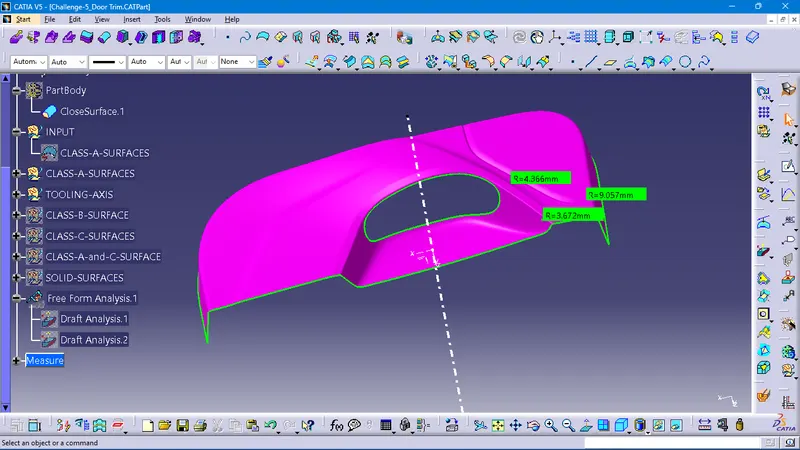
CLASS-C-SURFACE-CREATIONS
we have to create the class-C surfaces. by using the class-A surfaces by using the several time with sweep,
multiple extracts, splines, multisection surfaces, sweep, join, extrapolate, and Trim,
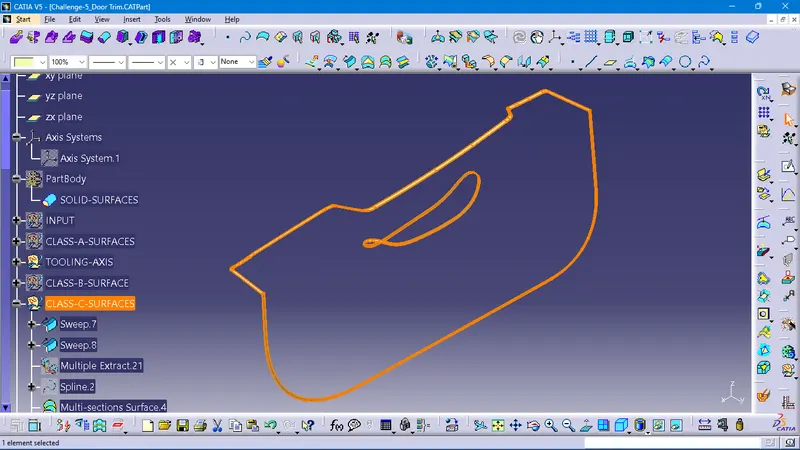
CLASS-A-and-C-SURFACES
by using the join command we have to join class-A surface with class-C-surfaces
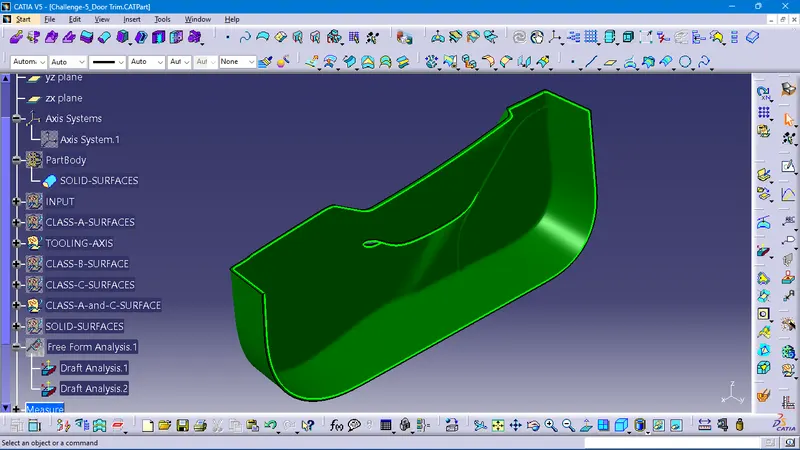
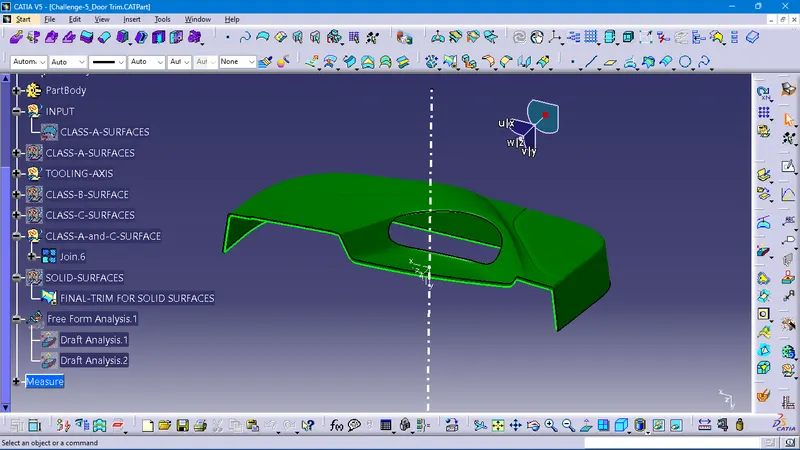
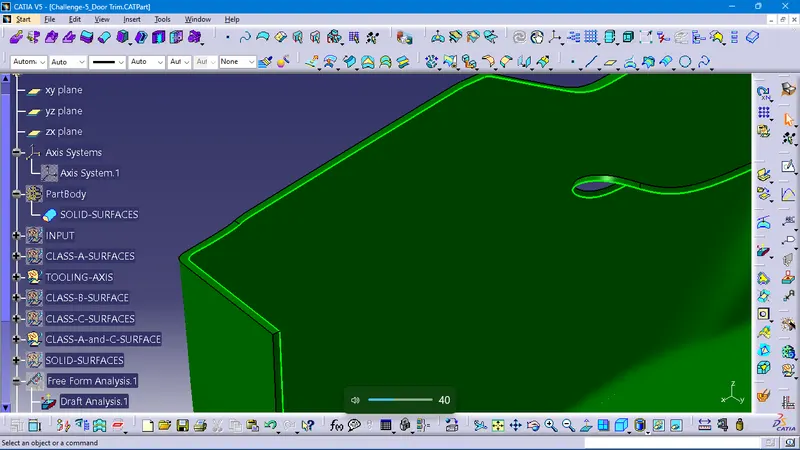
SOLID-SURFACES
To create the solid surfaces by using the Trim command final trimmed surface with class-A,class-c, with the class-B surface to join as the thickness of 2.5mm,
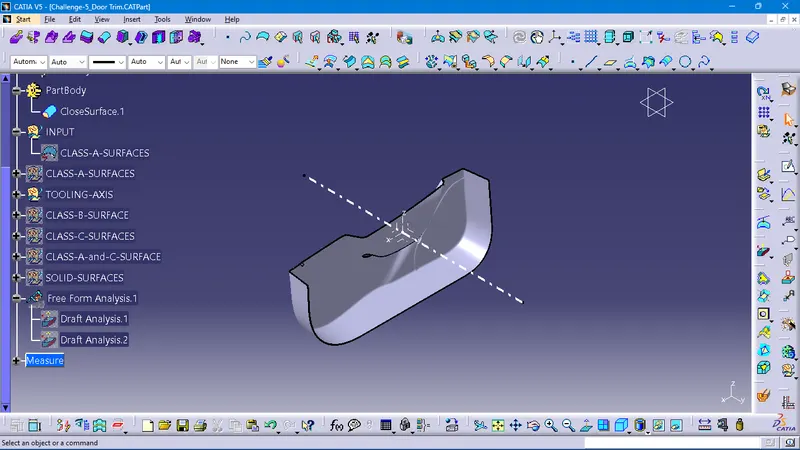
DRAFT- ANALYSIS AFTER THE SOLID SURFACE CREATIONS
our normal procedure to create the draft analysis after the closed surface.
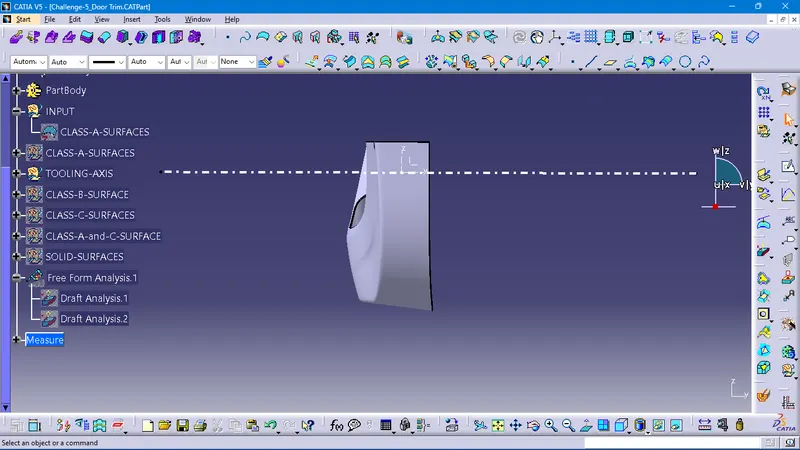
FRONT-VIEW
TOP-VIEW
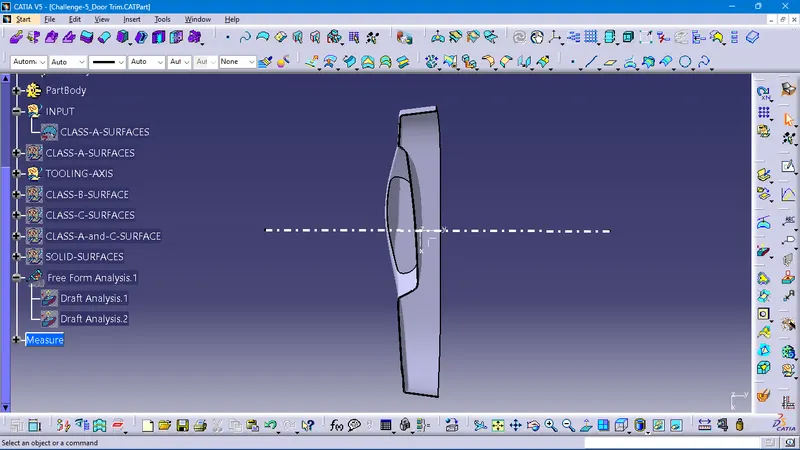
SIDE-VIEW
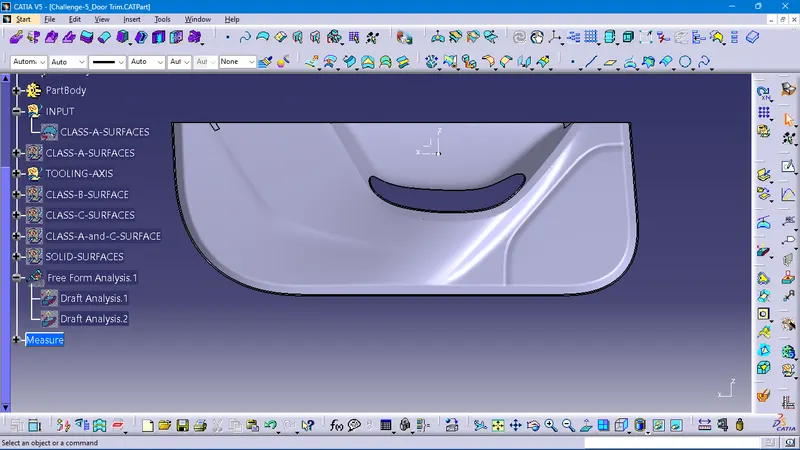
ISOMETRIC VIEW
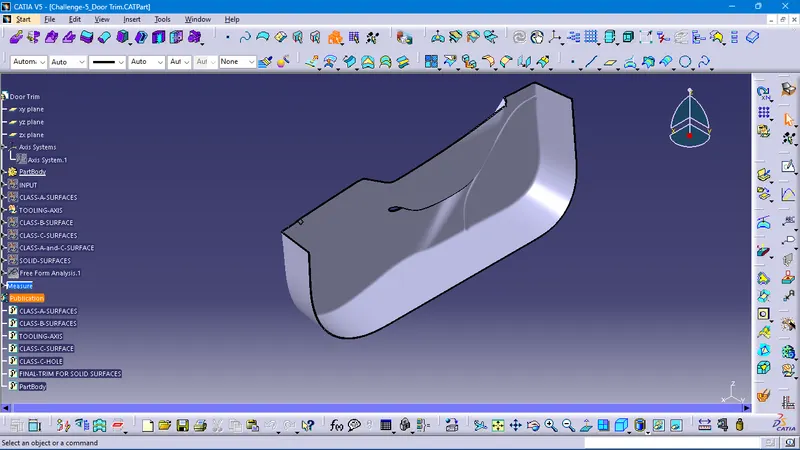
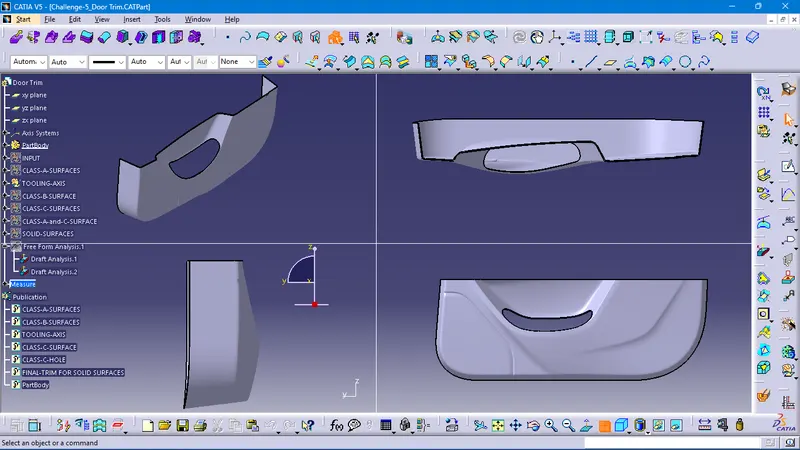
PLEASE FIND THE ATTACHED PART FILE FOR YOUR REFERENCE IN DETAILS