Week 8 - Challenge 5 - Core & Cavity Design
CORE AND CAVITY DESIGN
Parting surface
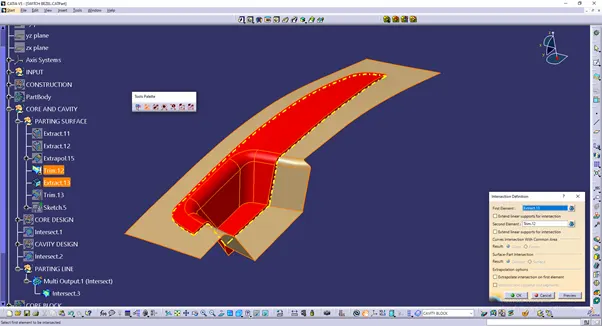
To create the parting surface, the Class A surface is extracted suing extract command.
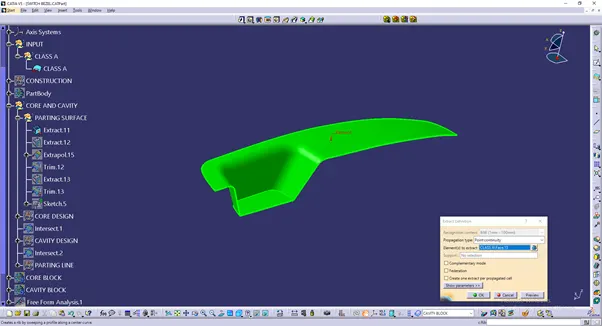
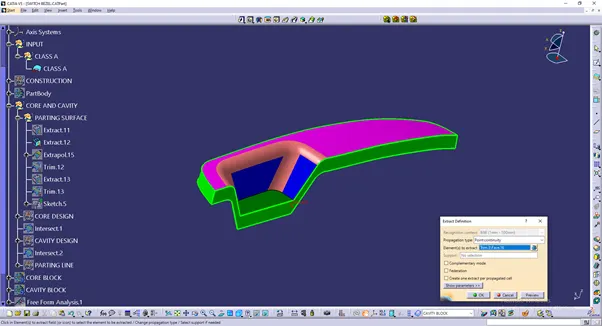
Class C surface is also being extracted.
Extrapol the Class A surface extracted surface.
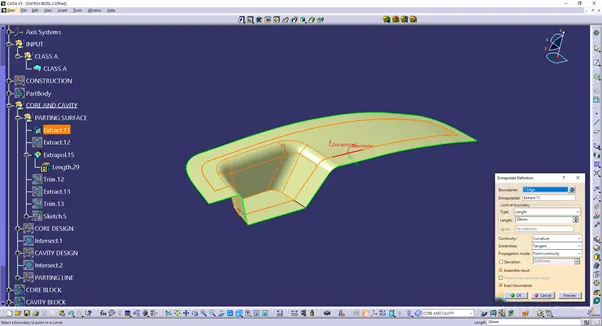
Trim the extrapolated surface with the Class C surface
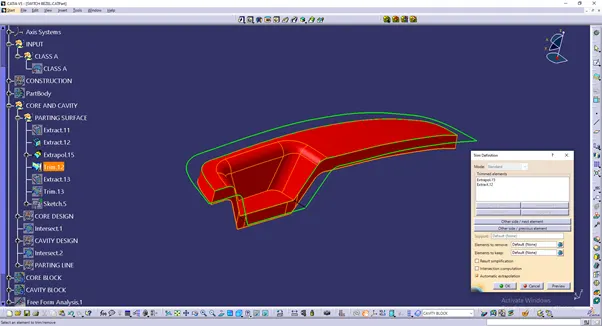
Now, Class B surface is extracted
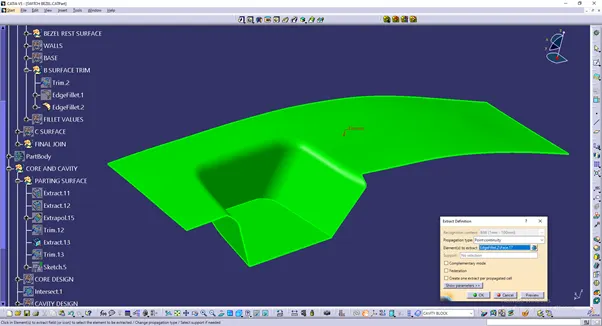
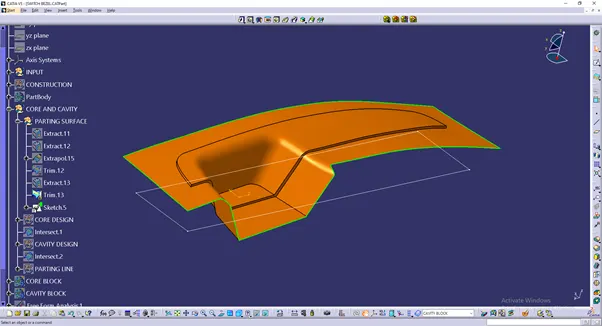
The previous surface gets trimmed with the Class B surface.
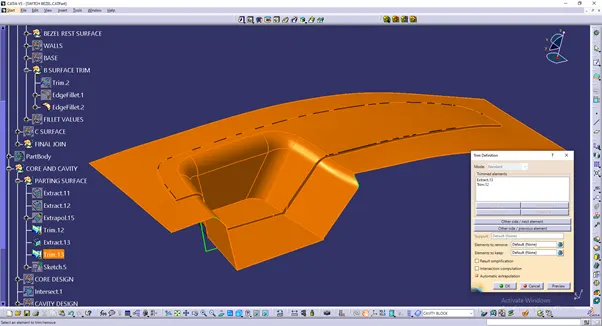
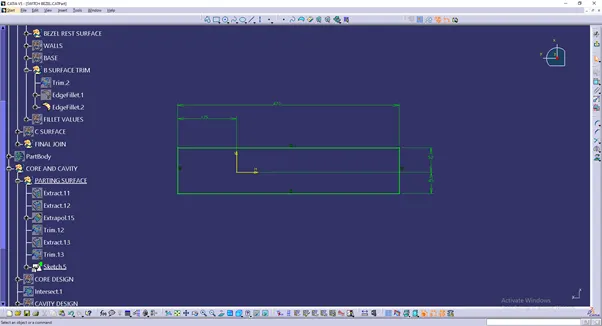
The base sketch for the Core and Cavity is drawn here.
Core Design
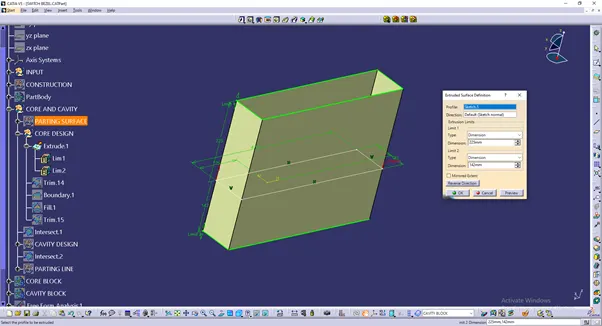
The sketch drawn is extruded for certain distance.
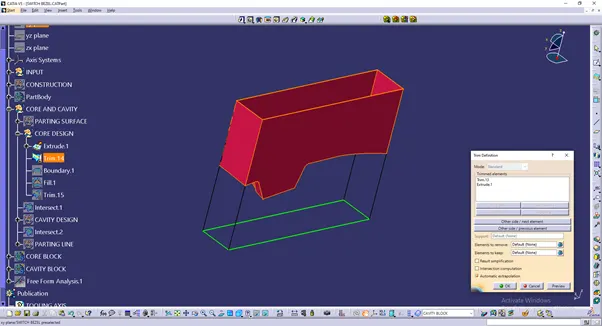
It is trimmed with the surfaces.
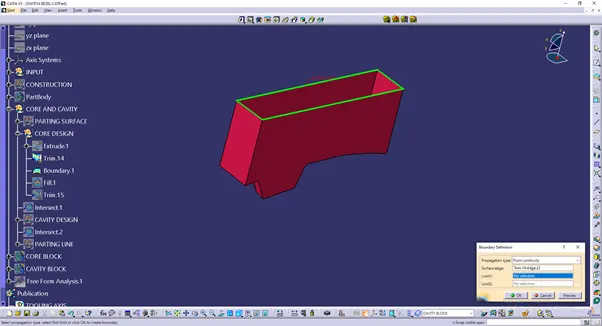
The top most boundary of the core surface is extracted using extract command.
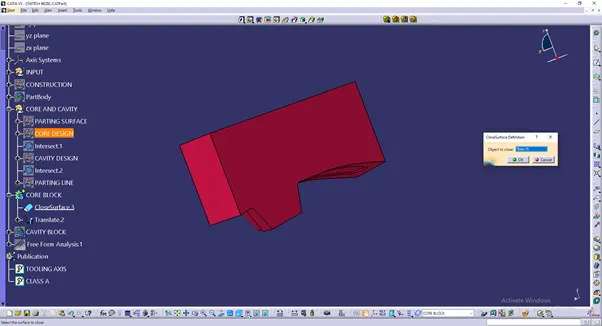
Using fill command, the open surface with the boundary is closed.
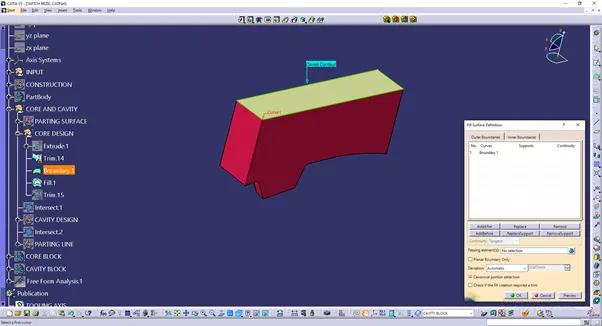
This latest surface gets trimmed with the extruded surfaces.
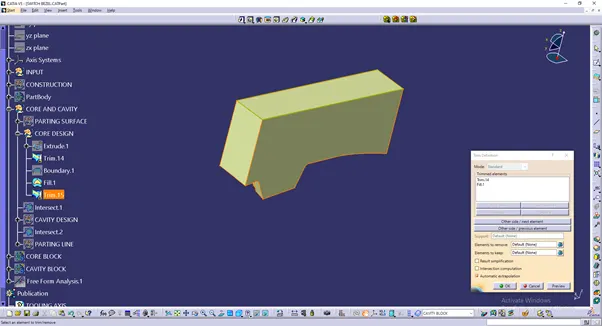
Now, this core surface is intersected with the ZX plane.
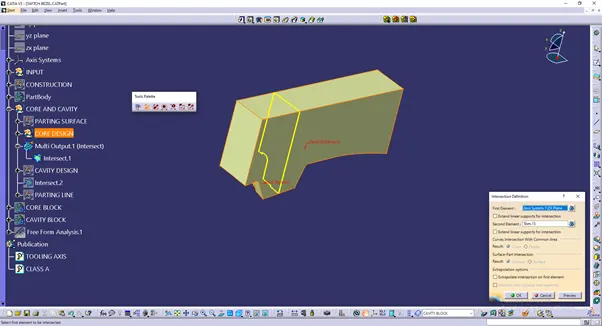
Cavity Design
Now Cavity surface is created. For that the previously extruded surface of the sketch is trimmed with the surfaces. By removing another surface.
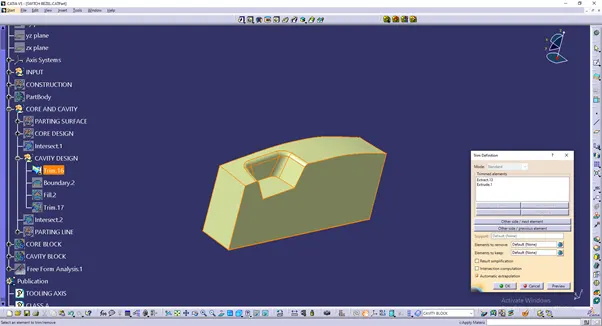
Here, the bottom most boundary of the surface is extracted.
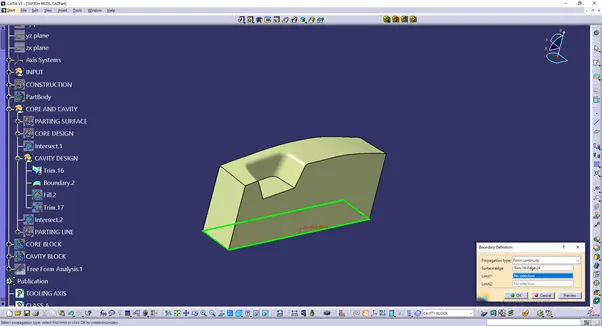
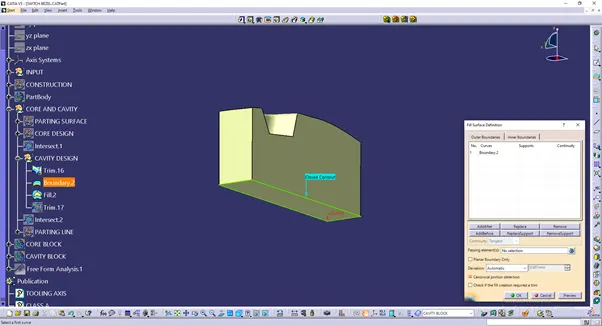
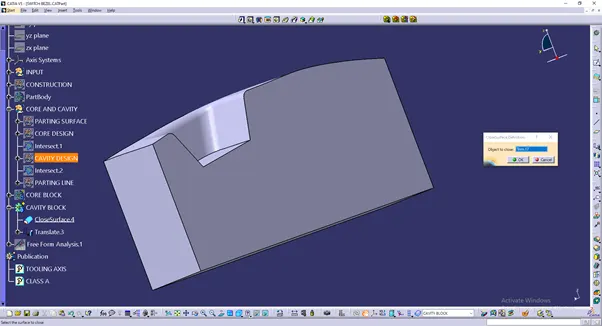
Using fill command, the open surface with the boundary is closed.
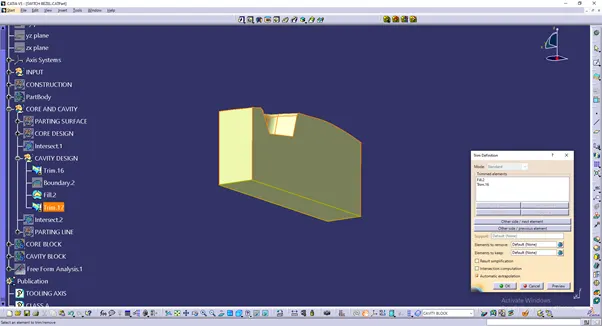
The filled surface is trimmed with the extruded surface.
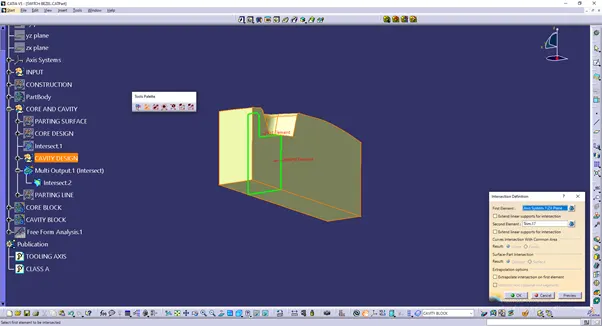
Now, this cavity surface is intersected with the ZX plane.
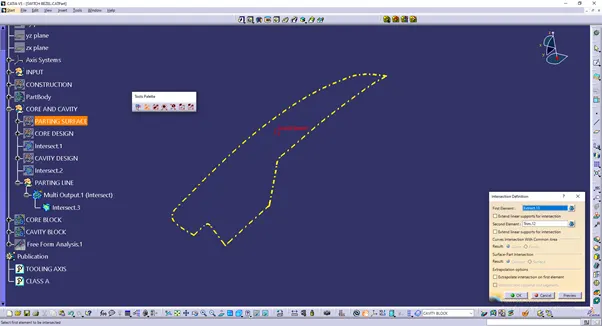
Parting line
The parting line is taken from the All class surfaces joined together.
Solid
Core Design
Cavity Design
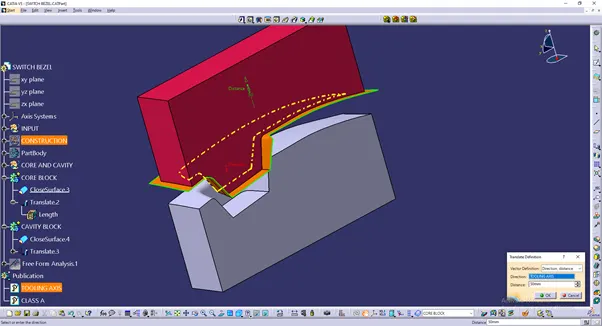
Translate
Translated the position of the COre and Cavity in order to give a clear picture of the Core, Cavity and Parting line.