Week 8 - Challenge 5 - Core & Cavity Design
REPORT:
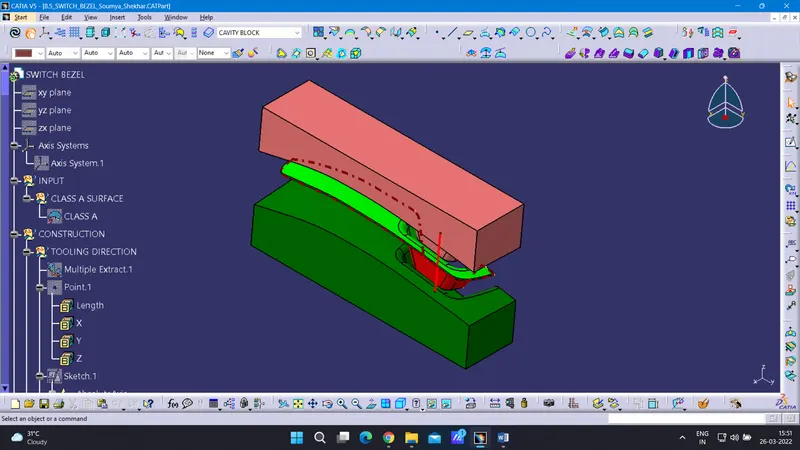
In this component, we decided to try a new approach for the tooling axis and bisecting line. Here, We have inserted the axis system, and Z-direction will be our tooling axis direction.
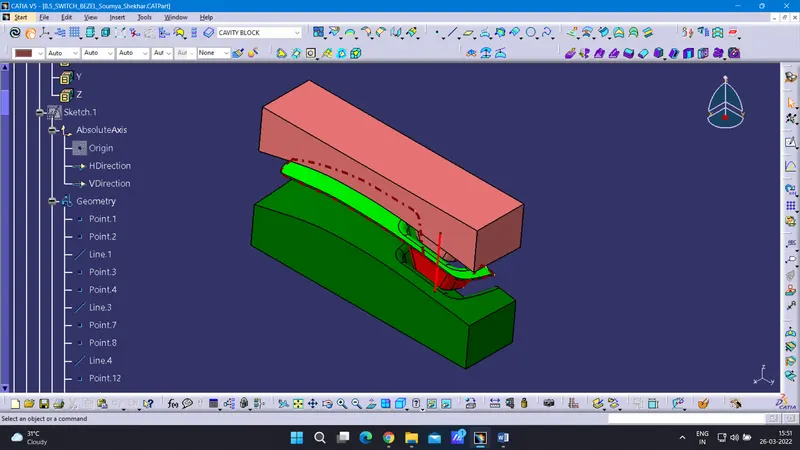
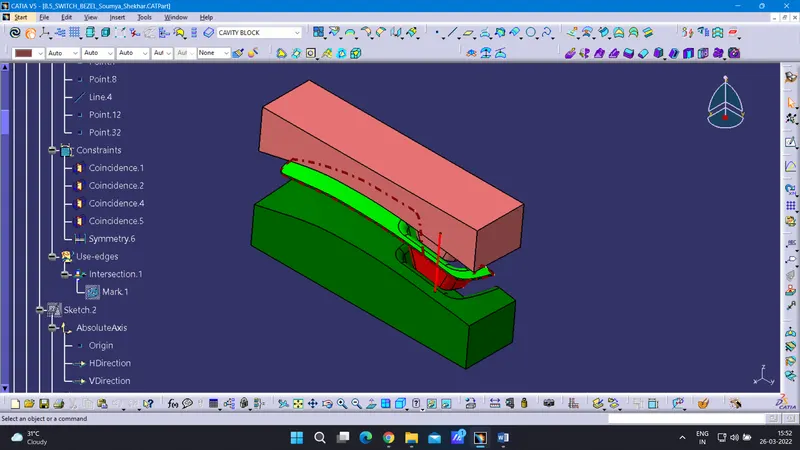
For the ZY direction, we have taken the intersection of the switch bezel along the ZY direction. With the help of line command, we draw two lines at the parallel line. Now with the help of bisecting line command, we will select the 2 lines with were sketched. For ZY direction Bisecting line has been created.
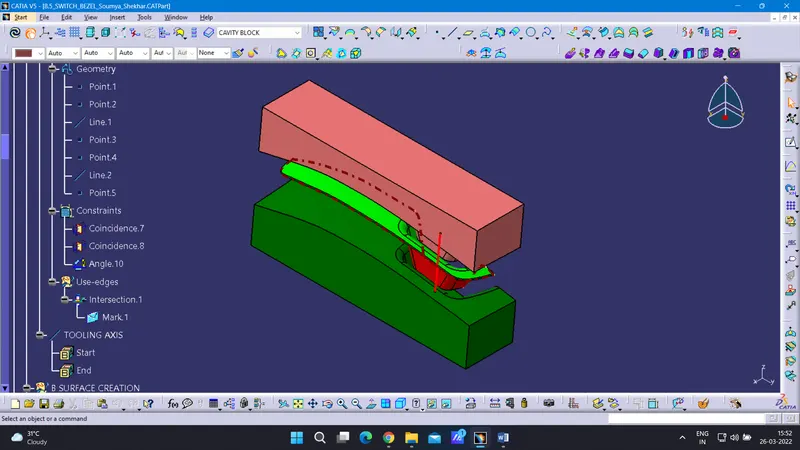
Now for the ZX direction, we have taken the intersection of the switch bezel along the ZX direction. Here, we will draw a line intersecting the switch bezel. and a line from the center of the axis with an angle of 6 degrees.
Now we take both the line i.e. bisecting line from the ZY direction and the centerline from the ZX direction. And make a common bisecting line. This will be our tooling axis.
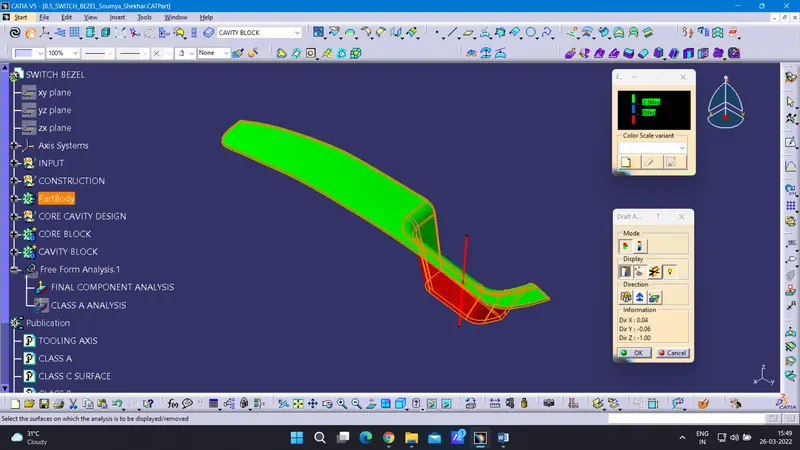
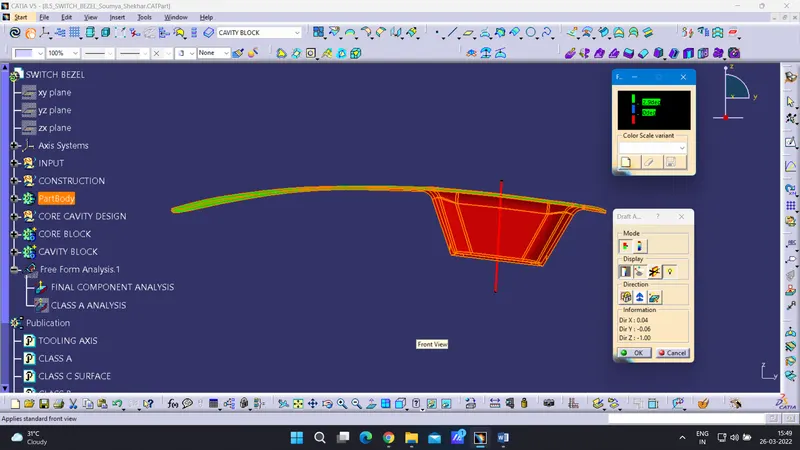
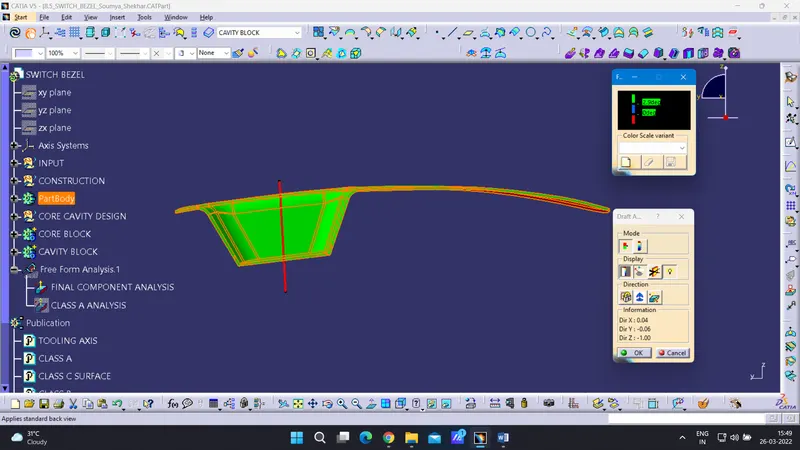
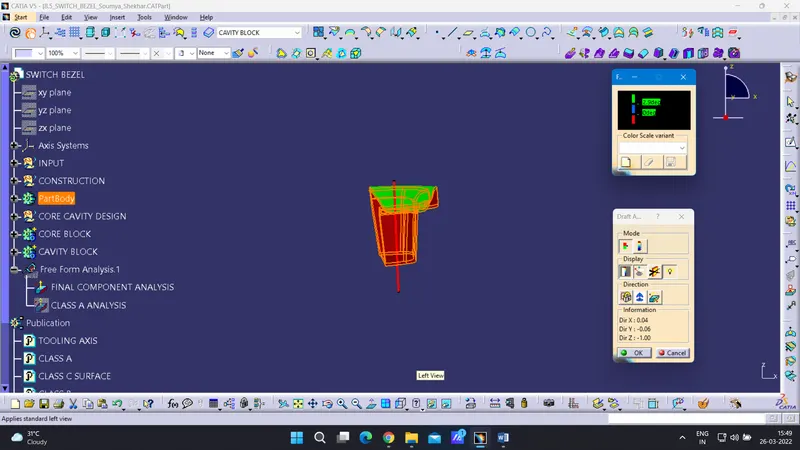
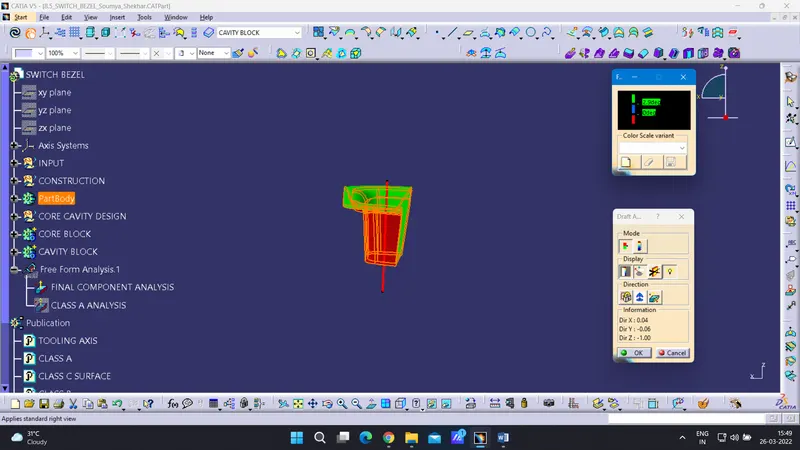
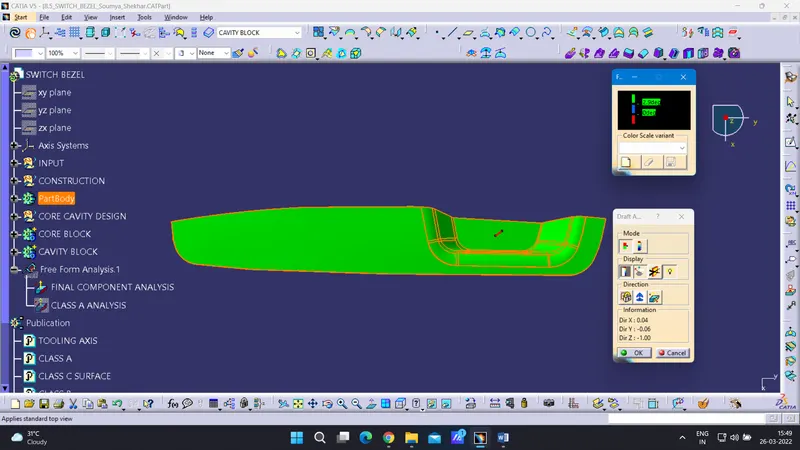
Now for the draft analysis, Set the angle 2.9 degrees, place the axis system on the tooling axis, lock it. check all the draft parameters.
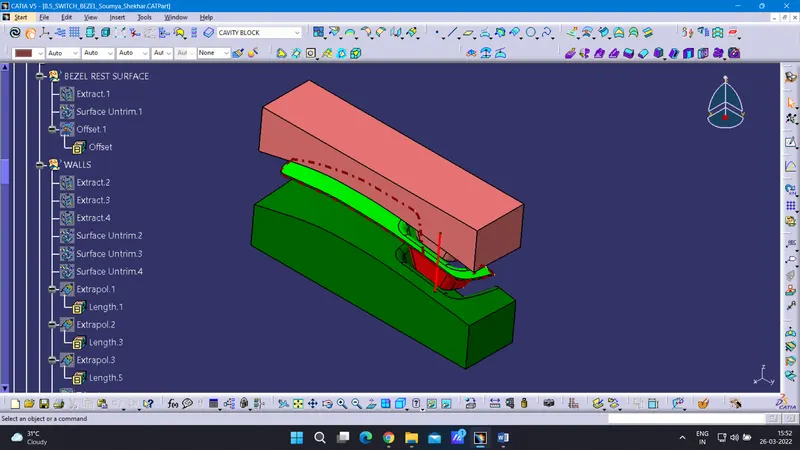
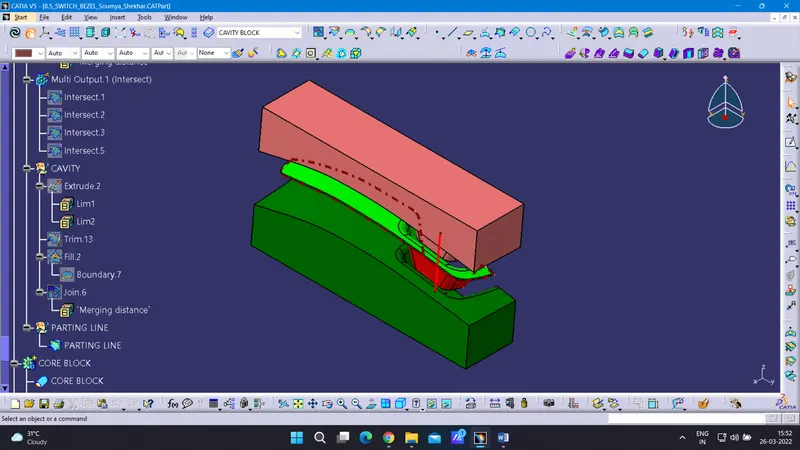
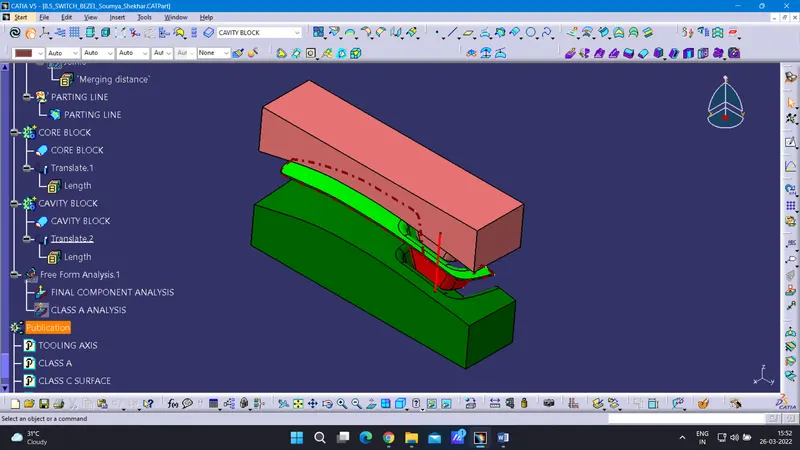
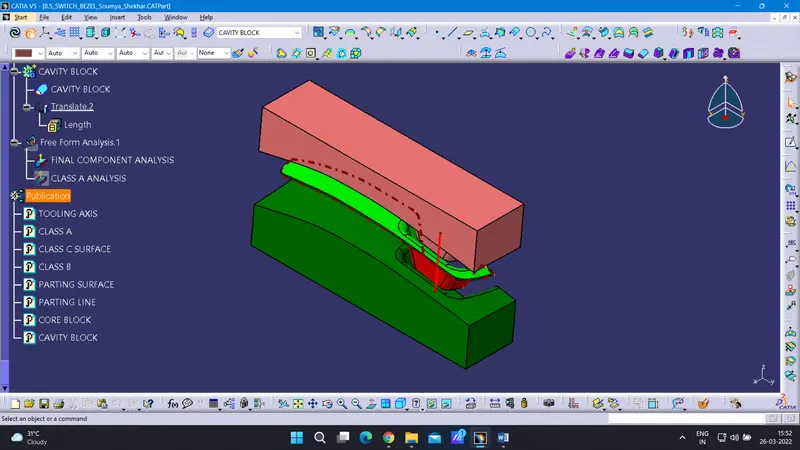
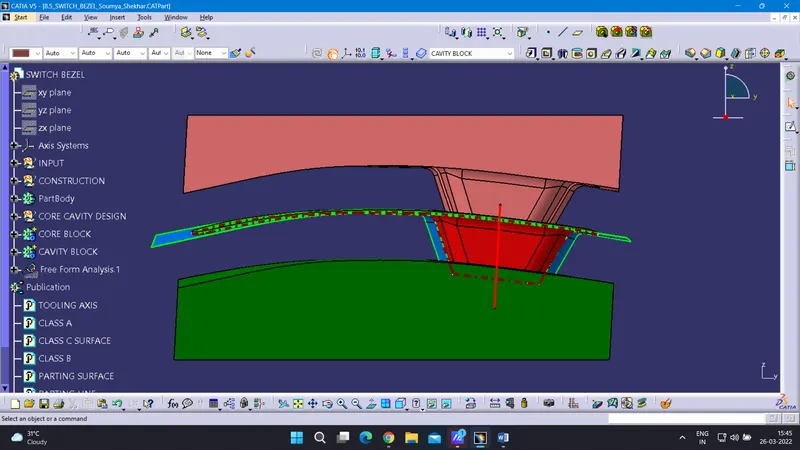
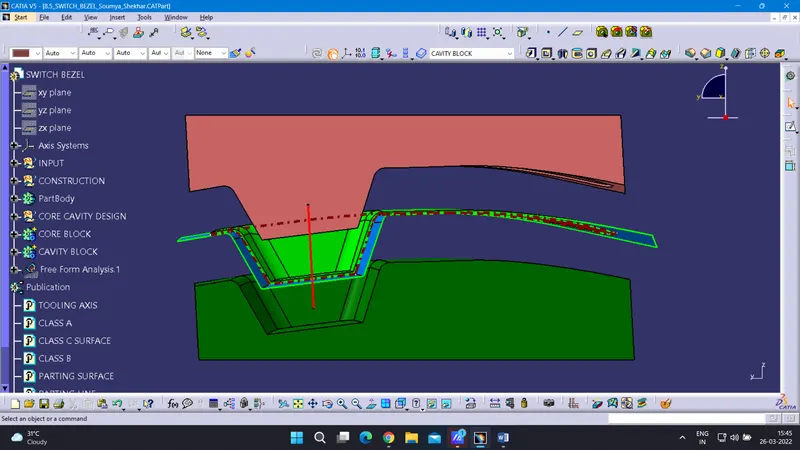
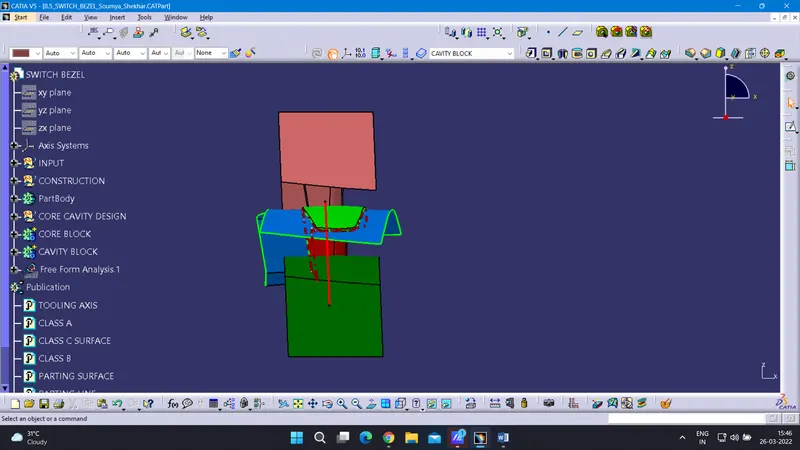
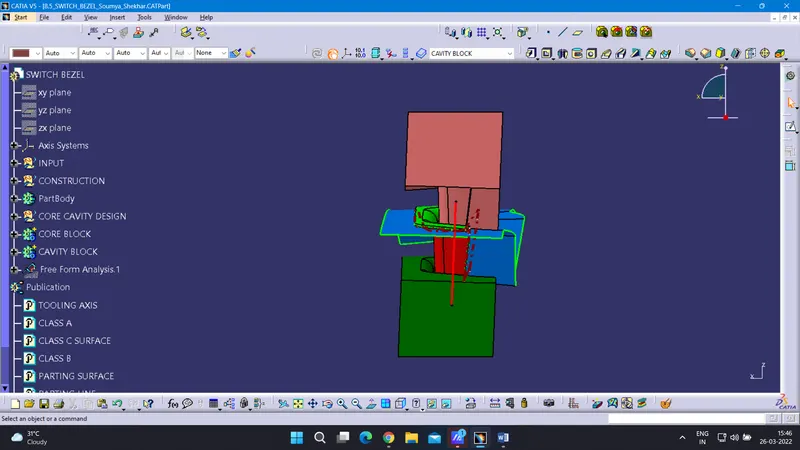
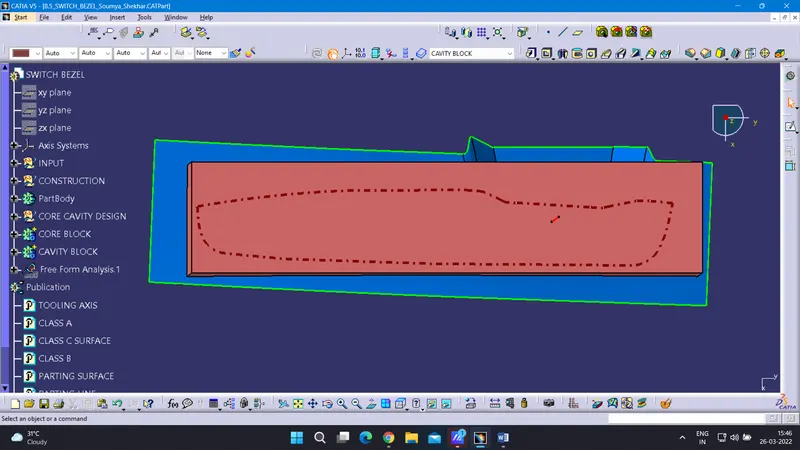
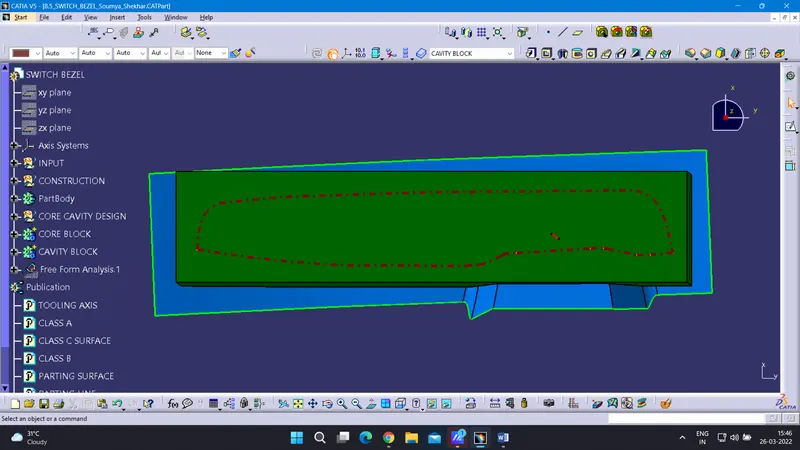
core and cavity blocks in various orientations
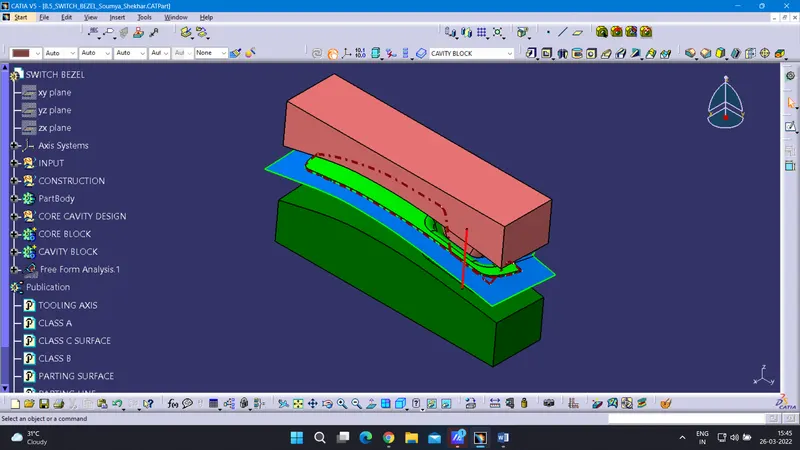
Draft analysis
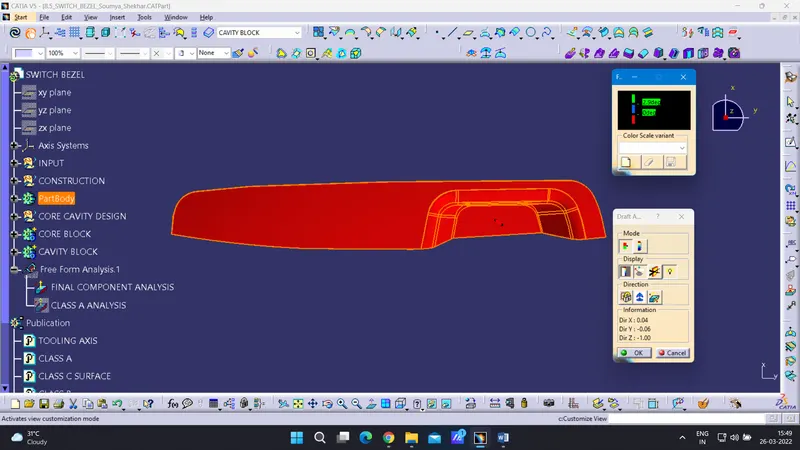
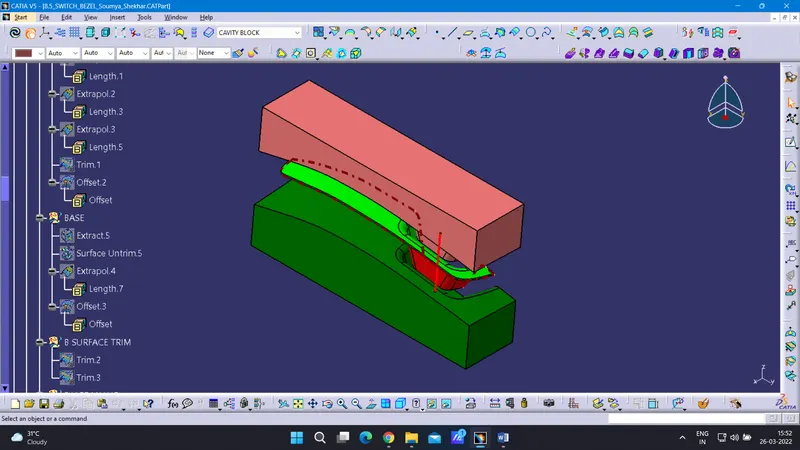
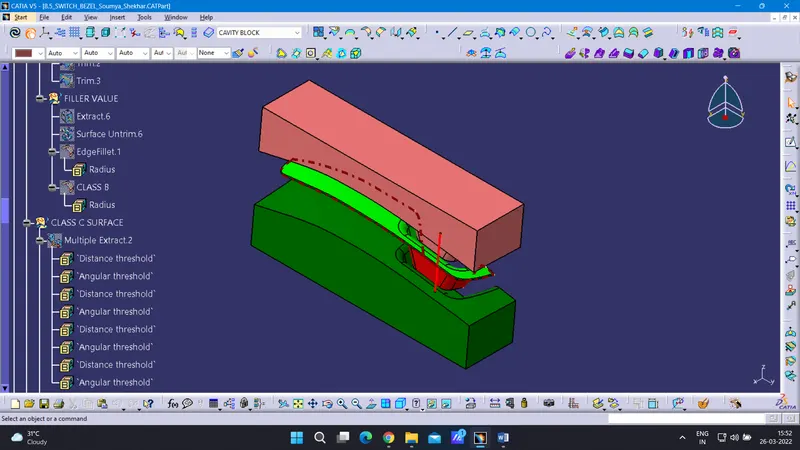
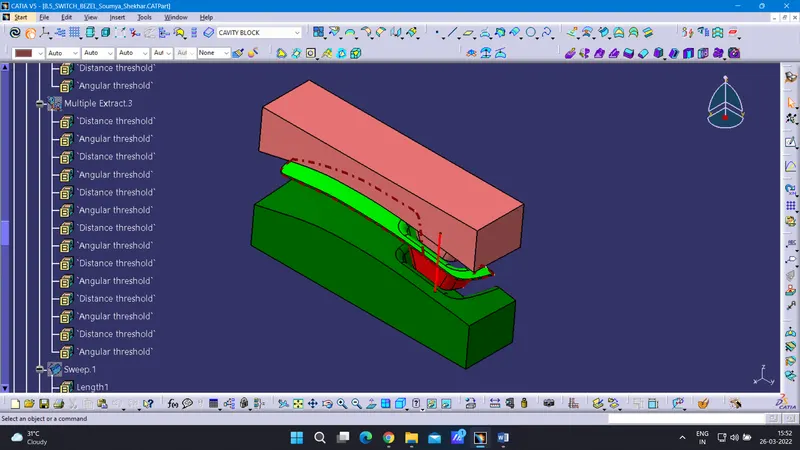
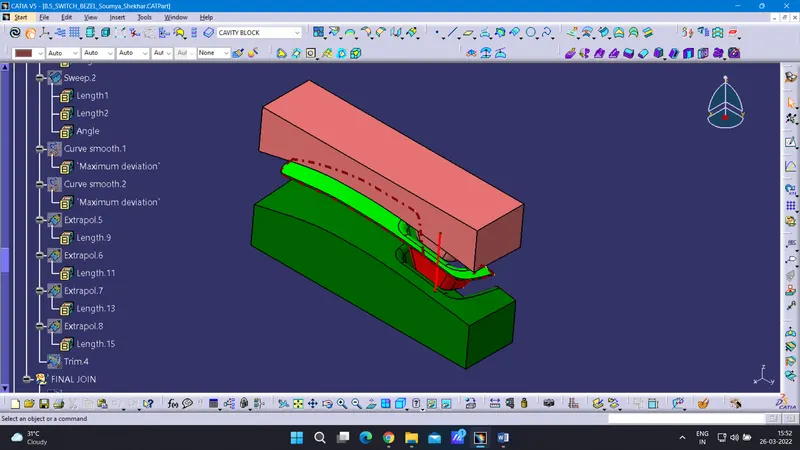
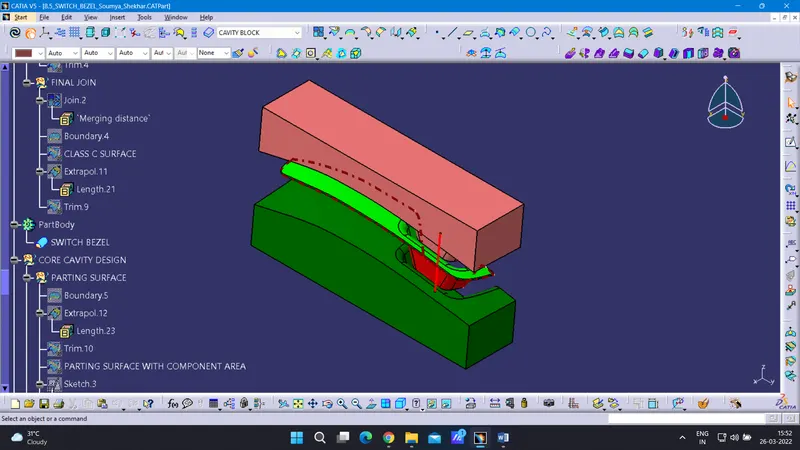
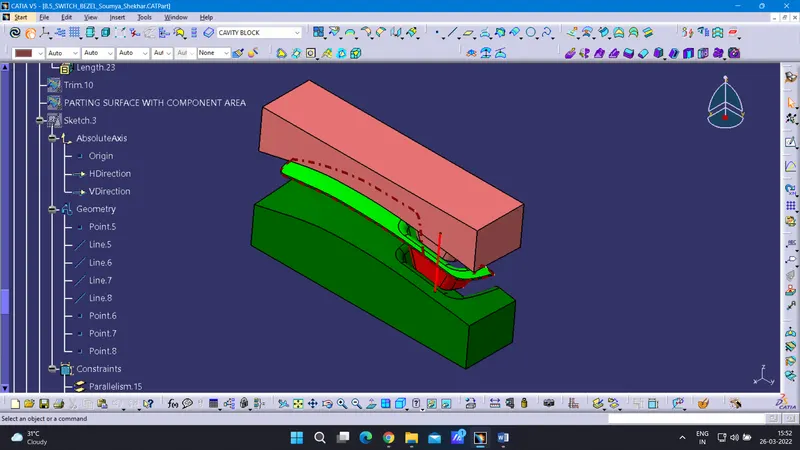
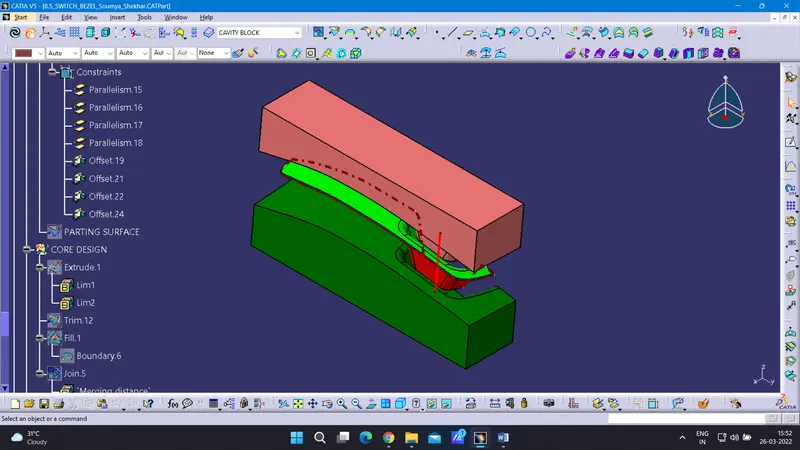
EXPANDED TREE