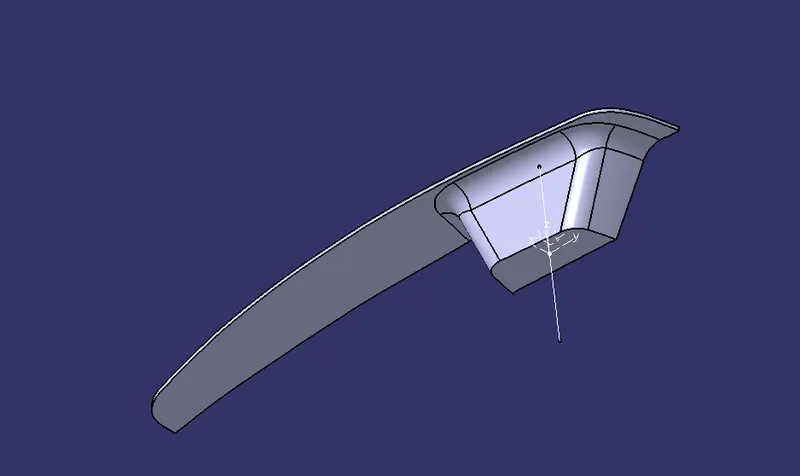
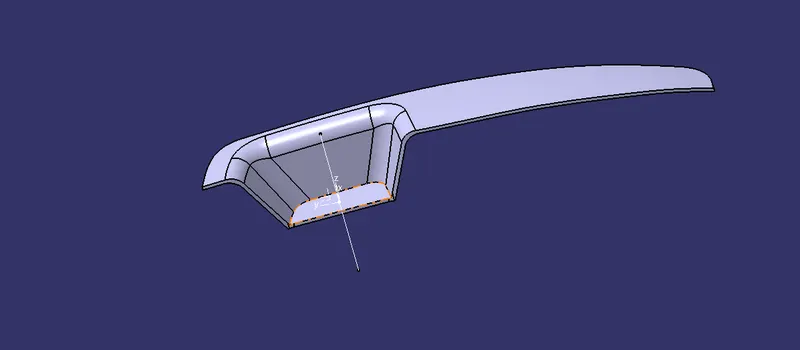
Week 8 - Challenge 5 - Core & Cavity Design
AIM:
To create the Core and cavity blocks for the switch bezel designed
TO DESIGN:
>Tooling axis
>Class B surface
>Class C surface
>Solid surface
CREATION OF TOOLING AXIS:
>The tooling axis is created by the bisecting method
>The base of the class A is extracted and create a centre point in the centre of the base with the current feature disabled
>The two inclined lines are drawn inside the position sketch
>Then bisecting lines with the two inclines lines were drawn
>Now the same procedure is done along the xz plane
>with these two lines the bisecting line is created and it is used as tooling axis and published
DRAFT ANALYSIS:
*open feature draft analysis using the analysis option
*when it opens it shows the quick analysis mode
*Next to position the compass to the tooling axis by draging it from the right corner of the working area. the w axis should be inline in tooling axis
*Then lock the position of the compass by clicking the lock option in the tool bar
*Then clicking the surface of the part it shows the colour range
*It shows the range change it to 2.9 ,then the part turns into green
part
surface B
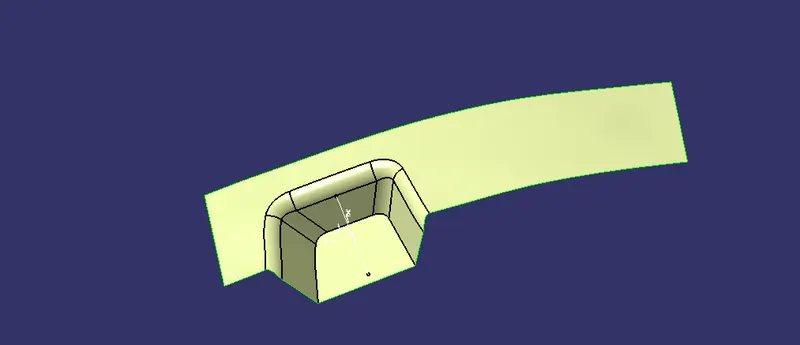
SURFACE C
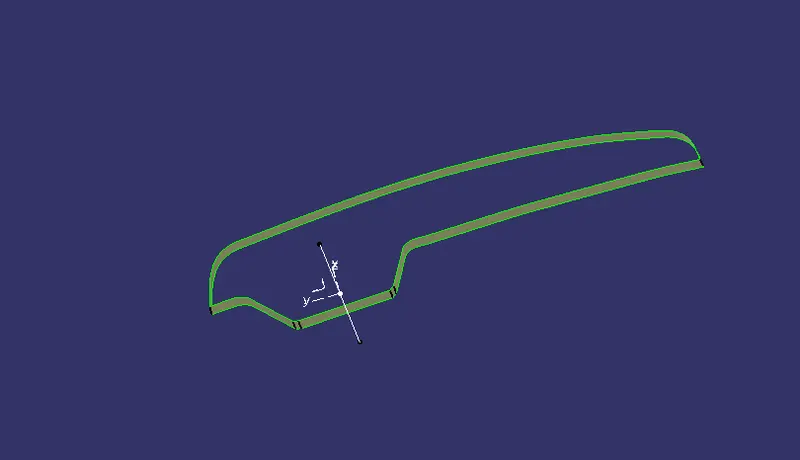
FINAL TRIM
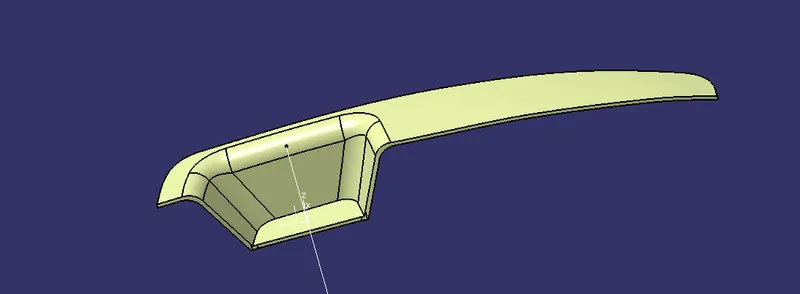
PARTING SURFACE
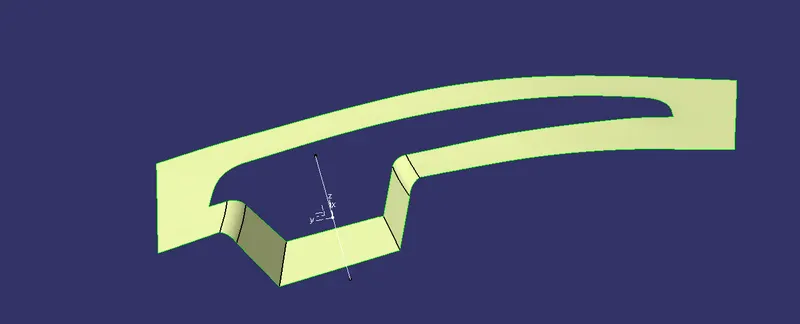
CORE
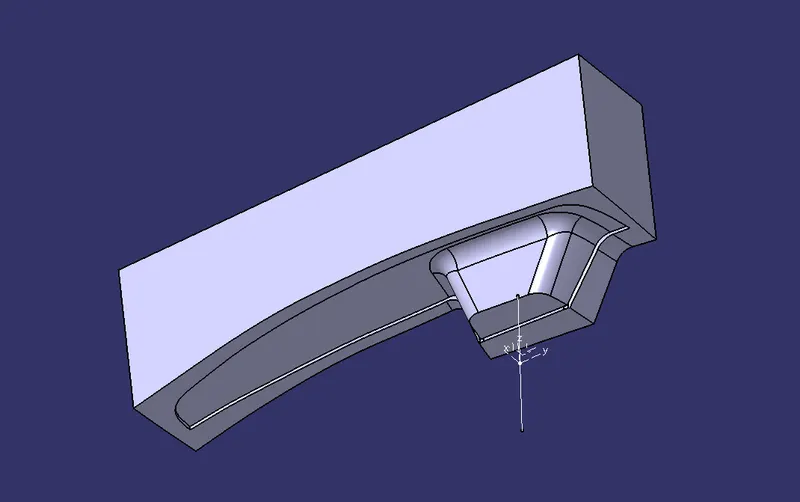
CAVITY
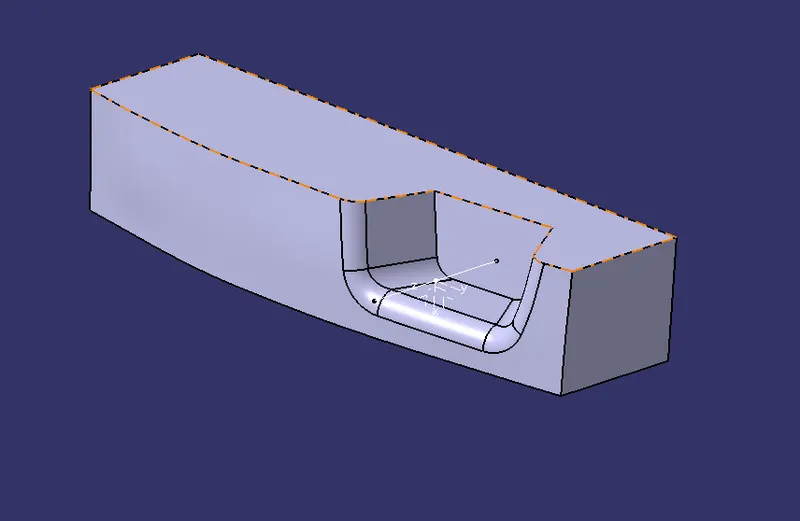
DRAFT ANALYSIS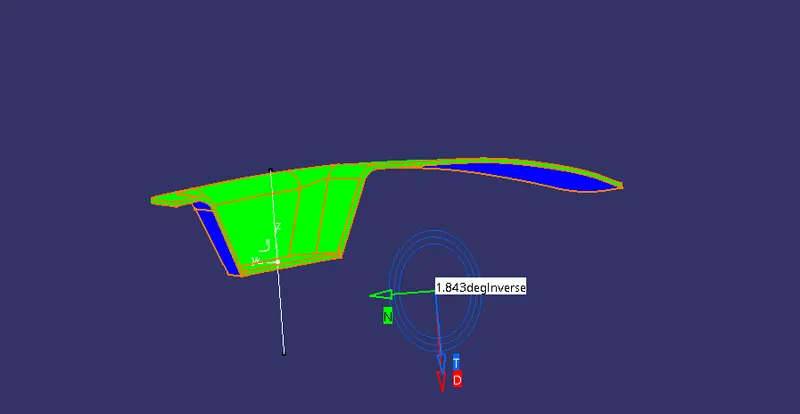
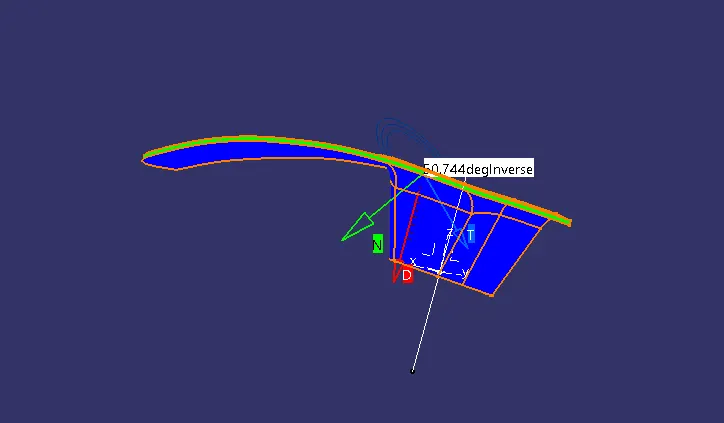
FINAL CLOSED PART