Week 8 - Challenge 1 - Draft Analysis on a Fan Cover
AIM:
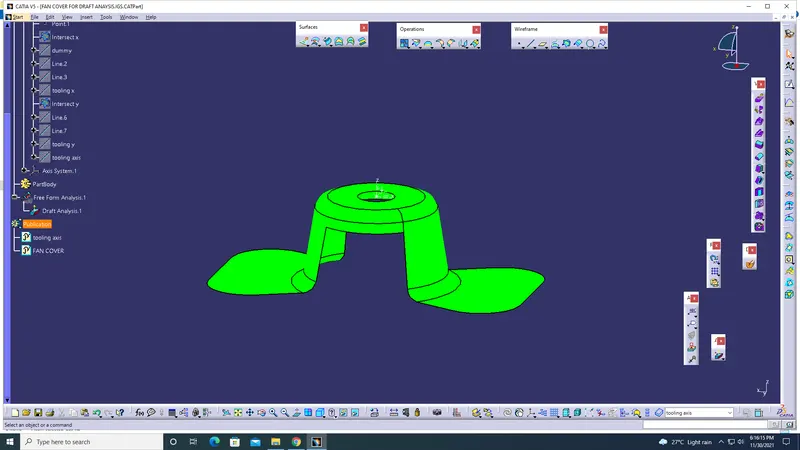
To do a draft analysis in a surface of fan cover and understand the drafting.
PROCEDURE:
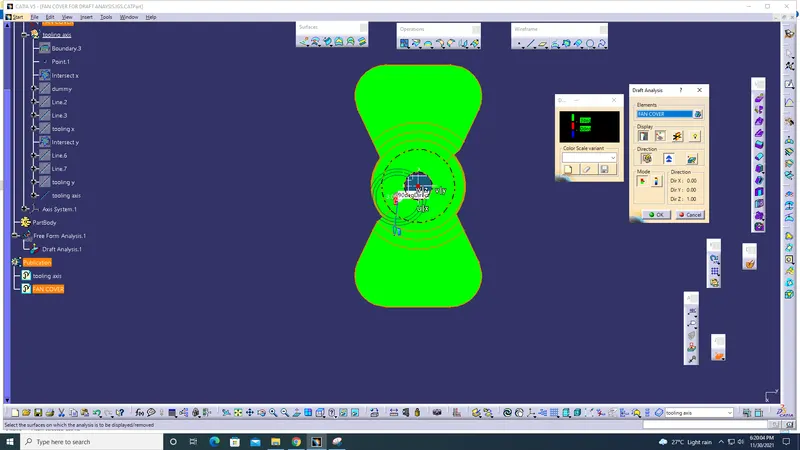
First we should check whether the cad part is a single cad ore multi.. to check this we can use 'Join' or 'Boundary' tool
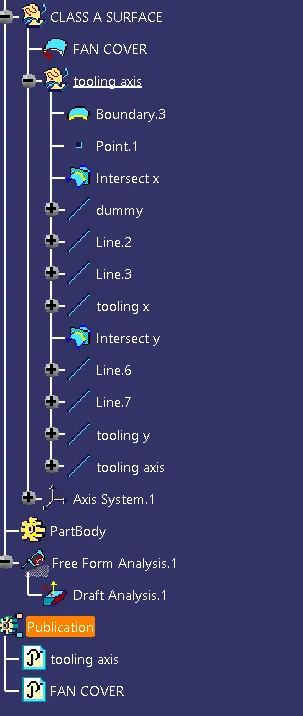
Next step is to create a 'intersect' line
Throught the intersect lines we create a bisecting line and that lines is the 'tooling axis' .
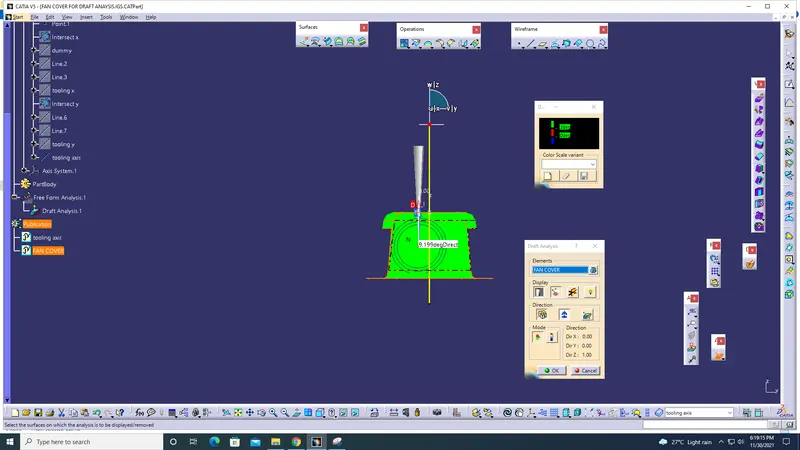
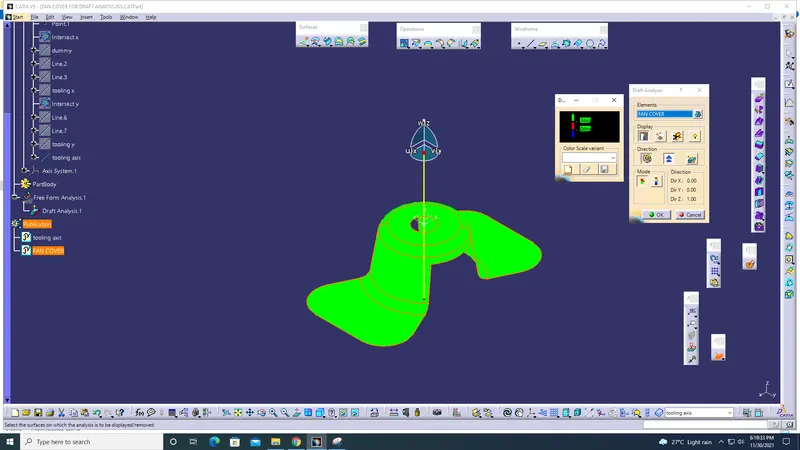
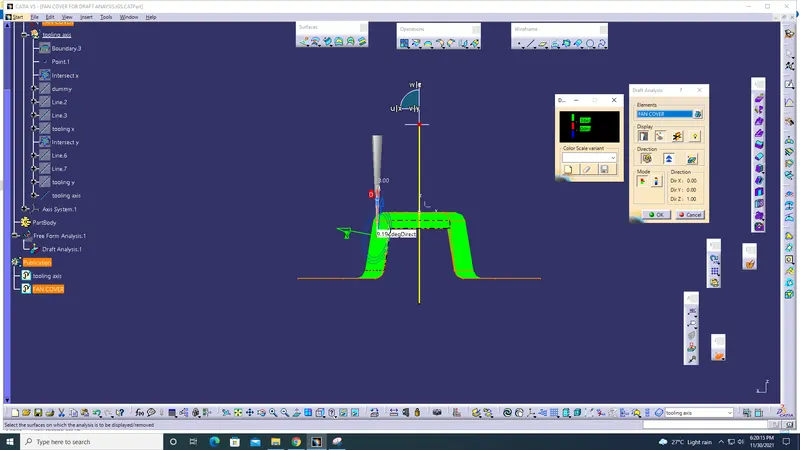
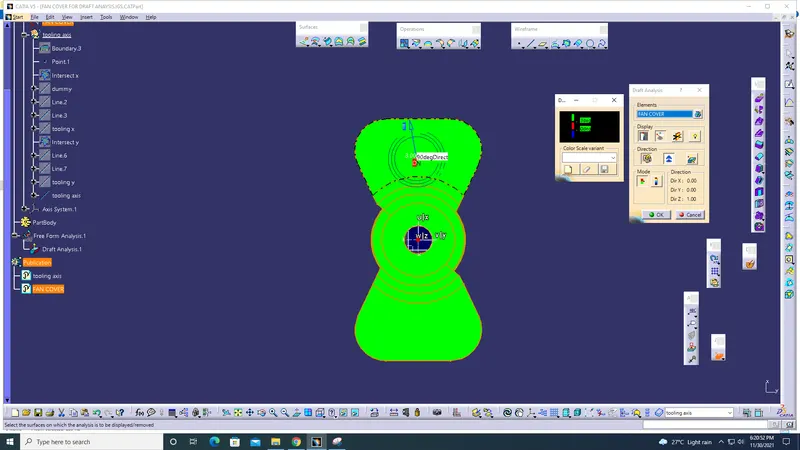
After creating a tooling axis , click on the 'feature draft analysis'
pick the compass and fit it in the tooling axis by clicking the 'direction' button in the draft analysis pop up tab
After the compass is fixed then lock it with the 'locks the draft direction' button
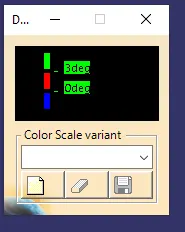
By clicking the 'Analyses under the running point' the tab will display the degree was under the rule are not by diffrent colour codeings.
CONCLUTION:
By these steps we can analysis whether the draft analysis test was pass.