Core & Cavity Design
CORE & CAVITY DESIGN
Tooling Axis Creation :
- First Check the Continuity of the A surface
- By using the Join or Boundary command
- Takes intersect of the plane by using the Point, axis system, and plane.
- Here we can not use bisecting method Because one surface missing in zx plane
- Create a bisecting line with help of the intersect of zx plane
- Makes a sketch in xy plane and create line and use bisecting of available two and get the tolling axis
Makes C surface :
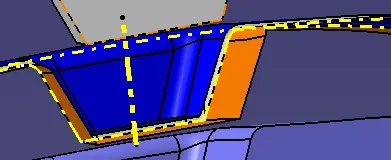
- By using the Boundary of The A surface
- Extract The Boundary and Swip command which Join the A and B surface
- Provide Draft angle 3 Deg.
- And Join the A and C surface
- trim The Join and B surface
- Check the Boundary should be closed.
Convert surface to solid :
- Go in Part design and Go to closed surface Command and Convert the surface to solid
- Just hide the surface and get the solid This ready for Draft analysis.
Draft Analysis :
- On the Shading Material Mode
- Click on the Draft analysis or Insert>Analysis>Draft analysis
- Select the body surface
- Click On compass direction and set on Tooling axis
- Watched the color and accordingly change the Draft angle or change the tooling direction
- And get the final result
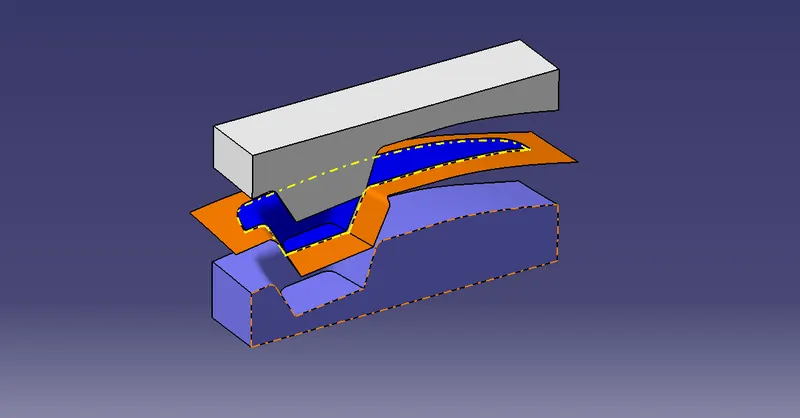
Design of core and cavity
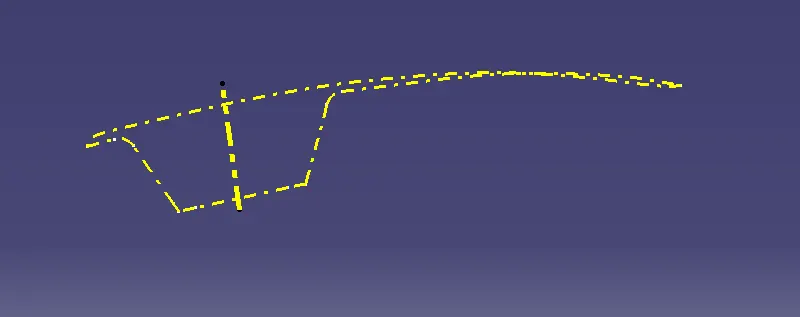
Parting Line :
A parting line, in the industrial casting of molds, is the borderline in which draft angles change direction. That is, it is the dividing line that splits the core and cavity halves of a molded part. It is sometimes a starting point for the mold parting surface.
Parting Surface :
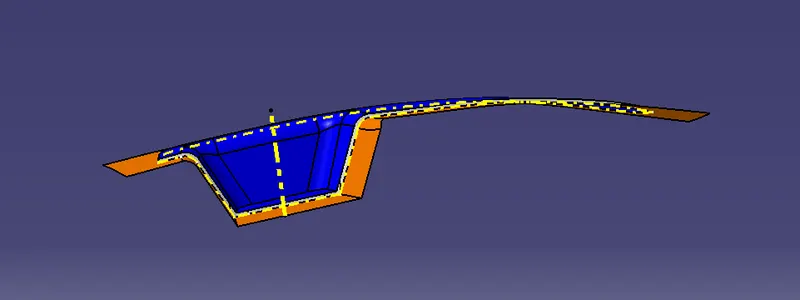
A parting surface is a surface that separates the mold block into two parts – the core and the cavity.
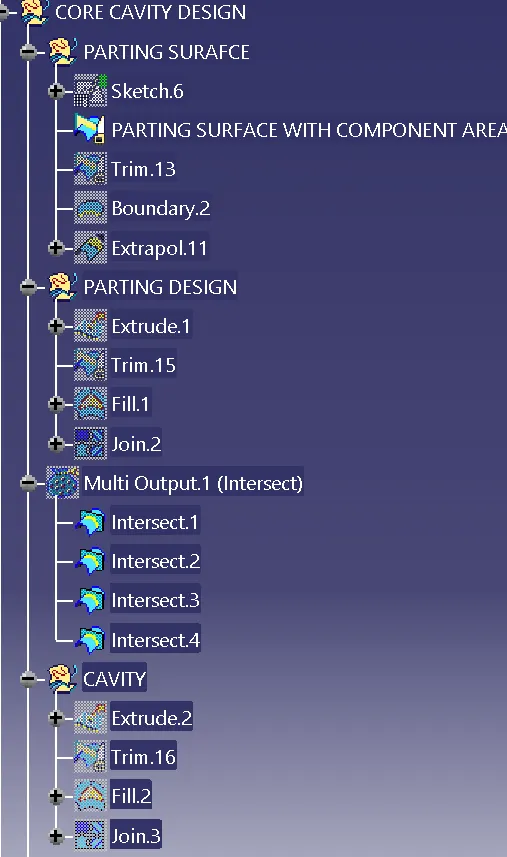
The process to design Core and Cavity :
- First, take A surface for doing draft analysis but here I am going for the core and cavity design.
- Extract the A Surface.
- Untrim the A Surface and Extrapolate the A surface.
- Unhide the C Surface and trim with Extrapolated surface and then with B surface
- Unhide the B surface for Makes parting surface.
- Use fill option to make complete solid like model
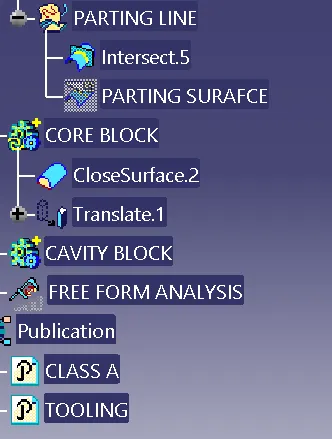
- Translate the core , parting surafce and cavity to get clear view
CONCLUSION:
Created Core and cavity for Switch bezel with considering all the design parameters as discussed above.