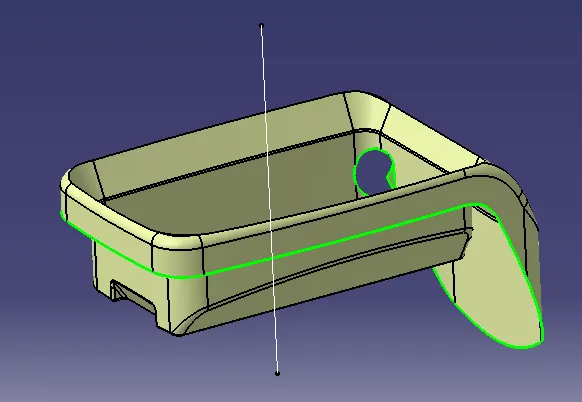
Week 8 - Challenge 4 - Coin Holder Design
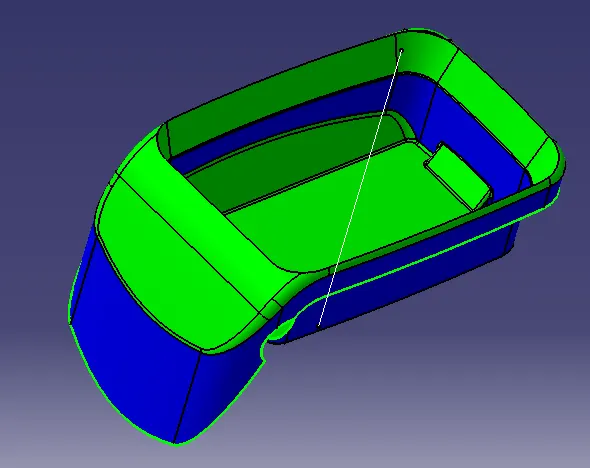
Draft analysis of the complete solid
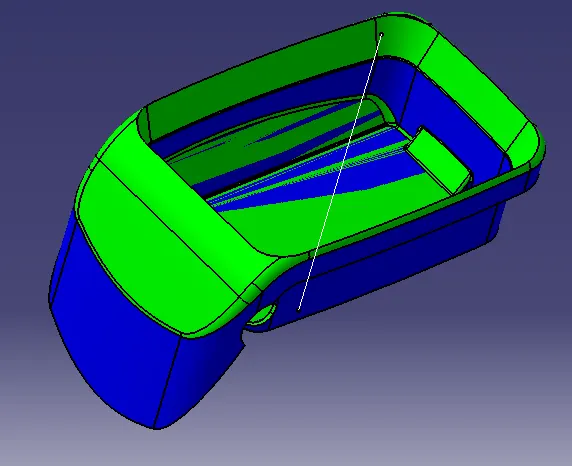
Draft analysis of the A surface
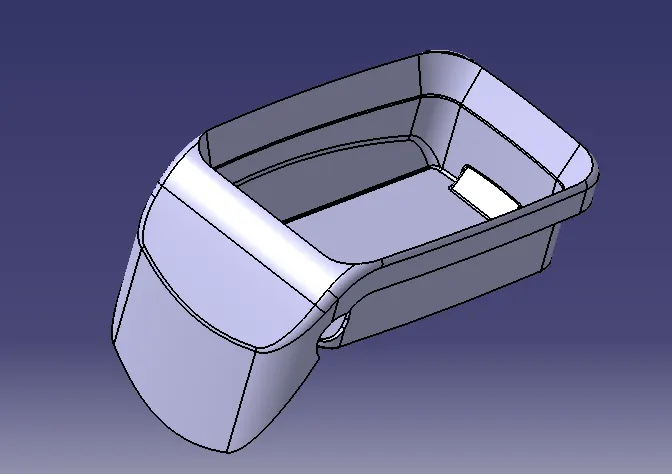
Solid model
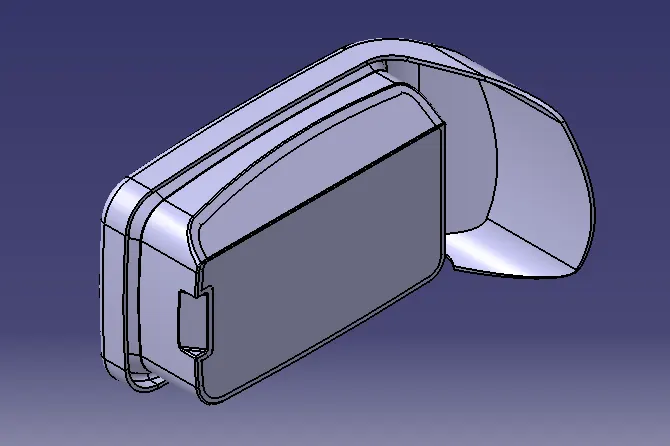
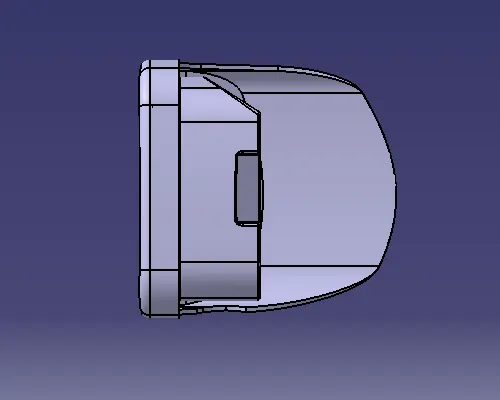
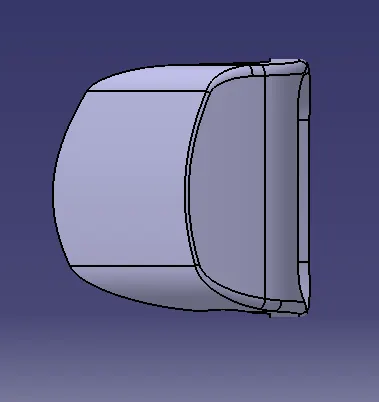
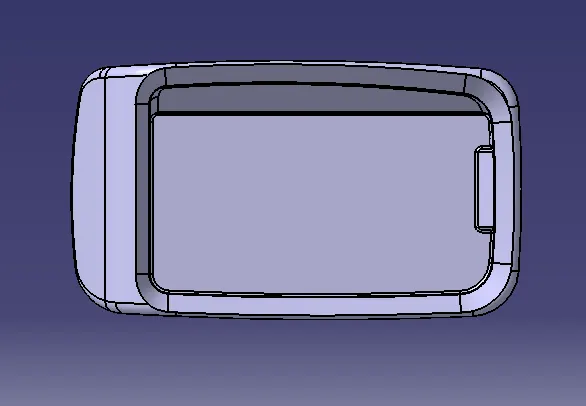
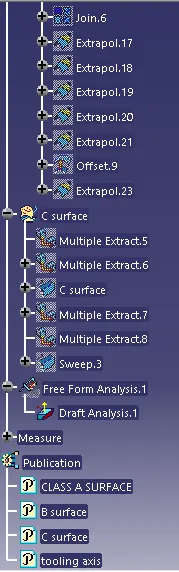
Tree structure
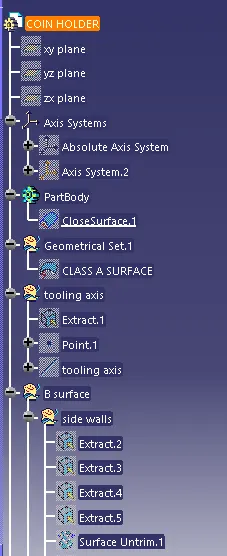
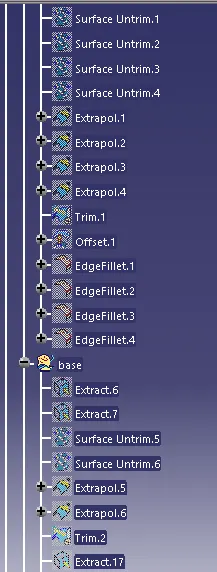
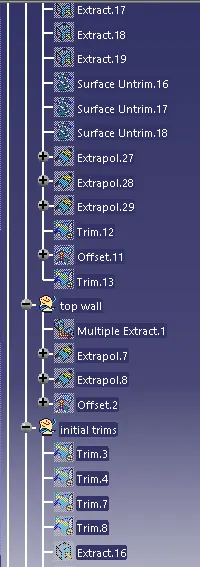
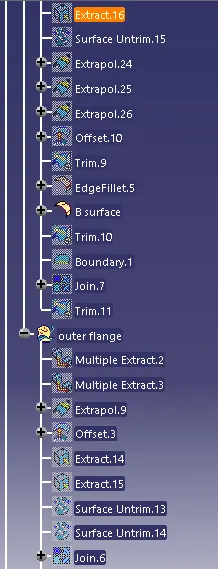
Tooling report
- Class A surface
- Create dummy tooling axis
- Creating outlines along x-direction and taking bisector
- Creating outlines along y-direction and taking bisector
- Taking bisector of the two bisectors in x and y direction respectively. The bisector so formed will be the tooling axis.
- View mode>Customize view parameters> Select 'Material'
- Go to Insert>Analysis>Feature Draft Analysis
- Click on the 2nd button of the 'Direction' option and drag the compass to align it with the tooling axis
- Click on the 1st button of the 'Direction' option to lock the axis
- In the draft analysis dialog box provide the desired draft angle to check against, here 3 degrees
- Now click on the body, if it is appearing in green it is above the minimun 3 degree draft angle, if it appears in red or blue, minimun draft is nor present and needs to be reworked.