Week 8 - Challenge 2 - Base Bracket Design
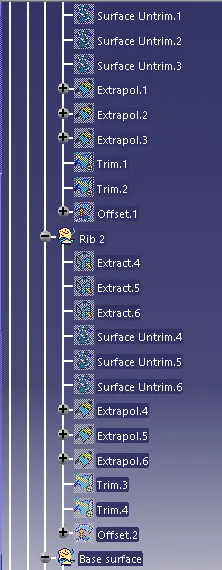
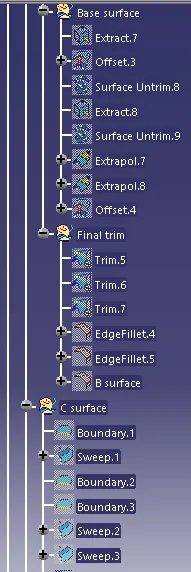
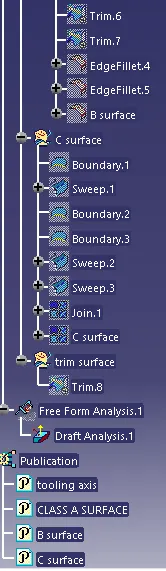
Report
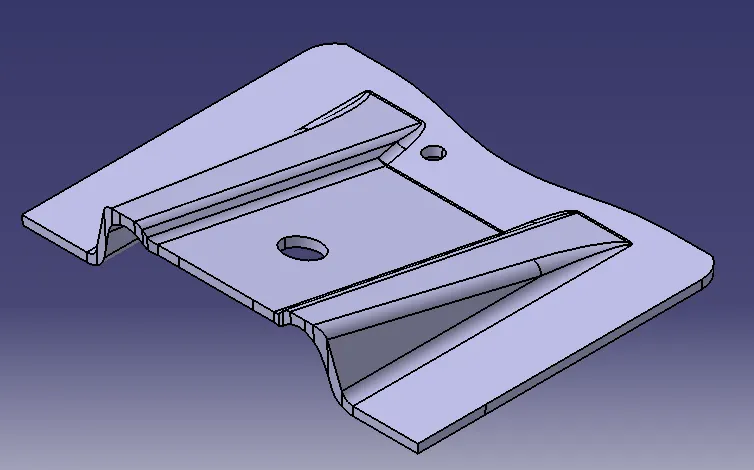
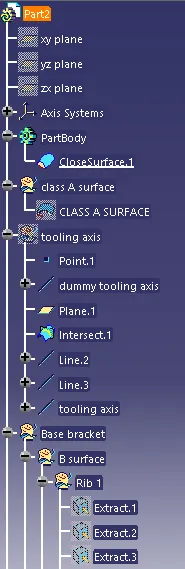
- Class A surface
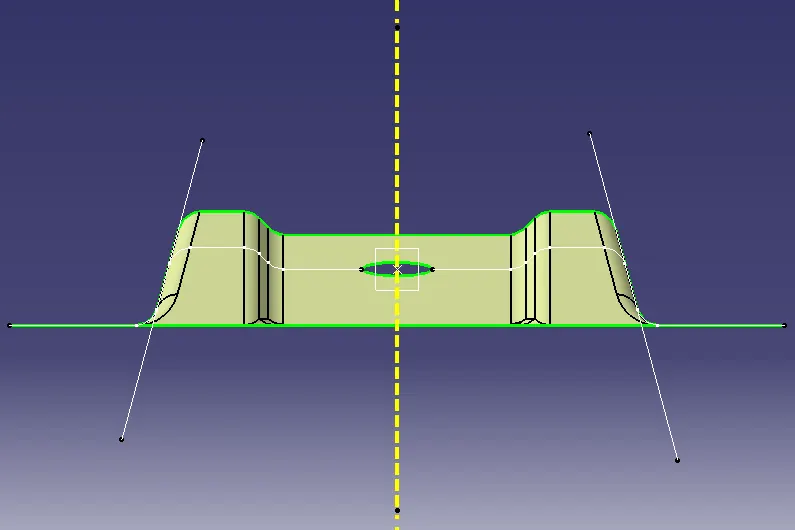
- Create dummy tooling axis
- Creating outlines along y-direction and taking bisector
- The bisector so formed will be the tooling axis.
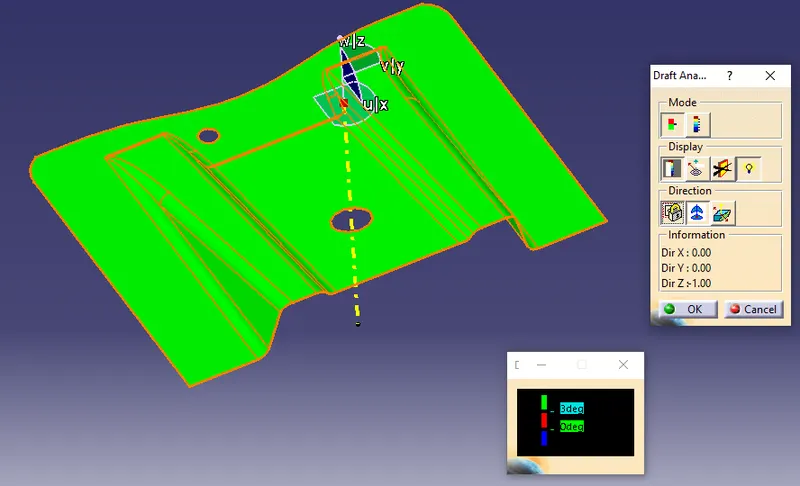
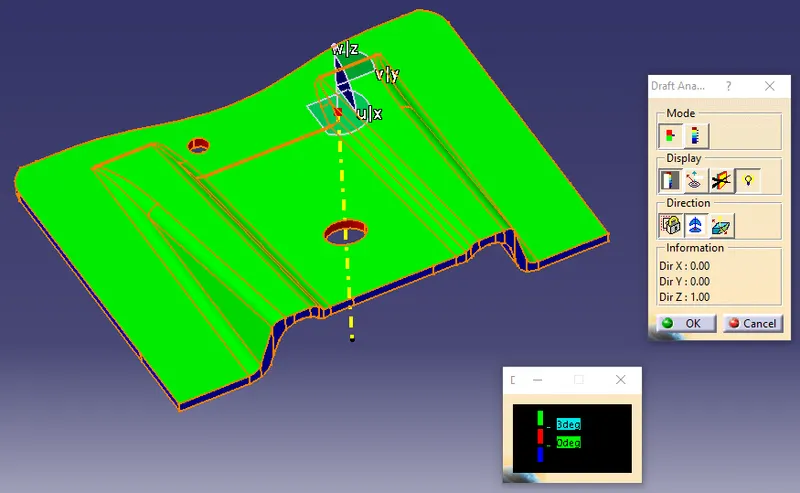
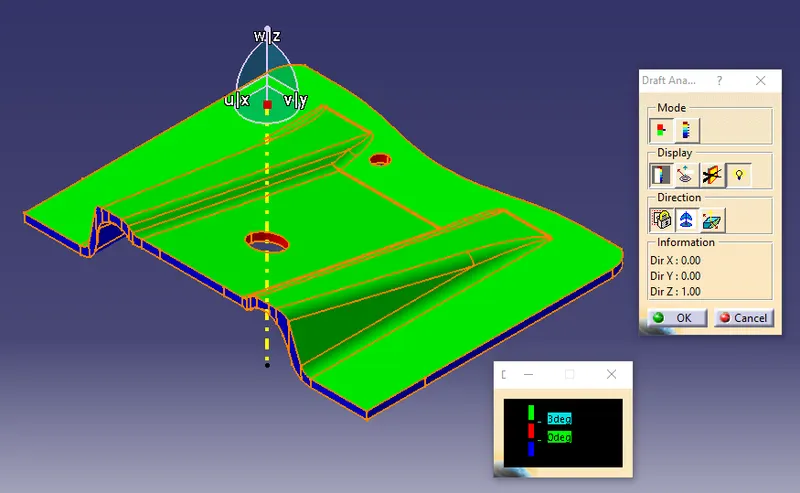
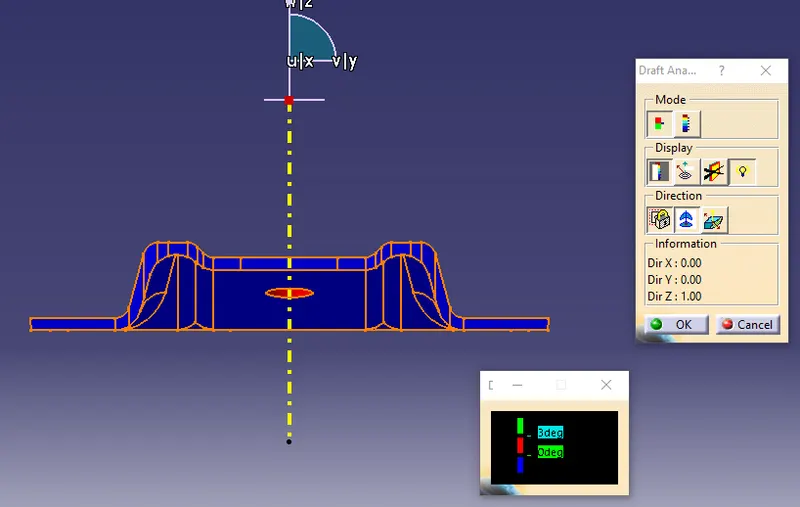
5. View mode>Customize view parameters> Select 'Material'
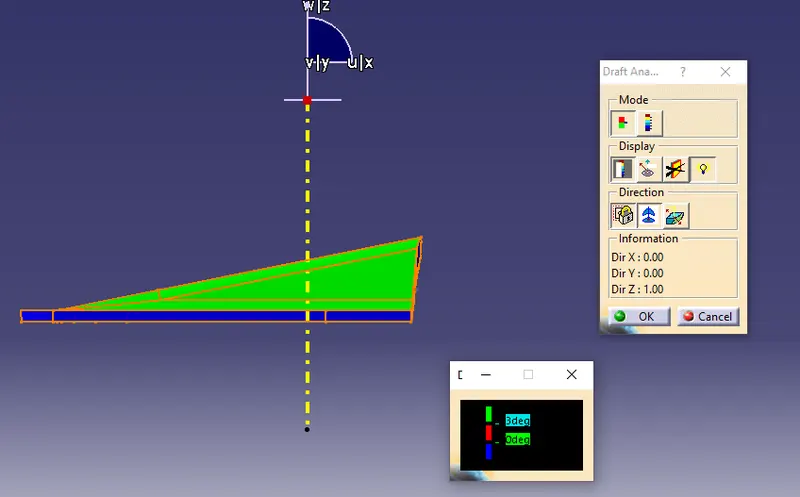
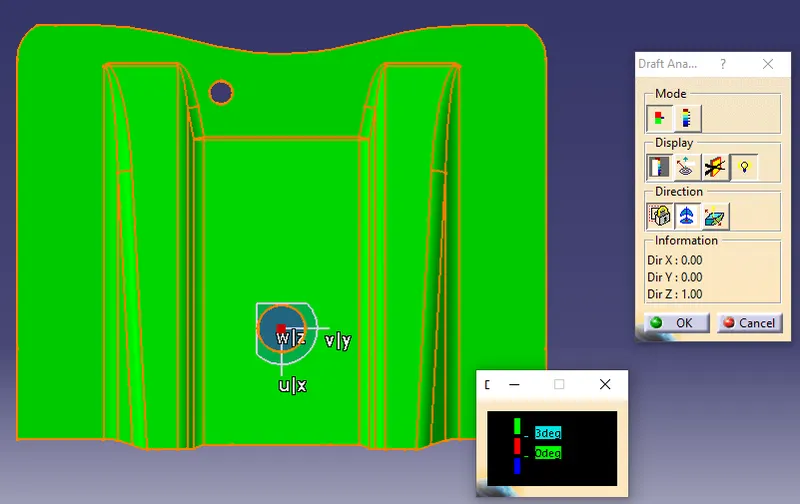
6. Go to Insert>Analysis>Feature Draft Analysis
7. Click on the 2nd button of the 'Direction' option and drag the compass to align it with the tooling axis
8. Click on the 1st button of the 'Direction' option to lock the axis
9. In the draft analysis dialog box provide the desired draft angle to check against, here 3 degrees
10. Now click on the body, if it is appearing in green it is above the minimun 3 degree draft angle, if it appears in red or blue, minimun draft is nor present and needs to be reworked.