Week 8 - Challenge 4 - Coin Holder Design
REPORT :
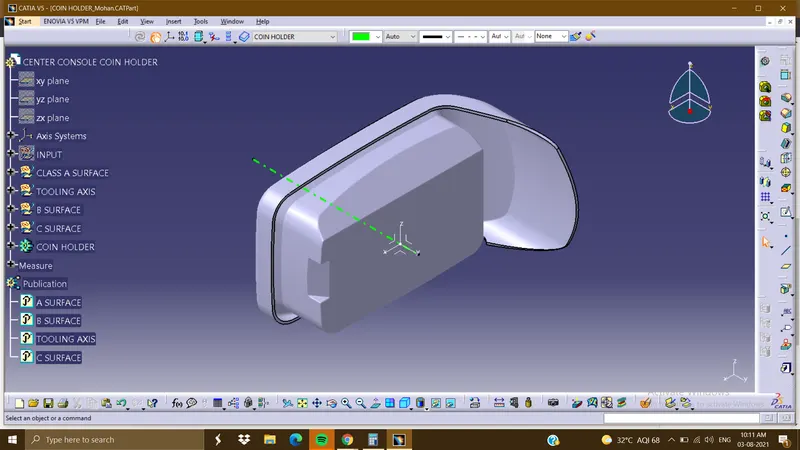
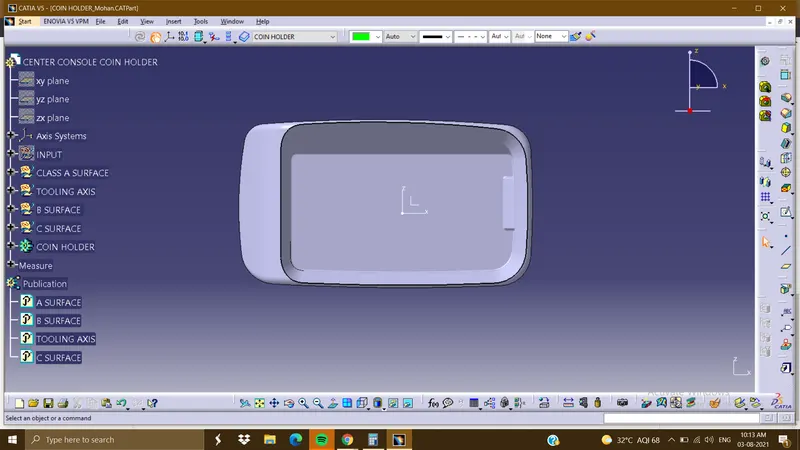
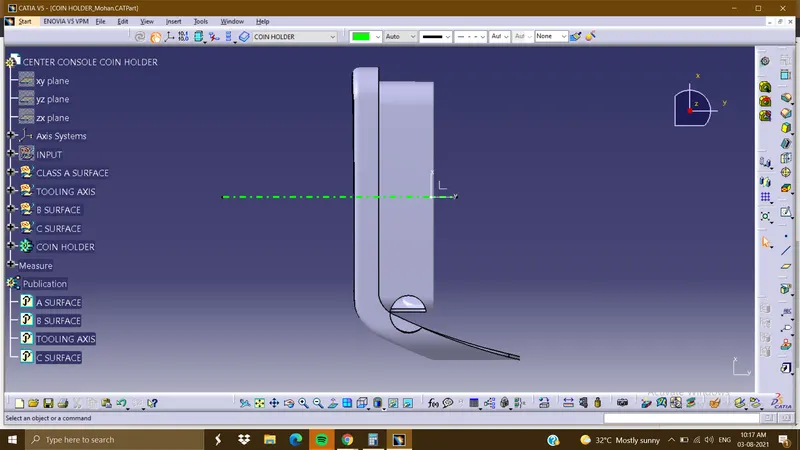
- To create a tooling Axis using the class A surface
- first, create a dummy tooling axis
- Using the point and the direction of the z-axis
- insert an axis system in the point.
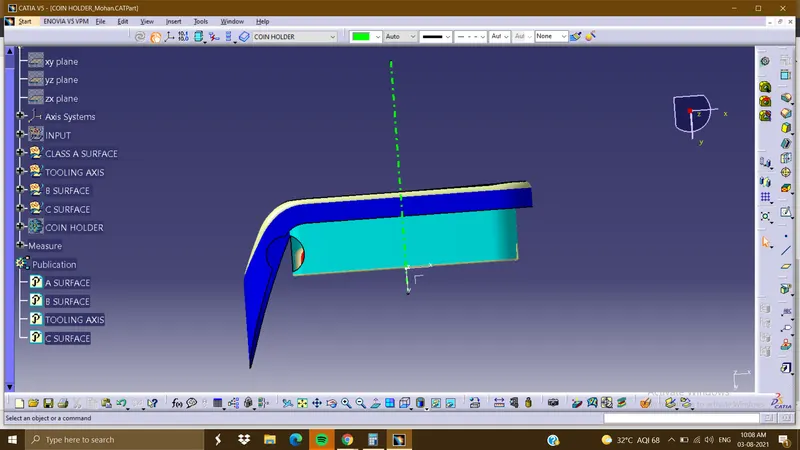
Creating the tooling axis by Bisecting method :
- using the axis system and class a surface create an intersection sketch
- by selecting the 2 planes in the axis system and the class A surface will get
- by extending the lines and bisecting with the points
X TOOLING CLEARING X DIRECTION
Y TOOLING CLEARING Y-DIRECTION
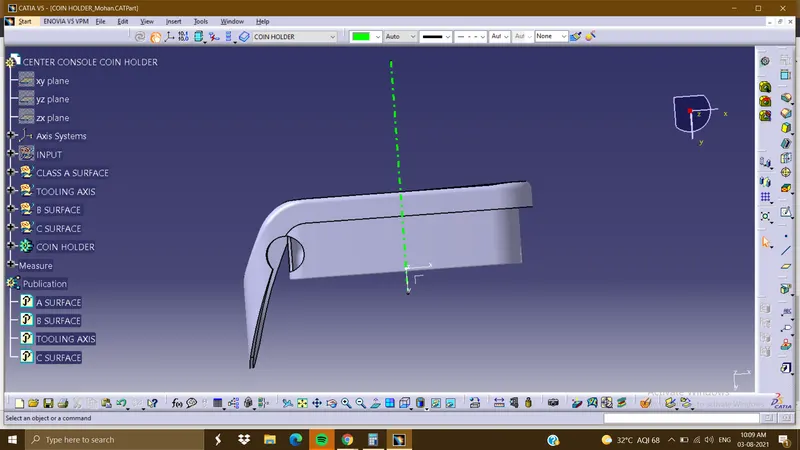
Using the publication option
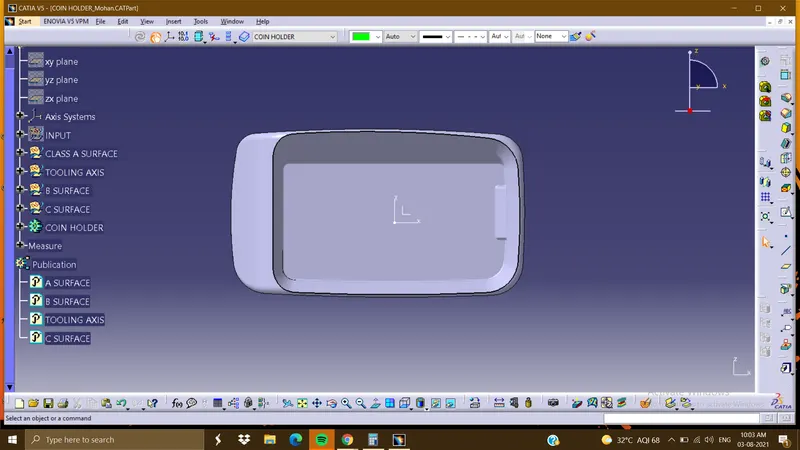
Get a Tooling Axis and class a surface
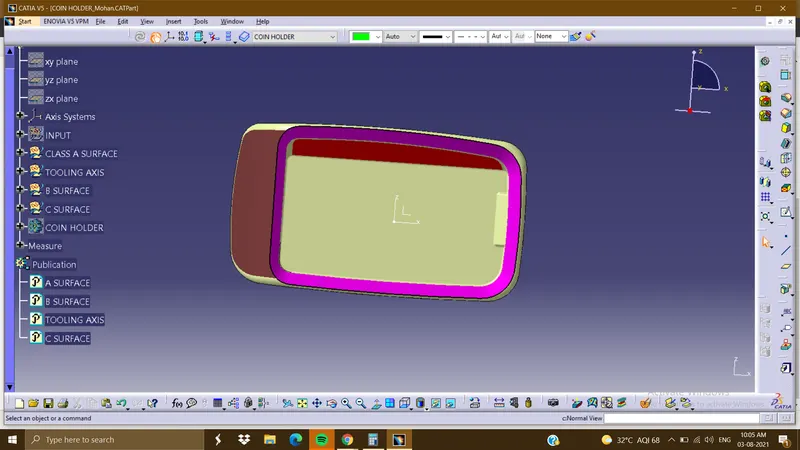
INSERT >ANALYSIS>DRAFT FEATURE ANALYSIS
lock the axis with the compass and give the draft degree.
DRIVE LINK :
https://drive.google.com/drive/folders/1WZrLRIPVRGduaYeyDloebw4HEWkIweLf?usp=sharing