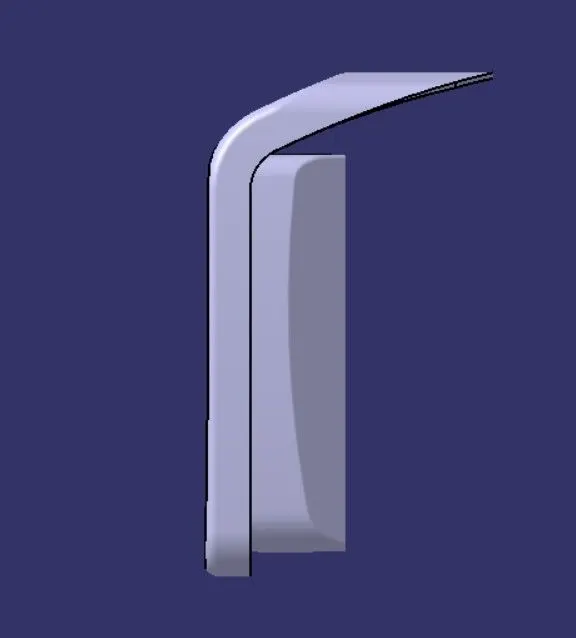
Week 8 - Challenge 4 - Coin Holder Design
AIM:
To create a center console coin holder and add the thickness to it and generate the draft analysis on a solid surface.
PROCEDURE:
- check for any openings in the given center console coin holder model by using In BOUNDARY>SELECT EDGES-select the surface to create the boundary at the opening.
- Disassemble the boundary and check how many cells andd domains are there.
- First you need to create a DRAFT ANALYSIS FOR CLASS A SURFACE.
CREATING A TOOLING AXIS:
4.Tooling axis is the line which the core and cavity is open.
5.Extract the base surface and create a point on base surface(point type-ON SURFACE).
6.Now,insert the AXIS SYSTEM on the point which we have created.
7.Creaate a intresection with CLASS A in the YZ plane to get an intersection.
8.If we are having the flat component or 90 degree in that stage we can create a simple line.which is normal to the surface.
9.Create a normal line in POINT 1.
10.Now,create a patches for the CLASS A SURFACE.
CREATING A (B SURFACE):
- Extract the side 4 surfaces and untrim them.Now extrapolate the four surfaces one by one.
- Trim the four extrapolated surfaces together.
- Now,OFFSET the trimed surfaces for 2.5mm.
- Now,create a geometrical set and name it as BASE.
- Extract the base and slanting wall together.
- Untrim both of them together and extrapolate the untrim.
- Now,OFFSET the extrapolate seperate. Trim the offset together.
- Create a geometrical set as TOP WALL.
- Now,multiple extract the top walls together.
- Now,extrapolate the multiple extract and offsset them by 2.5mm.
- Fillet the side walls by the given radius.
- Create a geometrical set as INITIAL TRIM.
- Now,trim the side walls and base togetheer.
- Now,trim the top walls.
- Create a geometrical set as OUTER FLANGE.
- Multiple extract the outer flange and extrapolate them and again extract them separately
- Now,untrim the extract and join them together.
- Now,extrapolate the join and offset them by 2.5mm.
- Now,trim the INITTIAL TRIM AND OUTER FLANGE TOGETHER.
- Finally we have created the B SURFACE.
- Create a intersection for both CLASS A and CLASS B SURFACE
CREATING A (C SURFACE):
- Create a geometrical set as C SURFACE.
- Now,multiple extract the curve and outer flange.
- Sweep the both curve and outer surface by 90 degree with reference surfaace.
- Now trim the both B and C surface together and take the boundary and ensure that there is no gap in the trim which we have did.
- Now,join the both CLASS A and CLASS B SURFACES together.
- Multiple extract the square box with the point continuity and extract the surface which is around it.
- Trim the sweep with the B surface.
- Atlast we are going to maake the surfaces as the solid.
RESULT:
created a center console coin holder and add the thickness to it and generate the draft analysis on a solid surface.
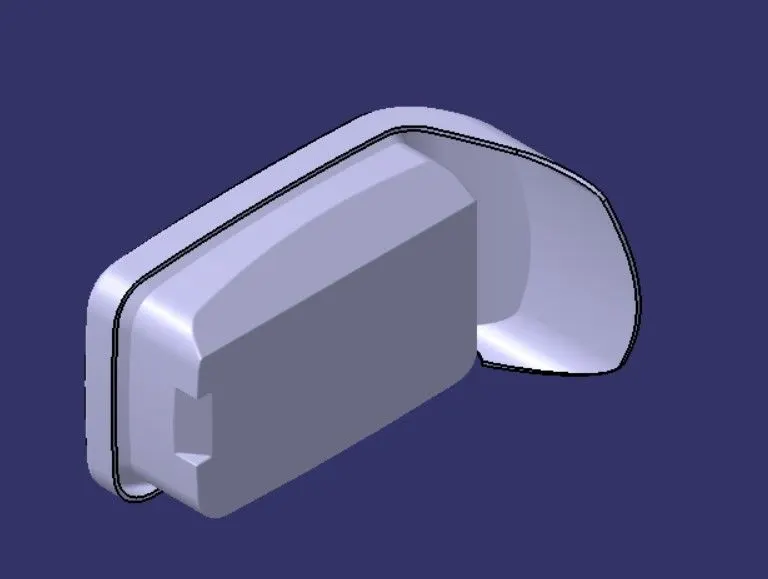
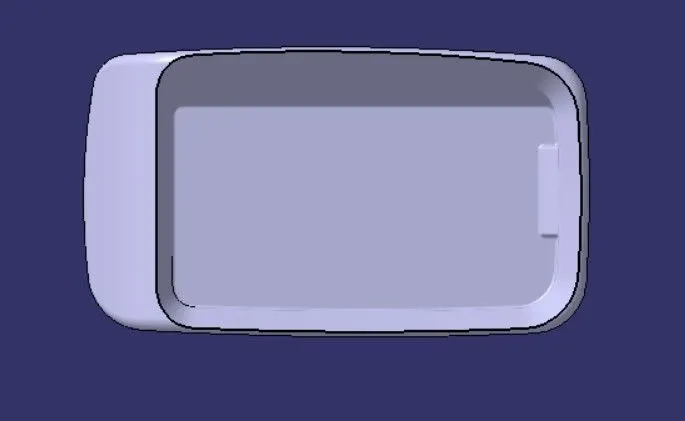
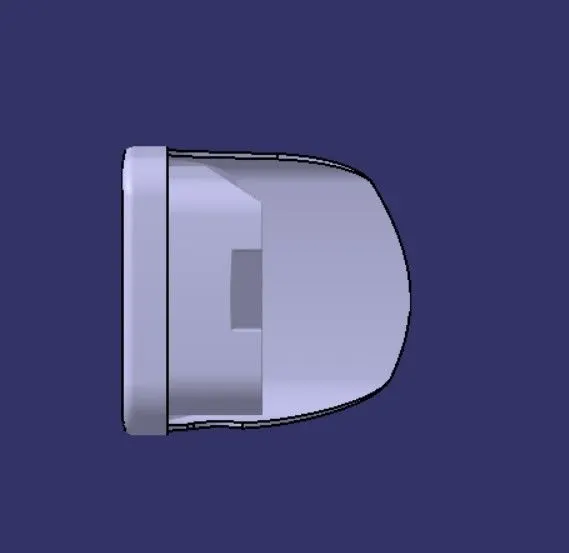
VIEWS OF SOLID COMPONENTS.
ISOMETRIC VIEW:
LEFT VIEW:
FRONT VIEW:
TOP VIEW: