Week 8 - Challenge 4 - Bumper
Week 8 - Challenge 4 - Bumper
Aim
The main objective is to create the solid coin Bumper using the given Class-A surface through Tooling axis and Draft analysis.
Contents
- Class A surface (given)
- Tooling axis
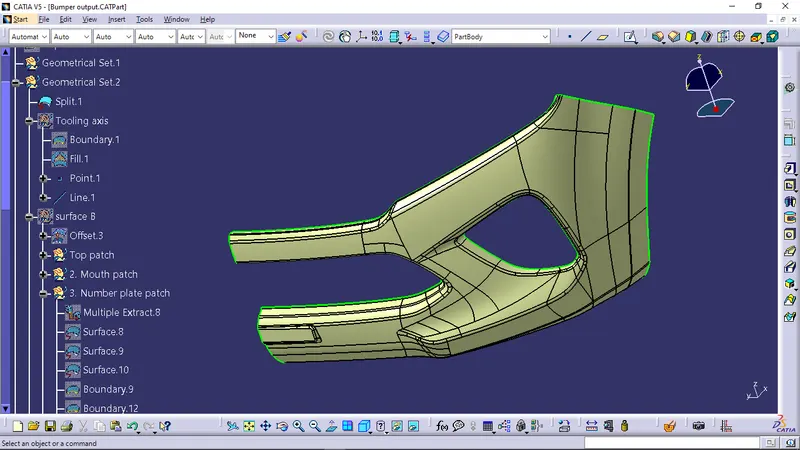
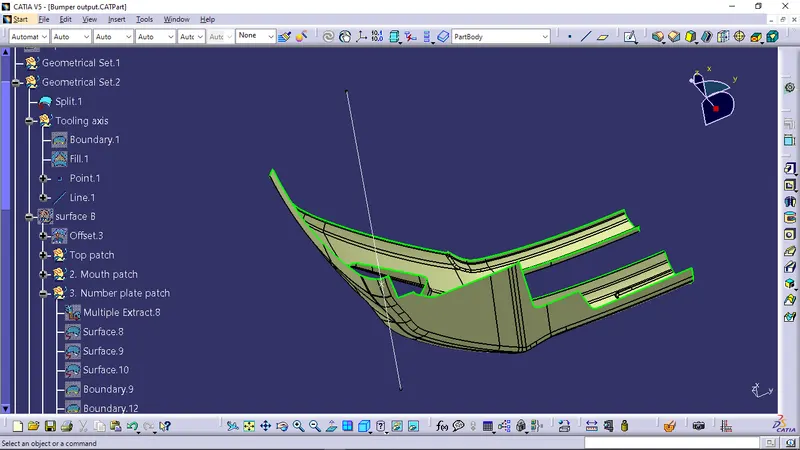
To create the 'Tooling Axis', the given class A should be observed thoroughly, Since this class A has a lot of various sloped surfaces and edges It is difficult to choose the parallel surface to use the bisecting method, while observation it was found that the X axis is giving the complete view of the class A surface. So it was determined that the X axis will be the tooling direction.
- Draft analysis of class A surface
To perform the draft analysis of class A surface, click on Insert >Analysis > Feature Draft Analysis
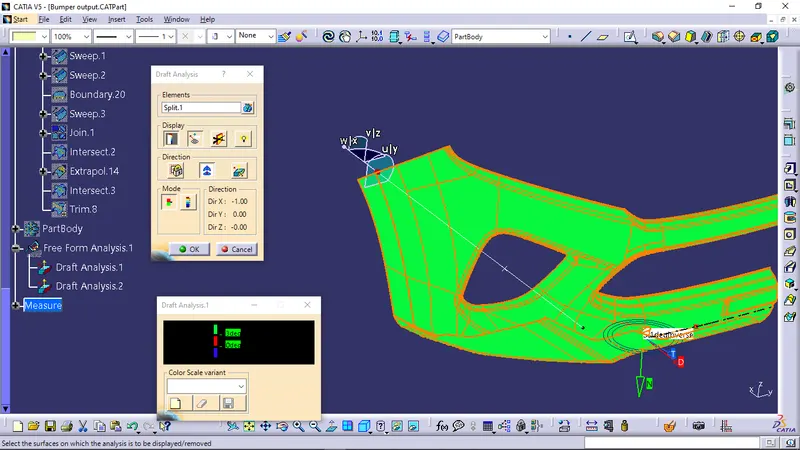
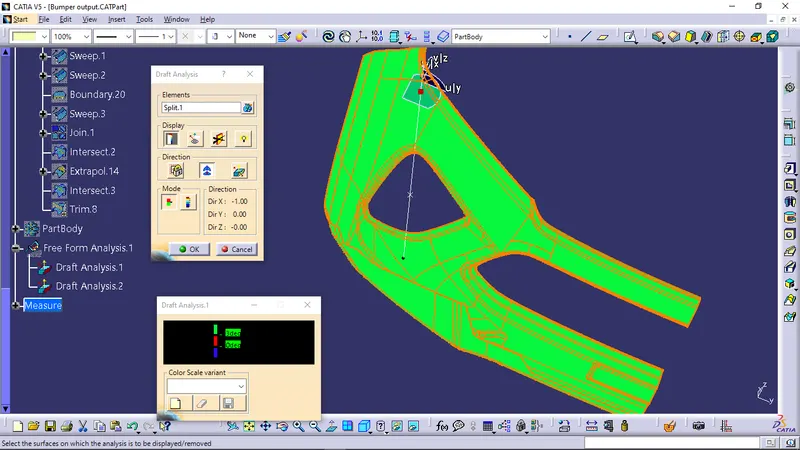
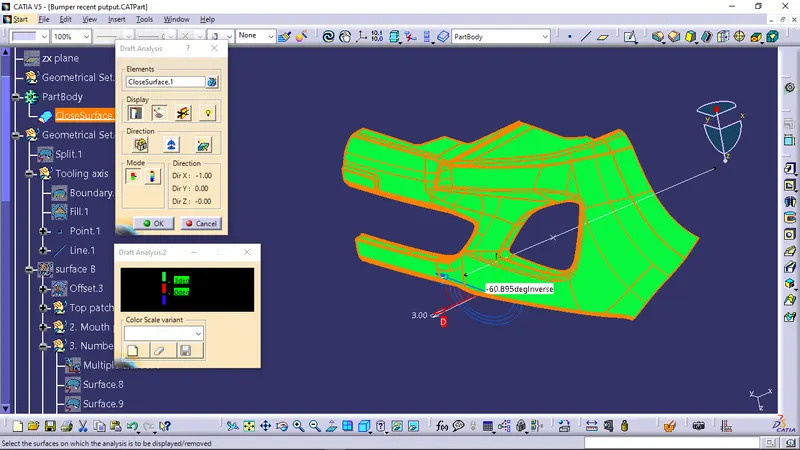
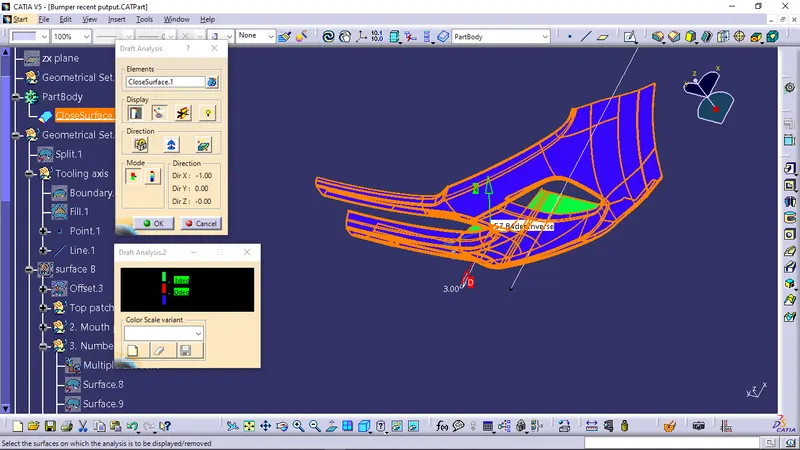
Once the draft analysis toolbar is opened, The compass was selected and placed on the tooling axis, Then go to the display block and select the 'Analysis under the running point' command to check the angle for different sides on the class A surface. The color scale on the bottom visualizes, whether the draft angle meets the requirements or not (3 deg) by indicating the colors Green, Blue and Red.
Screenshots of the Draft analysis for the given Class-A surface with colour scale variant
- Class B surface
To create the class B surface from the class A, The class A was offset to 3 mm as required. There are some of the patches as issues. mostly those patches are from the fillet areas. So i used the multiple extract in complimentry mode to avoid the patched fillets by considering the entire class B as three parts. After further operations, The class B was successfully created.
- Class C surface
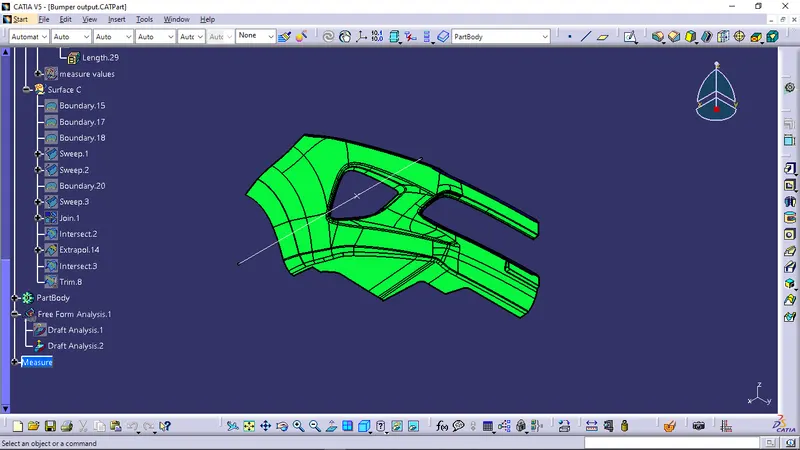
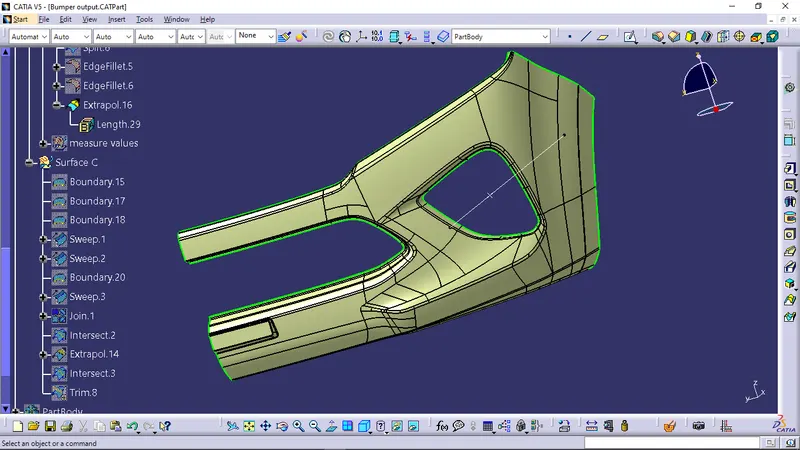
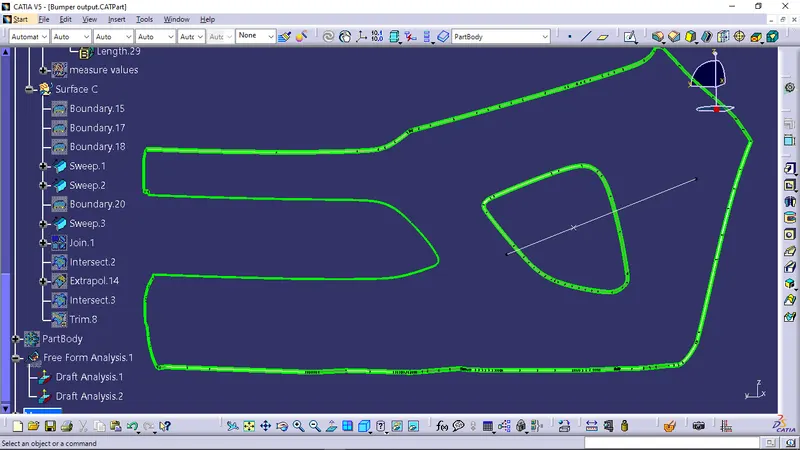
To create a class C surface, I used the sweep command thrice to avoid the continuity issue by considering the outer boundary of the class A surface. In the sweep command > 'with refernce surface', select the outer boundary and adjacent surface, give 90 deg and select the direction to sweep & it was done thrice as i have three bondaries, in this condition the class B surface is under the class A surface so select the inside down arrow to sweep.
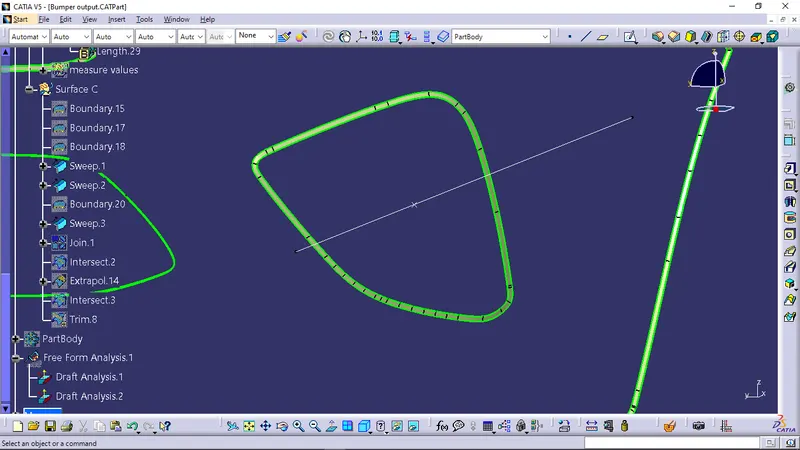
- Surface output of Bumper
Then the closed surface was created by using the 'Trim' operation consisting the Class A, C and Class B surfaces.
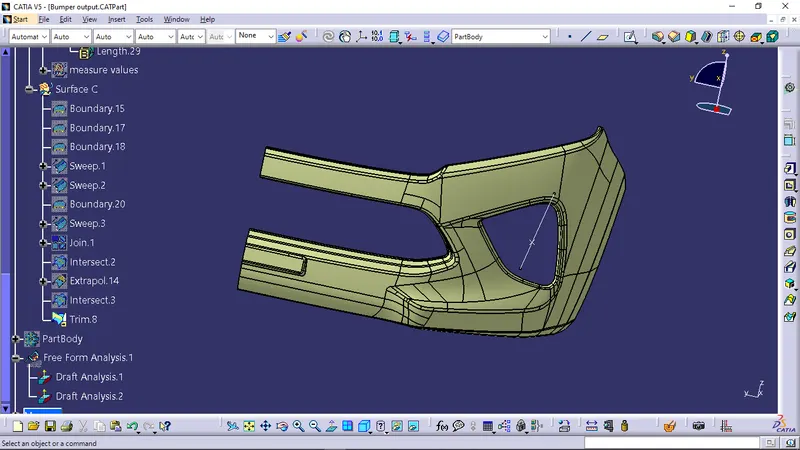
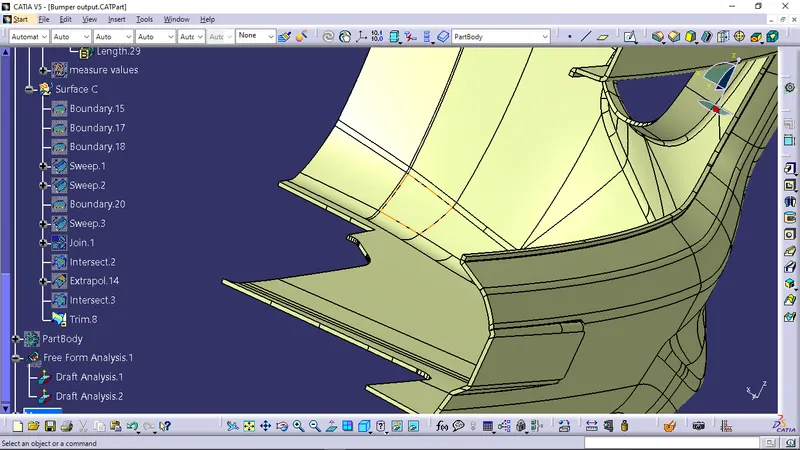
- Solid Bumper
To create the solid Bumper, Jump to part design workbench and select the closesurface option in the Surface based feature.
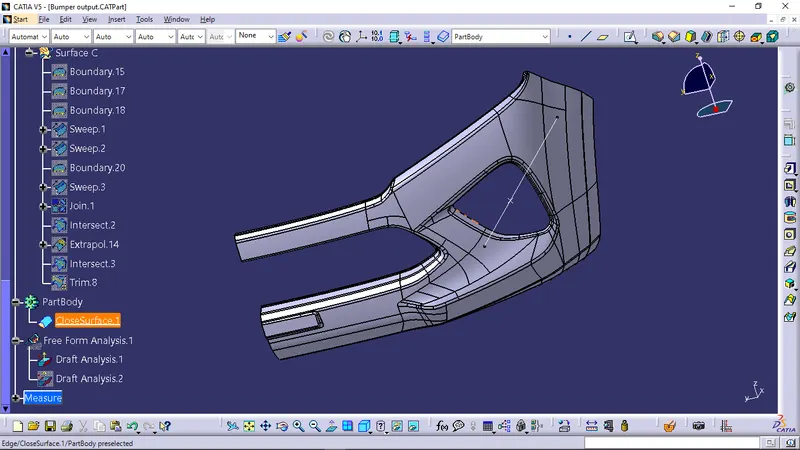
- Draft analysis of Solid Bumper
To perform the draft analysis of solid Bumper, click on Insert >Analysis > Draft Analysis
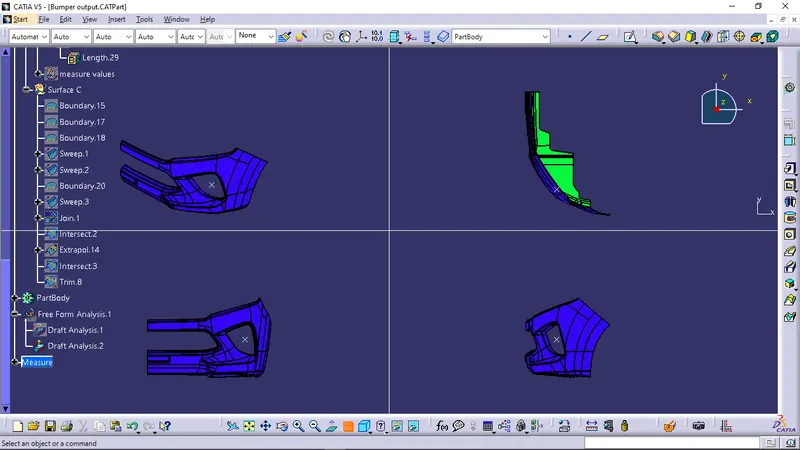
Once the draft analysis toolbar is opened, The compass was selected and placed on the tooling axis, Then go to the display block and select the 'Analysis under the running point' command to check the angle for different sides on the coin holder. The color scale on the bottom visualizes, whether the draft angle meets the requirements or not (3 deg) by indicating the colors Green, Blue and Red.
Screenshots of the Draft analysis for the given Class-A surface with colour scale variant
- Screenshot of the Tree structure

- Screenshots of the solid model with the proper colour code of the draft angle in various orientations (Isometric, Front, Side, and Top View)