Week 8 - Challenge 4 - Bumper
Aim: Create the Bumper Plastic component through the given Class-A surface.
Objectives:
- To create class B & C surface for the given component.
- To form the tooling axis and capture the surface properly.
- To check the feasibility of the component with a draft of 3 degrees.
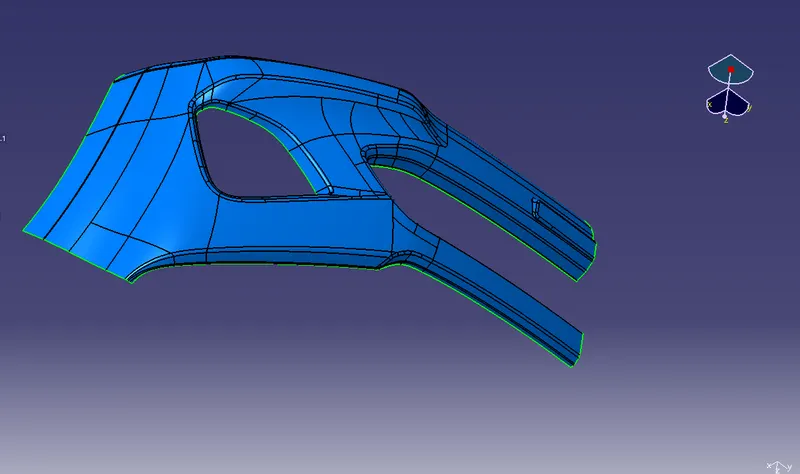
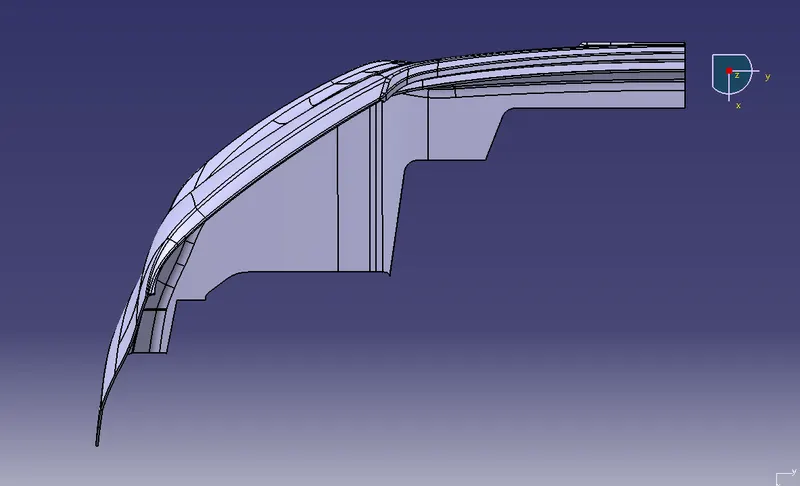
Given Class A Surface
Method:
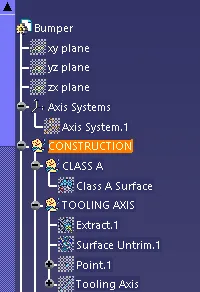
In order to obtain the proper draft analysis tooling axis is required and the following steps show how it is done.
- Analyse the given class A surface
- Pick a suitable axis from which the whole parts of the class A surface is visible
- For this model through my analysation im choosing the X-axis
- Extract a plain surface and untrim it
- Make a point on the center of the surface
- Create a axis system in the center point
- Make a line in the center of the axis system
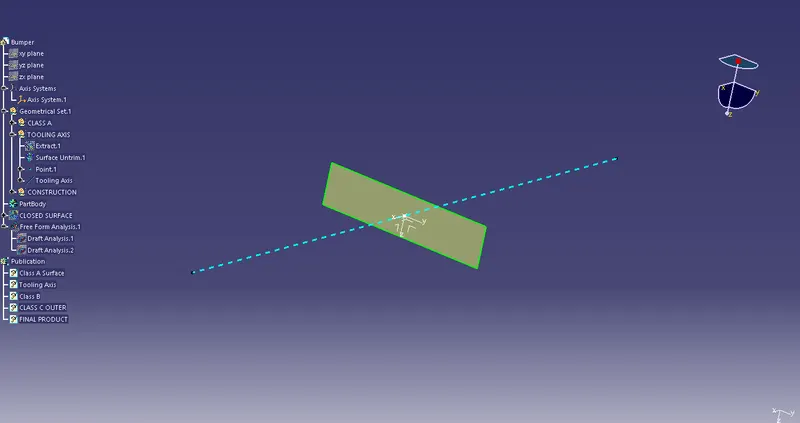
- Now The Tooling axis is ready
- Perform Draft Analysis for the given Class A Surface
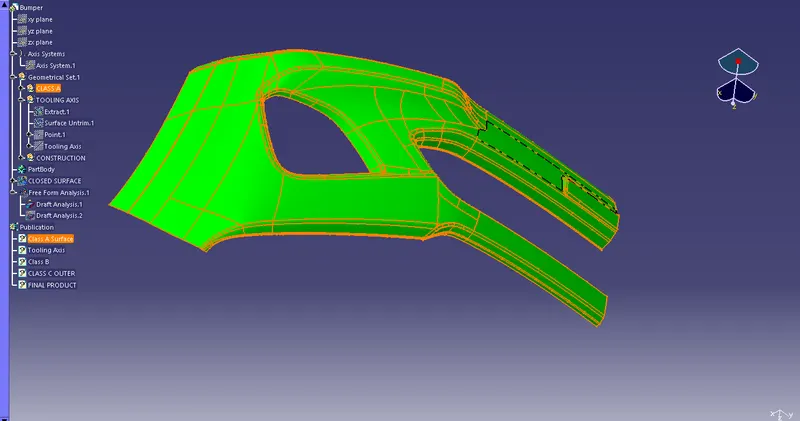
- Class A surface clear the minimum draft angle of 3deg
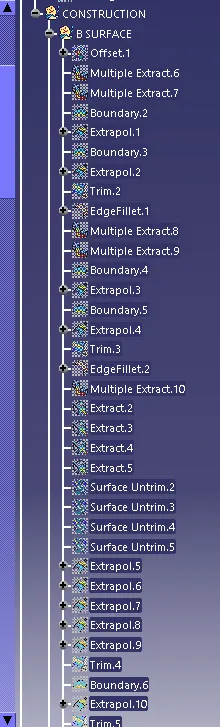
Construction of class B surface
- Extract the class A surface for the given thickness of 3mm inward
- After extraction create check the surface for patches
- If any patches were found clear them first
- Repair the surface using the suitable methods
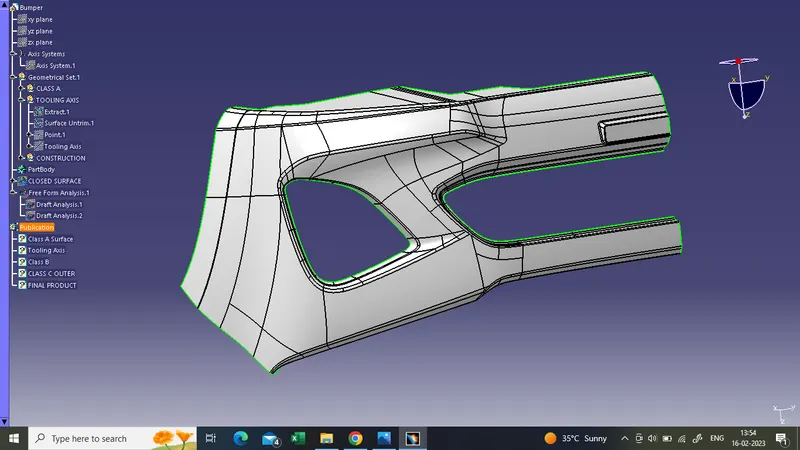
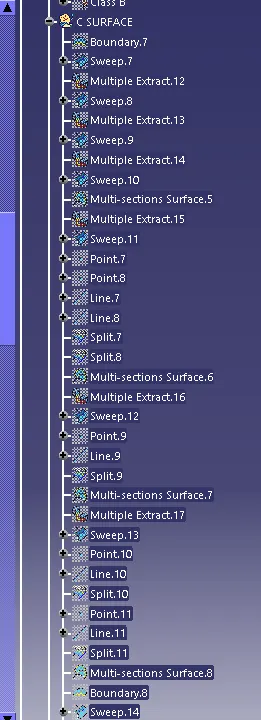
Construction of C surface
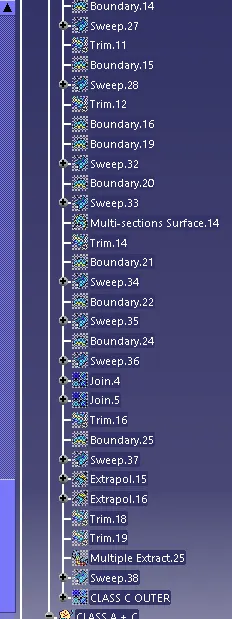
- At First Create a boundry in the center part of the Class A Surface
- Then using the sweep command create a sweep with referene to the tooling axis and the boundary which we have created as the guide curve
- Then to reduce error while making sweep create seperate boundaries and then sweep
- Except the center use 93deg as a sweep angle for all
- so that it can clear the draft analysis
- Join all the patches in the surface we have created
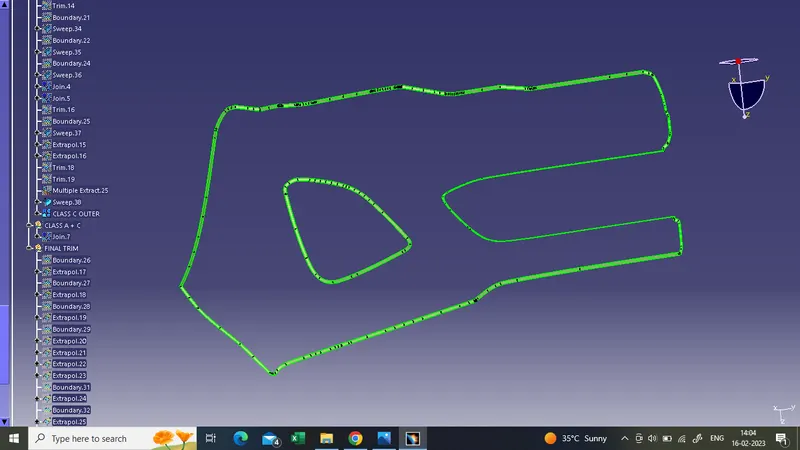
- This is the C surface which we have got
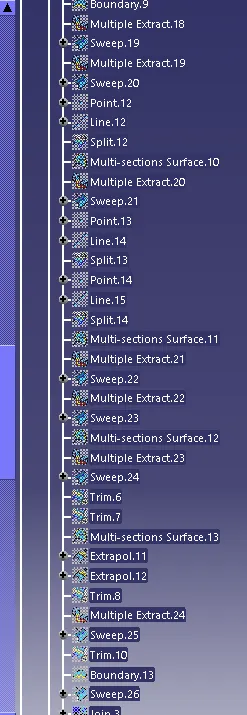
Final trim
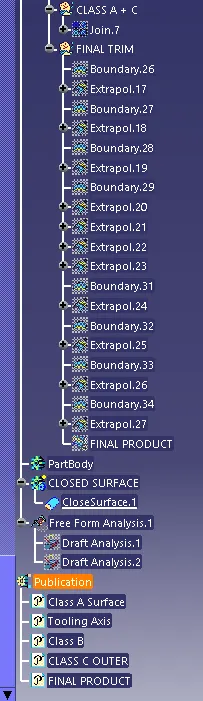
- As for the final trim join class A and Class C surface
- And then trim the Class A + C surface with Class B surface
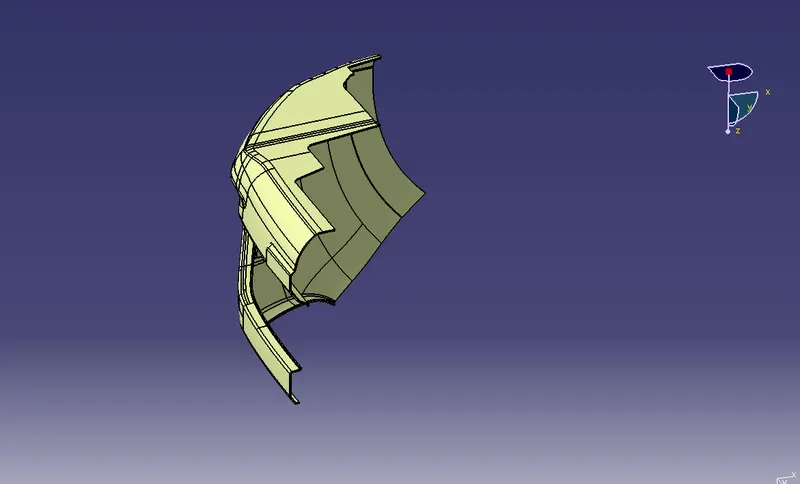
- This is the Final product
- Now perform draft analysis on the final product
Draft analysis on Final Product
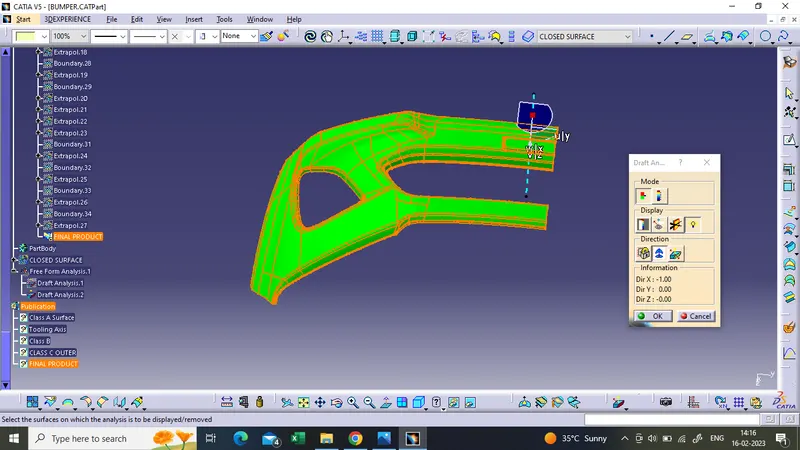
- The final product also cleared the 3deg draft angle
Now using the closed surface command create the designed product into a closed surface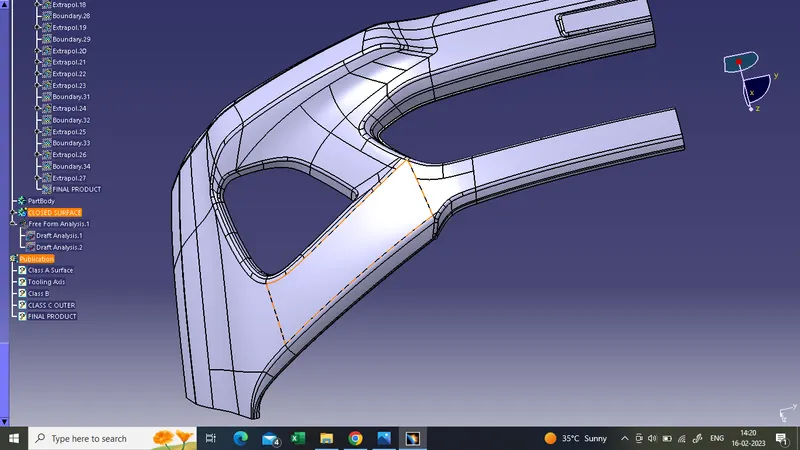
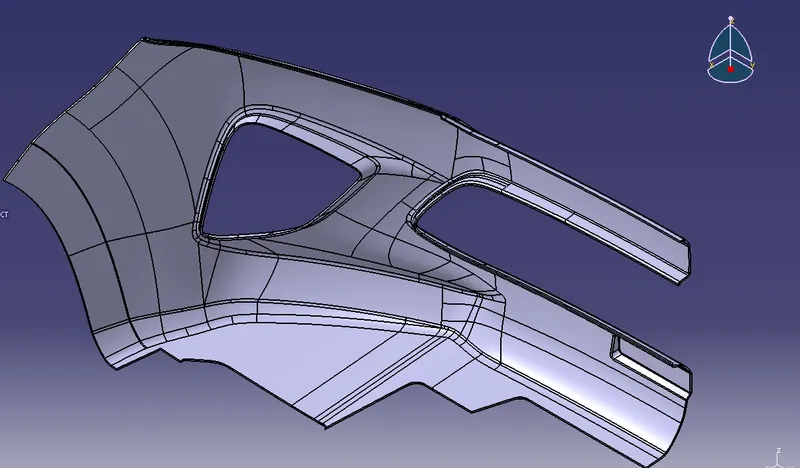
ISOMETRIC VIEW
FRONT VIEW
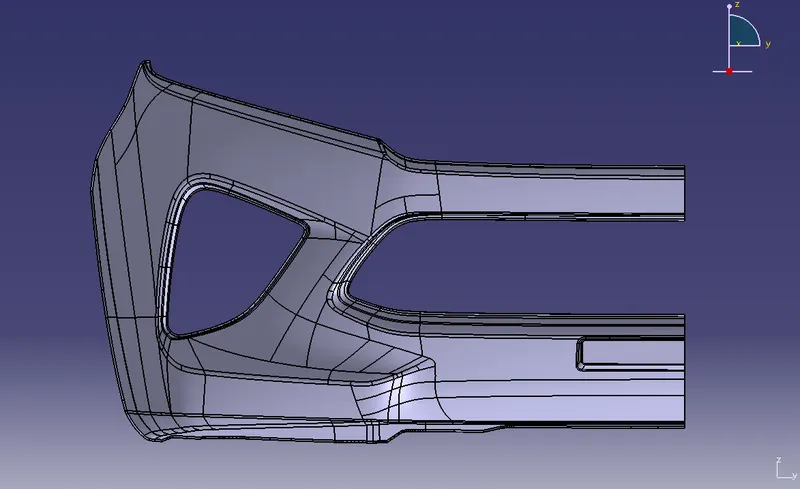
TOP VIEW
GEOMETRIAL TREE