Week 8 - Challenge 4 - Bumper
Challenge aim:
To make a full solid model from the given class A surface.(BUMPER)
This BUMPER is develop in Catia software. (catia is used to design 3 d models with different workbenches.
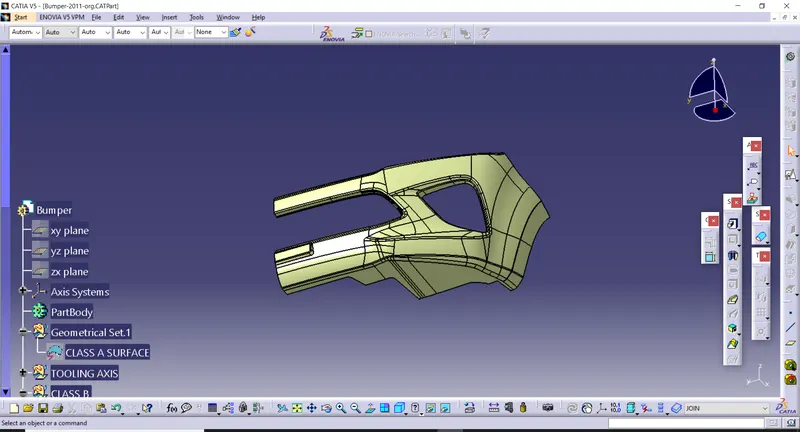
CLASS A SURFACE-
It is surface which is made by the designer. It is aesthetic surface and usable outside futures are on this surface.
Below given class A surface
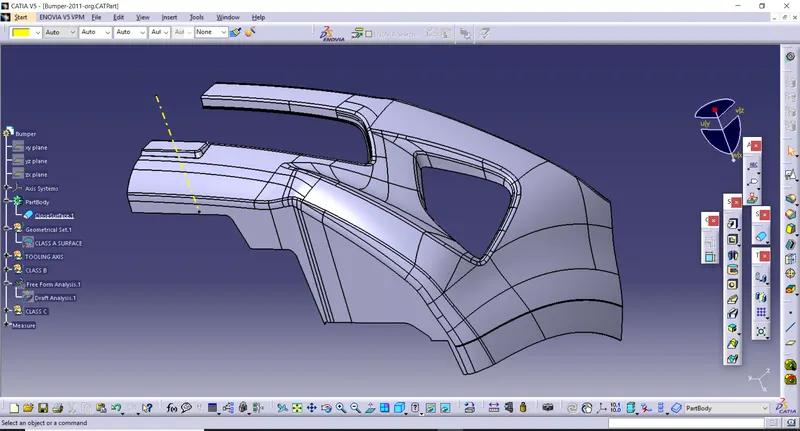
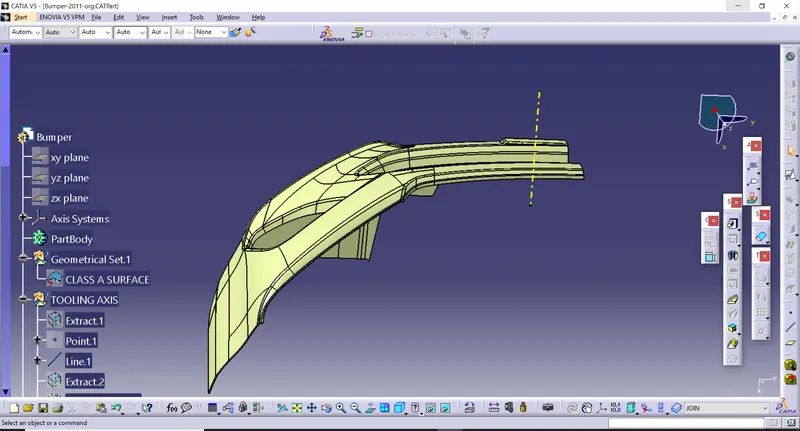
TOOLING AXIS-
Class A surface is used to manually analysis which is best for tooling and create the axis perpendicular to the product. It is called tooling axis. Mould is open and closed by this axis. All surface pass at 3 degree draft.
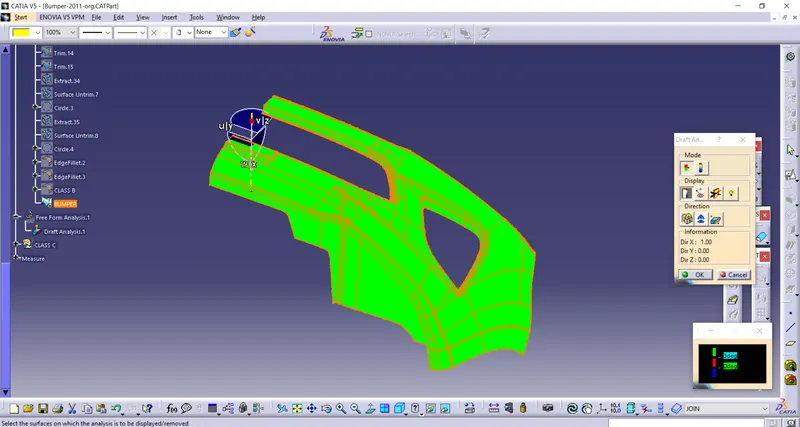
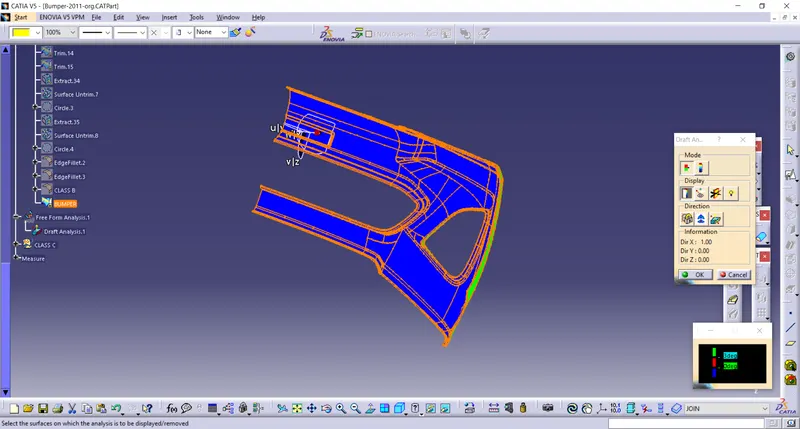
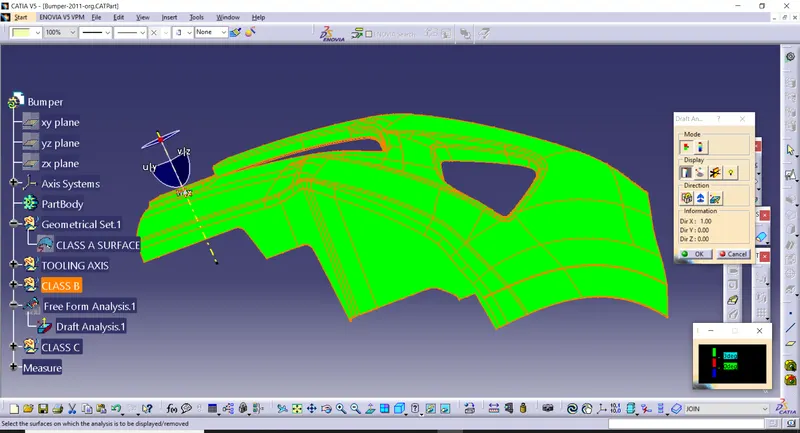
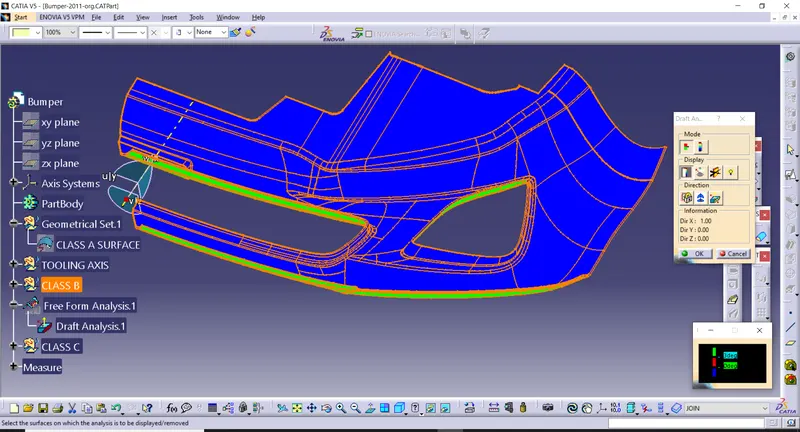
DRAFT ANALYSIS OF CLASS A SURFACE-
- Go to insert < analysis< feature draft analysis.
- Compass is fixed on the tooling axis.
- Then we click on the surface it showing different colour. This colour is used to analysis the drafting value of surface with the help of analysis table.
CLASS B SURAFCE CREATION-
Following procedures are used to create surface B class.
- We directly offset the given bumper surface at 3mm distance inside with the help of offset comment fore b surface
- Some discontinuous surface filled with some comment.
- If we need any bounty expand with the help of extrapolated comment.
- Trim unwanted surface
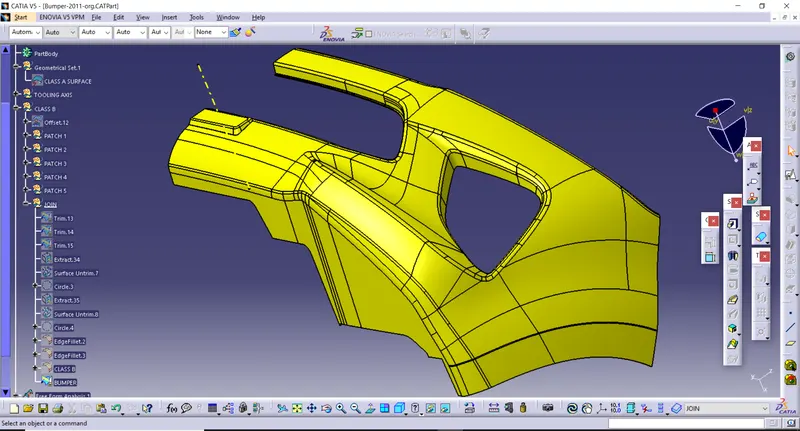
- Finally, we got surface B class.
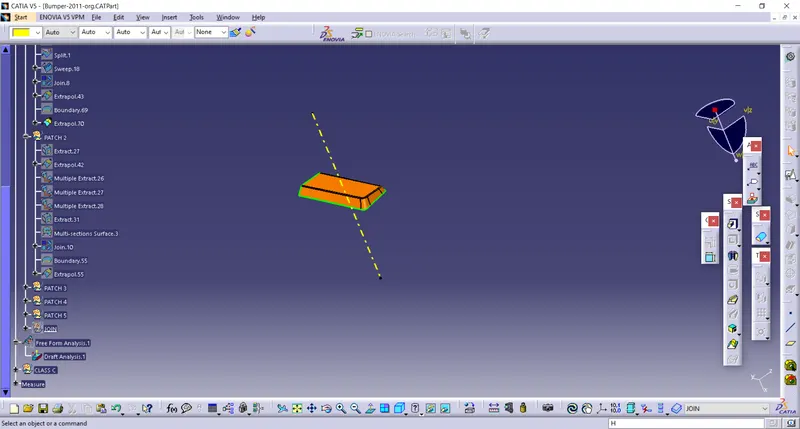
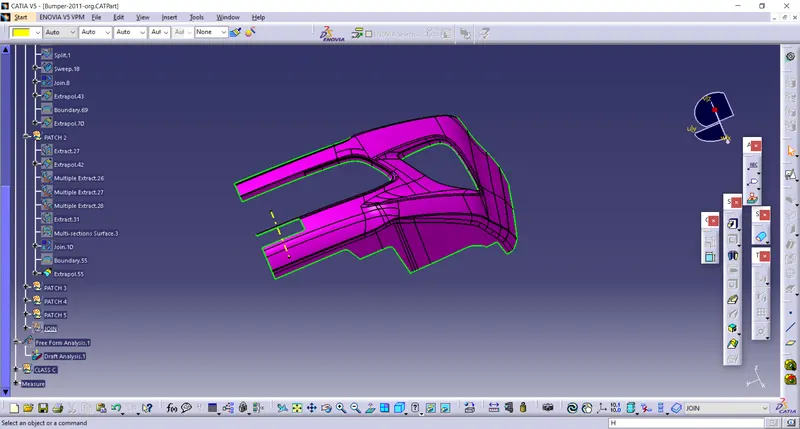
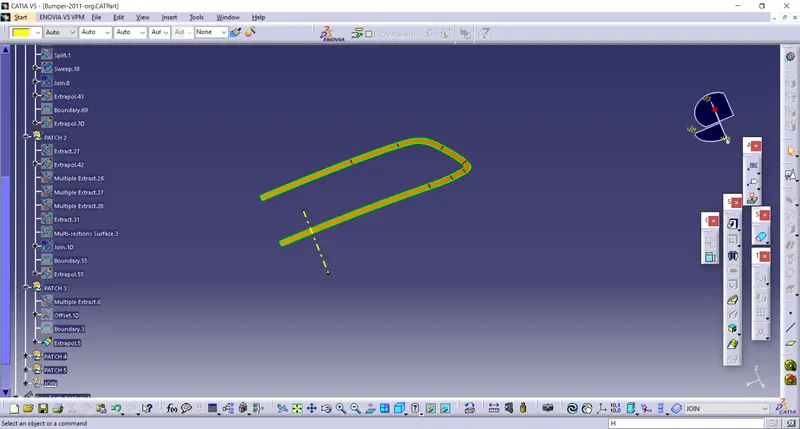
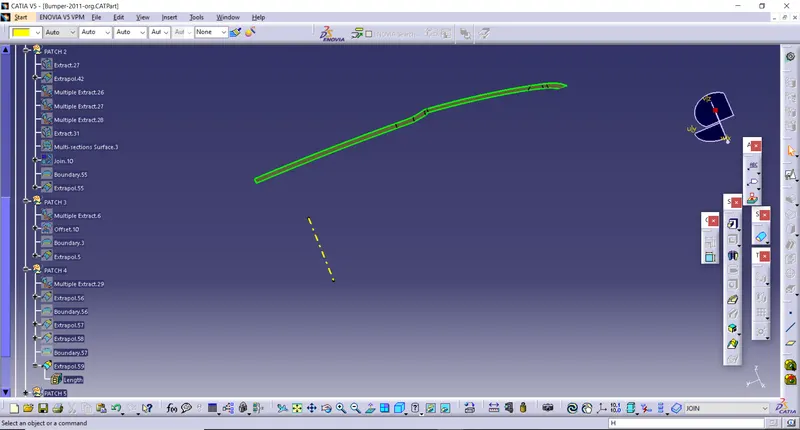
FINAL CLASS B SURFACE-
CLASS C SURFACE CREATION-
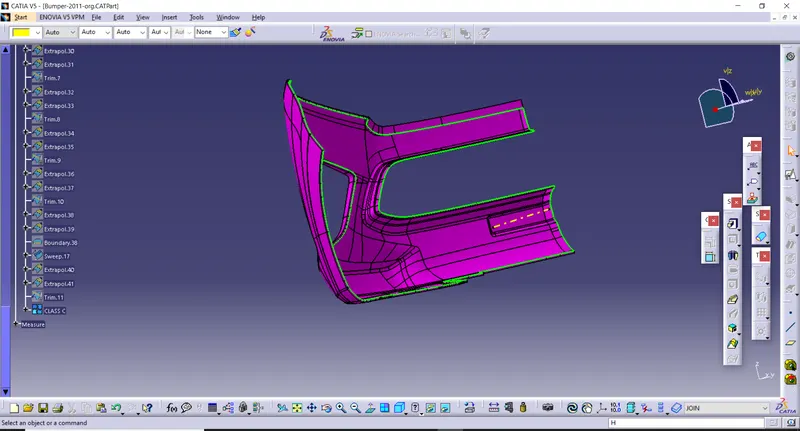
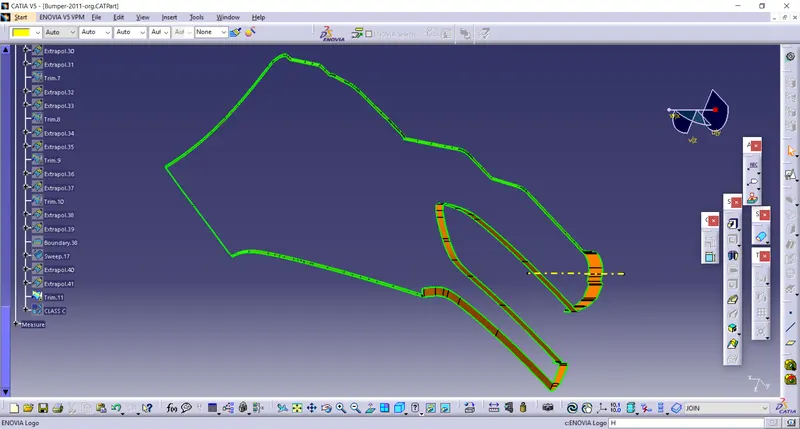
- Extract tool is used to create the boundary lines separately on side edges of class A surface.
- Sweep comment is used to create surface C class for separate edges from given section reference. Finally merge all sweep surface to get class C surface.
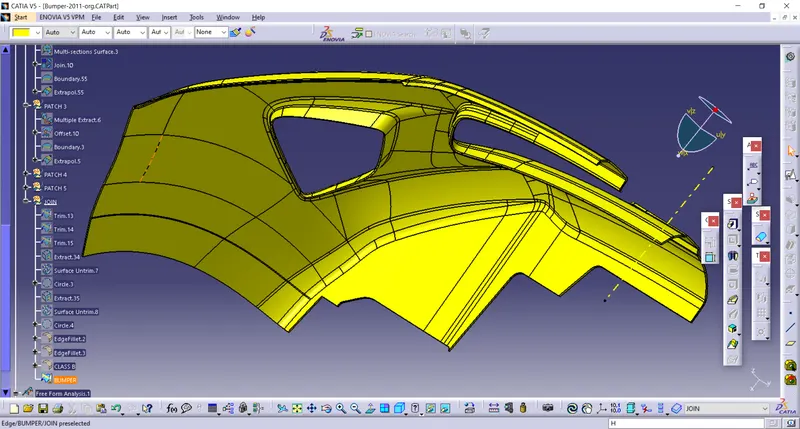
JOIN CLASS B & CLASS C SURFACE-
Join command is used to join the surface B class and the surface C.
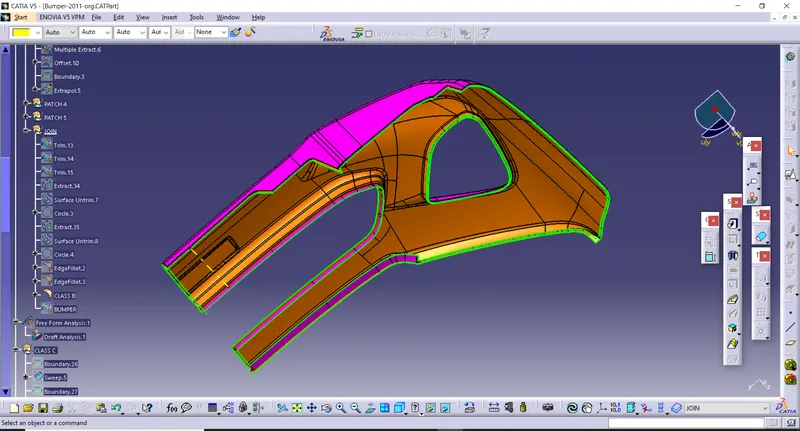
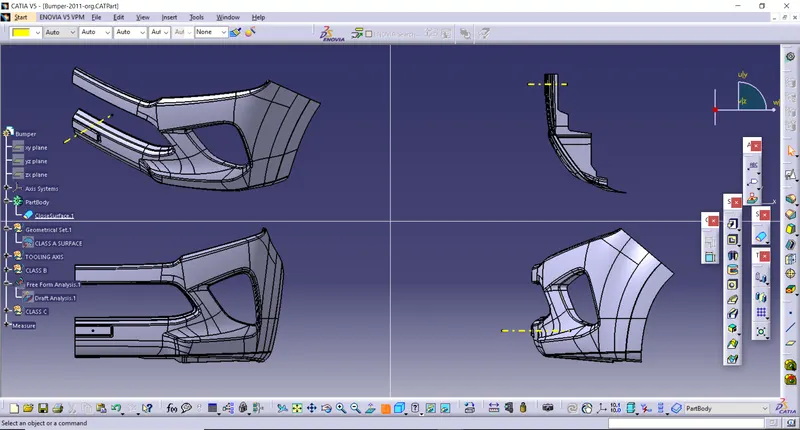
FINAL BUMPER
FINAL BUMPER DRAFT ANALYSIS-