Week 8 - Challenge 4 - Bumper
Objective
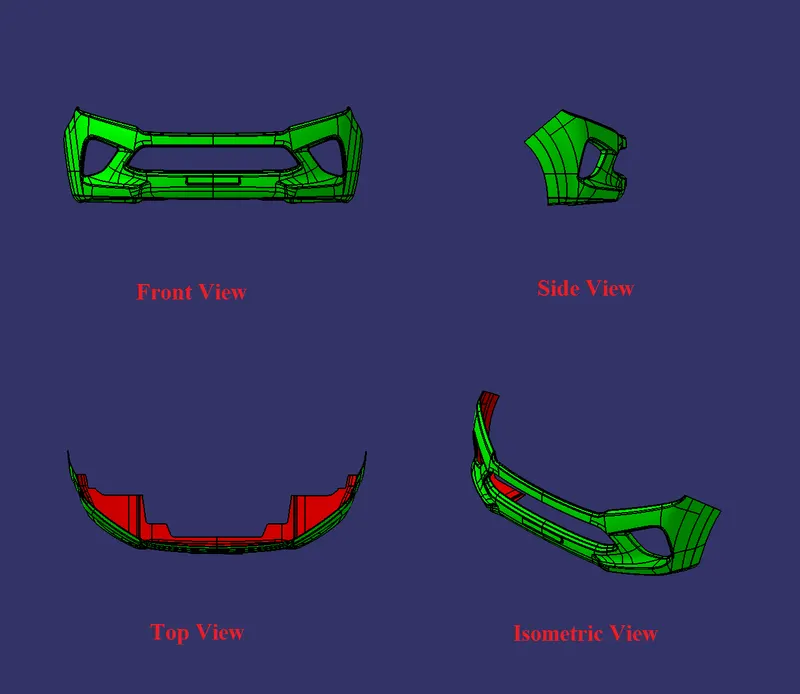
To create the Bumper Plastic component through the given Class-A surface. To begin with, the tooling axis for the given Class-A Surface should be created meeting the requirements of the draft angle and at the end perform the Draft analysis on the model.
Given CLASS A SURFACE
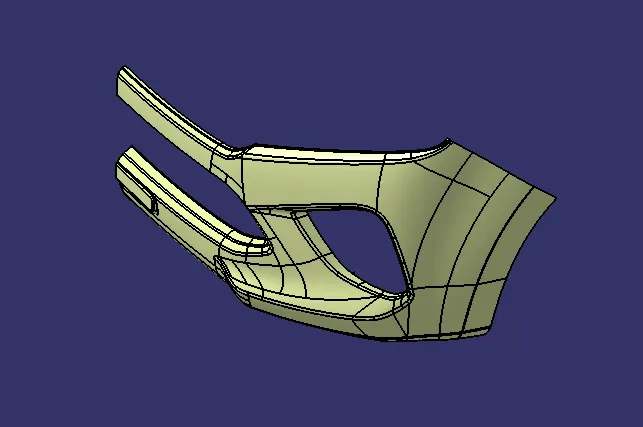
The Way of Creating the Tooling Axis
Need to take center of the surface for a Tooling axis. So, here i took start point to end point of the middle surface which is meet at all surface in a single line/point which is easy to create a tooling axis and i created a line on that points by using line command(line definition = point + point) as shown in figure 1.
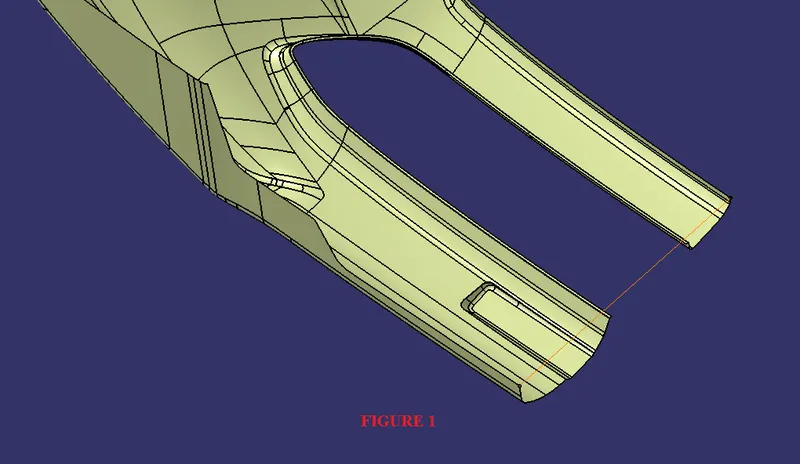
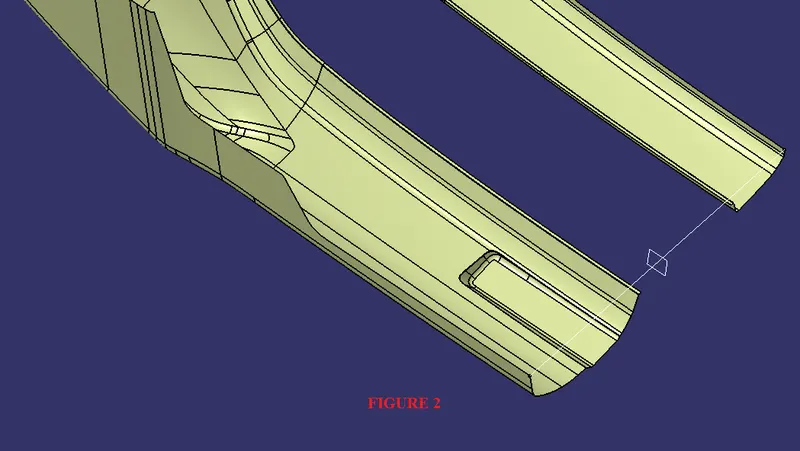
By the uses of the line i created a plane by using plane command(plane definition = normal curve = curve + point(default is middle)) as shown in figure 2.
Then i split the line by using split command(split definition = line + plane) as shown in figure 3.
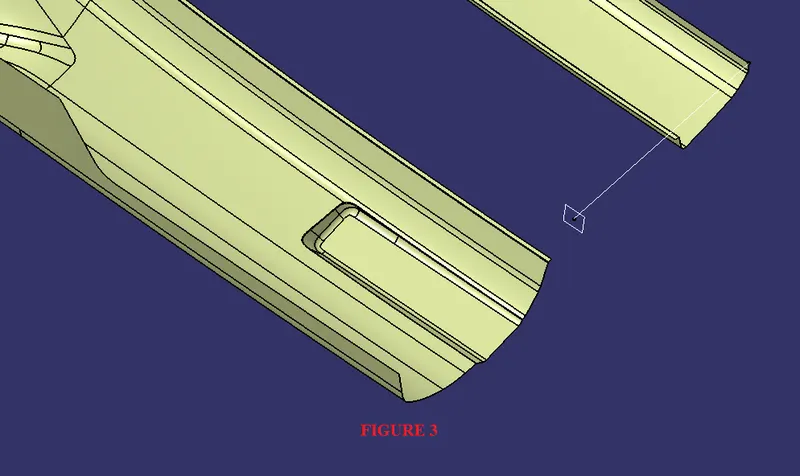
By the uses of that splitted line i created point on it with the help of point command(Point definition = on curve = distance) as shown in figure 4.
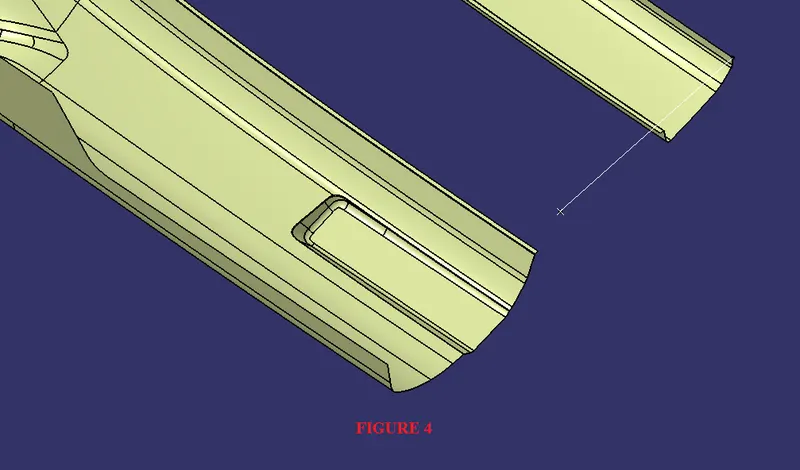
Then i created a line on the point with the help of line command(line definition = normal to surface = surface + point) as shown in firgure 5.
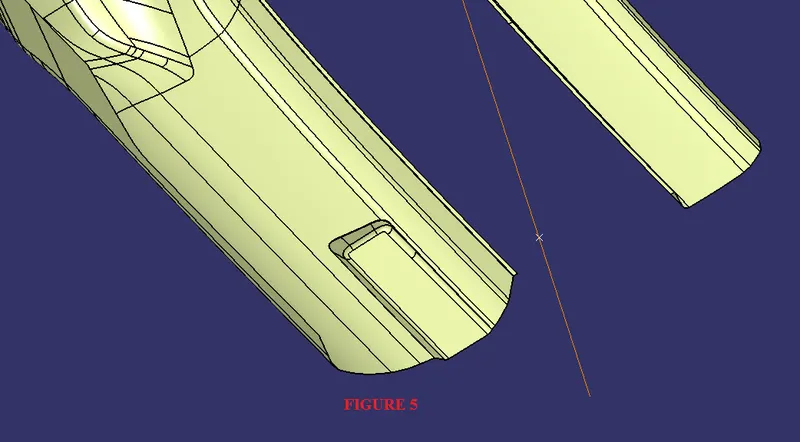
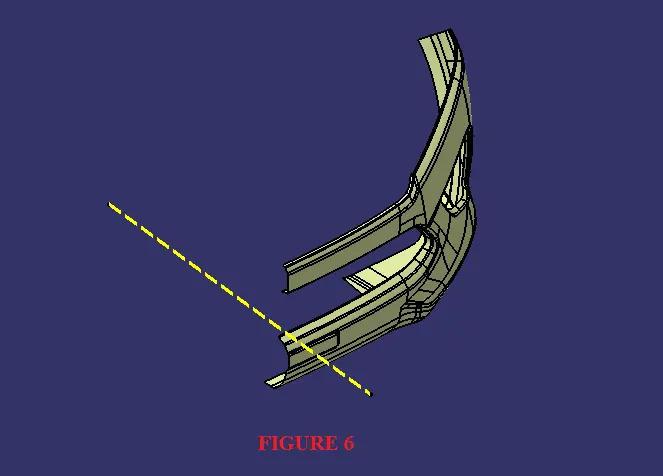
Thus the way i created Tooling Axis for draft analysis as shown in figure 6 which is showing in yellow color center line.
Tooling Axis
Draft Analysis
Draft Analysis is used to analyze whether our part model created in CAD is manufacturable based on the draft condition applied.
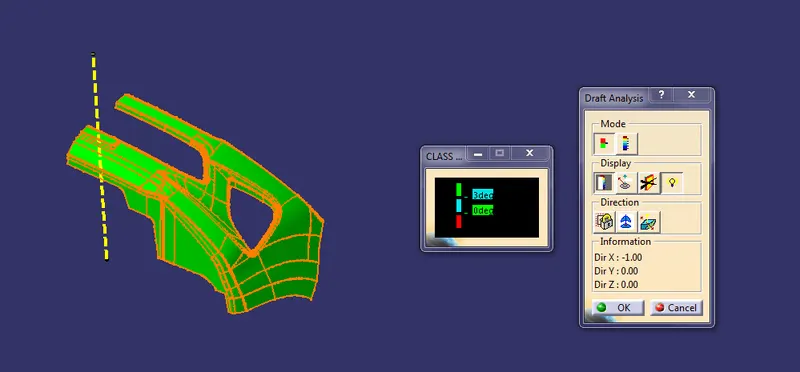
CLASS A SURFACE
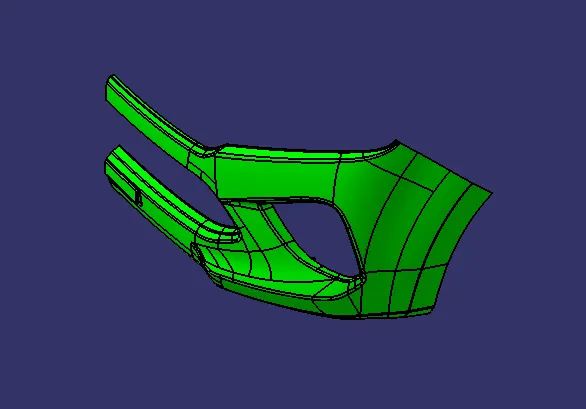
Solid model with the proper color code of the draft angle