Week 8 - Challenge 4 - Bumper
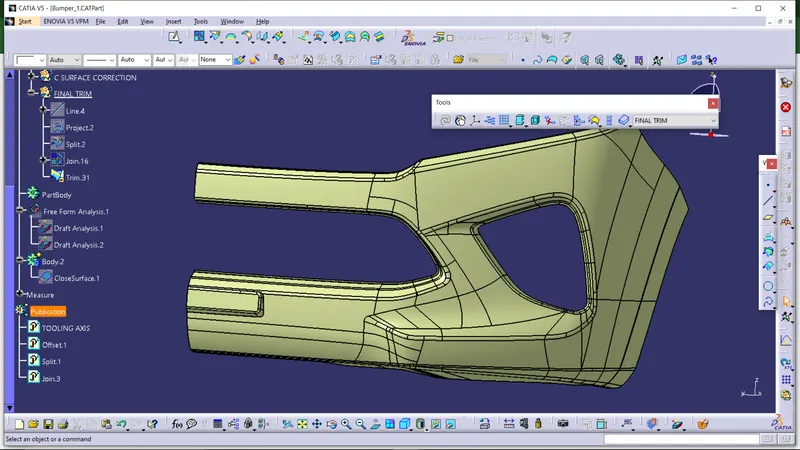
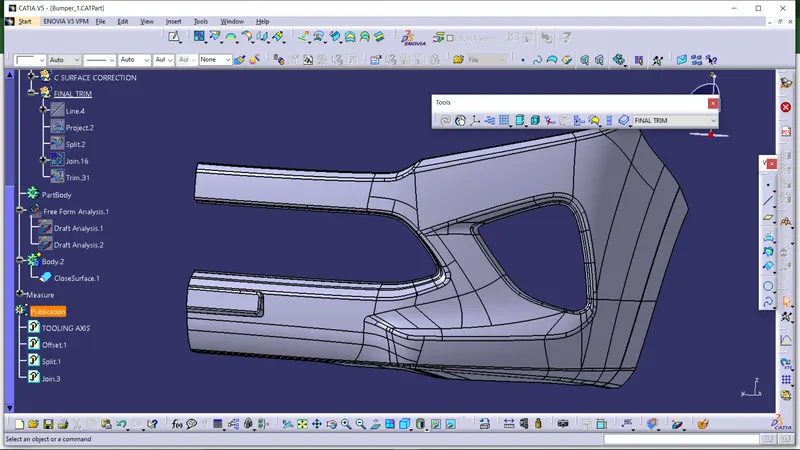
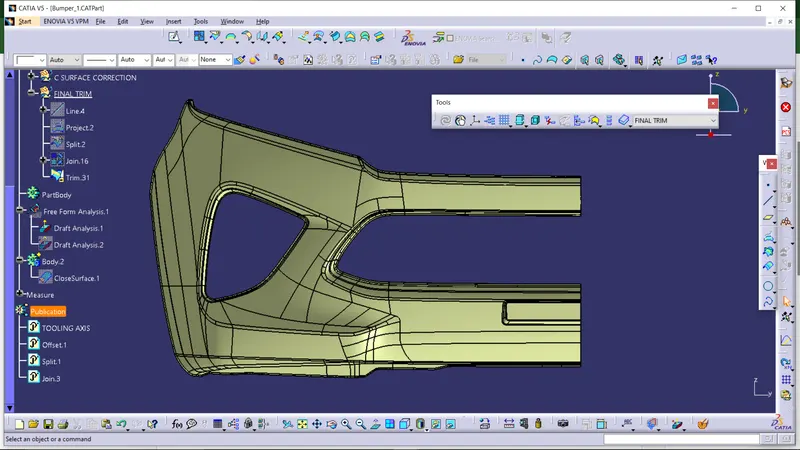
- CREATION OF TOOLINGAXIS:
Intially select the measure inertia command in the toolbar.Then select the class A surface and then click OK.THen there is a soption called CREATE GEOMENTRY.it creates a geomentry witha point,In t his select a NON ASSOCIATIVE GRAVITY and click ok.Tyhen create a line at the point along the tooling direction we needed.Thus we create a tooling axis easily.
- DRAFT ANALYSIS FOR A and B SURFACES:
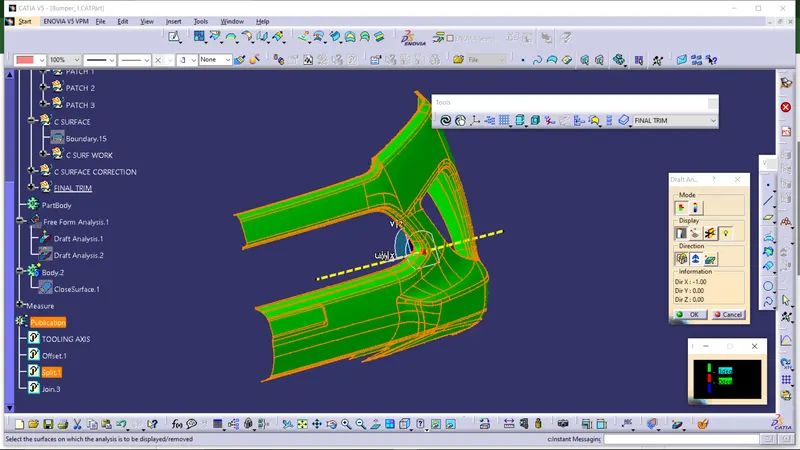
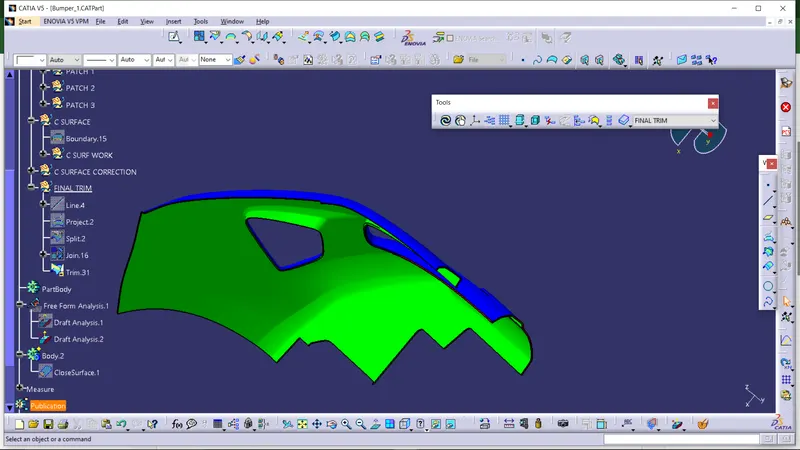
After the creation of tooling axis,select the draft analysis to check.Move the compass along the tooling direction and then lock it.Before that we put that in a material mode.And then select the surface and set a angle of minimum 3degree and see.This is the method we done for the same B surface.