Week 8 - Challenge 4 - Bumper
AIM: To make a model from the provided class-A surface.
BUMPER
To do the draft analysis on the given class A surface then create B and C surface and finally the solid body by using closed surface and do the draft analysis for the same.
INTRODUCTION:
CLASS-A SURFACE: a surface made by the designer which is given as input to the plastic modeler to work on. It is an aesthetic surface
and the outermost surface.
CLASS-B SURFACE: a surface below a certain thickness from the class-A surface is a class-B surface. This is the surface that contains
engineering aspects of a model.
CLASS-C SURFACE: a surface that joins class-A and class-B surfaces is a class-C surface.
Tooling axis creation
- The direction in which the mould open and closes is called the tooling axis direction.
- Check the connectivity of the surface and ensure there will be no gap between the surfaces and then define the tooling axis.
- While creating a tooling axis please ensure to give the tooling axis on a flat length surface or the surface which have a hole on it.
- Create a point on the middle of the base surface by using point on the surface command then create a intersection for the surface and extract the reference lines which will be helpful for creating the dummy tooling axis using the intersect method by creating a bisecting line..
- Use the line command and draw the lines which is aligned with the extracted lines and extended it to the required length.
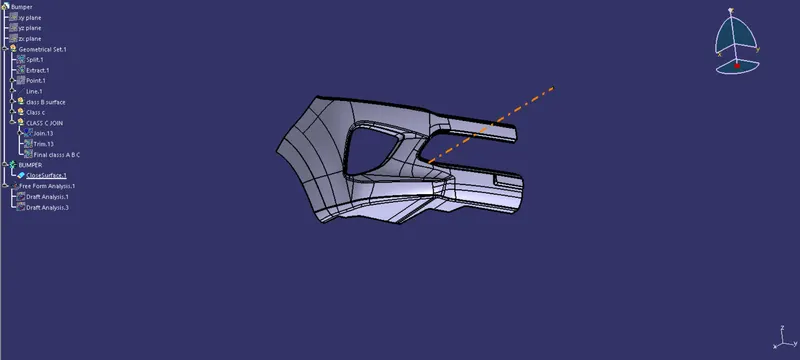
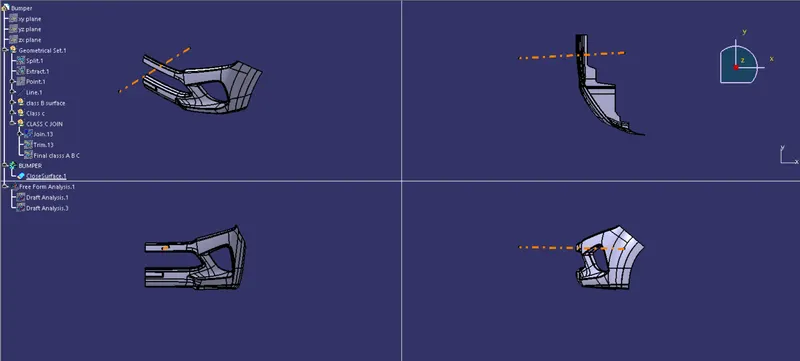
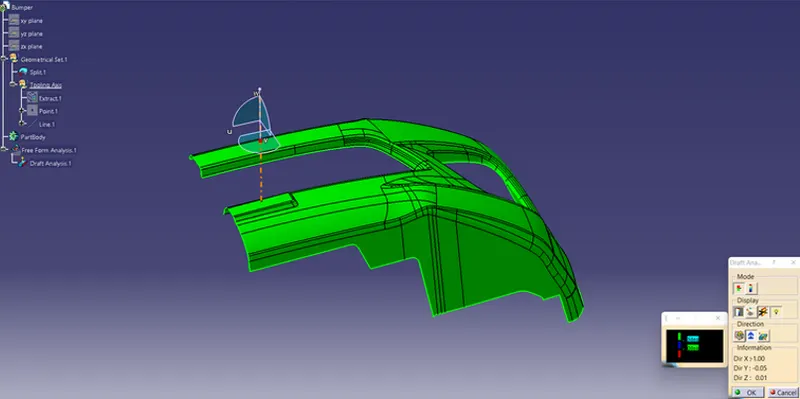
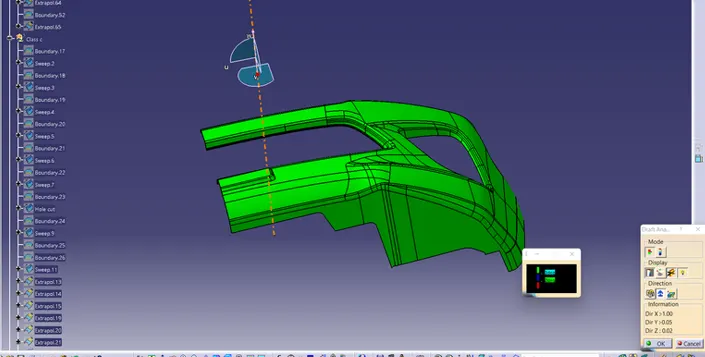
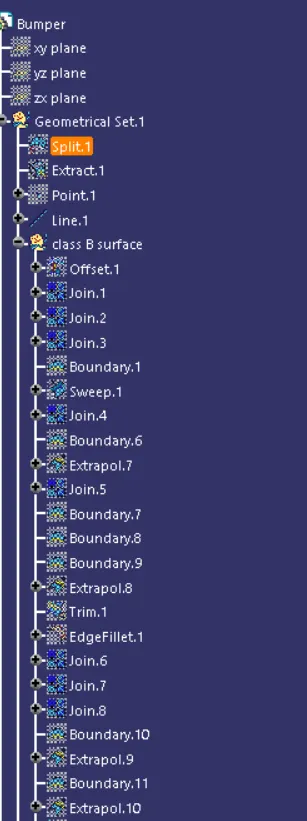
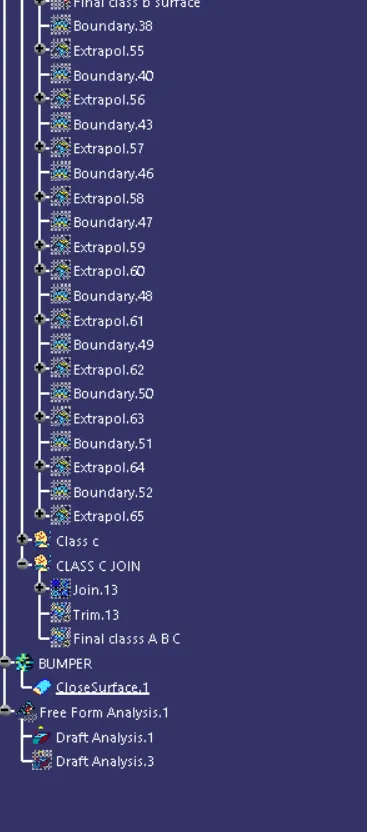
Finaly by creating Class B and C Surface and joininig and we have to ensure to closed surface at end.