Week 8 - Challenge 3 - Switch Bezel Design
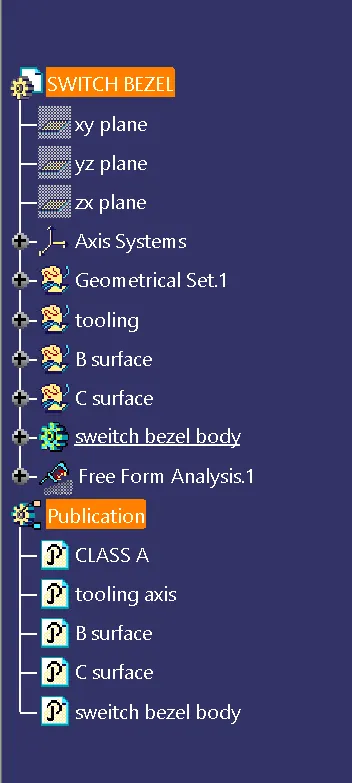
Creating the tooling axis and draft analysis for the solid model after makeing the class B and C surface for the given class A surface:
Creating the tooling axis:
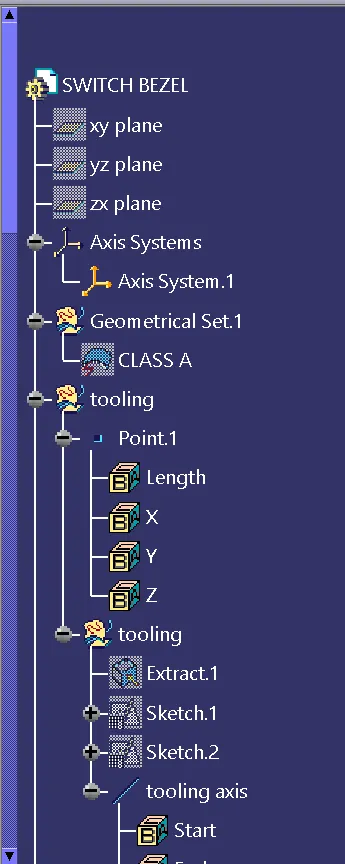
The given class A surface is downloaded and opened. To create the tooling axis, first a bisecting line is created which has the reference of the line which is supported on the side walls of the cavity.
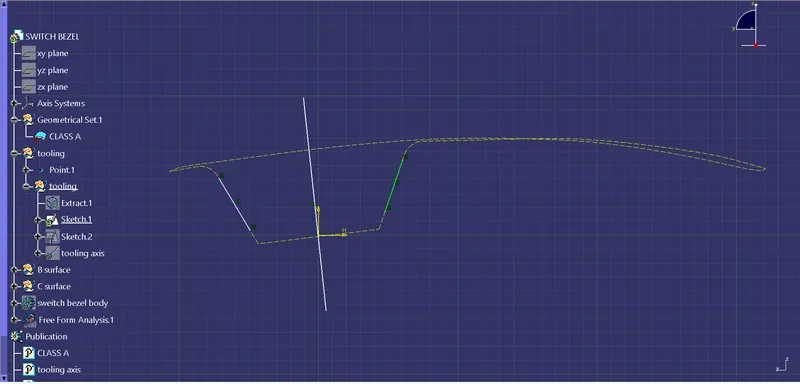
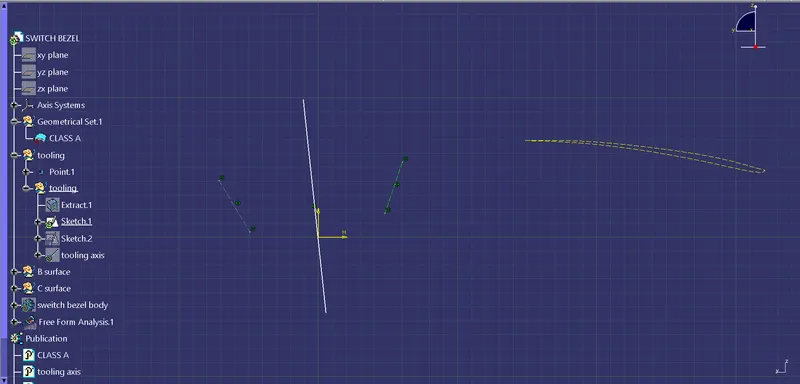
Then an another line is created with a distance to the center side wall.
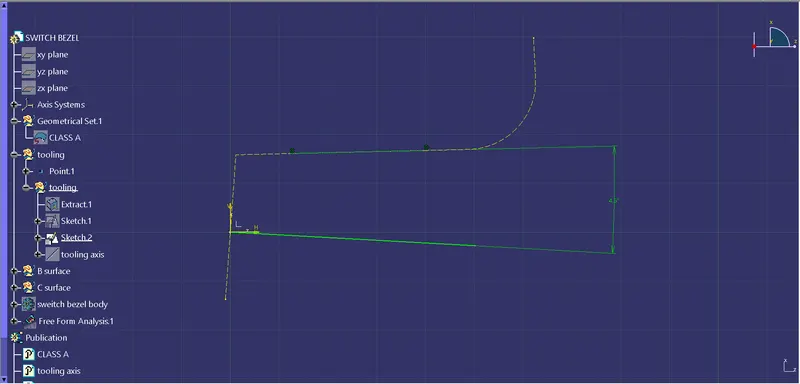
Then the tooling axis is created using the bisecting line options with the created lines as its reference.
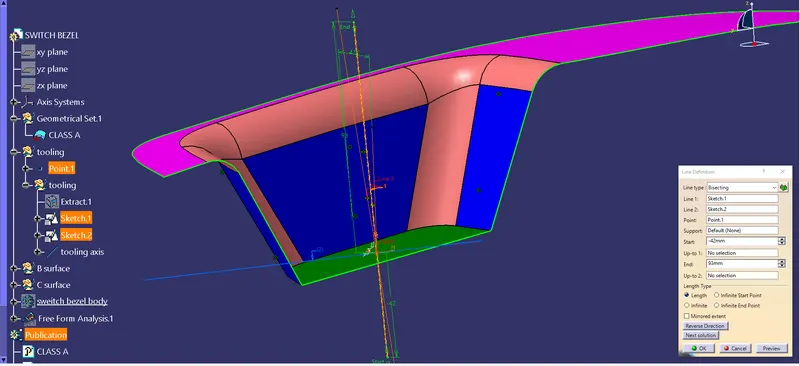
Creataing B surface:
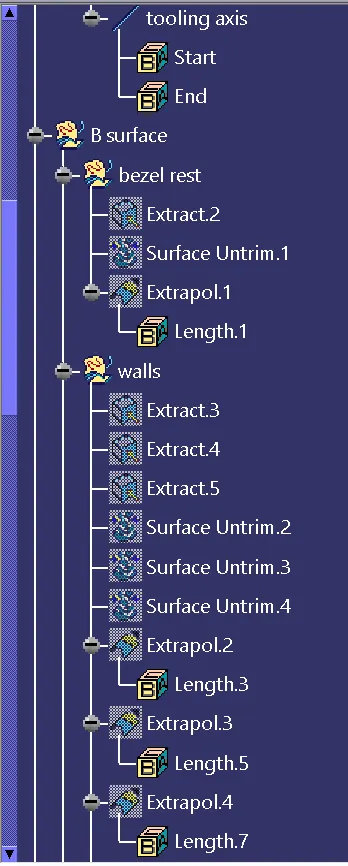
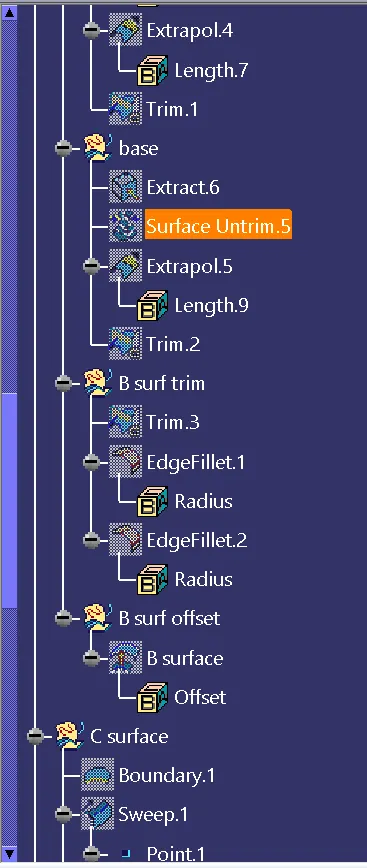
After creating the tooling axis, the top face of the A surface is extracted untrimed and extrpolated.
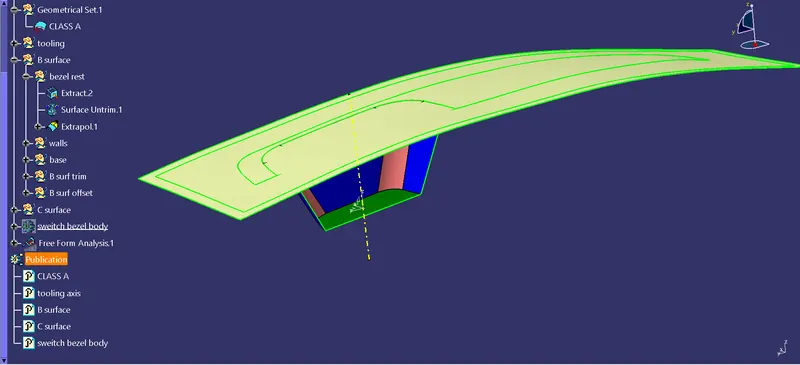
Then the three side walls which is in blue colour is then exracted untrimed and extrapolated. So that the surface will be along enough to trim.
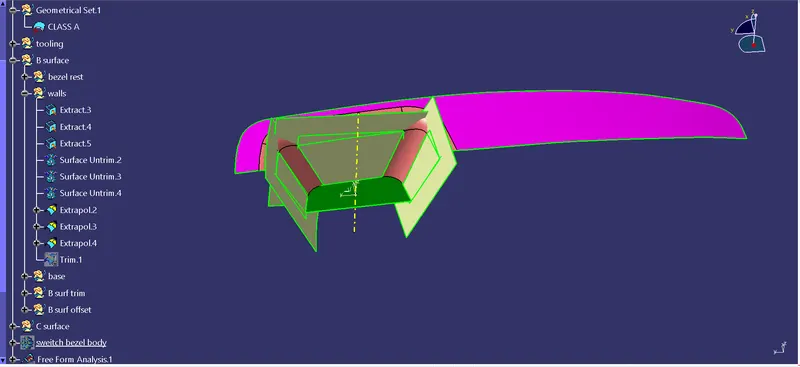
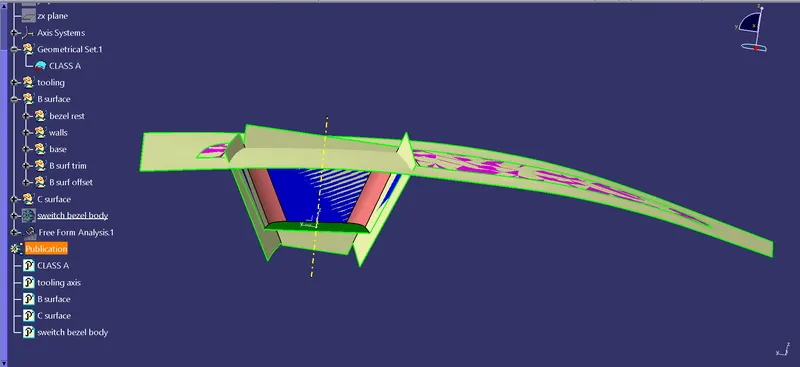
Then the base is extracted untrimmed and extrapolated.
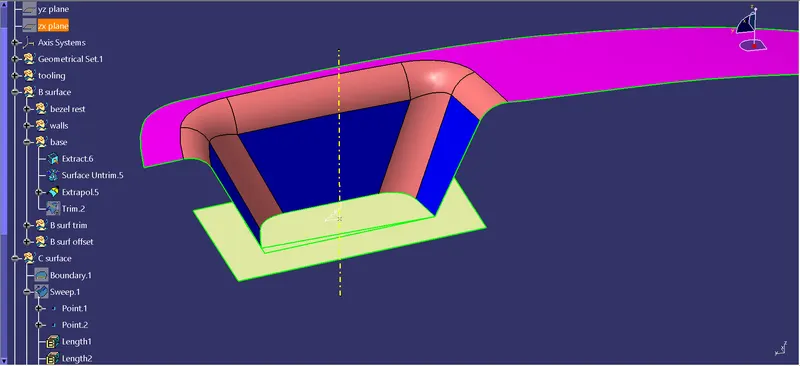
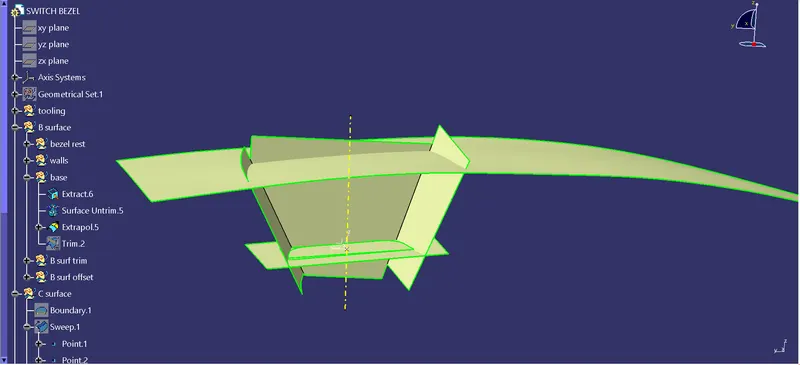
Then the surfaces are trimed to form the shape of the switch bezel.
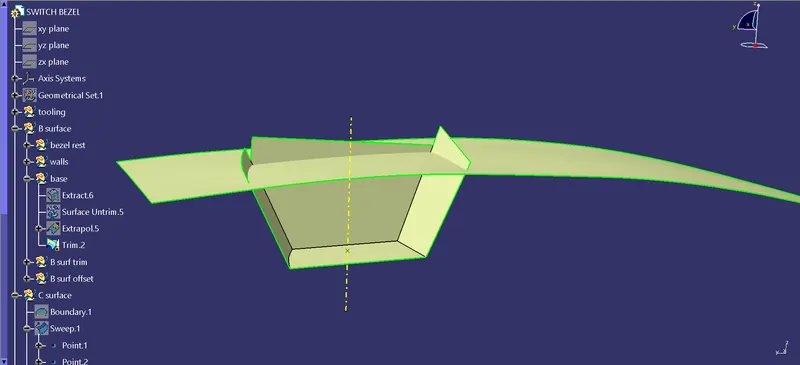
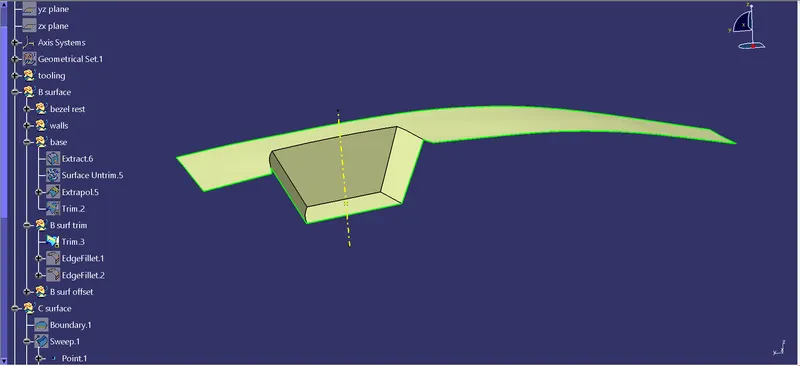
After trimming the edges the edges are given fillets by overlaping the class A surface to the created surface.
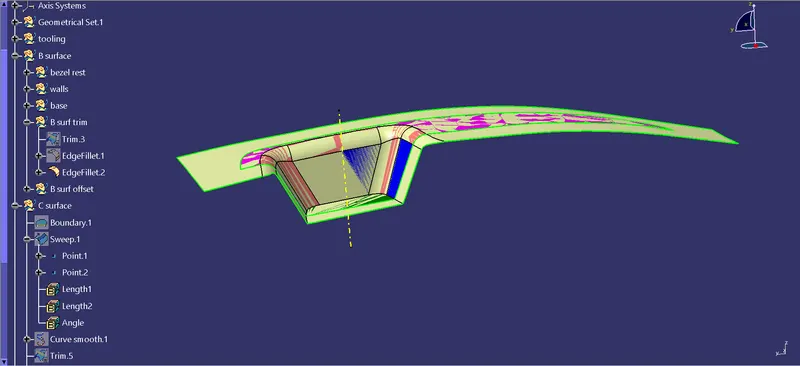
Then, after giving fillets, that surface is offsetted to 2.5 mm and saved as the B surface.
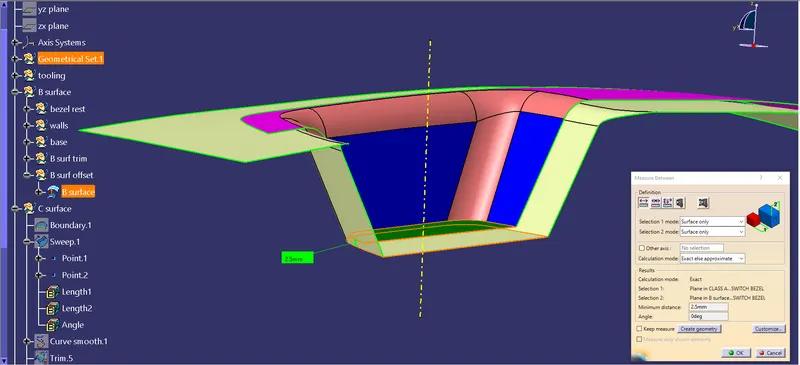
Creating C surface:
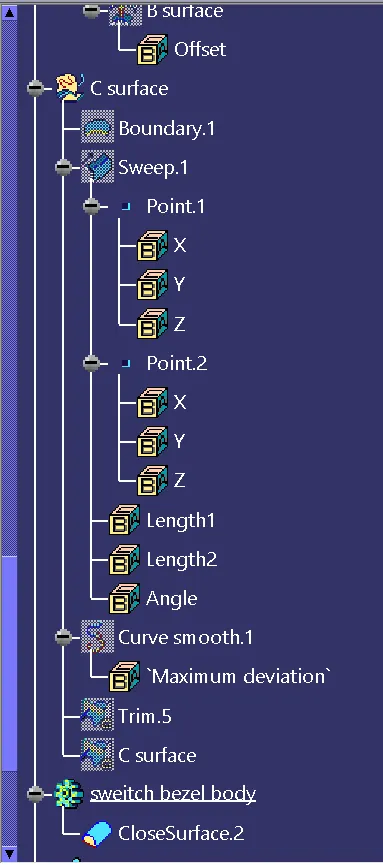
To create the C surface, first the boundary line of the class A surface is taken.
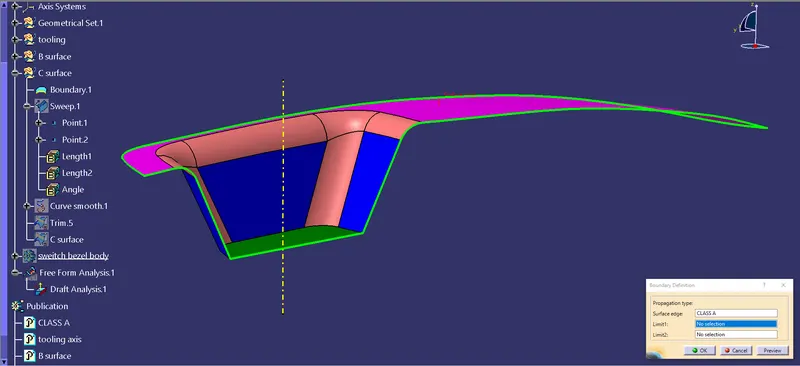
Then sweep command is used to form the outer face for the C surface. As it creates many patches, the boundary line is replaced by creating smooth curve of that line. This reduces the patches in the sweep.
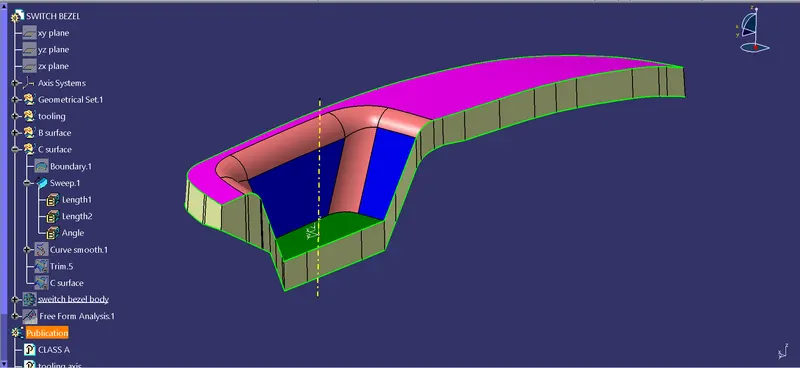
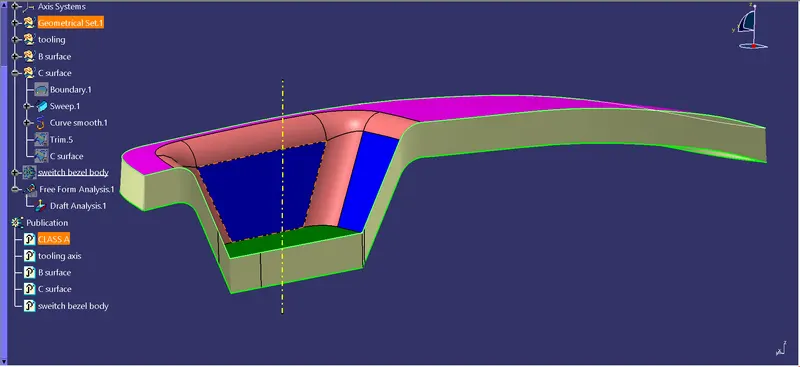
Then the A surface and the sweep is trimed as the sweep forms some opening due to smooth curve when joined together.
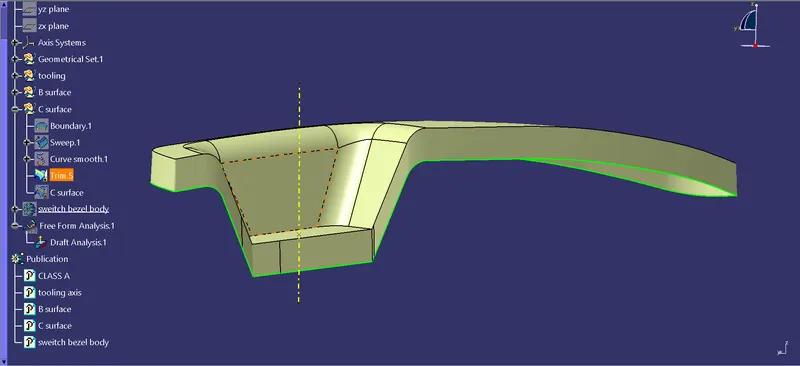
After trimming the A surface with the sweep, this is then further trimmed with the B surface to form a closed surface.
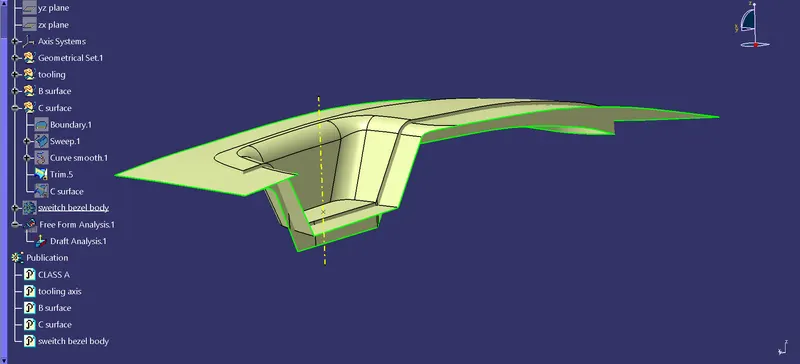
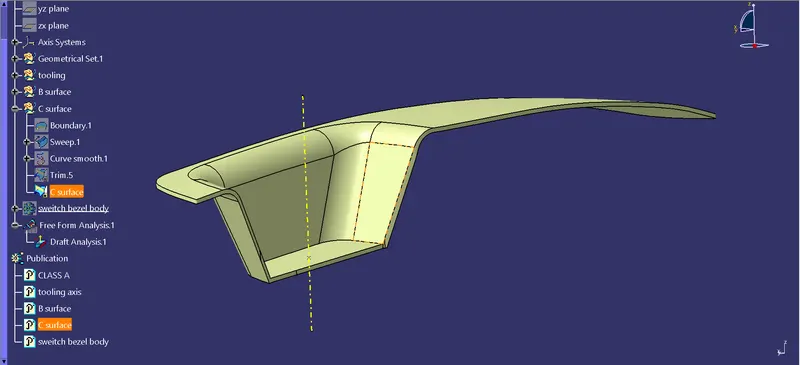
Making it solid:
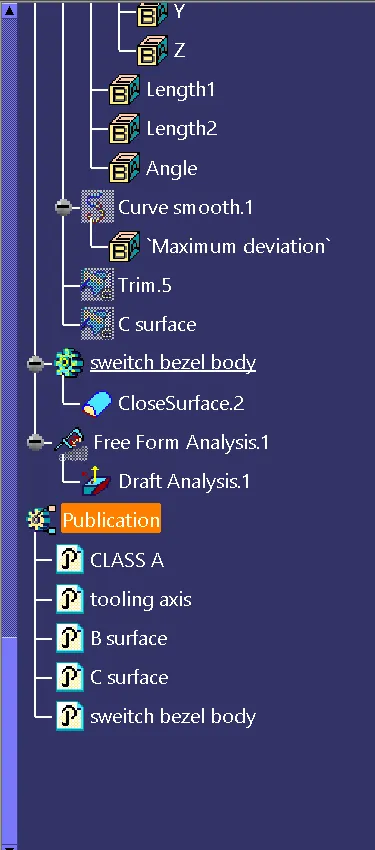
After Creating the C surface, this is then filled with solid and made as a solid part.
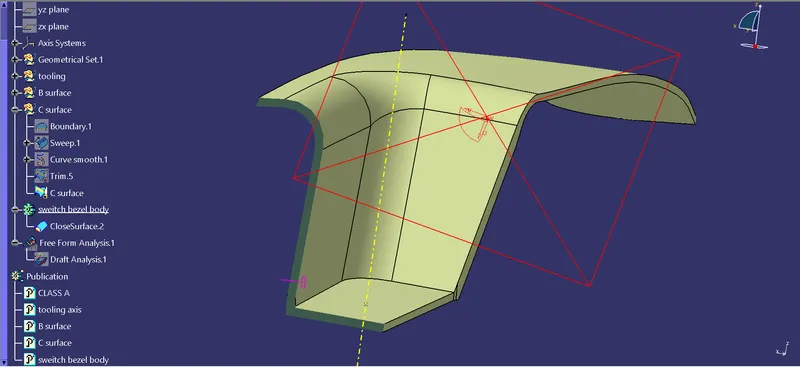
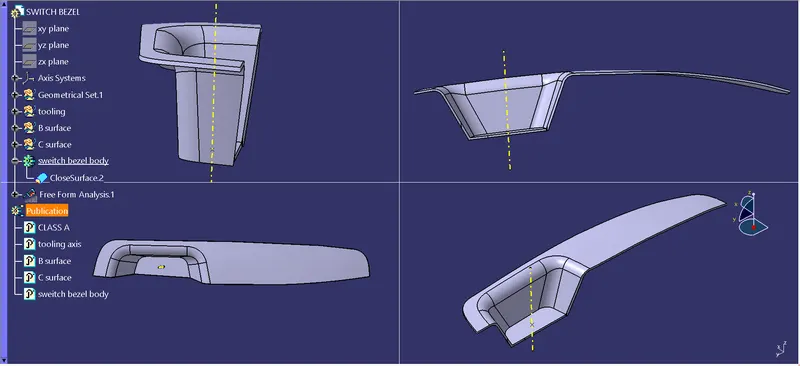
Draft analysis:
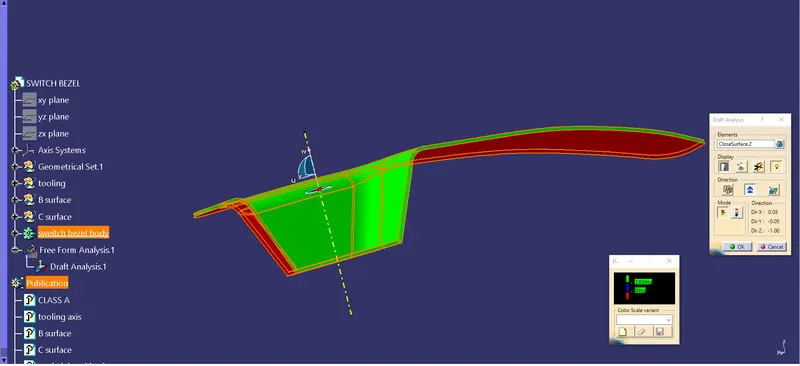
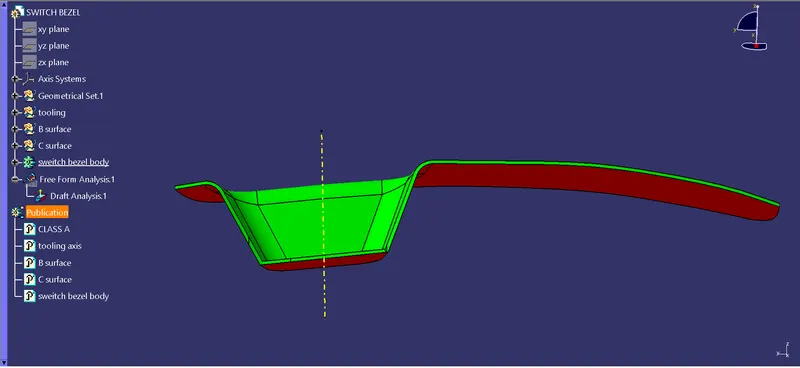
After making it as solid, draft analysis is done on it by placing the compass on the tooling axis and locking the draft direction.