Week 8 - Challenge 3 - Switch Bezel Design
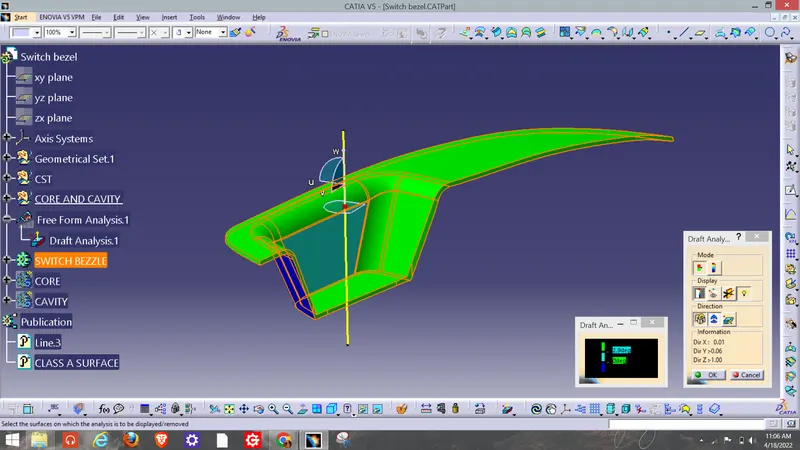
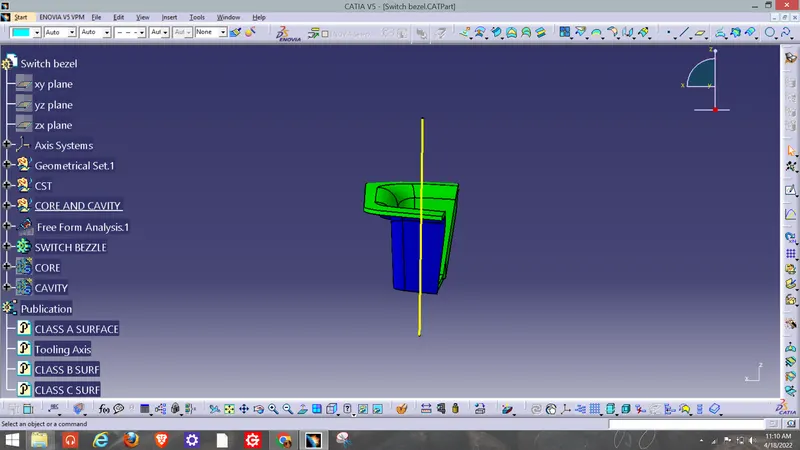
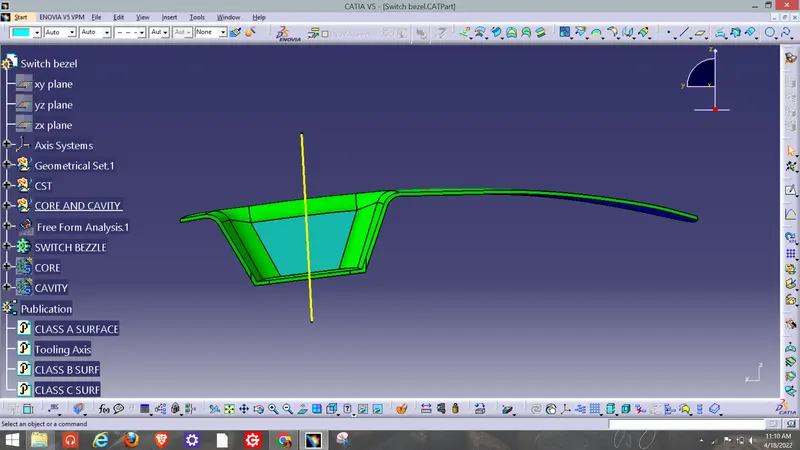
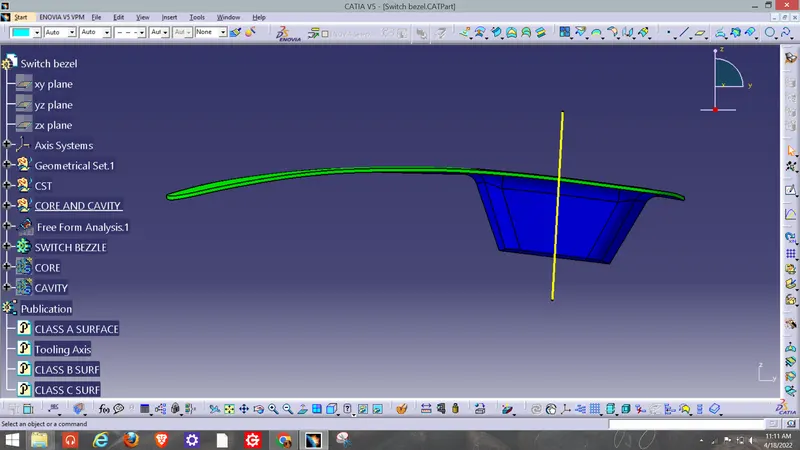
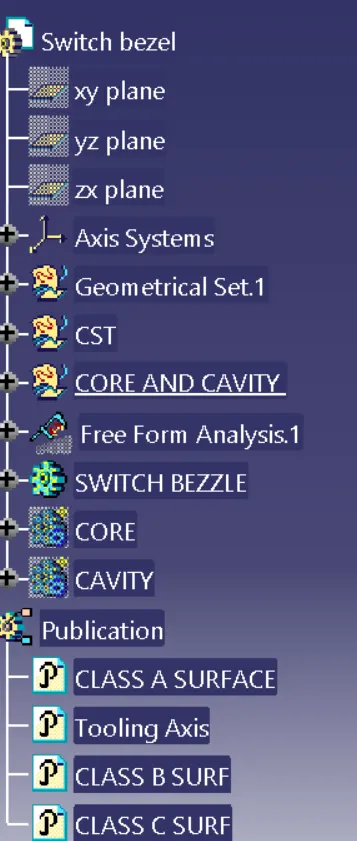
REPORT:- For finding tooling axis i try to find best possible views, but on every side there is some blind surfaces. So i have used Bisecting method.
Then for first dummy axis i taken an intersection of switch bezzel and YZ plane. then after creating an construction lines and bisecting that lines i found first dummy axis as shown in fig.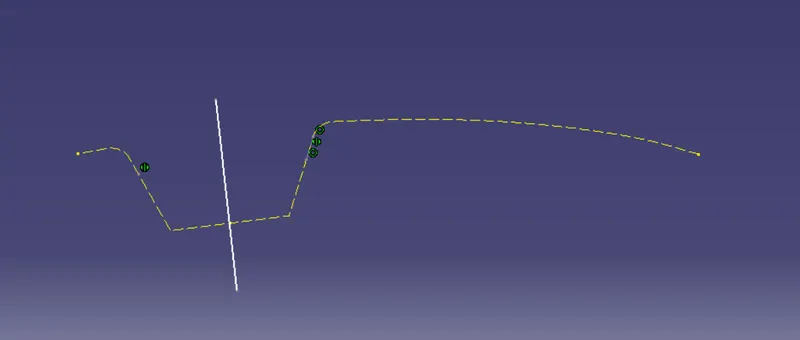
Then for second dummy axis, i have taked an intersection between switch bezzle and XZ plane, beacuase of unsufficient edges i am not able to find construction line, so i have created an line with 3 degree ange so i able to see blind faces easily or there is no blind faces. as shown in fig.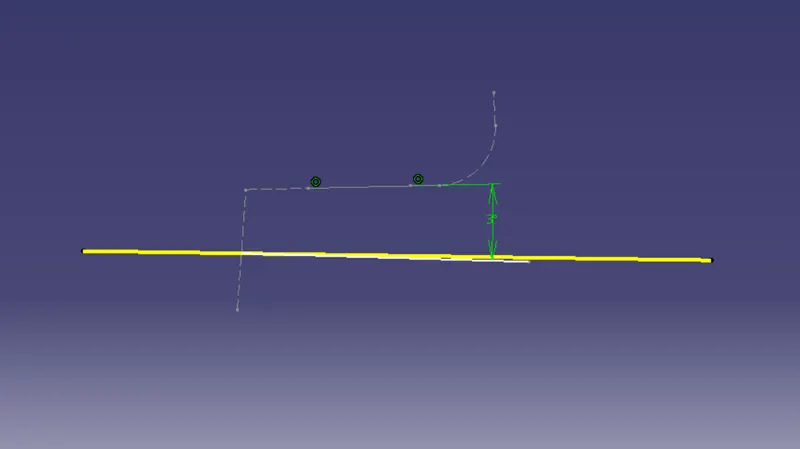
now i Bisect Both the dummy Tooling Axis, and thats how i get Main Tooling Axis. using this main tooling axis we are able to does an draft analysis of an switch bezzle.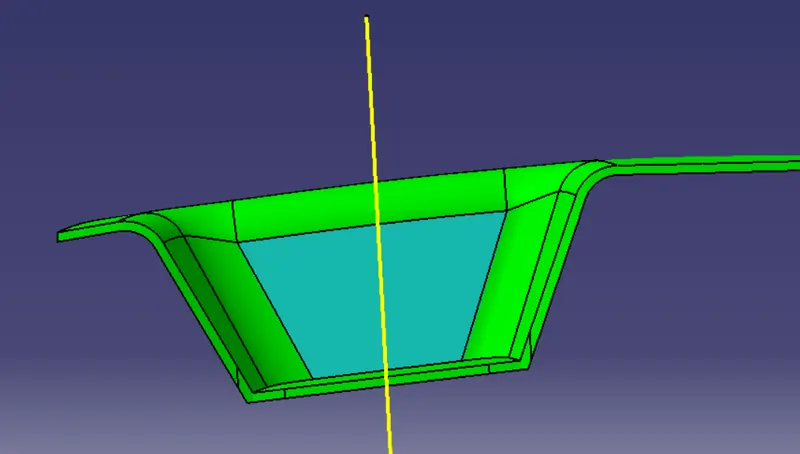
After Creating Tooling axis i created an Class B Surface, using multibody extrude command. as shown in fig.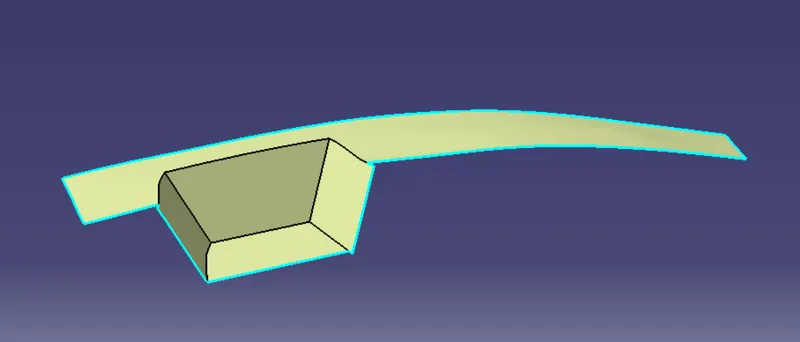
Then I have created an Class C Surface using an sweep Body command.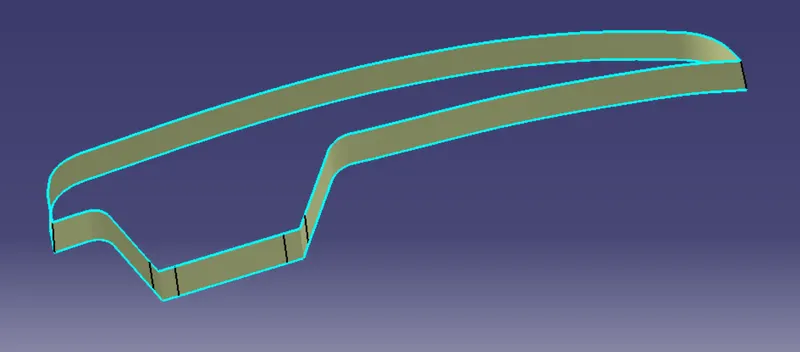
then trimmed it with class b surf and close body command i get an solid switch bezzle part with drafting anglle of 3 degrees.