Week 8 - Challenge 3 - Switch Bezel Design
REPORT
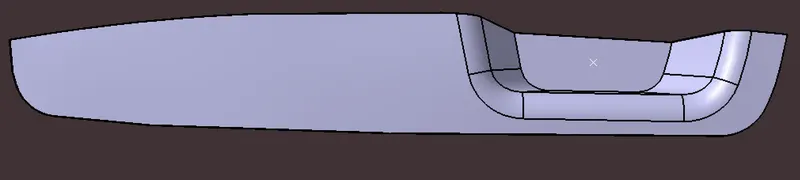
SWITCH BEZEL DESIGN-Creation of Class B and Class C Surface from Class A and apply final trim to get Final plastic Components
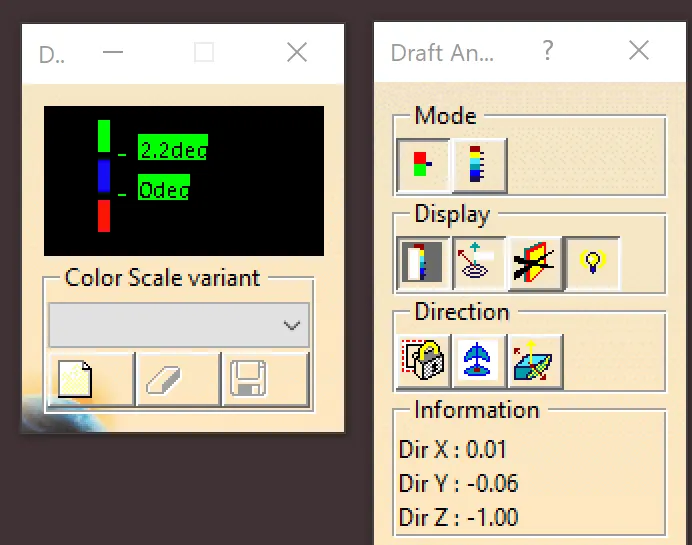
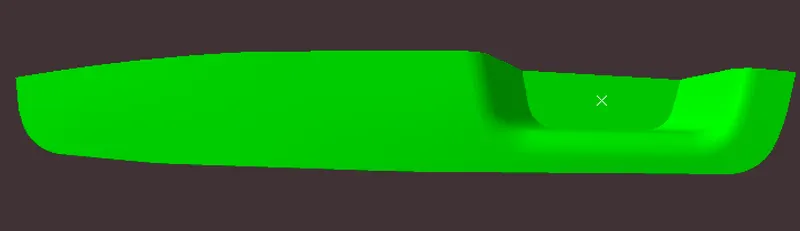
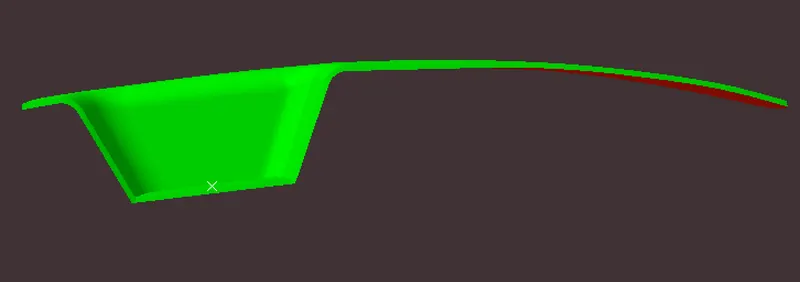
DRAFT ANALYSIS-The Draft Analysis command enables you to detect if the part you drafted will be easily removed. This type of analysis is performed based on color ranges identifying zones on the analyzed element where the deviation from the draft direction at any point, corresponds to specified values.
TOOLING AXIS CREATION-To Create Tooling Axis First I Take Intersection in X & Y Direction of Class A Surface then I Create 2 lines for X and Y direction and Using Bisecting line feature we get two lines again Now with these lines we Create final Tooling Axis which is used for checking Draft analysis.
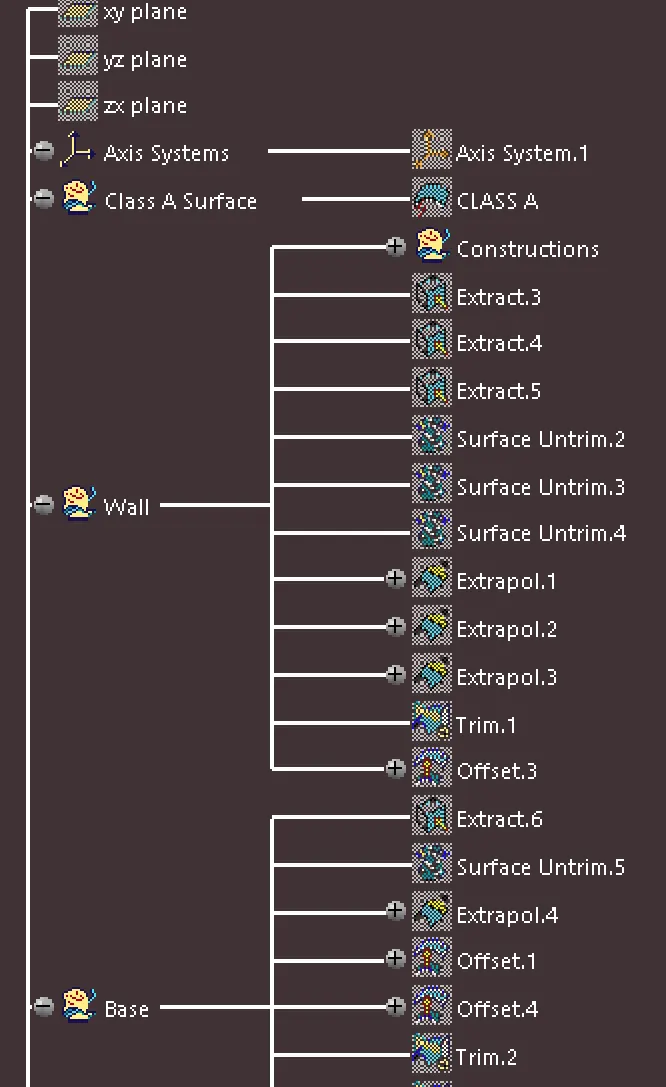
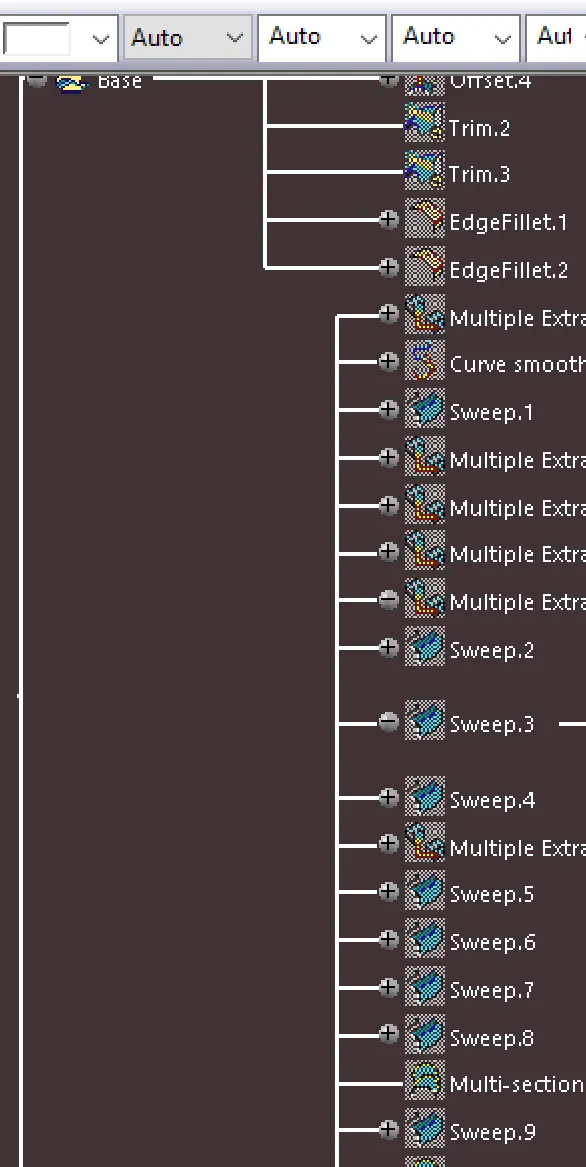
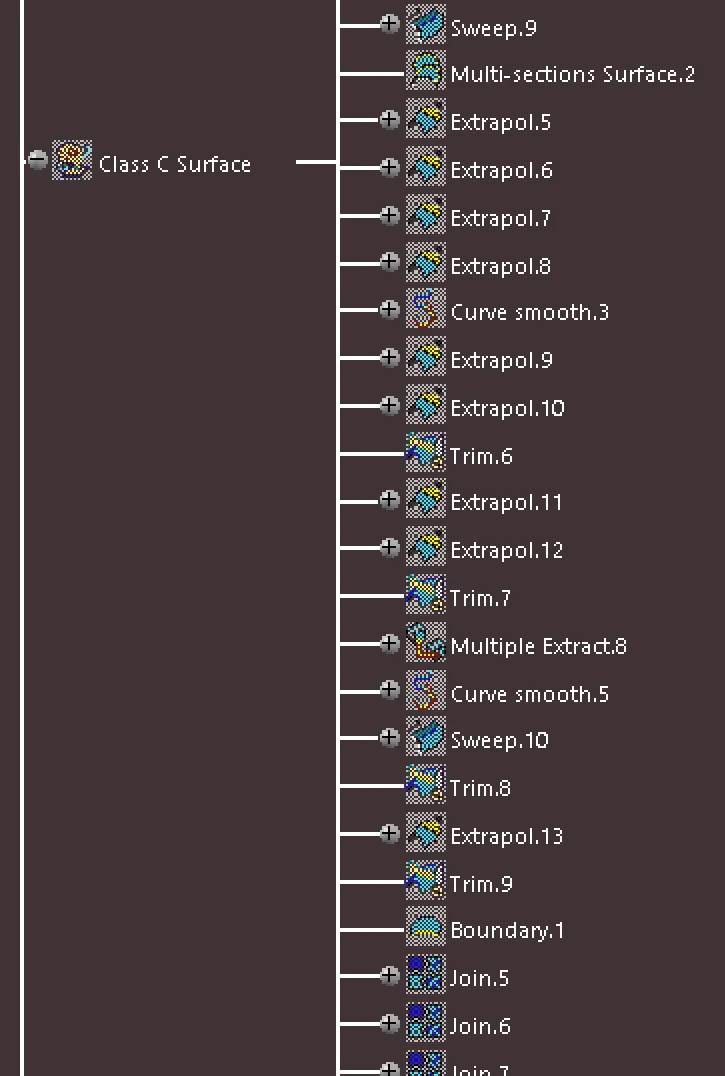
FEATURE TREE
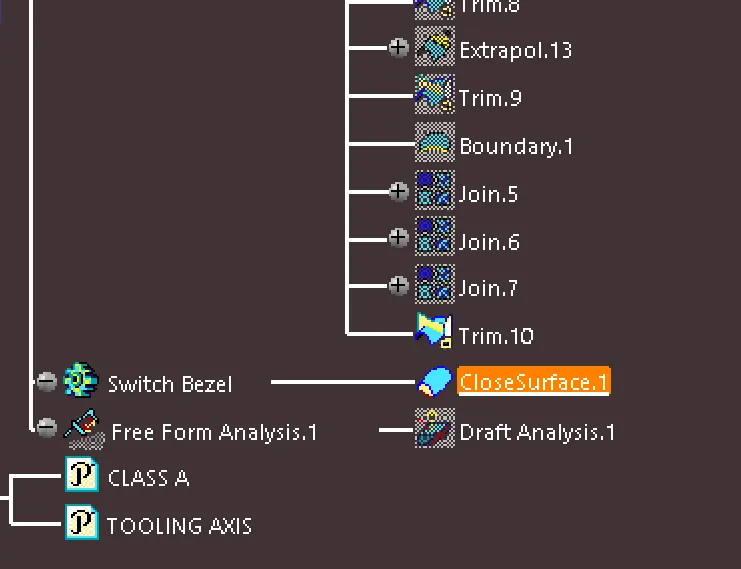
SWITCH BEZEL CLOSED PART
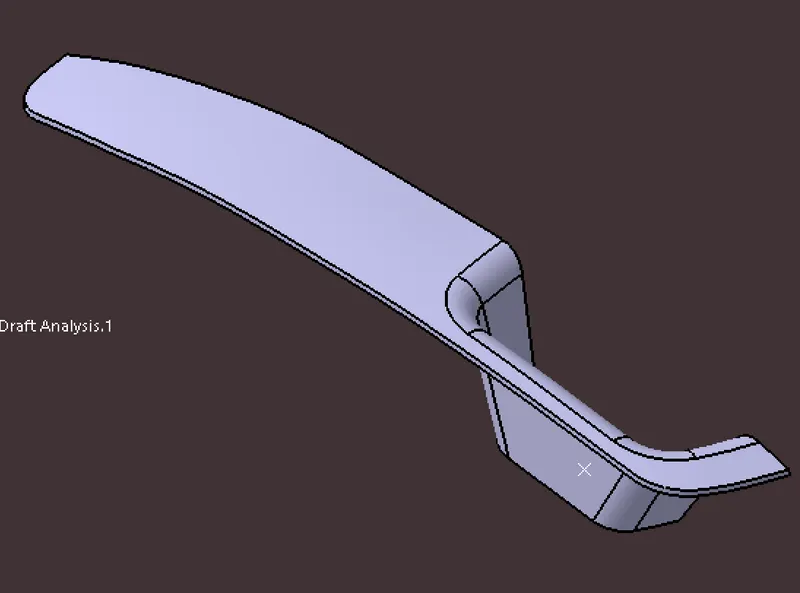
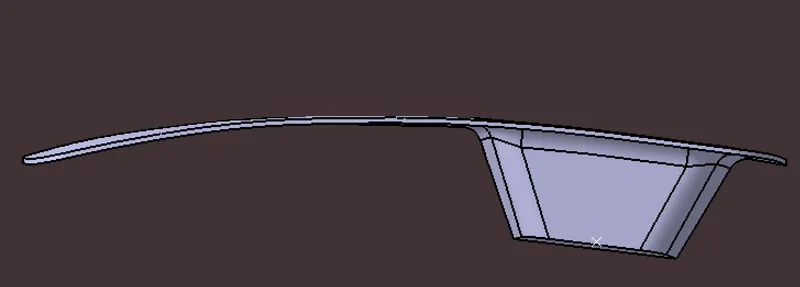
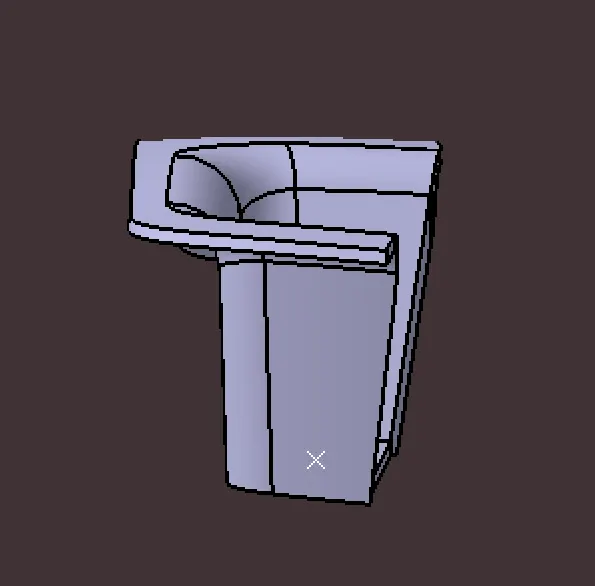
DRAFT ANALYSIS
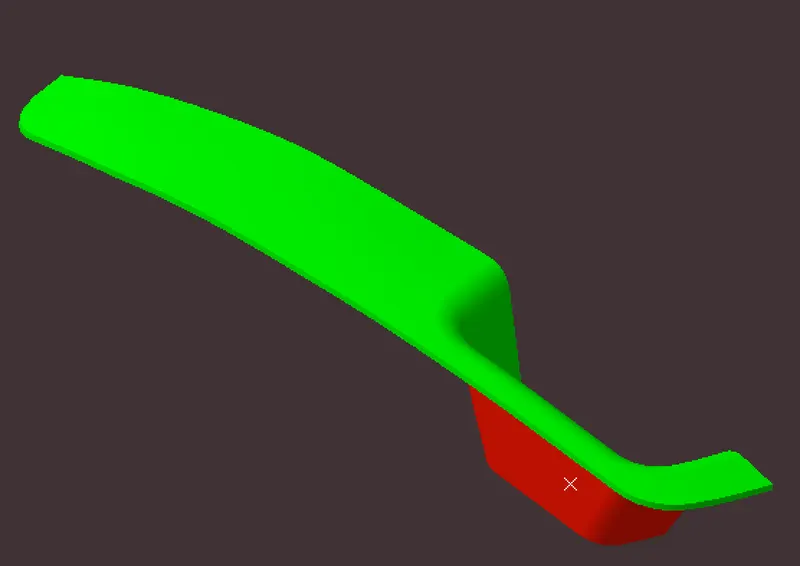
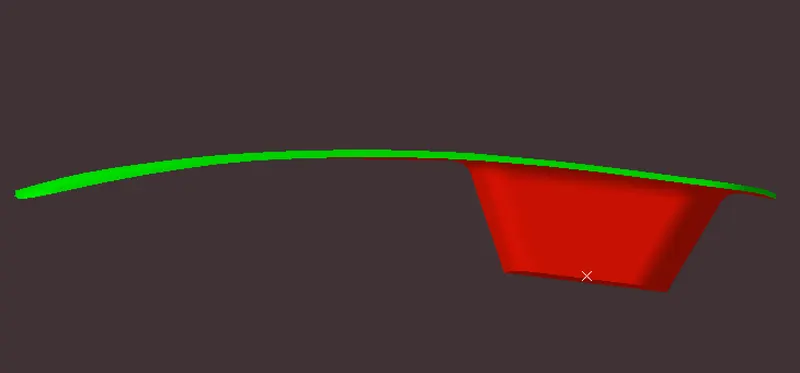
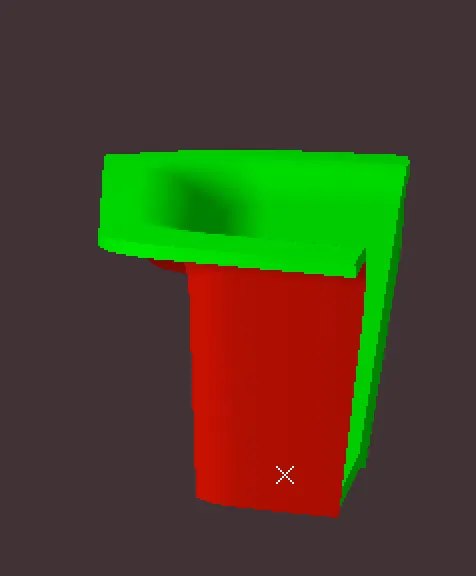
COLOR CODE