Week 8 - Challenge 3 - Switch Bezel Design
Aim : To create a switch bezel by using Class-A,B& Class-C surface.
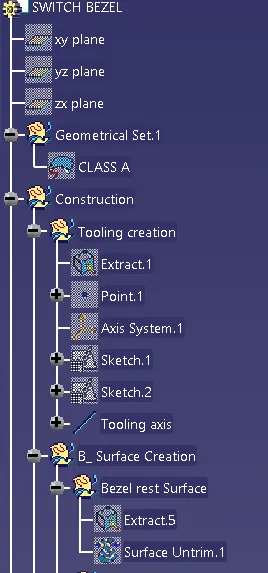
For that,We have to create a tooling axis.
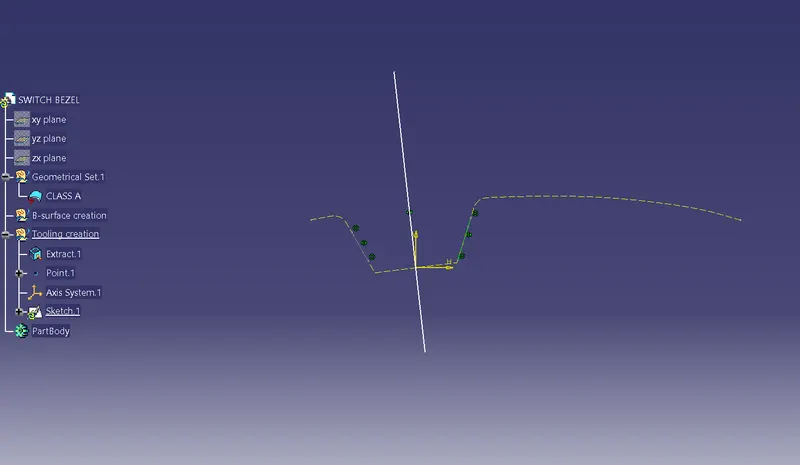
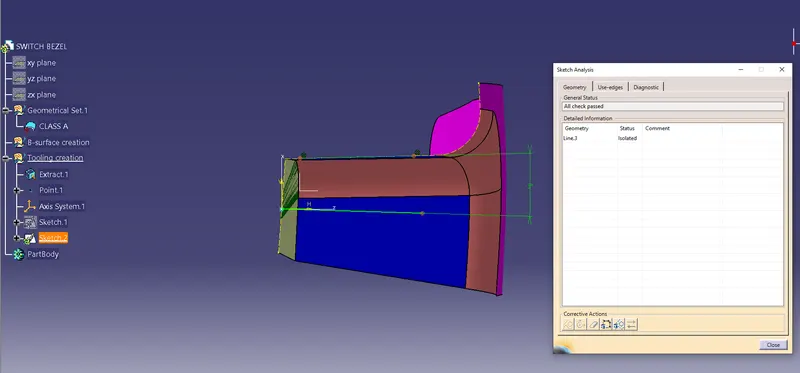
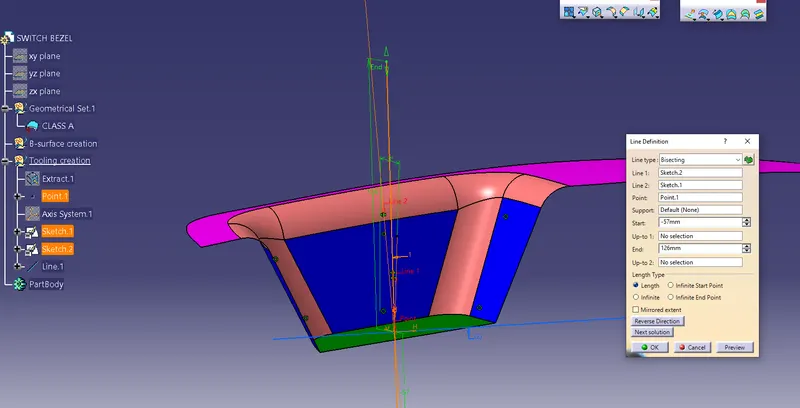
Tooling axis :For creating atooling axis we check all x,y,z direction.then we Consider one base surfae extrude it.then we took a center then we bisect the zx plane first &then intersect the zy plane to Class A surface by using bisection method.then We bisect the 2 Resultant lines then we Got a tooling axis.
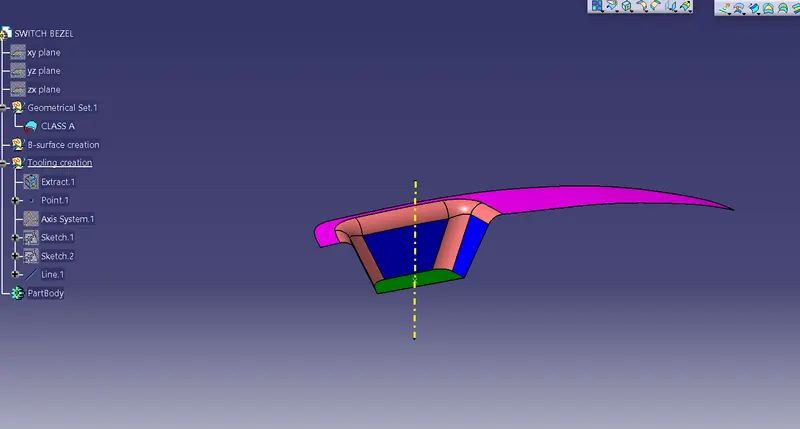
Draft Analysis on Class A surface
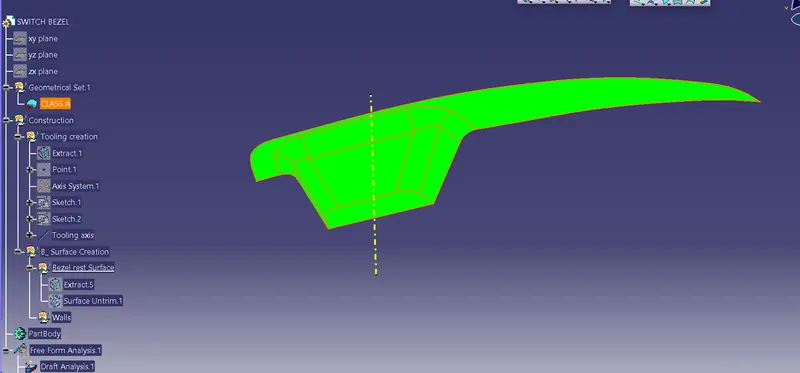
Creation of Class B-Surface
Creation of Class B surface
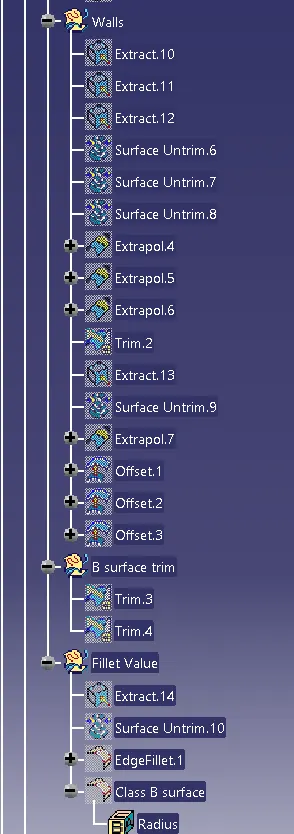
The class B surface is created by extracting each surface of class A surface and then untriming them.
After this an offset of 3 mm is given in the downward direction to generate the class B surface
The surfaces are then extrapolated with a certain distance in order to create cross section among the surfaces to perform trim operations.
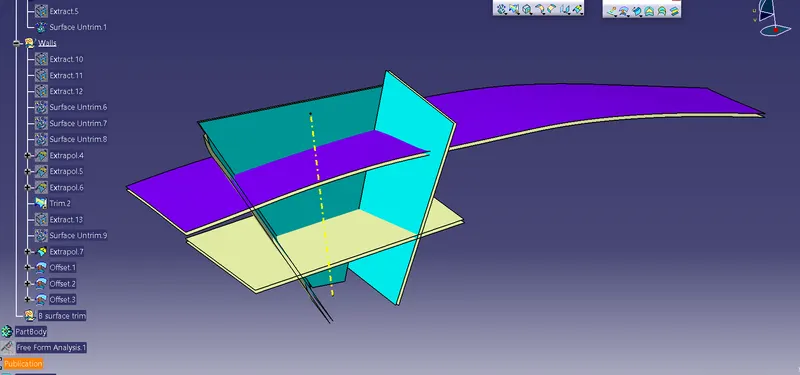
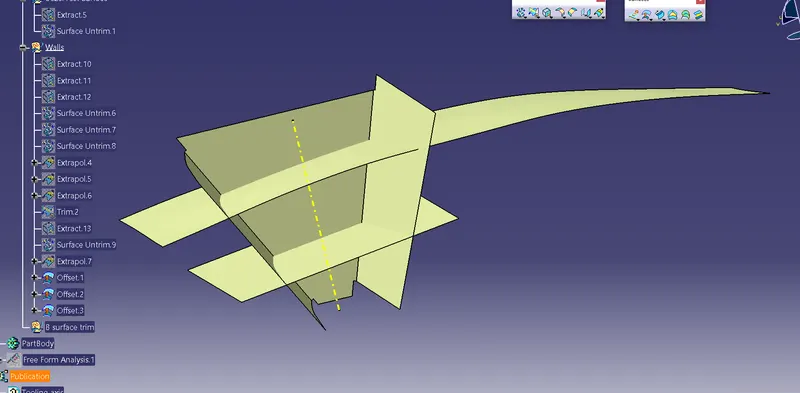
Surface trim operation was used to give the class B surface required shape.
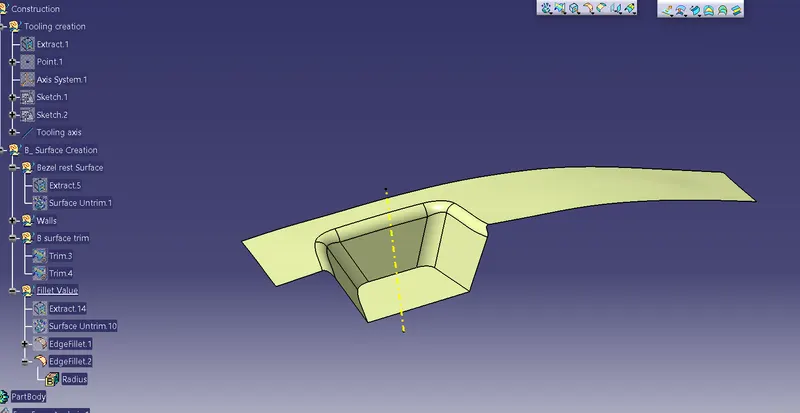
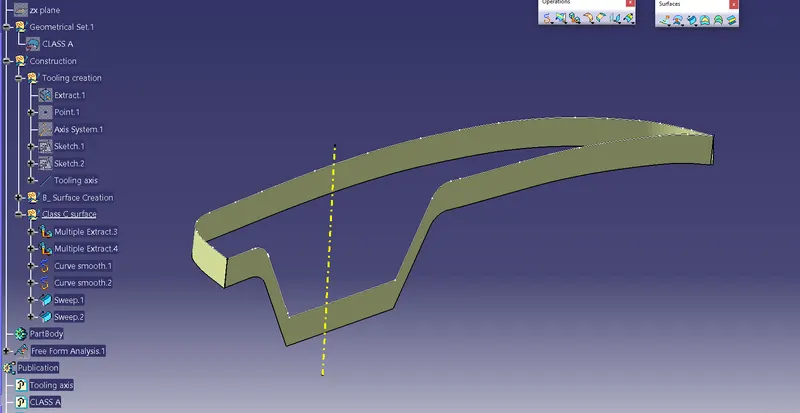
Creation of Class-C surface
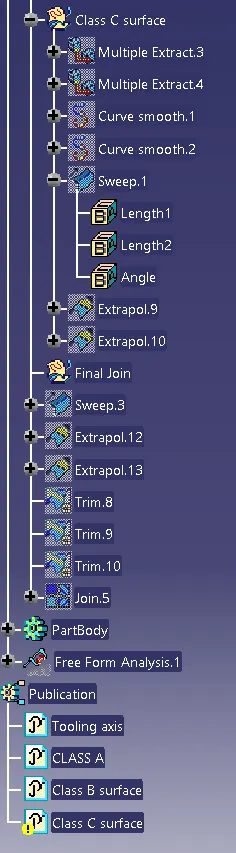
For creation of class-C surface,first the boundry of class A surface is extracted using multiple extract.
After that sweep option is used to create a sweep along Tooling axis direction.
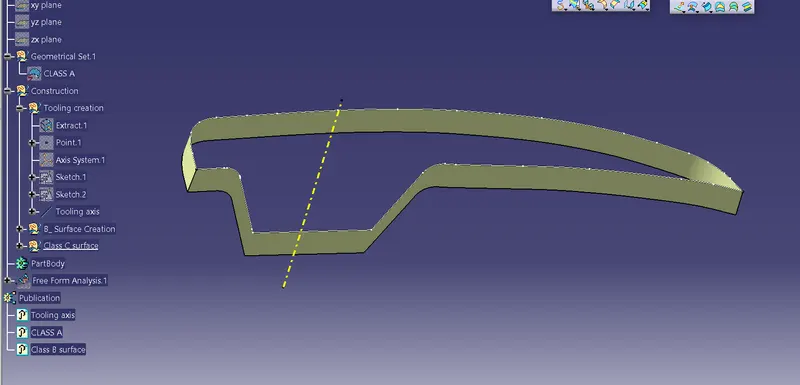
Class B surface & class c Surface are joined together to get desired shape.
After this Class-B & class C surface are trimed together to give the plastic product a mouldable shape.
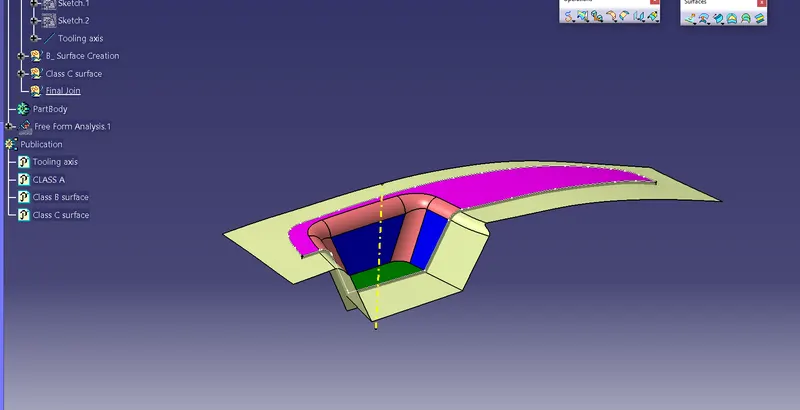
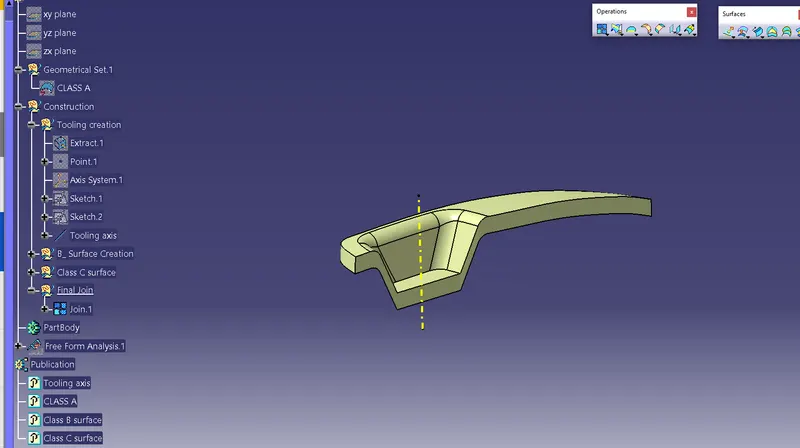
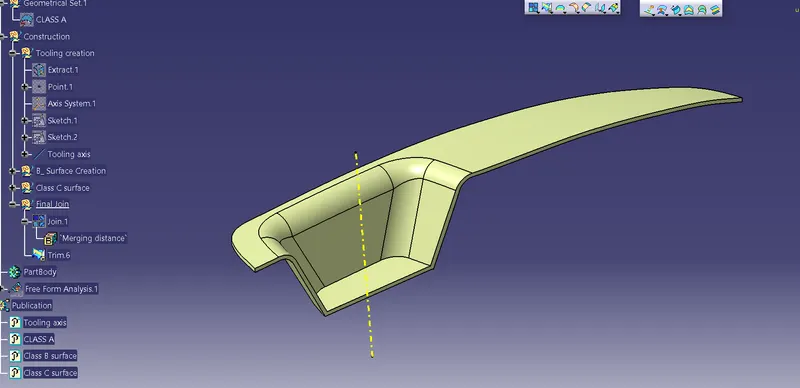
After ensuring that the surfaces formed are completely closeed,the close surface feature is used to create the solid mould of switch bezel.
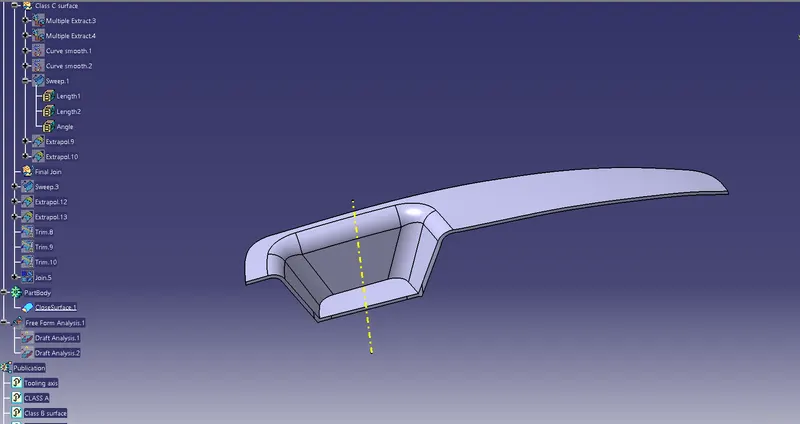
Draft analysis on final product
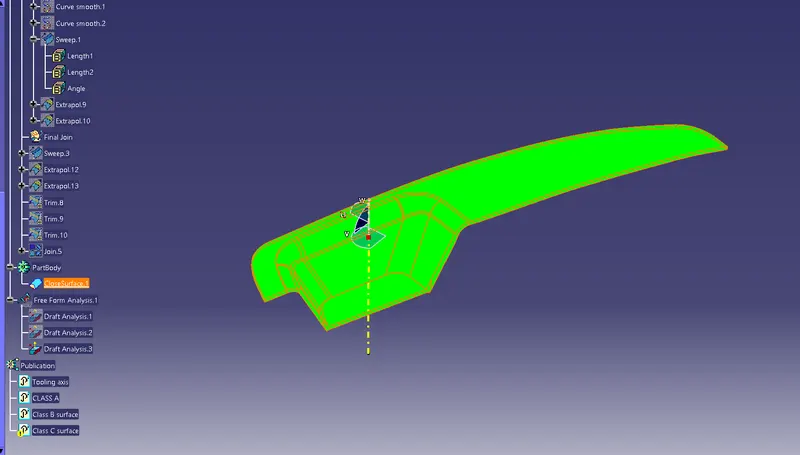
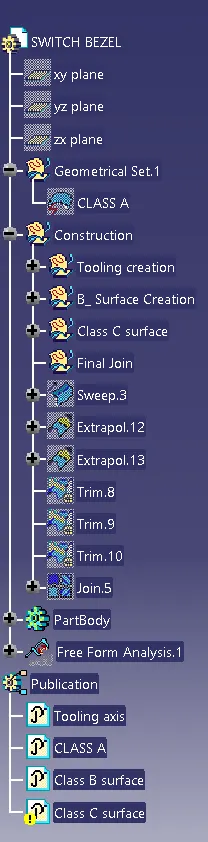
Tree Structure