Week 8 - Challenge 1 - Draft Analysis on a Fan Cover
Draft Analysis Report On a Fan Cover
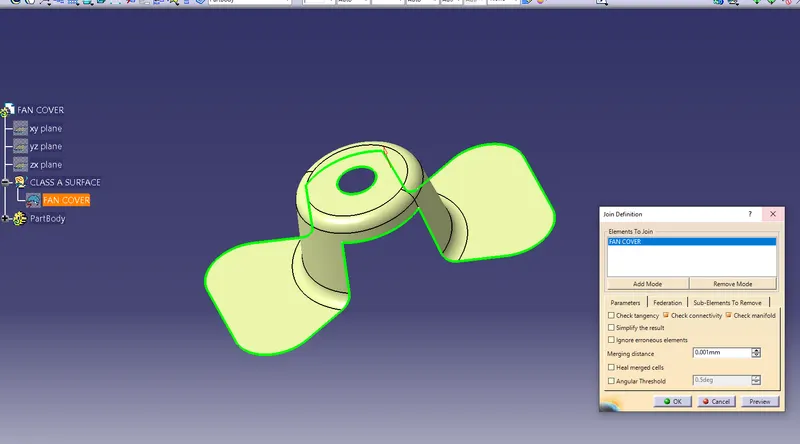
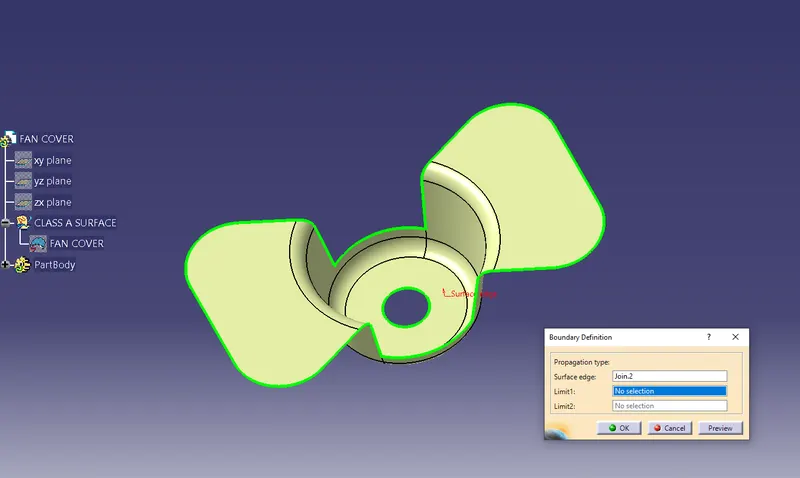
1)Before Starting a draft analysis we have to check class-A Surface is Properly Joined & has no Discountinuity.For this we use Boundry Command or Join Command.
By using Join Command
By using boundry Command
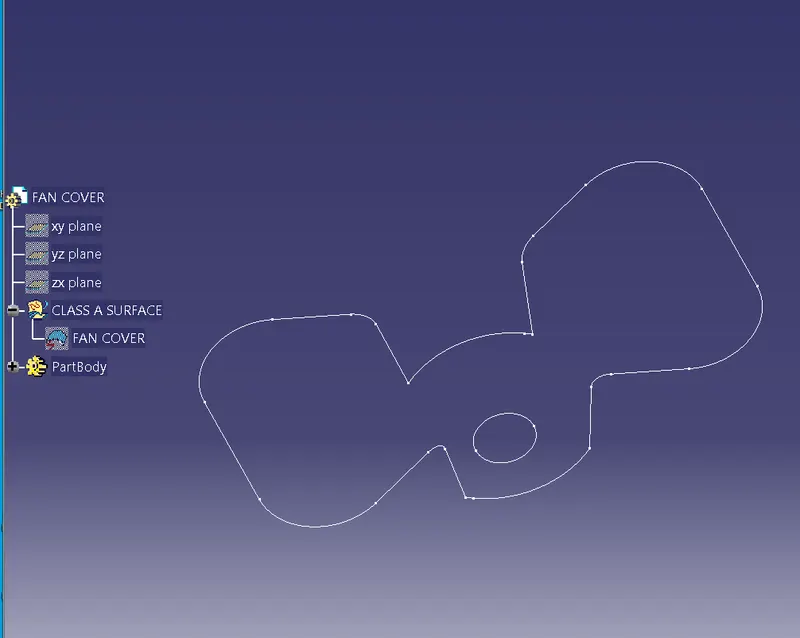
Now our next step is to determine the tooling Axis means which direction is suitable for tooling axis.
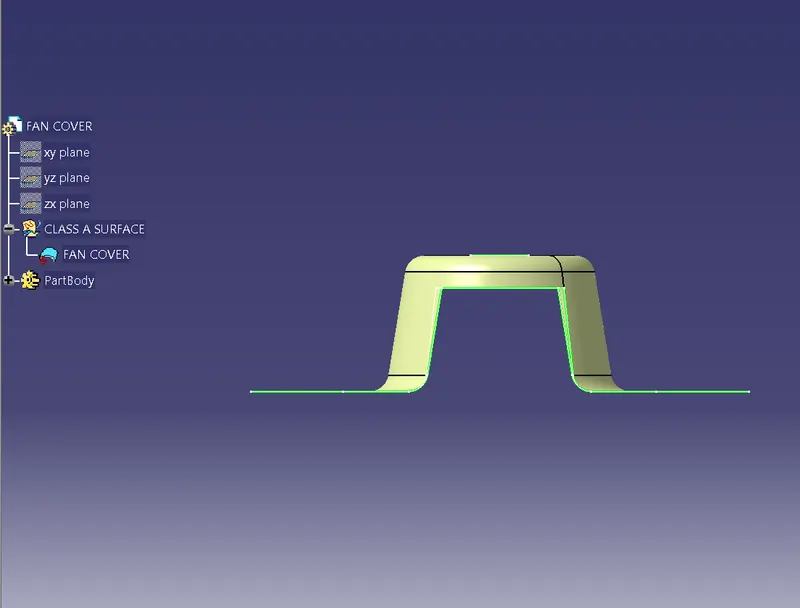
on x-axis
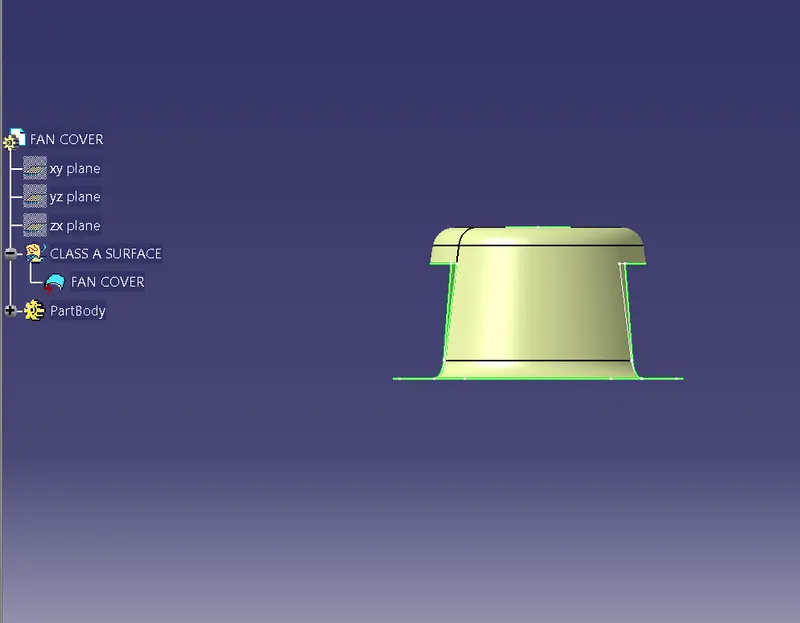
From x-direction,It will be difficult for tooling the hole.
On y-axis
Simillarly,in Y direction also get problem in tooling the Hole.
Z-direction
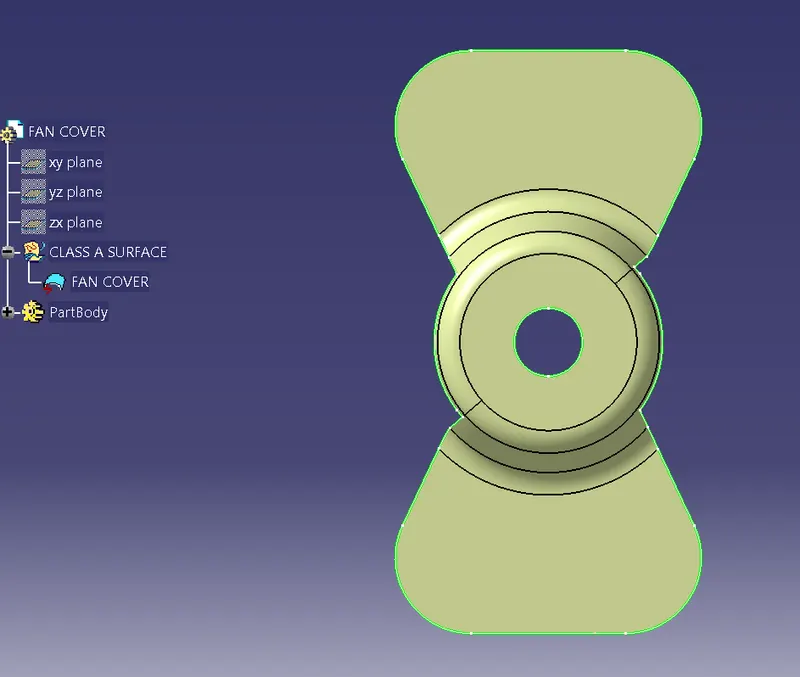
In z direction,when we see in z direction the hole is visible.so we take a tooling axis in Z-direction.
Now,we use the bisection method to make tooling Axis.
for that we take a axis system on the center of hole.after that we make zx axis & our fan model intersecting.we get a line.now we can see which surface create a problem or will be difficult to be tooled.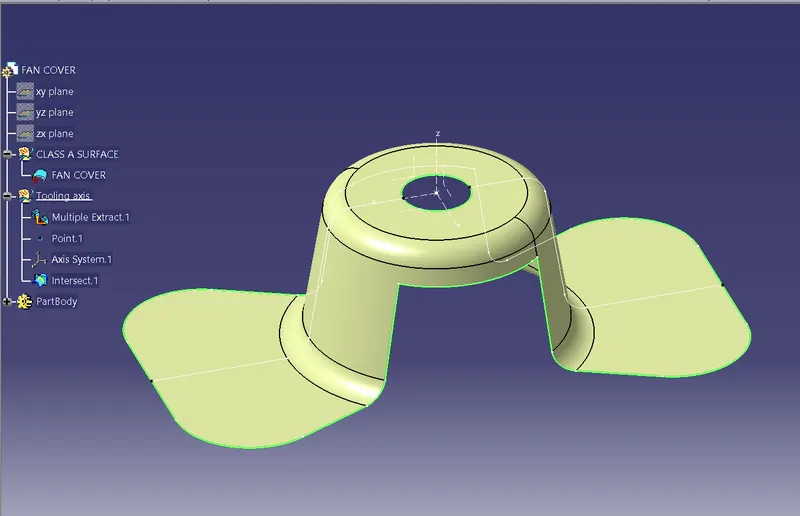
Here we can see in the picture that we have made two lines,now we will bisect the lines & chose proper direction,here vertical direction.This will be our tooling axis for x-direction.
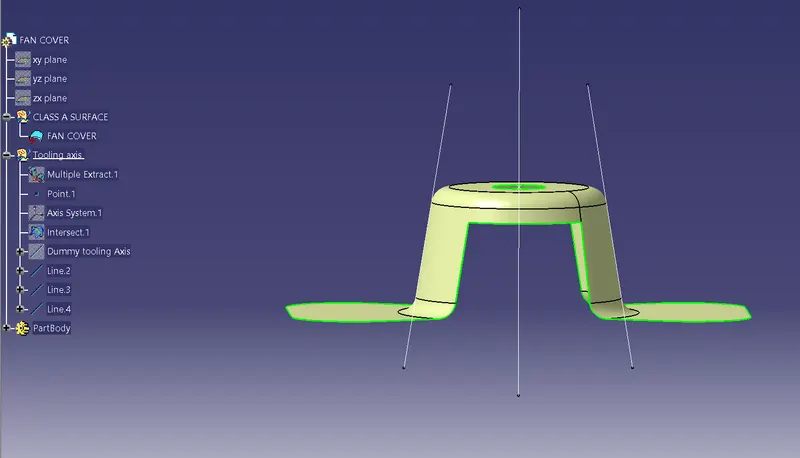
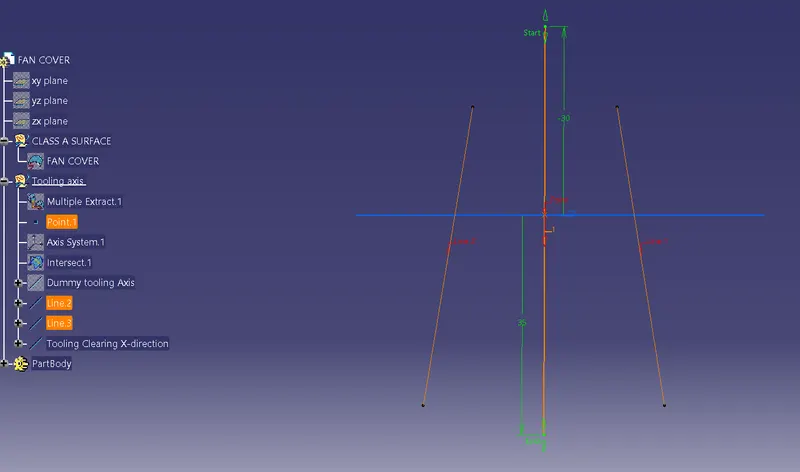
Simillarly,We intersect the yz plane of axis system to our model i.e Class A surface & we repeat the same procedure again.
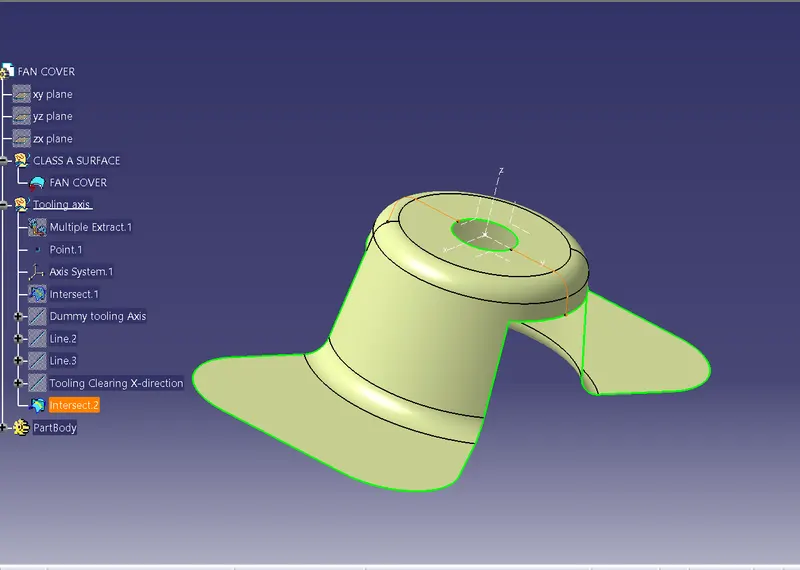
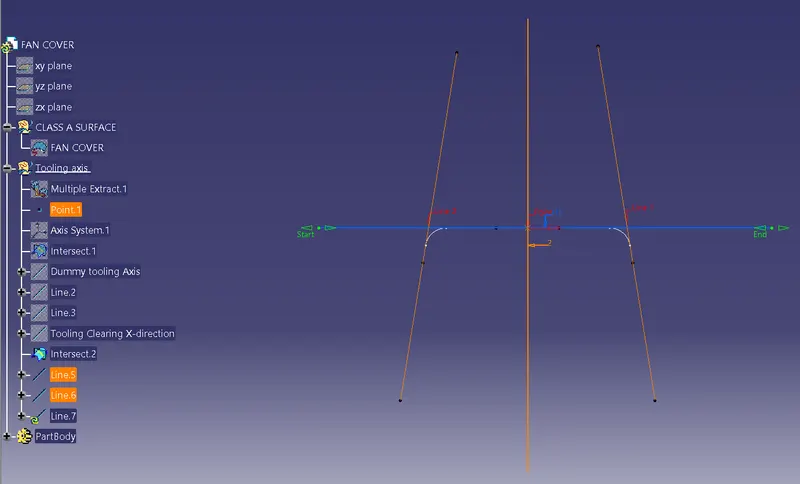
Now,we have 2 axis.axis in x & axis in y.We will bisect these two axis to getting our final tooling axis.
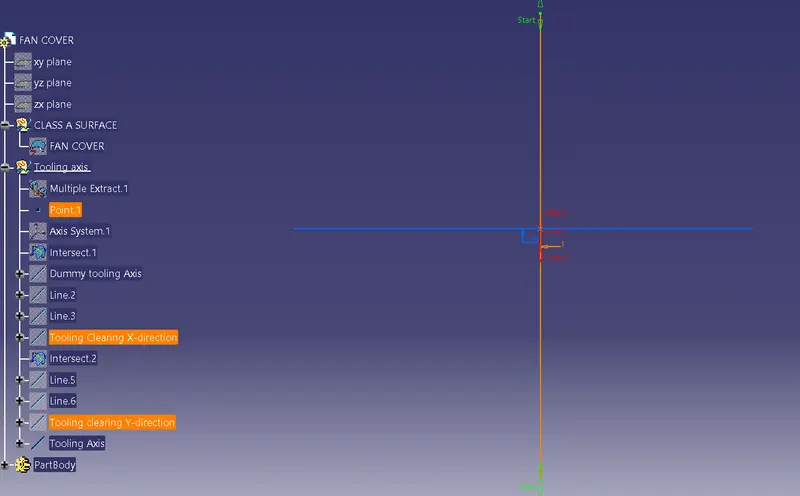
Here,we got tooling axis.
For Draft analysis
Go to Insert<Analysis
After that click on the compass icon & allign it with the tooling axis & click on the surface,we will get our results.
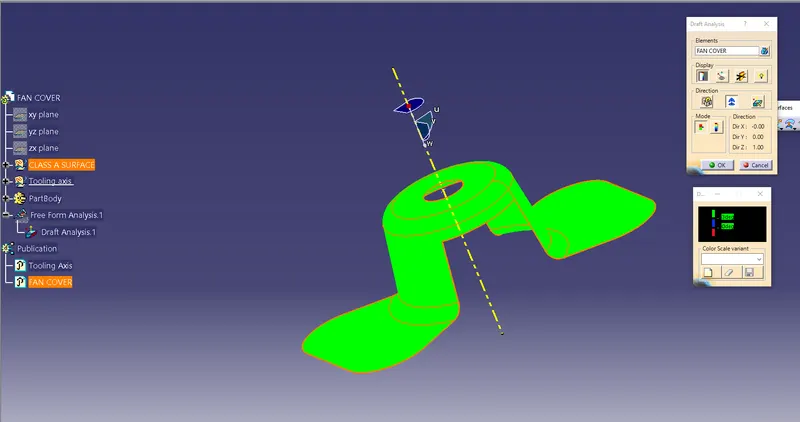
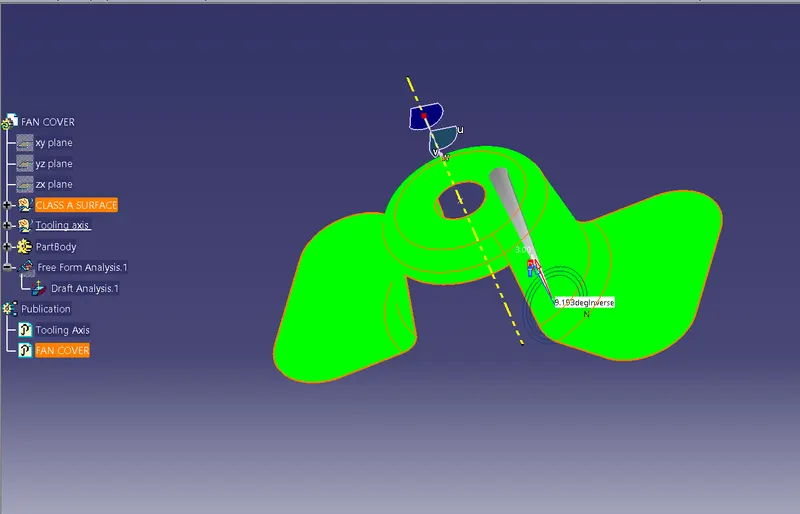
Analysis under the running point.
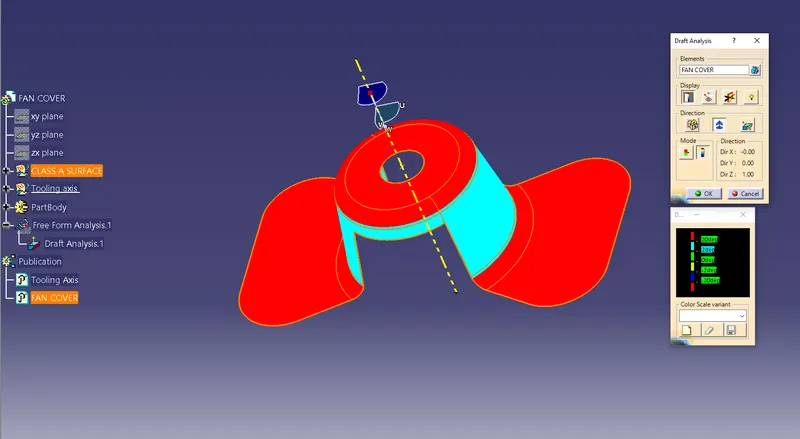
Full analysis mode
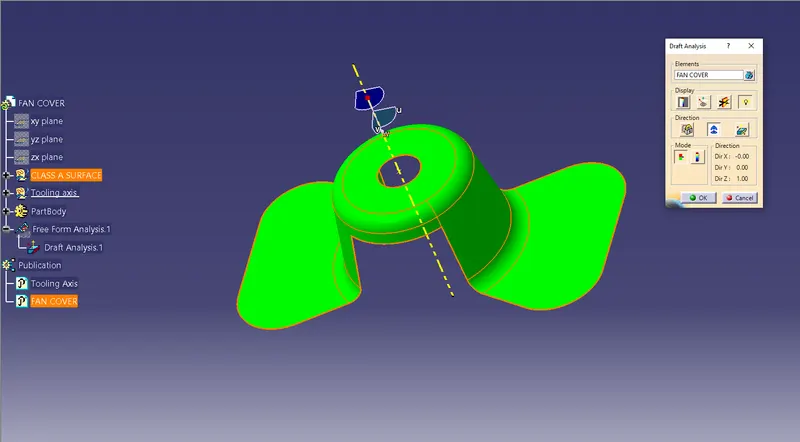
Light Effect.