Week 8 - Challenge 3 - Coin Holder Design
Create the Coin Holder Plastic component through the given Class-A surface. To begin with, the tooling axis for the given Class-A Surface should be created meeting the requirements of the draft angle and at the end perform the Draft analysis on the model.
GIVEN CLASS-A SURFACE
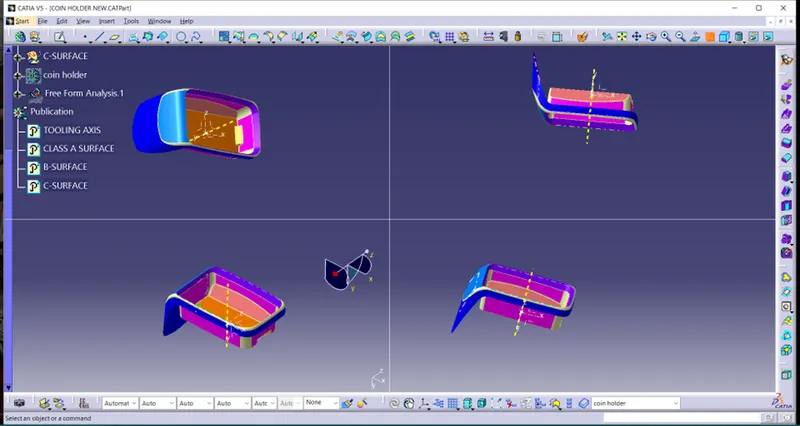
TOOLING AXIS
- In this object the product can be produced by -Y-axis and meets the plastic design concept
- For creating tool axis, we are using bisecting method. It is created by bisecting X-axis line and Z-axis line
- For creating X-axis line, we use intersecting command to intersect class-a surface in X direction
- Create the line from intersecting line of surface that is parallel or angular to Y direction
- Bisecting line is made by line created in intersecting line. Now we get X-axis line
- For creating Z-axis line, we use intersecting command to intersect class-A surface in Z direction
- Create the line from intersecting line of surface that is parallel or angular to Y direction
- Bisecting line is made by line created in intersecting line. Now we get Z-axis line
- Now we got X-axis and Z-axis. Then we create bisecting line with Z-axis and X-axis.
- The line created is our tooling axis.
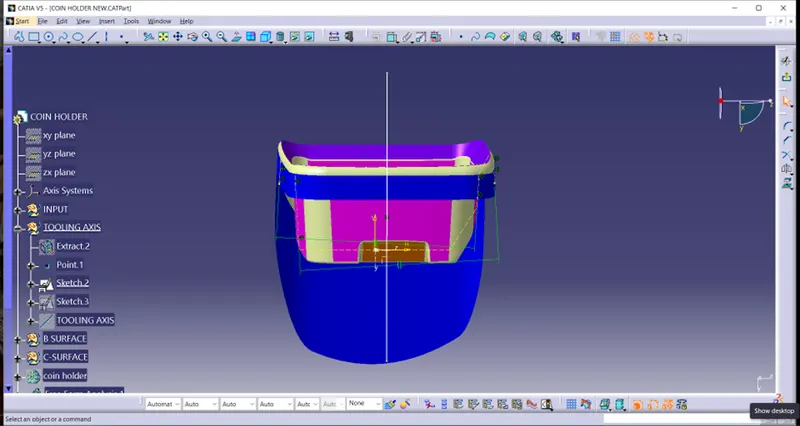
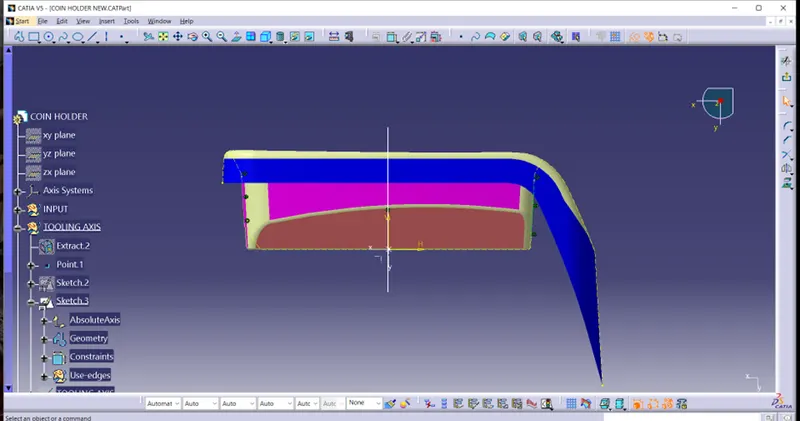
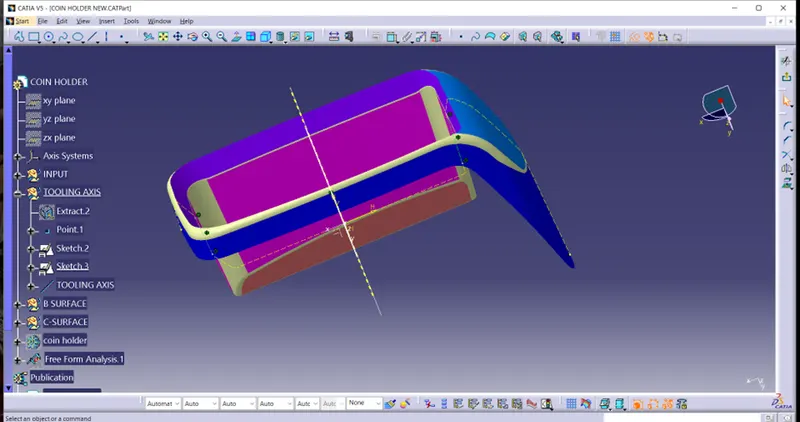
DRAFT ANALYSIS
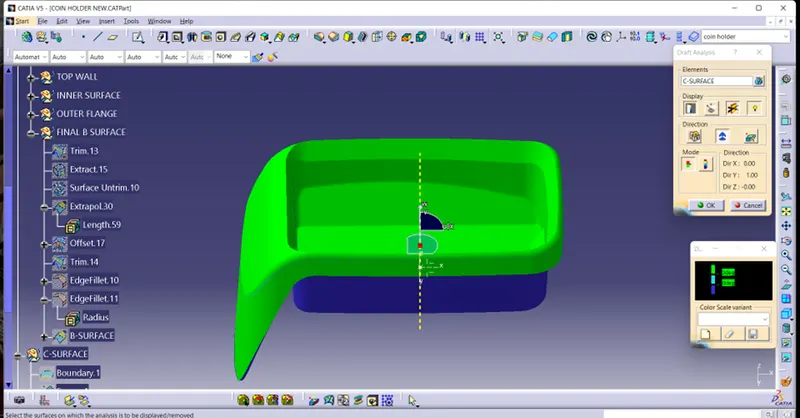
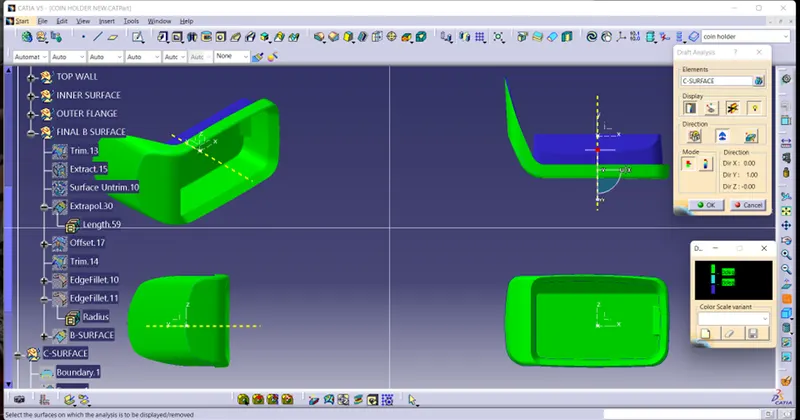
- For this process we use feature draft analysis command.
- Make sure martial mode is in customise material mode and select material in mesh option from view option.
- In draft analysis select the element as our design and select compass from direction dialog box.
- Align the compass on tooling axis and click lock option to avoid change in compose direction.
- Now click display option and give value and colour to measure the draft angle .
- In this process we found draft angle of the object. As draft angle is 3o for plastic the surface got cleared in this process.
CLASS-B SURFACE
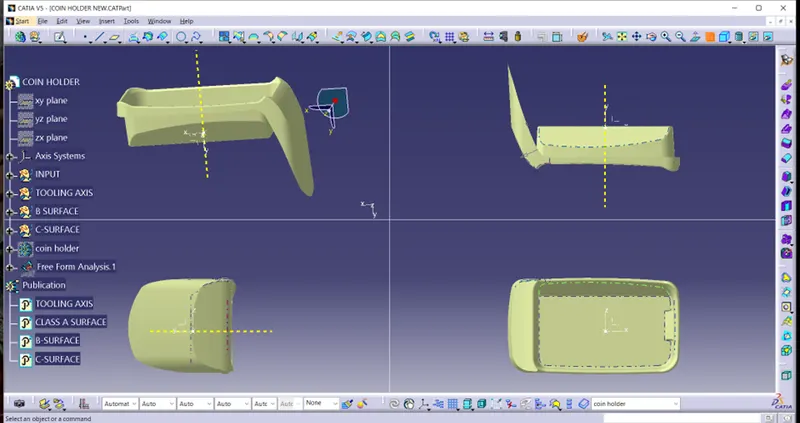
CLASS-C SURFACE
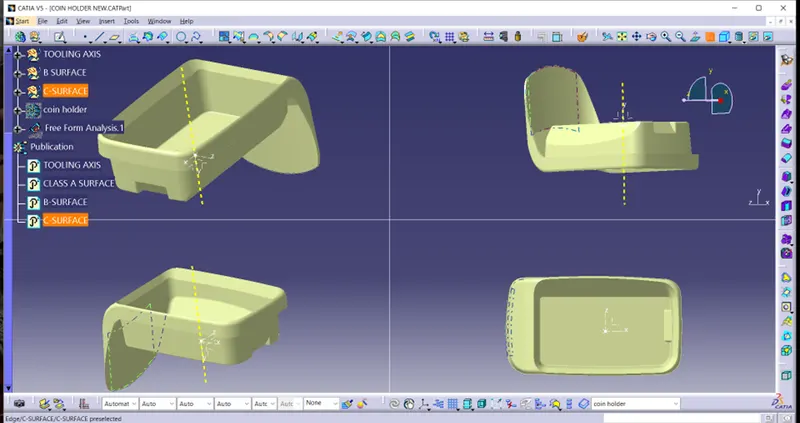
FINAL OUTPUT
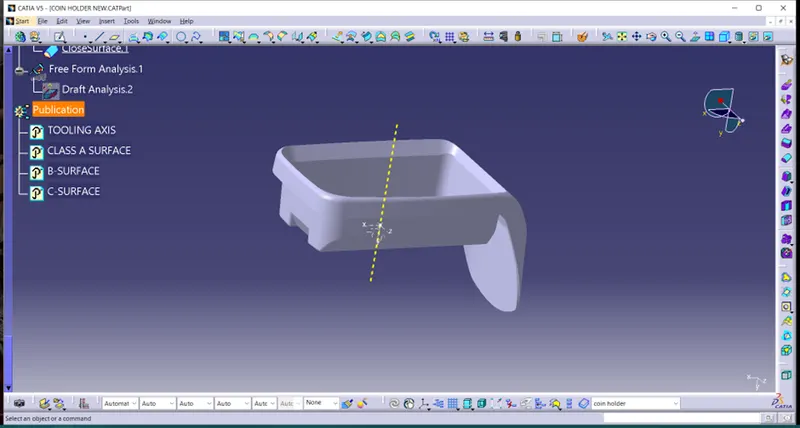
TREE STRUCTURE
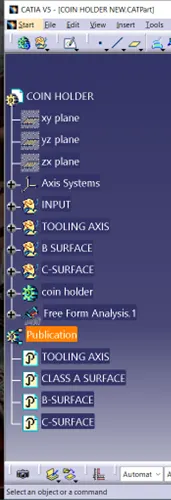
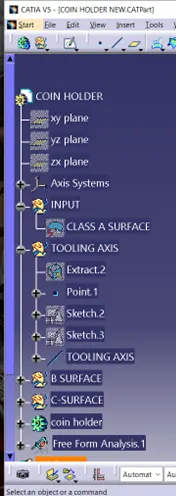
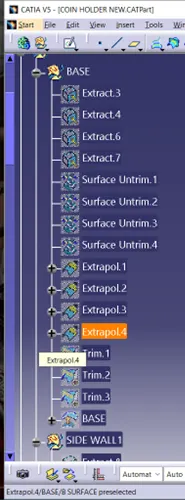
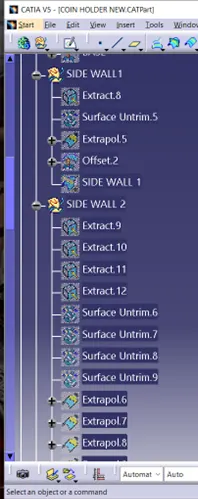
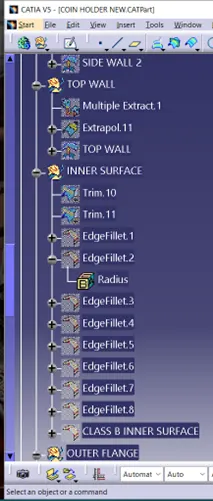
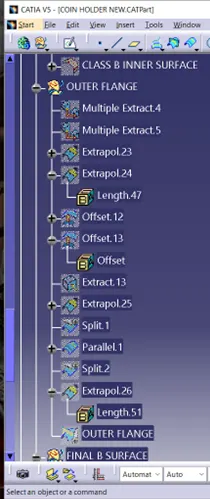
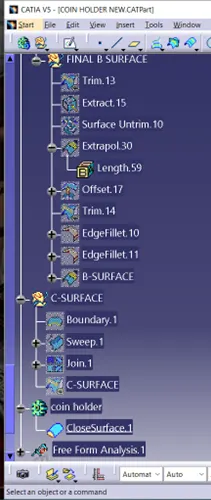
PUBLICATION OF OUTPUT IN TREE STRUCTURE